
10 Best UserGuiding Alternatives & Competitors in 2026 (Pricing Compared)
This is a comparison of 10 UserGuiding alternatives. Each tool gets a short summary covering pricing, strengths, and limitations. Plus a section on when UserGuiding is still the right pick.
In this post
- Why people look for UserGuiding alternatives
- What UserGuiding does well
- How UserGuiding’s pricing actually works
- The alternatives
- How to choose between them
- Summary
- FAQ
Why people look for UserGuiding alternatives
No native mobile app support. UserGuiding is web-only. Per their FAQ: “UserGuiding doesn’t support native mobile apps at the moment.”
Feature gating between Starter and Growth. UserGuiding’s Starter plan (from $174/month, billed annually) covers core tours, checklists, hotspots, and surveys. Custom CSS, A/B testing, localization beyond 4 languages, session replay, premium integrations (Salesforce, HubSpot), goal tracking, and custom button-click tracking are all gated behind the Growth plan (from $349/month). Need any one of those and the bill roughly doubles.
Analytics depth on lower tiers. Reviewers on G2 and Capterra describe Starter-tier analytics as basic: sufficient for completion rates and survey responses, but limited for deeper behavioral analysis. Some teams pair UserGuiding with a separate analytics tool to fill the gap.
Customization limits without CSS. Custom CSS is locked to the Growth plan. Reviewers describe limited customization at lower tiers, particularly when matching specific brand guidelines or styling buttons and colors.
What UserGuiding does well
Ease of use. A consistent theme across reviews on G2 and Capterra is the no-code visual builder. Non-technical users build tours, checklists, and tooltips through a Chrome extension without touching code. Reviewers describe shipping their first guide in minutes.
Broad feature bundle at the Starter price. The Starter plan (from $174/month) includes tours, hotspots, checklists, surveys, NPS, a knowledge base, an AI assistant, a product updates page, and resource centers. Most of these are usually sold as separate tools at this price tier.
Customer support. Reviewers on G2 and Capterra regularly praise UserGuiding’s support responsiveness. The platform also offers a 30-day money-back guarantee.
A free tier. Support Essentials is free forever and covers a knowledge base, product updates page, AI assistant, and one resource center. Tours, checklists, and surveys are not included, so it isn’t a free version of the full product, but it’s a real product that doesn’t require a credit card.
How UserGuiding’s pricing actually works
A few things about UserGuiding’s pricing that aren’t obvious from the pricing page.
The free tier isn’t a trial of the onboarding product. It gives you a knowledge base, AI assistant, and a resource center, but no tours, checklists, or surveys. To try UserGuiding’s actual onboarding features, you need the 14-day Starter trial. The free plan and the onboarding product are effectively two different things.
The Starter-to-Growth jump doubles the price without raising your MAU cap. Both plans include the same 2,000 MAU baseline. Growth ($349/month) unlocks A/B testing, custom CSS, localization beyond 4 languages, session replay, premium integrations, and goal tracking. If you need any one of those features, you’re paying for all of them.
Exceeding your MAU quota stops service rather than billing extra. From UserGuiding’s FAQ: “your users will stop seeing your guides and other UserGuiding materials on your website until you increase your quota, or your MAU drops back under your existing quota.” No overage charges. Worth knowing if your traffic is spiky.
The alternatives
Cheaper, without UserGuiding’s full bundle
1. FlowNavi
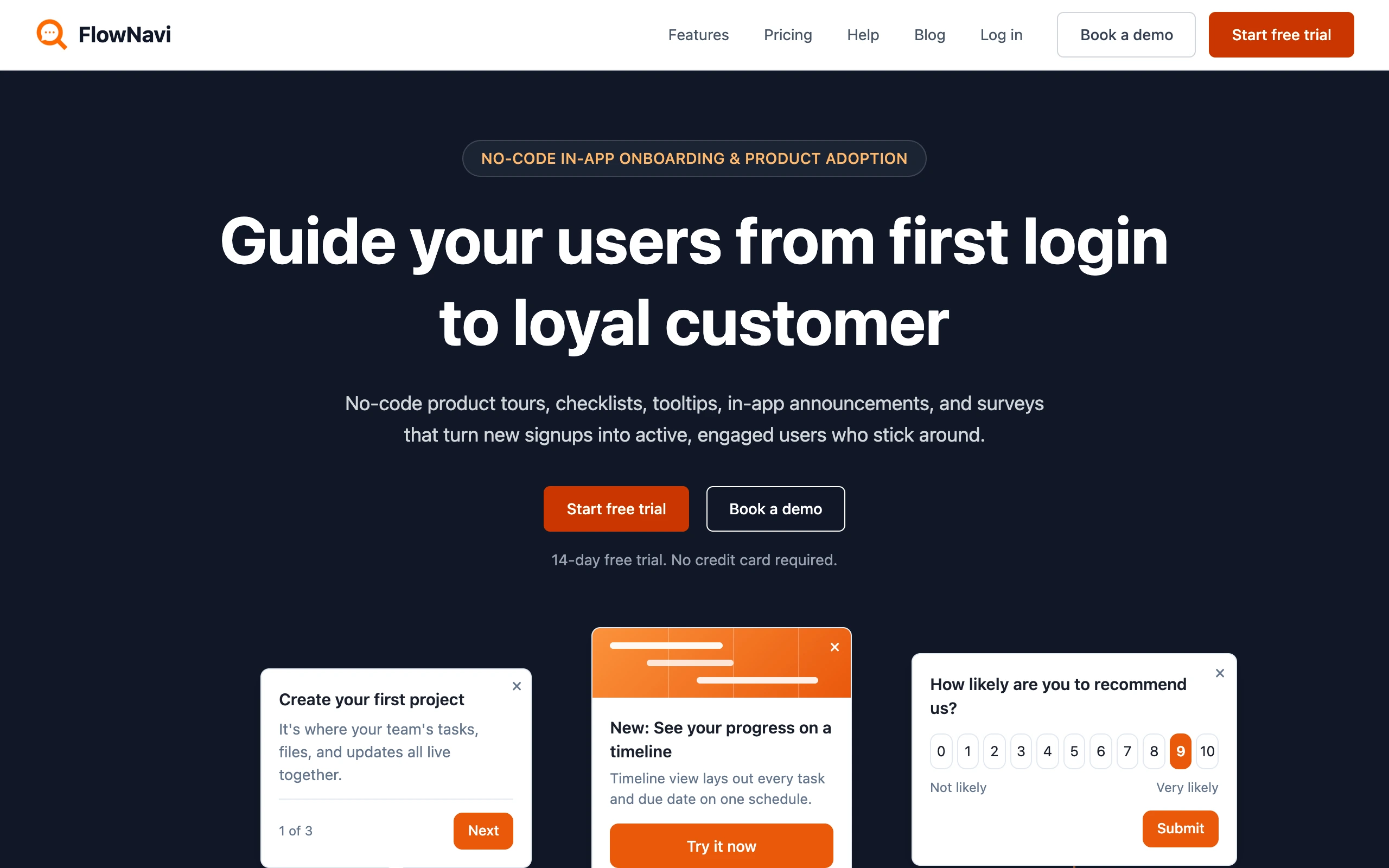
FlowNavi is a no-code tool for in-app onboarding and product adoption: product tours, checklists, tooltips, hotspots, in-app announcements, and NPS and custom surveys. It does the same core job as UserGuiding, at a lower price, and without splitting features across tiers.
Pricing. From $79/month. Free trial available.
What it does well. Price is the draw. FlowNavi’s $79/month Starter covers up to 1,000 MAU, less than half UserGuiding’s $174 entry. Nothing is gated by tier: where UserGuiding doubles the bill to $349 for a single Growth feature, FlowNavi includes everything on its cheapest plan and charges more only as your user count grows. At 2,000 MAU, its $143/month Growth plan still undercuts UserGuiding’s Starter.
Where it falls short. Some of what UserGuiding bundles isn’t part of FlowNavi: there’s no knowledge base, AI assistant, resource center, or product updates page, and no custom CSS. If those are part of why you’d choose UserGuiding, FlowNavi won’t replace them.
Best for. SMB and lower-mid-market SaaS teams who want UserGuiding’s core onboarding and adoption guides at a lower price, and don’t need its knowledge base, AI assistant, or resource center.
Disclosure: FlowNavi is our own tool, so we’re biased here. We’ve tried to keep this honest, including where FlowNavi falls short and UserGuiding does more.
2. Hopscotch
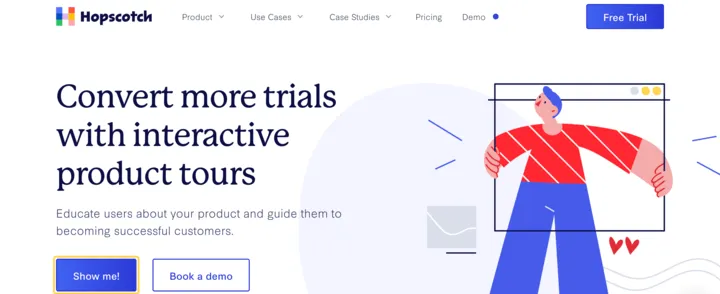
Hopscotch offers the basics at a low price point: tours, tooltips, in-app messages, custom styling, and segmentation.
Pricing. From $99/month. Free trial available.
What it does well. All plans include unlimited tours and unlimited in-app messages, custom styling, and basic segmentation. The Growth plan ($249/month for 3,000 MAU) adds custom event tracking, advanced segmentation with custom properties, and integrations with GA4, Mixpanel, Heap, Segment, and Zapier. Live support is included on Growth.
Where it falls short. Narrower scope than UserGuiding. No knowledge base, no AI assistant, no product updates page. No native mobile app support (web only, same as UserGuiding). Starter-tier segmentation is basic; advanced targeting and analytics integrations require Growth.
Best for. SaaS startups that want a focused tours-and-messaging tool at the $99-$249 tier, and don’t need UserGuiding’s bundled knowledge base, AI assistant, or product updates page.
Similar scope to UserGuiding
3. Userpilot
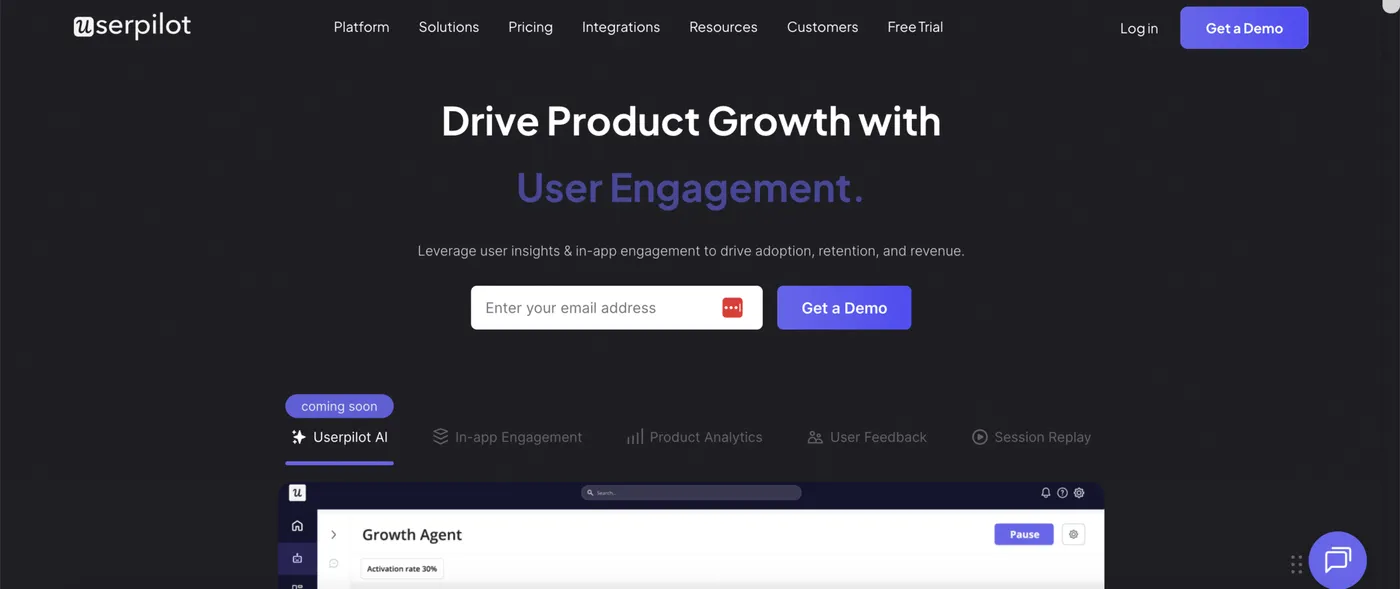
Userpilot is a Product Growth Platform: tours, checklists, surveys, session replay, product analytics, and email engagement under one tool. One tier up from UserGuiding in both scope and price.
Pricing. From $299/month for 2,000 MAU (annual billing).
What it does well. Built-in product analytics are the standout vs UserGuiding. You get funnel analysis, retention cohorts, and autocapture without bolting on Mixpanel or Amplitude. Behavior-triggered email engagement is also bundled (Growth tier and above), which UserGuiding doesn’t offer at any tier. Session replay is available as a Growth-tier add-on.
Where it falls short. No native mobile app support included; mobile is sold as a separate add-on. Annual billing only, so you commit upfront. Reviewers on G2 note a steeper learning curve than UserGuiding because of the broader feature set. The entry price is roughly 70% higher than UserGuiding’s Starter for the same 2,000 MAU baseline.
Best for. Teams that need analytics depth, session replay, or email-triggered onboarding alongside their tours.
Comparing alternatives to Userpilot specifically? See our deeper post on the best Userpilot alternatives.
4. Userflow
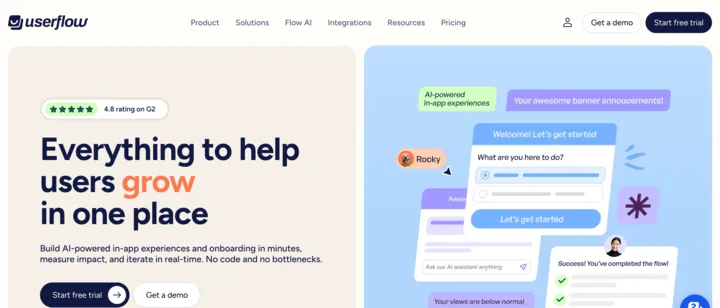
Userflow is an all-in-one onboarding platform: tours, checklists, surveys, banners, and in-app help. The distinctive piece is FlowAI Signals, an AI engine that watches user behavior to surface where users get stuck and suggest where guidance should change.
Pricing. From $240/month for 3,000 MAU (annual billing).
What it does well. FlowAI Signals is a level of behavioral feedback UserGuiding doesn’t offer. The Pro plan ($680/month for 10,000 MAU) unlocks Salesforce and HubSpot integrations and company-level targeting, useful for B2B account-based onboarding where you tailor experiences by company attributes rather than just individual users.
Where it falls short. Smaller integration ecosystem than larger platforms at the entry tier. No native mobile SDKs (web only, same as UserGuiding). Higher entry price than UserGuiding, and the AI features are most useful once you have meaningful traffic for the engine to learn from.
Best for. B2B SaaS teams that want AI-suggested iteration on top of standard onboarding, especially with company-level targeting for account-based onboarding.
5. Product Fruits
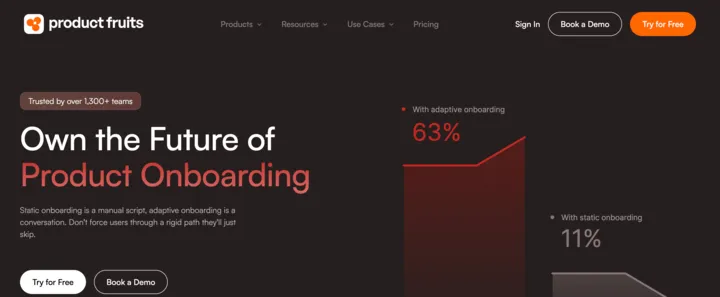
Product Fruits bundles tours, an in-app knowledge base, NPS and surveys, in-app announcements, and an AI support copilot called Elvin under one platform. The feature set overlaps significantly with UserGuiding’s, at a lower starting price.
Pricing. From $111/month.
What it does well. A similar all-in-one bundle to UserGuiding (tours + knowledge base + surveys + AI assistant) for roughly 36% less at the entry tier. Adaptive product tours adjust in real time based on user behavior, which UserGuiding’s tours don’t do. Elvin, the AI copilot, answers user questions in-app to deflect common support requests. Per their FAQ, Product Fruits also supports native iOS apps (iOS only, not Android), which UserGuiding doesn’t.
Where it falls short. Smaller team and customer base than UserGuiding. Custom CSS and conversational/voice onboarding are gated to the Business plan. The bundle pricing means you pay for the knowledge base, surveys, and AI even if you only need tours.
Best for. Teams that want UserGuiding’s all-in-one bundle (tours + KB + AI assistant) at a lower starting price, and don’t need UserGuiding’s longer track record or larger ecosystem.
More features than UserGuiding
6. Appcues
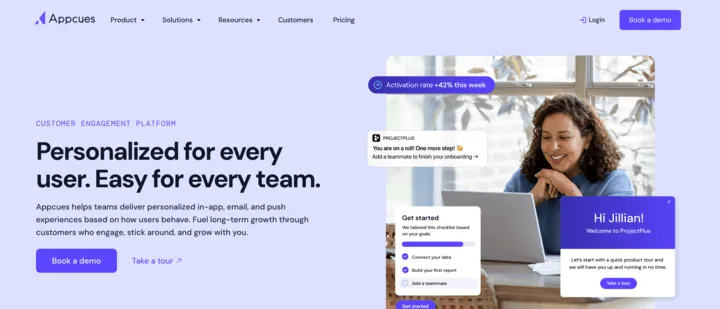
Appcues is one of the longer-running platforms in this space, around since 2013. The two big differences from UserGuiding: native mobile SDKs (iOS and Android) and multi-channel delivery (in-app + behavioral email + push notifications) under one tool.
Pricing. Custom. Per Vendr data, real customer spend ranges from roughly $13K to $55K per year.
What it does well. Native mobile support is the standout vs UserGuiding. If your product has an iOS or Android app, Appcues handles it; UserGuiding doesn’t. Multi-channel messaging means you can coordinate in-app tours with behavioral email and push notifications from one platform, useful for re-engagement when users go quiet. Their AI agents recently added autonomous planning and improvement of experiences across channels.
Where it falls short. Significantly more expensive than UserGuiding even at the low end of Vendr’s range. Reviewers on G2 note that analytics are shallow compared to dedicated tools, so you may still pair with Mixpanel or Amplitude for deeper insight. Setup isn’t always as no-code as the marketing suggests.
Best for. Teams that need native mobile onboarding, or coordinated messaging across in-app, email, and push.
Comparing alternatives to Appcues specifically? See our deeper post on the best Appcues alternatives.
7. Chameleon
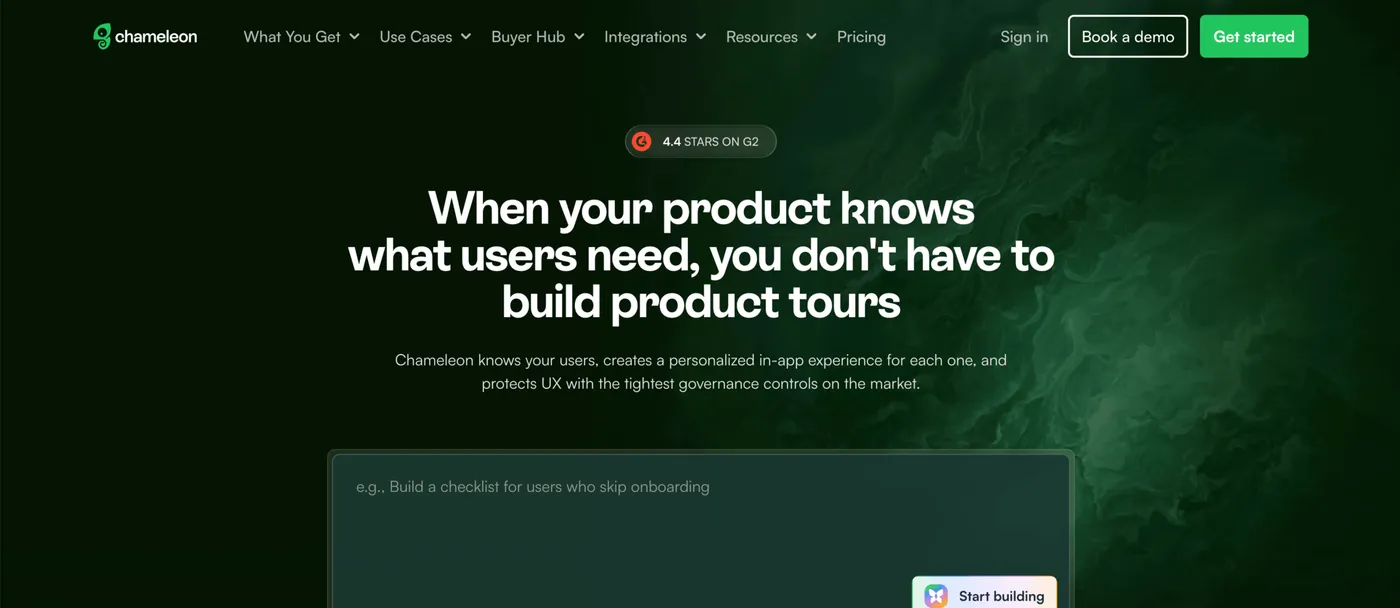
Chameleon emphasizes customization and design fidelity. Tours, tooltips, and surveys can be styled deeply to match your product’s design system, and they’ve built an AI Copilot that plans and builds in-app campaigns based on user behavior.
Pricing. From $279/month. Free trial available.
What it does well. Design fidelity is the standout vs UserGuiding. Custom CSS is included on the Startup plan (UserGuiding gates it to Growth at $349/month). Templates and styling tools let experiences look native to your product rather than like a third-party widget. The Copilot AI plans and builds in-app campaigns based on user behavior, included on every plan.
Where it falls short. A/B testing is gated to the Growth plan, not Startup. Reviewers on G2 are mixed: praise for power, with some calling it hard to use in practice and noting bugs. Advanced styling may need front-end developer help. The price jump from Startup to Growth is steep.
Best for. Design-conscious teams that want pixel-perfect, native-feeling onboarding with A/B testing built in, and have the resources to handle deeper customization.
Enterprise digital adoption
8. Pendo
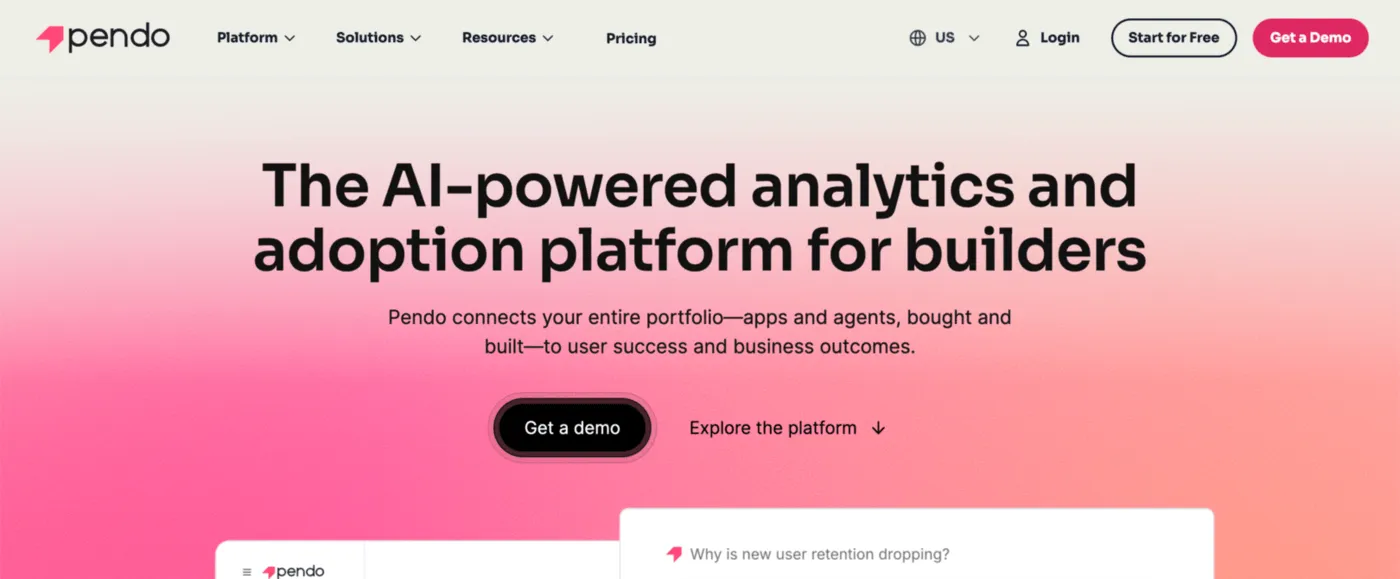
Pendo is a product experience platform combining deep product analytics with in-app guides, session replay, and sentiment surveys. Modular: you mix Analytics, Guides, Session Replay, Sentiment, Listen, and Orchestrate based on need.
Pricing. Free tier (up to 500 MAUs), then custom. Per Vendr data, real annual spend ranges from roughly $7K to $133K+, with a median around $48,500.
What it does well. Analytics depth, full stop. Funnels, retention cohorts, paths, session replay, sentiment surveys, and AI-powered queries on your product data are significantly deeper than anything UserGuiding offers. Native iOS and Android SDKs cover mobile (UserGuiding doesn’t). It also works for both customer-facing onboarding and internal employee tools.
Where it falls short. The onboarding and guidance features are secondary to the analytics. Reviewers on G2 note a steep learning curve and that the platform can be overwhelming. Significantly more expensive than UserGuiding, and pricing is opaque (custom quotes only at the paid tiers).
Best for. Teams that need enterprise-grade product analytics alongside their in-app guidance, and have the budget to justify the price.
Comparing alternatives to Pendo specifically? See our deeper post on the best Pendo alternatives.
9. WalkMe
WalkMe is an enterprise digital adoption platform, acquired by SAP in 2024 and now operating as the digital adoption layer within SAP’s portfolio. The pitch is workflow automation across multiple enterprise applications, with deep integration into SAP suites (S/4HANA, SuccessFactors, Ariba, Concur).
Pricing. Custom. Per Vendr data, real annual spend ranges from roughly $9K to $150K+, with a median in the $43K-$79K range.
What it does well. Built for complex enterprise rollouts, especially employee training across SAP and other enterprise software. Cross-application workflows can span multiple apps in a single tour. Auto-translation handles dozens of languages including right-to-left scripts. SCORM compliance lets you upload guidance to a learning management system. The 2026 angle is positioning WalkMe as a context layer for enterprise AI tools.
Where it falls short. Can be overkill for SaaS product teams. The learning curve is steep, frequently flagged in reviewer feedback on G2. Implementation often requires consultants. The price puts it out of reach for any team that would otherwise consider UserGuiding. If your use case is “add a product tour to my SaaS app,” WalkMe is the wrong shape of tool.
Best for. Large enterprises rolling out SAP or other complex internal software to thousands of employees. Not a realistic UserGuiding alternative for most readers, but included because it shows up in every comparison list.
10. Whatfix
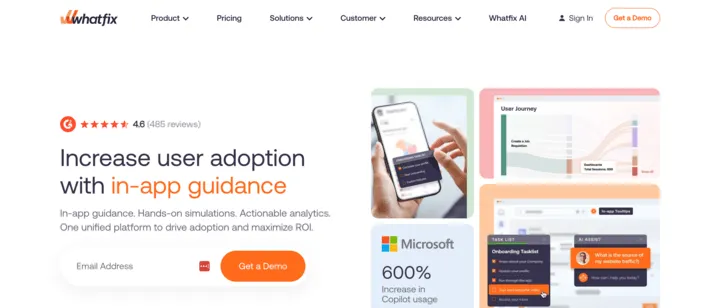
Whatfix is an enterprise digital adoption platform with strong training depth: in-app guidance plus interactive simulations, AI Roleplay for scenario-based decision training, and Assessments that validate users actually learned what you taught.
Pricing. Custom for the main DAP. Their Mirror simulation/AI Roleplay product is per-user, from $5/user/month ($3.50 at 1,000+ users).
What it does well. Training depth is the standout. Simulations let users practice in a replica of your app risk-free, useful for high-stakes workflows. AI Roleplay handles judgment-heavy scenarios (sales conversations, compliance decisions). Assessments validate readiness before granting access to a system or task. Multi-language support, SCORM compliance, and enterprise integrations are mature.
Where it falls short. Like WalkMe, overkill for SaaS product teams. Built primarily for employee training scenarios (regulated workflows, complex enterprise software), not customer-facing onboarding for a SaaS product. Reviewers on G2 note that implementation is lengthy and requires significant configuration. Price is much higher than UserGuiding’s tier.
Best for. Large enterprises that need training simulations and assessments alongside in-app guidance, especially in regulated industries (healthcare, financial services, life sciences) where users must demonstrate competence before going live.
How to choose between them
A quick way to narrow down based on what’s pulling you toward alternatives.
By priority:
- Cheaper in-app guidance without UserGuiding’s bundle: FlowNavi or Hopscotch
- Similar all-in-one scope as UserGuiding at lower price: Product Fruits
- Native mobile app onboarding: Appcues or Pendo
- Deeper analytics built in: Userpilot or Pendo
- Design and customization fidelity: Chameleon
- Enterprise employee training across SAP/Salesforce: WalkMe or Whatfix
Two things worth watching for:
Custom-priced tools mean weeks in procurement. Appcues, Chameleon’s Growth and Enterprise tiers, Pendo, WalkMe, and Whatfix all gate real pricing behind a sales call. If you need to ship onboarding tours this month, those are not realistic options.
Migration between tools usually means rebuilding flows by hand. Most onboarding tools don’t offer automated import from competitors. Check what data export your starter pick offers before committing, especially for user attributes and flow analytics.
Summary
| Tool | Target | Starting price | Key strength |
|---|---|---|---|
| UserGuiding | SMB SaaS | $174/mo | Broad bundle: tours + KB + AI assistant |
| FlowNavi | SMB SaaS | $79/mo | Affordable entry price, no feature gating |
| Hopscotch | SMB SaaS | $99/mo | No-code tours with live support on every plan |
| Product Fruits | SMB SaaS | $111/mo | UG-like bundle at lower price; native iOS |
| Userflow | Mid-market SaaS | $240/mo | FlowAI Signals, B2B account targeting |
| Userpilot | Mid-market SaaS | $299/mo | Built-in analytics, session replay, email |
| Chameleon | Mid-market SaaS | $279/mo | Design fidelity, A/B testing, Copilot AI |
| Appcues | Mid-market SaaS | Custom | Native mobile + multi-channel messaging |
| Pendo | Enterprise | Free + Custom | Deep product analytics + native mobile |
| WalkMe | Enterprise | Custom | SAP suite integration, cross-app workflows |
| Whatfix | Enterprise | Custom | Training simulations, AI Roleplay |
FAQ
Is there a free UserGuiding alternative?
Pendo offers a real free tier covering up to 500 MAU, with basic in-app guides and product analytics included. Open-source JavaScript libraries like Intro.js and Shepherd.js are also free but require developer work to implement and maintain. Most other tools in this list offer free trials only.
UserGuiding vs Userpilot: which one wins?
Different strengths. UserGuiding wins on price ($174/month vs $299/month at the entry tier) and bundle breadth: knowledge base, AI assistant, and product updates page are included on Starter. Userpilot wins on analytics depth (funnels, retention cohorts, autocapture) and bundled email engagement. Pick based on which gap matters more for your use case.
Does UserGuiding support mobile apps?
No. UserGuiding is web-only. Per their FAQ: “UserGuiding doesn’t support native mobile apps at the moment.” For native iOS or Android onboarding, Appcues and Pendo are the options in this list.