
15 Best User Onboarding Tools & Software for SaaS in 2026
Fifteen user onboarding tools, compared head to head. Each entry covers what the tool does, the audience it’s built for, and what it costs. Start with the comparison table for a quick overview; the per-tool breakdowns follow.
TL;DR: 15 user onboarding tools at a glance
| Tool | Built for | Pricing | Best for |
|---|---|---|---|
| FlowNavi | Early-stage SaaS | From $79/month | Full set of onboarding guides at an affordable price |
| UserGuiding | Early-stage SaaS | From $174/month | SMB SaaS wanting one bundle: tours, knowledge base, AI assistant |
| Intercom Product Tours | Mid-market SaaS | Base plan + $99/month add-on | Existing Intercom customers adding tours to chat and support |
| Inline Manual | Mid-market SaaS | From $158/month | Teams managing many tours, frequent changes, multiple languages |
| Userflow | Mid-market SaaS | From $240/month | B2B SaaS running account-based onboarding |
| Jimo | Mid-market SaaS | From $249/month | Teams using AI to skip the manual tour-building loop |
| Chameleon | Mid-market SaaS | From $279/month | Mid-market teams that care about design fidelity and A/B testing |
| Userpilot | Mid-market SaaS | From $299/month | Mid-market SaaS wanting a consolidated growth platform |
| Frigade | Mid-market SaaS | From $1,000/month | Teams wanting an AI agent that runs workflows for users |
| Appcues | Mid-market SaaS | Custom | Multi-channel onboarding with native mobile support |
| Apty | Enterprise | Custom | Enterprise DAP with a 2x-ROI-or-money-back guarantee |
| Userlane | Enterprise | Custom | Regulated-industry enterprise adoption with HEART analytics |
| Whatfix | Enterprise | Custom | Enterprise training with sandbox practice and assessments |
| Pendo | Enterprise | Free + Custom | Enterprise SaaS wanting the deepest product analytics + onboarding |
| WalkMe | Enterprise | Custom | Large enterprise SAP rollouts with AI integration |
What user onboarding software is, and what it isn’t
User onboarding software is the category that helps new users learn your SaaS product after signup. The mechanism is in-product guidance: tooltips that point at a button, modals that walk through the first task, checklists that track setup progress, in-app surveys that surface where users are running into friction, and resource centers that consolidate help content inside the app. Every tool covered in this article does some combination of those things.
A few categories of software get confused with user onboarding because they share the word “onboarding” or live in adjacent corners of the SaaS stack. They aren’t covered here:
Employee onboarding software (BambooHR, Workday, Donut, Enboarder) is about onboarding new hires: the HR/IT side of getting employees set up with company systems, payroll, benefits, and policy. Different audience, different problem.
Customer onboarding platforms (Rocketlane, GUIDEcx, Dock) handle the account-management side of getting a new customer live: project plans, status tracking, document sharing, joint timelines between the customer’s team and yours. The work is CS-led project management. It doesn’t help individual users learn how to use your product once they’re inside it.
Interactive demo tools (Walnut, Navattic, Storylane, Arcade) build clickable replicas of your product for marketing pages and sales outreach to prospects who haven’t signed up yet. They live outside your product. Useful for the conversion side of the funnel, not the activation side.
If user onboarding software is what you’re shopping for, read on.
The 15 tools
Built for early-stage SaaS
FlowNavi
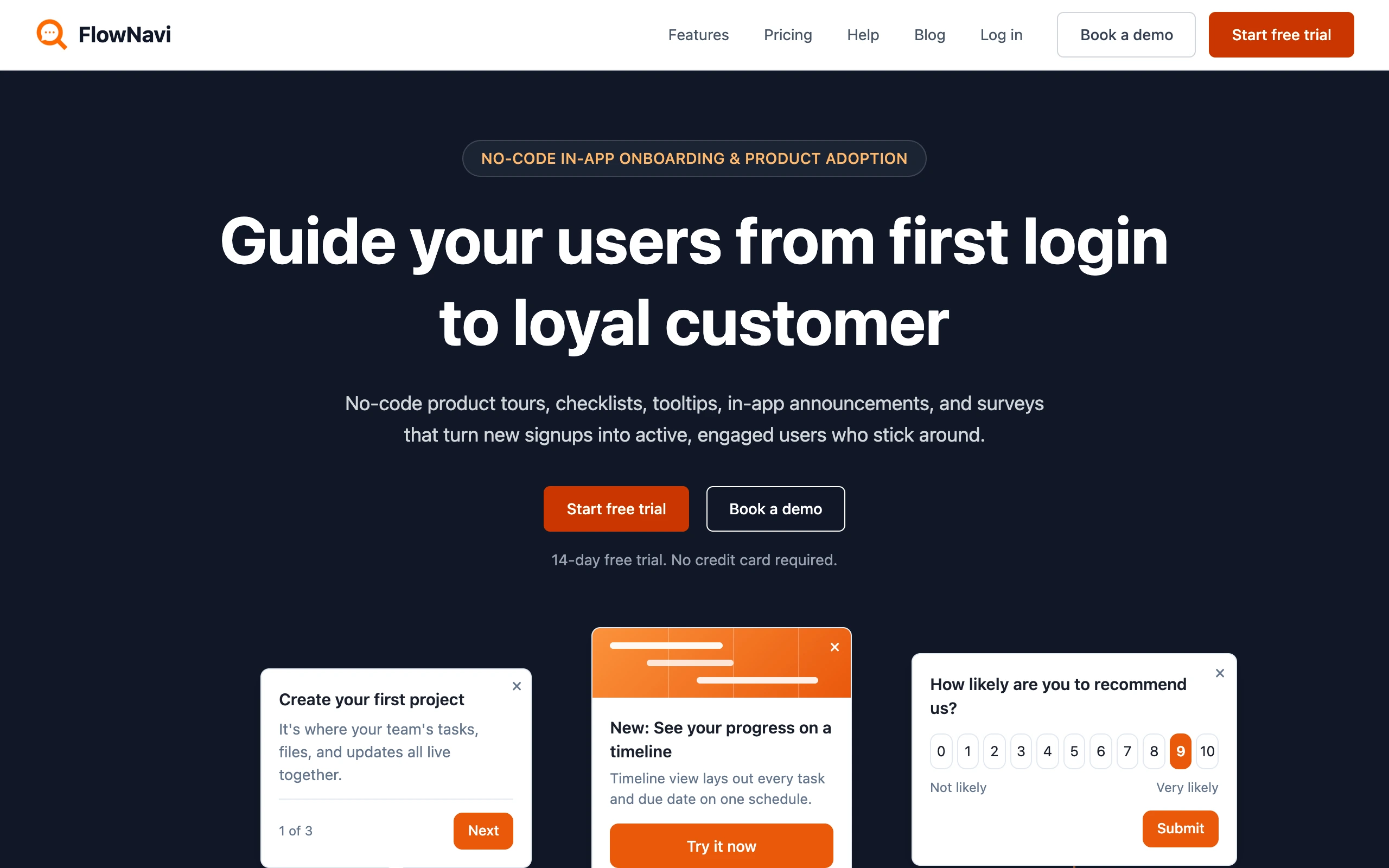
FlowNavi is a no-code user onboarding tool for early-stage SaaS, covering the full set of in-app guides: product tours, checklists, tooltips, hotspots, in-app announcements, and NPS and custom surveys.
Key features
- Personalized tours: Customize onboarding by role or use case.
- Custom surveys: Ask users what you need in the format that fits, a rating, multiple choice, or open text, targeted by who they are or what they’ve done.
- Every feature on every plan: The full guide set is included from the $79 tier; plans differ only by monthly active users, support, and security.
Pricing. From $79/month. Free trial available.
Best for: early-stage SaaS teams that want the full set of no-code onboarding guides at an affordable price.
Editor’s note: FlowNavi is our product. We’ve tried to write this section as honestly as we’d write any other tool in the list, but the obvious bias still applies.
UserGuiding
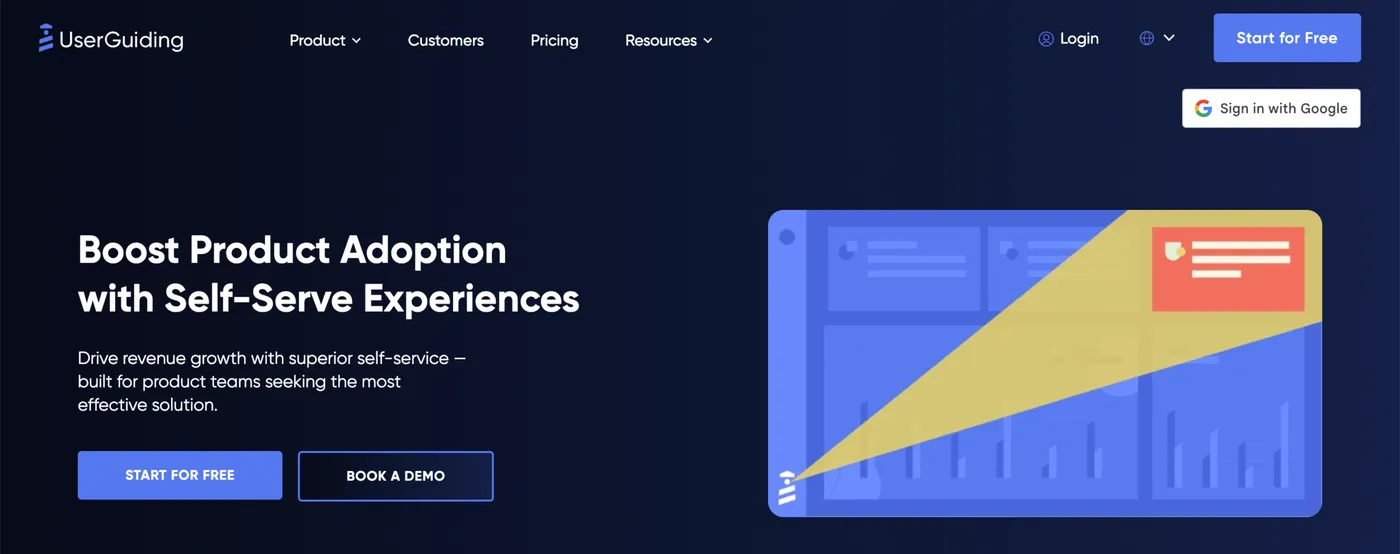
UserGuiding is a no-code product adoption platform for SMB SaaS teams. The Starter plan bundles tours, tooltips, hotspots, checklists, surveys, NPS, a knowledge base, an AI assistant, a product updates page, and resource centers into one tool.
At $174/month, the bundle covers more features than most competitors offer in their entry tier, which makes UserGuiding a good fit for SMB SaaS teams that want onboarding, support content, and feedback collection from one product instead of three. A free tier also covers the knowledge base and AI assistant, useful if you want self-serve support running before paying for the onboarding bundle.
Key features
- No-code Chrome extension builder: Build tours, tooltips, hotspots, checklists, and surveys without code.
- Knowledge base and AI Assistant: A searchable help center and AI Assistant for self-serve support, in the same product as your onboarding flows.
- Segmentation and analytics: Target guides by user attribute, behavior, or page URL. Track completion rates, step-by-step drop-off, and click actions across every tour.
Pricing. From $174/month. Free trial available.
Best for: SMB SaaS teams that want a wide bundle of in-app guidance, support content, and feedback collection from a single no-code tool.
For a deeper dive, see our 10 UserGuiding alternatives compared.
Built for mid-market SaaS
Intercom Product Tours
Intercom Product Tours sits inside Intercom’s customer service and messaging platform as part of the Proactive Support Plus add-on. The add-on bundles tours with checklists, in-app messages, surveys, mobile push, mobile carousels, and the Series campaign builder.
This makes the most sense if you’re already on Intercom for support. Tours run alongside your existing chat, banners, tooltips, and other in-app messaging from the same product, which means onboarding lives in the same place as the rest of your customer communications. If you’re not on Intercom, the combined cost of a base plan plus the Proactive Support Plus add-on is higher than what a dedicated tour tool would charge for similar capabilities.
Key features
- Tours bundled with five other message types: Tours, checklists, in-app messages, mobile push, mobile carousels, and surveys are all included in the same $99/month add-on.
- Web and mobile in one tool: Web tours, mobile push, and mobile carousels run from a single product, useful if you onboard users across both web and mobile apps.
- Series campaign builder: Chain tours into multi-step flows that combine in-app messages, push notifications, and surveys in a sequence.
Pricing. Base Intercom plan from $29/seat/month, plus the Proactive Support Plus add-on at $99/month for 500 messages. Free trial available.
Best for: teams already on Intercom for support and messaging, who want tours integrated with the rest of their customer messaging stack.
Inline Manual
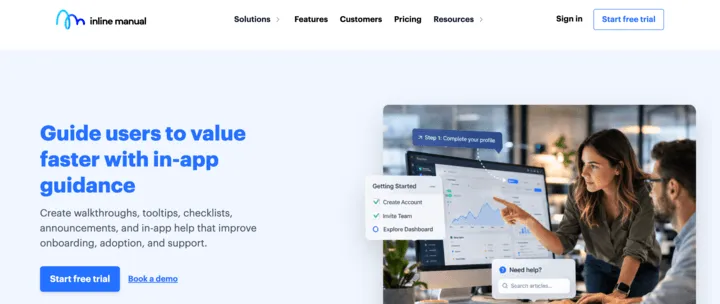
Inline Manual is a digital adoption platform that’s been around for over a decade. It covers the standard in-app guidance content types (walkthroughs, tooltips, banners, checklists, articles, surveys), plus content-management features like version control with revisions, branching, release management, and up to 70 languages of localization on the Enterprise tier.
Key features
- Walkthroughs, tooltips, banners, checklists, and articles: Includes the full set of in-app guidance content types, plus feedback widgets and NPS surveys.
- Version control and branching: Tour content is versioned, with branching and release management so you can test changes before publishing.
- Multilingual content: 3 languages on Standard Pro, up to 70 on Enterprise.
Pricing. From $158/month. Free trial available.
Best for: SaaS teams managing lots of onboarding content over time, frequent product changes, or guides in multiple languages, who value version control and release management.
Userflow
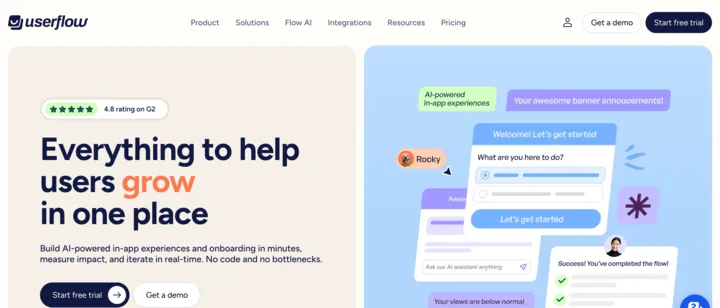
Userflow is an all-in-one user onboarding platform for product-led SaaS teams, with tours, checklists, surveys, banners, and a self-serve in-app help center in one no-code tool. Two pieces stand out: FlowAI Signals, an AI engine that proactively flags where users get stuck across your tours, and company-level targeting, which lets you tailor onboarding by company attributes (account size, industry, plan tier) on top of the usual user-level targeting.
Key features
- All-in-one no-code builder: Build tours, checklists, surveys, banners, and in-app help from one editor.
- FlowAI Signals: AI watches user behavior across your tours and surfaces where users are getting stuck, suggesting where to add or adjust guidance.
- User and company-level targeting: Target by individual user attributes or by company-level attributes.
Pricing. From $240/month. Free trial available.
Best for: product-led SaaS teams that want AI-driven friction detection, especially B2B teams running account-based onboarding.
Jimo
Jimo is an AI-powered digital adoption platform for growing SaaS companies. The product covers tours, checklists, hints, an AI Resource Center, surveys, announcements, and a changelog widget under one no-code platform, plus a built-in product analytics layer (Success Tracker) for measuring feature usage and tour outcomes.
The distinctive angle is AI-assisted creation: click through a flow in your product or highlight specific features, and Jimo’s AI generates a working tour from the recording, ready to edit and ship. For teams that find manual tour-building to be the slow part of running onboarding, the AI cuts that loop down significantly.
Key features
- AI tour creation from recordings: Click through your product or highlight elements and Jimo AI builds the tour automatically, ready to edit and publish.
- AI Resource Center: A self-serve in-app assistant that answers user questions, sitting alongside your tours and checklists.
- Built-in product analytics: Success Tracker captures feature usage automatically, identifies drop-off points, and ties experiences to outcomes.
Pricing. From $249/month.
Best for: growing SaaS teams that want AI to speed up tour creation and built-in product analytics to measure what’s working.
Chameleon
Chameleon positions itself as an AI-first product adoption platform, with two AI agents at the core: Copilot, which plans and builds in-app campaigns from prompts, and Ranger, which scans your account and suggests fixes weekly. The standard bundle covers product tours, tooltips, banners, checklists, NPS and microsurveys, with optional custom CSS to make every experience match your product’s design system.
For mid-market SaaS teams that care about how onboarding looks and are willing to invest in design fidelity to keep nudges from feeling like third-party overlays, Chameleon goes further on customization than most competitors at this price tier. A/B testing is built into tours and surveys, so you can iterate on what works without a separate experimentation tool.
Key features
- Copilot AI agent: Plans, builds, and optimizes in-app campaigns from a single prompt.
- Custom CSS styling: Override colors, fonts, layout, and animations so every experience matches your product’s design exactly.
- A/B testing: Run variants of tours, tooltips, and surveys to see which drives better activation or retention.
Pricing. From $279/month. Free trial available.
Best for: mid-market SaaS teams that prioritize design fidelity for onboarding and want AI campaign building plus A/B testing in one tool.
Userpilot
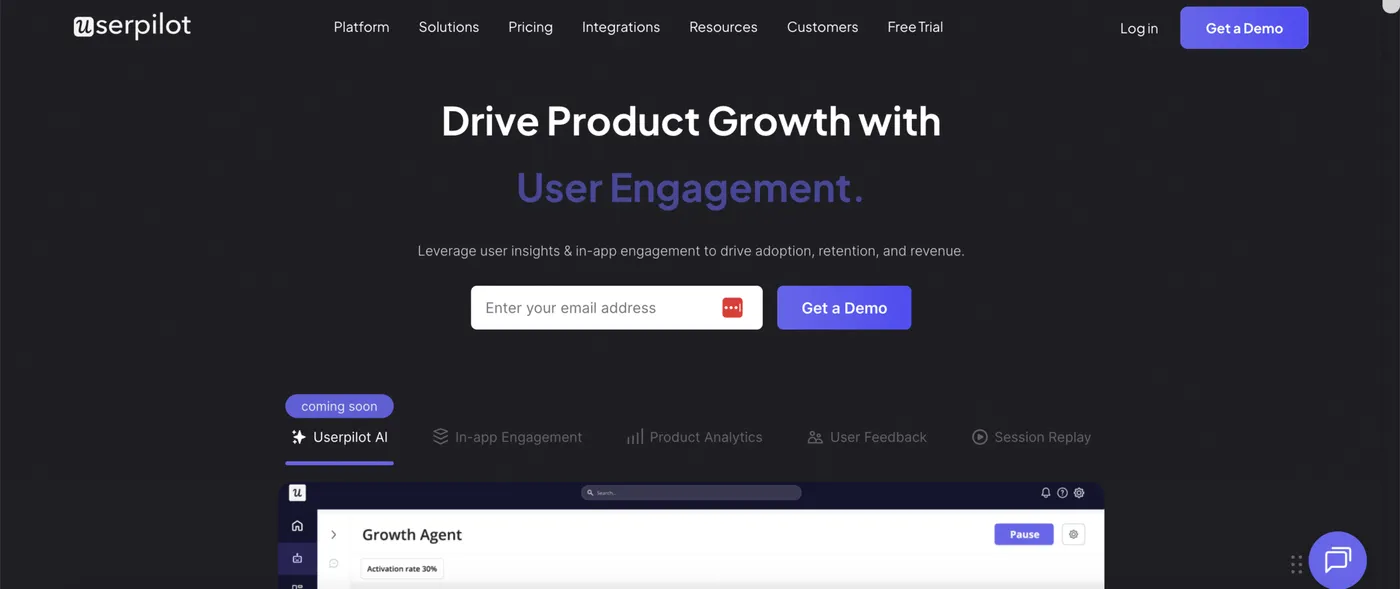
Userpilot is a Product Growth Platform that bundles in-app engagement (tours, checklists, surveys), product analytics (funnel analysis, retention cohorts, autocapture), session replay, behavior-driven email, mobile onboarding, and workflows under one tool. The bundle scope is one of the broadest in this list at the published price tier.
The distinctive value for a mid-market team is consolidation: tours, the analytics that measure them, the session replays that explain user behavior, and the lifecycle emails that re-engage users when they go quiet, all running off the same user data and segments.
Key features
- Advanced Analytics: Funnel analysis, retention cohorts, and event autocapture, so you don’t need a separate product analytics tool alongside.
- Session Replay: Watch how individual users navigate your product, identify friction, and tie playback to specific cohorts and events.
- Behavior-triggered email: Send lifecycle emails based on what users do (or don’t do) in your product.
Pricing. From $299/month. Free trial available.
Best for: mid-market SaaS teams that want a consolidated platform with tours, deep product analytics, session replay, and behavior-triggered email under one tool.
For a deeper dive, see our 11 Userpilot alternatives compared.
Frigade
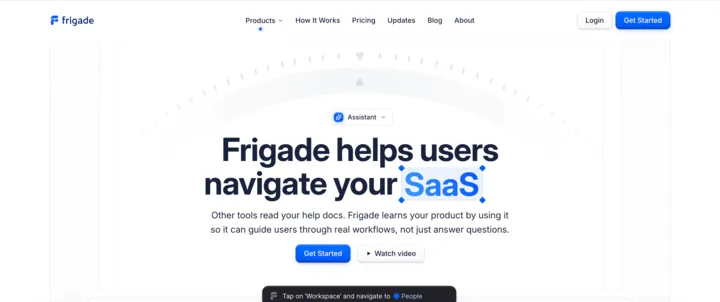
Frigade is an AI digital adoption platform that ships an in-app agent to walk users through real workflows. The agent learns your product by using it as a real user would, then guides new users through multi-step setups, fills in forms on their behalf, navigates between screens, and routes to a human when a question genuinely needs one.
The distinctive piece is action automation. Frigade’s AI can click buttons, fill in fields, and submit forms alongside the user, with the user confirming each step. For a multi-step setup like adding a team member (open Settings, click Members, click Invite, enter email, submit), the agent can walk the user through the screens and complete each click for them. That makes Frigade a fit for teams whose onboarding bottleneck is users getting stuck partway through setup.
Key features
- AI that learns your product: Frigade’s agent navigates your product on a schedule and stays current automatically, so guidance doesn’t break when the product changes.
- Prompt-based tour and nudge creation: Describe a flow in plain English and Frigade builds it. No manual setup, no ongoing maintenance.
- In-app action automation: The agent can click buttons, fill in fields, and submit forms alongside the user, running multi-step workflows with confirmation at each step.
Pricing. From $1,000/month.
Best for: SaaS teams that want an AI agent that walks users through real product workflows, with self-healing maintenance as the product changes.
Appcues
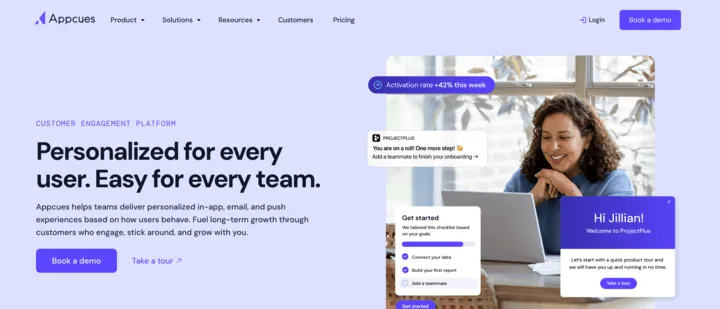
Appcues is a customer engagement platform that bundles in-app messaging, behavioral email, and push notifications into one tool, with native mobile support for iOS and Android. The pitch is multi-channel onboarding: instead of running tours, lifecycle emails, and mobile push from three separate vendors, you target users across all three from one platform with the same behavioral data and segments.
Appcues’ newer bet is AI. They’ve launched a “system of agents” that helps plan experiences, choose the right channel for each user, deliver the content, and measure what worked. For teams that want AI to handle the loop of figuring out who needs a nudge, what to say, and when, the engine is designed to do that across all channels in the bundle.
Key features
- Multi-channel delivery: In-app messages, behavioral email, and push notifications from one platform, with shared audience targeting across all three.
- Native mobile SDKs: Run onboarding inside your iOS and Android apps. Appcues is one of the few mid-market tools that supports both web and mobile surfaces.
- Appcues AI agents: AI plans, builds, and optimizes experiences across channels, adapting as user behavior shifts.
Pricing. Custom. Contact sales for a quote.
Best for: mid-market and enterprise GTM and product teams that want one platform for in-app, email, and push experiences, especially teams running both web and mobile apps.
For a deeper dive, see our 7 Appcues alternatives compared.
Built for enterprise
Apty
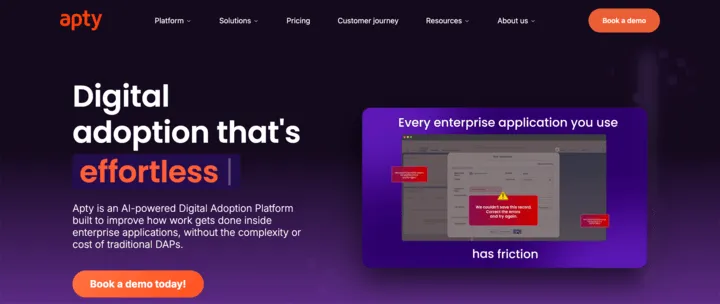
Apty is an enterprise digital adoption platform built primarily for rolling out and improving usage of internal business applications (Salesforce, Workday, ServiceNow, Microsoft Dynamics, and 100+ other enterprise apps). The same platform can be applied to customer-facing user onboarding too, though the strongest fit is employee enablement.
The standout differentiator is the ROI Guarantee. Per Apty’s own page: “If Apty doesn’t deliver 2x ROI in year one, we’ll return your investment.” That’s an unusual commitment in this category. The platform combines AI-powered in-app guidance with a real-time adoption analytics module that tracks where users get stuck and where compliance risks emerge.
Key features
- Cross-application guidance: Walkthroughs that span multiple enterprise apps in a single workflow, useful for processes that move between Salesforce, Workday, and other internal systems.
- AI-assisted content and optimization: AI surfaces where users struggle and helps tune in-app guidance, with analytics tying adoption improvements back to ROI.
- Pulse adoption analytics: Live workflow monitoring, engagement tracking, and early risk and compliance alerts across your enterprise app portfolio.
Pricing. Custom. Contact sales for a quote.
Best for: enterprise teams that want a DAP with a contractual ROI commitment, whether for rolling out internal business apps or for customer-facing onboarding.
Userlane
Userlane is an enterprise digital adoption platform built primarily for measuring and improving internal software adoption across regulated industries (healthcare, manufacturing, financial services, insurance, energy, public sector). The same platform can be applied to customer-facing user onboarding too, but the strongest fit is employee adoption of internal business software like SAP, Salesforce, Workday, Oracle Cloud, and Microsoft Dynamics.
The distinctive piece is Application Intelligence. Userlane leads with the analytics layer (which apps are used, how well they’re adopted, where users get stuck), then adds in-app guidance at the friction points the data surfaces. The HEART framework is Userlane’s standardized scoring model for measuring application adoption across five behavioral dimensions.
Key features
- App Discovery: Identify and map every application your people use to optimize software spend and align adoption efforts.
- HEART Analytics: Score software adoption across five attributes (Happiness, Engagement, Adoption, Retention, Task Success) to compare which apps are working and which need attention.
- Contextual Assistance: In-app guidance, an AI assistant, surveys, and data validation delivered at the moment users hit friction.
Pricing. Custom. Contact sales for a quote.
Best for: enterprise teams in regulated industries (healthcare, finance, manufacturing, public sector) that want to measure software adoption with a standardized framework, then add in-app guidance where the data shows it’s needed.
Whatfix
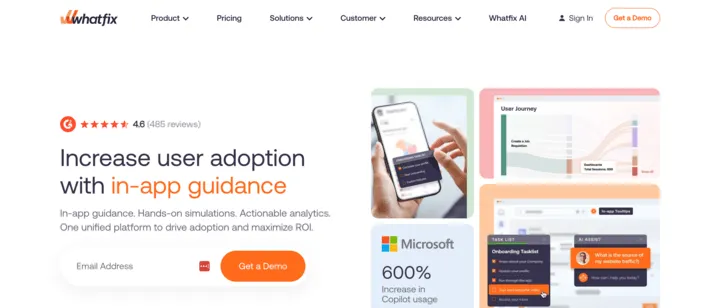
Whatfix is an enterprise digital adoption platform that bundles three products: in-app guidance for live applications, product analytics for tracking usage, and a sandbox training environment for hands-on practice in app replicas. The platform is built primarily for internal employee adoption of business software (Salesforce, ERP, CRM, EHR systems) across regulated industries like healthcare, financial services, banking, and pharma. It can be applied to customer-facing user onboarding too, but the strongest fit is large enterprise rollouts where employees need to learn complex internal applications.
The distinctive piece on this list is the sandbox training environment. Teams can build interactive replicas of any web application where users practice real workflows risk-free, layer in AI-driven scenario simulations for decision-making and customer-conversation training, and validate readiness with role-based assessments. For onboarding workflows where users need to demonstrate competence before going live, that training depth is hard to replicate with most other tools on this list.
Key features
- Sandbox simulations: Build interactive replicas of your app where users can practice real workflows without affecting live data.
- AI-driven scenario training: Simulated conversations and decision-making scenarios for training on customer interactions, judgment calls, and complex workflows.
- Role-based assessments: Evaluations that validate user readiness before granting access to a system or task.
Pricing. Custom. Contact sales for a quote.
Best for: enterprise teams that need training depth (sandbox practice plus scenario simulations plus assessments) alongside in-app guidance, especially for regulated workflows where users must demonstrate competence before going live.
Pendo
Pendo is one of the most feature-comprehensive platforms on this list. The bundle pulls product analytics, in-app guides, session replay, NPS surveys, customer feedback aggregation, product roadmaps, churn prediction, and multi-channel messaging into a single platform, with native iOS and Android SDKs and a free tier covering up to 500 MAU.
Pendo’s strength is depth of analytics. Funnels, retention cohorts, user paths, behavioral segments, and session replay are all native to the platform. Recent AI additions include natural-language queries on your product data, integration with AI tools like Claude or Cursor so they can pull product context, and analytics for tracking how users adopt AI features inside your product. For mid-market to enterprise teams that want one vendor for the full product-experience stack, the breadth is hard to match.
Key features
- Product analytics + in-app guides in one platform: Funnel analysis, retention cohorts, user paths, and event tracking integrated with guides built in the same product.
- AI tool integration: Pull Pendo data into AI tools like Claude or Cursor to bring product context into your AI workflows.
- Free tier: Real free plan with product analytics, in-app guides, NPS, and roadmaps, up to 500 monthly active users.
Pricing. Free tier available. Paid tiers custom. Contact sales for a quote.
Best for: mid-market and enterprise SaaS teams that want the deepest product analytics paired with onboarding, session replay, and roadmaps from a single vendor.
For a deeper dive, see our 13 Pendo alternatives compared.
WalkMe
WalkMe is an enterprise digital adoption platform built primarily for employees navigating complex internal business applications: SAP suite (S/4HANA, SuccessFactors, Ariba, Concur), Salesforce, Workday, Microsoft Dynamics 365, ServiceNow, and other enterprise systems. The same platform can be applied to customer-facing user onboarding too, but the strongest fit is large enterprise IT rollouts.
WalkMe was acquired by SAP in 2024 and now operates as SAP’s digital adoption layer, with pre-built guidance for the SAP suite. The current pitch is AI-focused: WalkMe sits across every application your employees use and gives enterprise AI tools the real-time context they need to follow workflows across apps, execute multi-step processes, and prove which workflows AI is actually helping with.
Key features
- SAP suite integration: Pre-built guidance and adoption flows for S/4HANA, SuccessFactors, Ariba, and Concur. Most direct fit for ERP rollouts of any tool on this list.
- Cross-application workflow automation: Tours and automated workflows can span multiple enterprise apps in a single flow, so a process that touches CRM, HR, and ERP runs from one guidance layer.
- License optimization: Identify which SaaS licenses across your portfolio are actually being used, so you can renegotiate or cut unused seats.
Pricing. Custom. Contact sales for a quote.
Best for: large enterprises rolling out SAP suites or coordinating digital adoption across many internal applications, especially organizations layering AI tools on top of an enterprise software stack.
How to choose: which one fits your situation?
| If you’re… | Look at |
|---|---|
| An early-stage SaaS team that wants the full set of onboarding guides at an affordable price | FlowNavi |
| An SMB SaaS team that wants tours, a knowledge base, and an AI assistant in one tool | UserGuiding |
| Already on Intercom for support and messaging | Intercom Product Tours |
| Maintaining lots of onboarding content over time, frequent product changes, or many languages | Inline Manual |
| A B2B SaaS team needing company-level targeting for account-based onboarding | Userflow |
| Wanting AI to speed up tour creation, or an AI agent that runs workflows for users | Jimo (AI tour creation), Frigade (AI agent automation) |
| Prioritizing design fidelity, A/B testing, and custom CSS | Chameleon |
| A product team wanting tours + product analytics + session replay in one consolidated platform | Userpilot, Pendo |
| Need cross-channel onboarding (in-app + email + push) with native mobile | Appcues |
| Enterprise teams rolling out internal apps (Salesforce, Workday, SAP) to employees | Apty (ROI guarantee), Userlane (HEART analytics for regulated industries), Whatfix (training depth), WalkMe (SAP suite) |
Frequently asked questions
What is user onboarding software?
User onboarding software helps new users learn to use a SaaS product after they sign up. It typically includes product tours, tooltips, hotspots, onboarding checklists, in-app surveys, and resource centers delivered inside the product. Used well, user onboarding software drives higher activation rates, lower churn in the early user lifecycle, and lower support ticket volume.
How is user onboarding software different from customer onboarding software?
User onboarding software guides individual users inside the product with tours, tooltips, and checklists. Customer onboarding software handles account-level implementation: kickoff calls, milestone tracking, CSM-driven setup, and stakeholder coordination. The two are often confused but solve different problems. User onboarding is in-product and self-serve, used by product and CS teams to drive activation. Customer onboarding is account-level and CS-led, used to manage enterprise implementations. SaaS companies selling self-serve typically only need user onboarding software. Companies selling to enterprises with high-touch onboarding may need both.
Do I need a dedicated user onboarding tool if I already have Intercom or Pendo?
Probably not. Both Intercom and Pendo include in-app tour functionality in their base products, and for most user onboarding scenarios that bundled tour feature is sufficient. Adding a separate vendor for capabilities you’re already paying for means another contract and another integration to wire up. The case for a dedicated user onboarding tool comes up when you have a need the bundled tour features can’t handle: design customization (Chameleon), AI that builds tours from a recording (Jimo), an AI agent that actually performs workflows for users (Frigade), or a meaningfully lower price point than Intercom or Pendo (FlowNavi).
What’s the difference between no-code and developer-first user onboarding tools?
No-code user onboarding tools let CS, PM, or marketing teams build and edit onboarding flows through a visual builder, usually a Chrome extension that runs on top of your live product. Developer-first user onboarding tools ship onboarding as code components inside your codebase, deployed with your app. Developer-first wins when you need onboarding tied closely to your product’s live data and behavior, or want experiences that feel 100% native to your product rather than third-party. No-code wins on speed and on letting non-engineering teams iterate without sprint planning. Most user onboarding software is no-code (Appcues, Userpilot, UserGuiding, FlowNavi, Chameleon, Userflow); Frigade is the main developer-first option.
How much does user onboarding software typically cost?
User onboarding software typically costs $79 to $1,000 per month for self-serve tiers, with enterprise digital adoption platforms running into five-figure annual contracts. Entry-level tools start at $79/month (FlowNavi). Mid-market tools run $150-300/month for entry tiers, including UserGuiding ($174/mo), Inline Manual ($158/mo), Userflow ($240/mo), Jimo ($249/mo), Chameleon ($279/mo), and Userpilot ($299/mo). AI-powered platforms like Frigade start at $1,000/month. Enterprise digital adoption platforms (Appcues, Apty, Userlane, Whatfix, Pendo, WalkMe) hide pricing behind sales calls. Pendo offers a free tier covering up to 500 monthly active users.
Are there any free or open-source user onboarding tools?
Yes. Pendo has a free tier that covers product analytics, in-app guides, NPS surveys, and roadmaps for up to 500 monthly active users. UserGuiding’s free forever plan includes its knowledge base and AI assistant but not tours, checklists, or surveys. On the open-source side, three JavaScript libraries are in regular use by SaaS engineering teams: Intro.js, Shepherd.js, and Driver.js. The cost of going open source is engineering ownership of the full stack. There’s no visual builder (your team writes each tour as code), no analytics layer (you instrument tracking yourself), no built-in segmentation (whatever you build), and element selectors break when the UI changes. It makes sense when engineering has bandwidth and full control matters more than time-to-ship.
Building onboarding for your own SaaS?
There’s no universally right answer. The best user onboarding software depends on how you’re set up: who owns onboarding, what your stack looks like, what your product needs, and what you can realistically spend. A no-code visual builder wins when marketing or CS owns the work. An AI-driven option saves maintenance time when your product changes constantly. For enterprise rollouts of SAP or Workday to employees, the enterprise digital adoption platforms are the right category.
For early-stage SaaS teams, FlowNavi covers the full set of in-app guides, tours, checklists, tooltips, hotspots, announcements, and surveys, starting at $79/month with every feature on every plan. If you need deep product analytics, native mobile, or enterprise app adoption, one of the other 14 tools above is the better fit.