
20 Best Product Tour Software Tools in 2026: The Definitive Guide
This is a side-by-side comparison of 20 product tour software tools. For each one: what it does, who it’s built for, and what it costs. The table below is the quick view. Keep reading for the detailed breakdowns.
TL;DR: 20 product tour software tools at a glance
| Tool | Built for | Pricing | Best for |
|---|---|---|---|
| FlowNavi | Small teams | From $79/month | Small SaaS teams wanting affordable, full-featured in-app guides |
| Hopscotch | Small teams | From $99/month | SaaS startups that want live support on every plan |
| Product Fruits | Small teams | From $111/month | Teams wanting one platform for tours, knowledge base, and surveys |
| UserGuiding | Small teams | From $174/month | Comprehensive no-code, longer-running platform |
| Appcues | Mid-sized companies | Custom | Cross-channel onboarding (in-app + email + push) |
| Chameleon | Mid-sized companies | From $279/month | Native-feeling design, A/B testing, and AI |
| Frigade | Mid-sized companies | Free + $1,000/month | AI-maintained tours that self-heal |
| Inline Manual | Mid-sized companies | From $158/month | Version-controlled tours, multilingual |
| Intercom Product Tours | Mid-sized companies | Base plan + $99/month add-on | Teams already on Intercom |
| Jimo | Mid-sized companies | From $249/month | AI-assisted tour creation |
| Userflow | Mid-sized companies | From $240/month | AI-driven optimization with B2B account targeting |
| Userpilot | Mid-sized companies | From $299/month | Tours, analytics, and session replay in one |
| Apty | Enterprise | Custom | Enterprise hybrid with a contractual ROI Guarantee |
| OnScreen | Enterprise | Custom | SAP/ERP rollouts, trainer-authored guides |
| Pendo | Enterprise | Free + Custom | Analytics, guides, replay, sentiment from one vendor |
| Tango | Enterprise | Free + $15/user/month | Internal training across third-party apps, no SDK |
| Toonimo | Enterprise | Custom | Voice walkthroughs with accessibility focus |
| Userlane | Enterprise | Custom | Software friction analytics plus guidance |
| WalkMe | Enterprise | Custom | SAP integration and AI context layer |
| Whatfix | Enterprise | Custom | Training depth: simulations and assessments |
What product tour software is, and what it isn’t
Product tour software helps you guide users through your SaaS product. Tooltips that explain a button. Modals that walk a new user through their first task. Checklists that track progress through key steps. The tools on this list all do some version of that, in your live product, for your users.
Three other categories often get confused for product tours, but they’re different jobs and this article doesn’t cover them:
Interactive demo tools (Walnut, Navattic, Storylane). These build clickable replicas of your product for sales and marketing, embedded on your homepage or sent to prospects. They live outside your product. If you want to show off your product to people who haven’t signed up yet, this is the category you want.
Video walkthroughs (Loom, Guidde, Arcade). Recordings of someone using your product, sometimes with interactive overlays. Great for help docs and standalone explainer videos. Not interactive in your live product, so users can’t actually do the thing while learning.
Employee onboarding software (Enboarder, BambooHR). For onboarding your new hires onto company tools and HR processes, not for onboarding your customers onto your SaaS.
This article is about product tour software. If that’s what you’re looking for, read on.
The 20 tools
Built for early-stage SaaS
FlowNavi
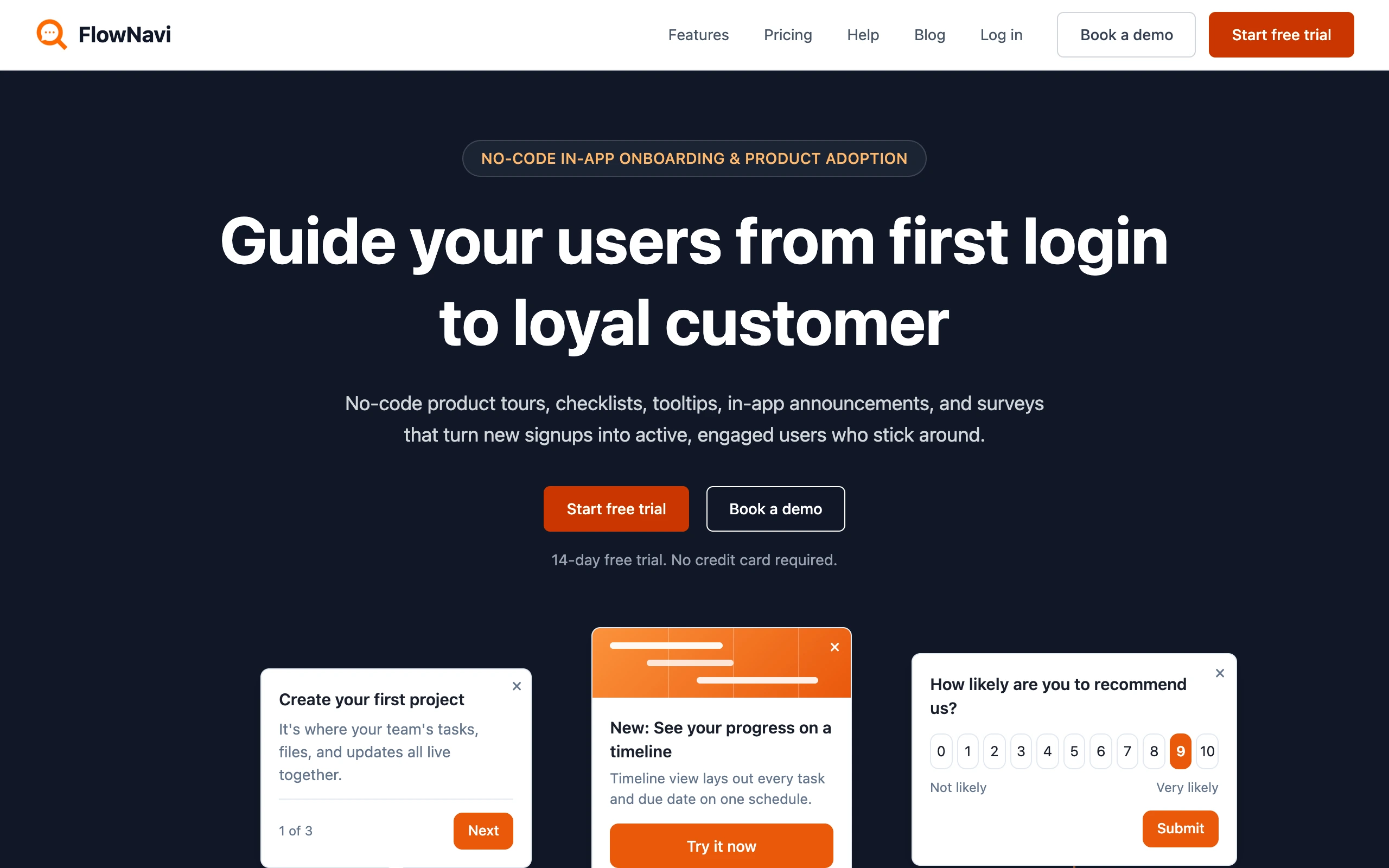
FlowNavi is a no-code in-app onboarding tool for early-stage SaaS, covering product tours, checklists, tooltips, hotspots, in-app announcements, and surveys.
Key features
- Personalized tours: Tours adapt to each user’s role or use case.
- Tour analytics: Track tour completion and drop-off, step by step.
- Every feature on every plan: The full guide set is included from the $79 tier; plans differ only by monthly active users, support, and security.
Pricing. From $79/month. Free trial available.
Best for: early-stage SaaS teams that want the full set of no-code onboarding guides at an affordable price.
Editor’s note: FlowNavi is our product, so we’re not a neutral judge here. We’ve held it to the same yardstick as the other 19 tools.
Hopscotch
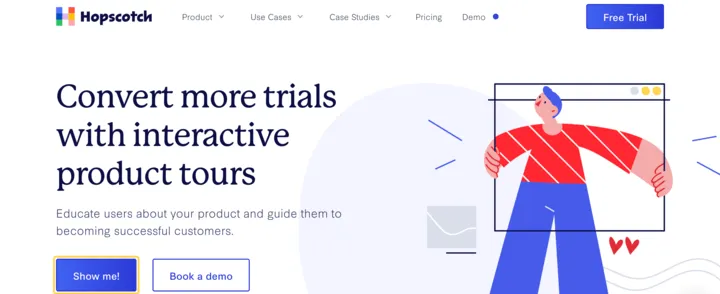
Hopscotch is a no-code product tour tool for fast-moving SaaS startups, covering tours, tooltips, announcements, and surveys. Live support is included on every plan, down to the entry tier.
Key features
- No-code drag-and-drop builder: Build tours, tooltips, announcements, and surveys without touching code.
- Custom event triggering: Fire tours based on user actions. Useful for activation flows that depend on completing earlier steps.
- Surveys built in: Collect in-app feedback alongside onboarding.
Pricing. From $99/month. Free trial available.
Best for: SaaS startups that want a no-code product tour tool with live support on every plan.
Product Fruits
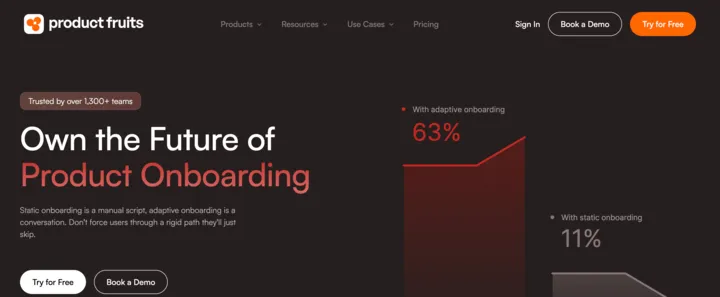
Product Fruits goes wide where most product tour tools stay narrow: tours, an in-app knowledge base, NPS surveys, in-app announcements, and an AI support copilot, all in one platform. They lean heavily into AI, with adaptive tours that change based on user behavior and an AI copilot for support. The trade-off is the bundle price: you pay for everything even if you only need tours.
Key features
- AI Copilot (Elvin): In-app AI assistant that answers user questions, automating support.
- Adaptive product tours: Tours adjust in real time based on what users do.
- In-app knowledge base: Searchable help docs accessible without leaving your product.
- NPS and surveys: Built-in feedback collection alongside onboarding.
Pricing. From $111/month. Free trial available.
Best for: teams that want one platform for tours, knowledge base and surveys instead of stitching together separate tools.
UserGuiding
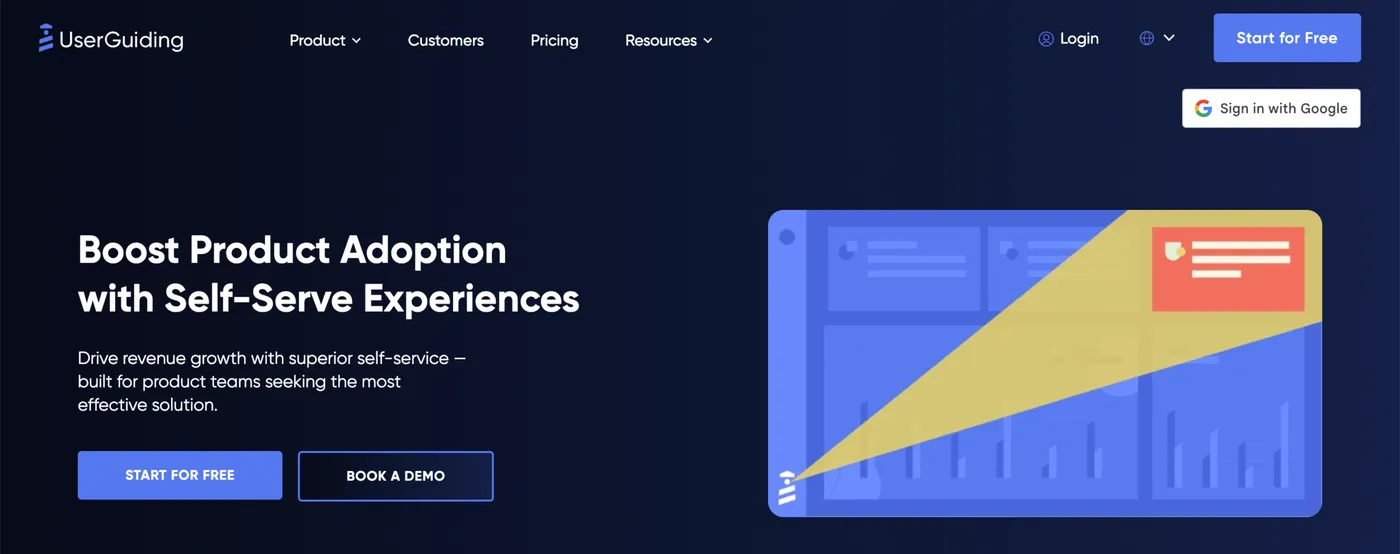
UserGuiding has been in the no-code product tour space since 2016. The feature set covers tours, tooltips, checklists, resource centers, in-app surveys, and analytics, broad for an entry-tier tool. Their positioning has stayed consistent: no-code product adoption for startups and SMB SaaS teams.
Key features
- No-code drag-and-drop builder: Build tours, tooltips, checklists, and surveys without code.
- Resource center: Searchable in-app help hub that lives alongside the tours.
- Segmentation: Show flows to user segments based on custom attributes.
- NPS and surveys: Collect in-app feedback alongside onboarding.
Pricing. From $174/month. Free trial available.
Best for: SMB SaaS teams that want a comprehensive no-code platform with a longer track record.
Comparing alternatives to UserGuiding specifically? See our deeper post on the best UserGuiding alternatives.
Built for mid-market SaaS
Appcues
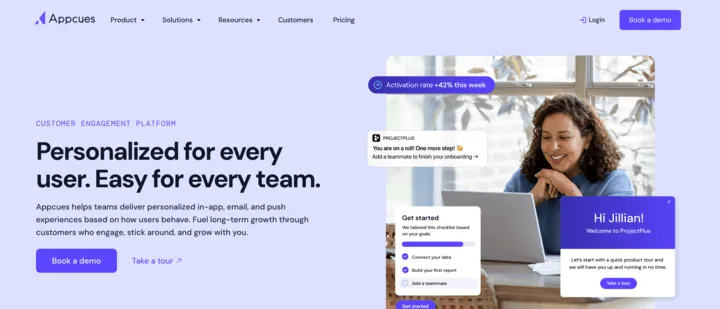
Appcues sells itself as multi-channel onboarding: in-app, email, and push notifications under one platform aimed at go-to-market teams. They’ve leaned heavily into AI lately, with what they describe as a “team of agents” that helps plan, build, and improve experiences. Notable: every plan includes every feature, with tiers separated only by MAU limits and number of published experiences.
Key features
- Multi-channel delivery: In-app messages, behavioral email, and push notifications, all from one tool.
- Appcues AI agents: AI plans, builds, and improves experiences across in-app, email, and push, adapting as user behavior shifts.
- Behavioral triggers: Fire experiences based on what users do or don’t do. Useful for re-engagement when a user has gone quiet for a while.
- Data integrations: Sync user attributes from your data warehouse or analytics tool to target experiences by who the user actually is.
Pricing. Custom. Contact sales for a quote. Free trial available with sales-led onboarding.
Best for: product and marketing teams that want one platform for in-app, email, and push experiences.
Comparing alternatives to Appcues specifically? See our deeper post on the best Appcues alternatives.
Chameleon
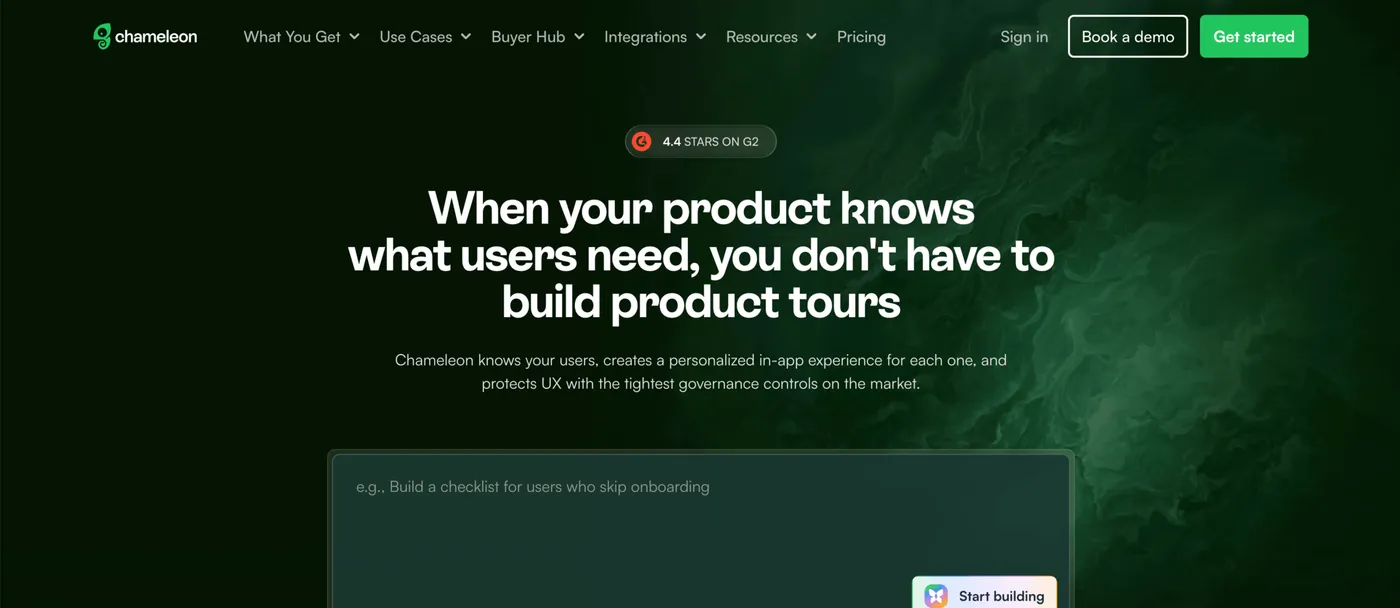
Chameleon positions as the AI-first option in the space, with autonomous AI agents that plan and build campaigns. Their other distinctive bet is design fidelity: deep customization of how experiences look and feel inside your product.
Key features
- AI Copilot agent: Plans, builds, and improves in-app campaigns autonomously based on user behavior.
- Custom CSS and styling: Override colors, fonts, layout, and animations so experiences match your product’s design system exactly.
- A/B testing: Test variants of tours, tooltips, and surveys to see which drives better activation or retention.
- Natural language segmentation: Describe a user segment in plain English (e.g., “users who signed up last week but haven’t created a project”) instead of building filter rules.
Pricing. From $279/month. Free trial available.
Best for: mid-market SaaS teams that want experiences that look and feel native to their product, with A/B testing and AI built in.
Frigade
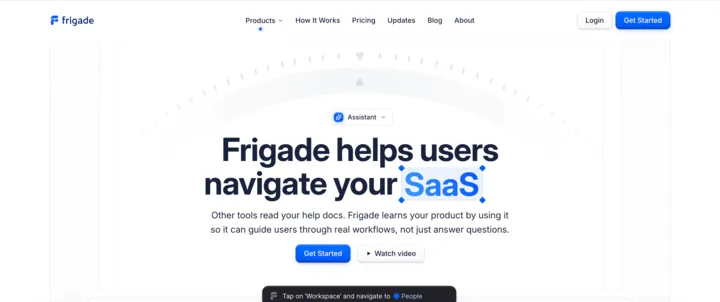
Frigade is an AI assistant for in-app onboarding that learns your product by using it, then generates tours and nudges automatically. The AI detects product changes and updates tours so they keep working when your UI changes.
Key features
- AI learns your product: Frigade uses your product to understand how it works, then generates tours from that understanding.
- Self-healing tours: When your UI changes, Frigade detects it and updates tour element selectors. Tours keep working through redesigns.
- Prompt-based tour creation: Describe a flow in plain English and Frigade builds the tour.
- In-app action automation: AI completes routine actions on behalf of users, within boundaries you define.
Pricing. Free tier available. Growth from $1,000/month.
Best for: SaaS teams that want AI to handle onboarding maintenance automatically, especially if your product changes often.
Inline Manual
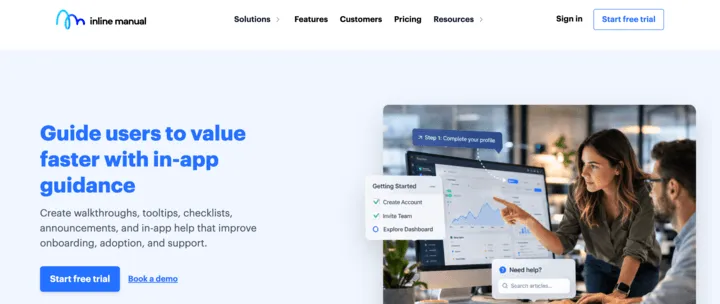
Inline Manual is one of the longer-running platforms in this space, around since 2012. The standout workflow feature is version control and branching: tour content is versioned, with the ability to branch for testing and roll back if a release breaks something.
Key features
- Version control and branching: Tour content is versioned. Branch for testing, roll back if needed.
- Multilingual support: Build tours once and deploy in multiple languages without rebuilding for each.
- Dual-use deployment: Same platform handles customer-facing onboarding and internal employee training.
- Standalone/offline deployment: Run the player in environments without internet access for security-sensitive use cases.
Pricing. From $158/month. Free trial available.
Best for: SaaS teams that need version-controlled tour content, multilingual support, or want one platform for both customer and employee onboarding.
Intercom Product Tours
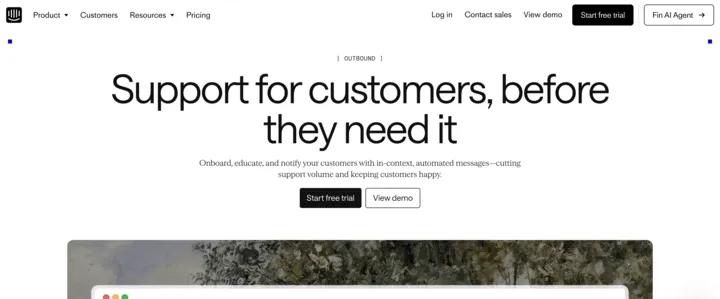
Intercom Product Tours is one feature inside Intercom’s broader customer service and messaging platform. It’s bundled with surveys, in-app messages, mobile push, and carousels in the Proactive Support Plus add-on. Tours share Intercom’s audience segments and triggers, so onboarding can use the same user attributes you already manage for support chat and other messages.
Key features
- Bundled with surveys, in-app messages, mobile push, and carousels: All five message types run from one tool with shared segments.
- Reuses your Intercom audience segments: Trigger tours based on the same user attributes you already use for support chat and other messaging.
- Web and mobile push: Reach users in mobile apps or via push notifications, not just web.
- Triggers downstream messages: When a user completes or skips a tour, Intercom can automatically fire a follow-up in-app message or chat based on that behavior.
Pricing. Per-seat base plan + Proactive Support Plus add-on ($99/month for 500 messages, includes Tours). Free trial available.
Best for: teams already on Intercom for support and messaging who want tours integrated with the same audience segments and customer comms.
Jimo
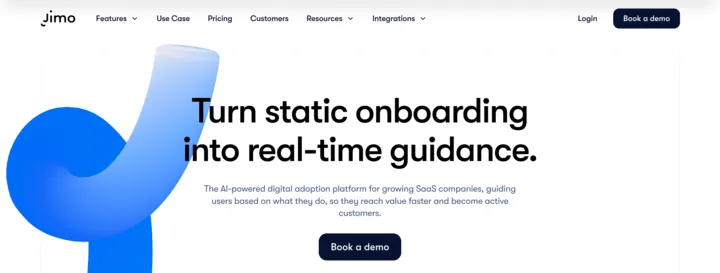
Jimo is an AI-powered digital adoption platform aimed at growing SaaS companies. The angle that’s most distinctive is AI-assisted tour creation: record a user flow once and Jimo generates the tour from the recording, ready to edit and ship.
Key features
- AI tour creation from recordings: Record a user flow once and Jimo’s AI generates a tour from the recording, ready to edit and publish.
- Action-based triggers: Fire tours based on what users do (or don’t do) inside your product.
- Segmentation and product analytics: Tailor tours to user segments using your own attributes; track engagement and adoption.
Pricing. From $249/month.
Best for: growing SaaS teams that want AI-assisted tour creation.
Userflow
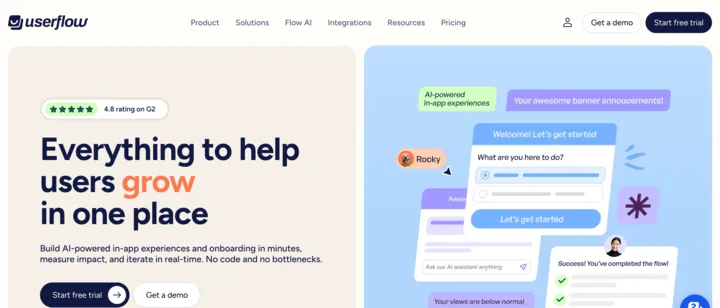
Userflow positions as an all-in-one onboarding platform, with tours, checklists, surveys, banners, and in-app help under one tool. The distinctive angle is FlowAI: an AI engine that watches user behavior to automatically iterate on when and where guidance appears.
Key features
- FlowAI Signals: AI watches user behavior to surface where users get stuck, then suggests where to add or adjust guidance.
- No-code event tracking: Define behavioral triggers by clicking on UI elements, without writing tracking code.
- User and company-level targeting: Target experiences by individual user attributes or company-level data, useful for B2B account-based onboarding.
- Custom CSS and white-labeling: Match your product’s design exactly and remove Userflow branding entirely.
Pricing. From $240/month. Free trial available.
Best for: product-led SaaS teams that want AI-driven experience optimization based on real user behavior, with both user and company-level targeting for B2B onboarding.
Userpilot
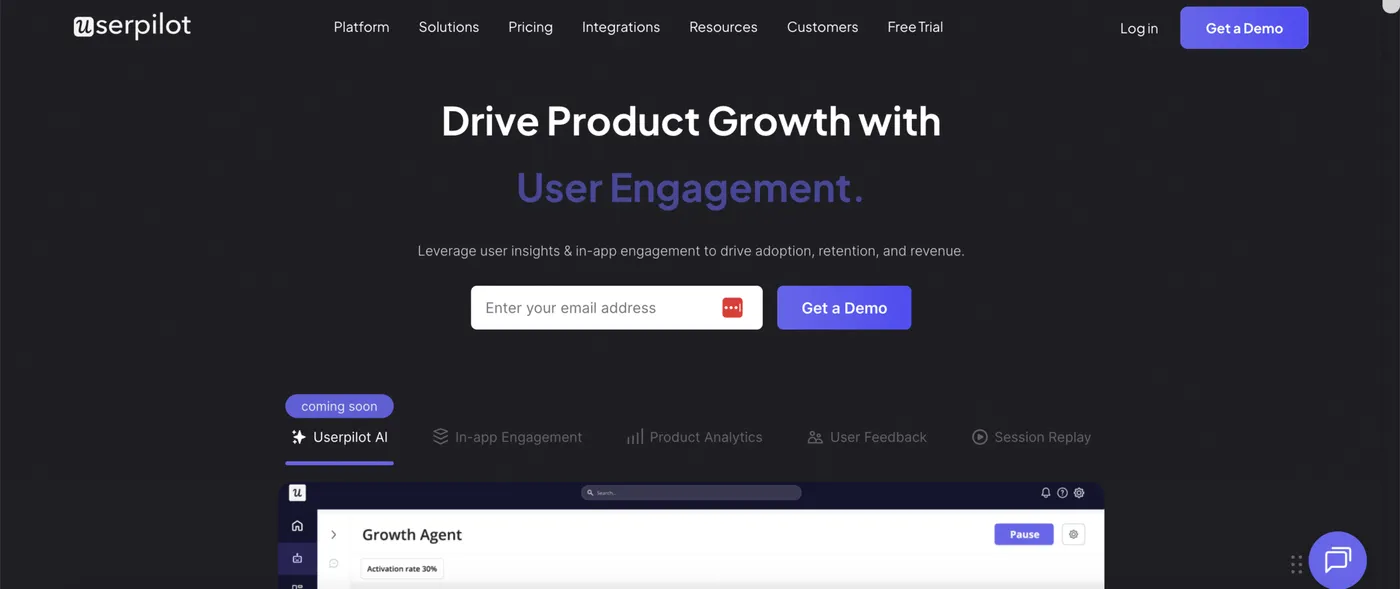
Userpilot is a Product Growth Platform: tours, analytics, surveys, session replay, and email engagement under one tool. The distinctive pieces are built-in Session Replay and a full product analytics suite (Analytics 2.0).
Key features
- Session Replay: Watch recordings of how individual users actually navigate your product.
- Product Analytics 2.0: Funnel analysis, retention cohorts, and event autocapture for understanding user behavior across your product.
- AI Agent (Lia): Surfaces growth opportunities and launches in-app campaigns automatically based on user behavior.
- Email + in-app engagement: Trigger emails based on in-app behavior to extend onboarding beyond the app.
Pricing. From $299/month. Free trial available.
Best for: product growth teams that want a consolidated platform: tours, product analytics, session replay, surveys, and email engagement under one tool.
Comparing alternatives to Userpilot specifically? See our deeper post on the best Userpilot alternatives.
Built for enterprise
Most tools in this tier support both customer-facing onboarding and internal employee training. The majority skew toward employee enablement (rolling out Salesforce, SAP, Workday to your workforce). Pendo is the main customer-facing exception. If you’re building onboarding for SaaS end users specifically, the early-stage and mid-market tiers above are usually a better fit.
Apty
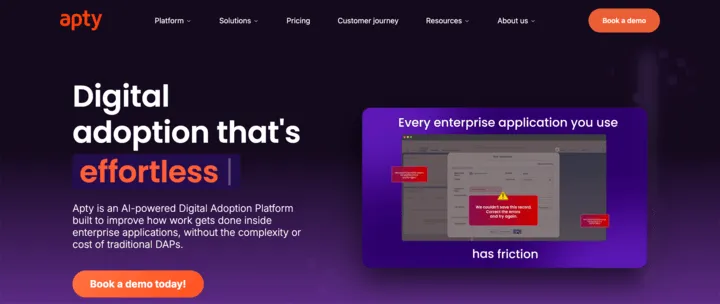
Apty is an enterprise digital adoption platform that supports both employee enablement and customer-facing onboarding. Their pitch is AI-powered guidance plus a ROI Guarantee: if you don’t see 2x ROI in year one, they refund your investment.
Key features
- Cross-application guidance: Walkthroughs span multiple enterprise apps in a single tour (Salesforce, Workday, internal tools).
- Auto-fill forms and real-time validations: Pre-populate form fields based on existing data and validate user inputs as they’re entered, catching errors before submission.
- AI Recommendations: AI surfaces where users get stuck and suggests where to add guidance.
- ROI Guarantee: 2x ROI in year one or money back.
Pricing. Custom. contact sales for a quote.
Best for: enterprise teams rolling out internal apps (Salesforce, Workday, etc.) or customer-facing onboarding, that want AI-powered guidance with a contractual ROI commitment.
OnScreen
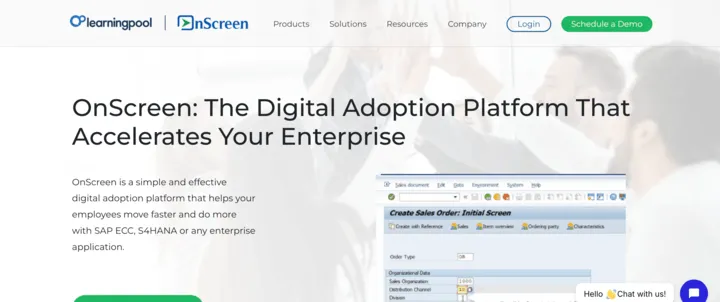
OnScreen is a digital adoption platform built for enterprise software training, especially SAP and other major ERP systems. The angle is putting authoring in the hands of trainers and subject matter experts, with web-based delivery that scales without per-user installation.
Key features
- Built for enterprise applications: Pre-optimized for SAP, Salesforce, Workday, and Oracle with dedicated patterns for ERP-style workflows.
- Enterprise rollout without client install: 100% web-based delivery, so IT doesn’t need to push browser extensions or plugins to every employee.
- Author-first workflow: Subject matter experts and trainers can capture, edit, and publish guides directly without engineering support.
- 3-step authoring (Record / Edit / Publish): Capture a workflow once, refine the captured steps, then publish to your enterprise platform.
Pricing. Custom. contact sales for a quote.
Best for: enterprise teams rolling out SAP, Salesforce, Workday, or Oracle that want non-technical trainers to author guides directly inside the application.
Pendo
Pendo is one of the largest product analytics + in-app guidance platforms, with modules for Analytics, Guides, Session Replay, Sentiment, Listen, and Orchestrate that you mix based on need. Recent AI additions: Leo for natural-language queries, Agent Analytics for tracking AI feature adoption, and MCP integration to connect Pendo to Claude or Cursor.
Key features
- Product analytics + in-app guides in one platform: Funnel analysis, retention cohorts, and event tracking integrated with your guides.
- Free Tier: Real free tier with Product Analytics, In-App Guides, NPS, and Roadmaps.
- Leo + MCP integration: Query your product data in natural language. Connect Pendo to Claude or Cursor so AI tools can pull data from Pendo.
- Agent Analytics: Track how users adopt AI features inside your product, separate from human event tracking.
Pricing. Free tier available. Paid tiers custom. contact sales for a quote.
Best for: SaaS product teams that want analytics, in-app guides, session replay, and sentiment surveys from one vendor.
Comparing alternatives to Pendo specifically? See our deeper post on the best Pendo alternatives.
Tango
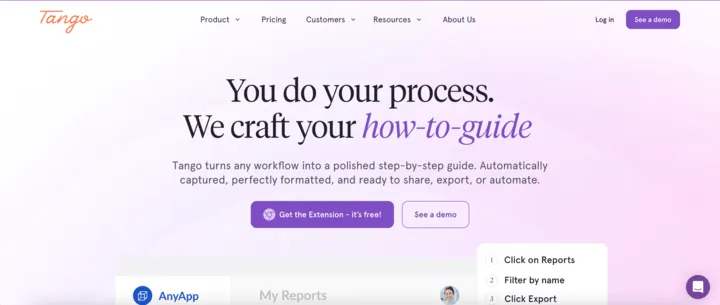
Tango is a workflow documentation tool that also delivers in-app tours. Their browser extension captures you doing a workflow once, then auto-generates a step-by-step guide with screenshots. Those guides can be pinned inside the app or delivered as guided on-screen walkthroughs.
Key features
- Auto-capture authoring: Browser extension records you doing a workflow and generates the guide automatically, with screenshots and step-by-step instructions captured from your actions.
- Pinned guides: Anchor a guide to specific UI elements. Users click the pin to open the step-by-step popup when they need help.
- Guide Me mode: Active on-screen walkthrough that highlights the current element and advances as the user completes each step.
- Works on any web app via browser extension: No SDK install required in the host application, useful for adding tours to third-party apps (Salesforce, Workday) you don’t control.
Pricing. Free tier available. Pro from $15/user/month.
Best for: enterprise teams rolling out third-party software (Salesforce, Workday, internal tools) that need on-screen guidance for employees without SDK installation.
Toonimo
Toonimo’s distinctive bet is audio-visual walkthroughs with real human voice narration. The platform also includes accessibility-specific features (built-in accessibility widget, IVR/telephony integration) and an RPA module for automating routine tasks alongside guidance.
Key features
- Voice-narrated walkthroughs: Tours include real human voice narration, useful for accessibility and audio-driven learning.
- Built-in accessibility widget: Helps meet WCAG/ADA compliance requirements alongside the tour functionality.
- IVR integration: Connects to phone-based interactive voice response systems for omnichannel guidance (in-app + phone).
- RPA automation: Automates routine tasks (form fills, multi-step actions) inside enterprise apps, alongside step-by-step guidance.
Pricing. Custom. contact sales for a quote.
Best for: enterprises that need accessibility compliance, voice/audio narration, or telephony integration alongside in-app guidance.
Userlane
Userlane leads with “application intelligence”: the analytics piece comes first, with in-app guidance built on top. The pitch is finding where employees get stuck across enterprise software (App Discovery, HEART Analytics, friction detection), then adding contextual assistance at those friction points. Strong vertical focus on regulated industries (healthcare, financial services, life sciences, manufacturing).
Key features
- App Discovery: Map which apps employees actually use across the organization.
- HEART Analytics: Identify friction points across enterprise software where users struggle or drop off.
- Contextual Assistance: Add in-app guidance at the specific friction points the analytics surface.
- Dual pricing models: Pay per-application or per-user with consumption-based interactions, depending on which fits your usage.
Pricing. Custom. contact sales for a quote.
Best for: enterprise IT/ops teams in regulated industries that want to identify software friction and adoption gaps across the application portfolio, then layer guidance on top.
WalkMe
WalkMe was acquired by SAP in 2024 and now operates as the digital adoption layer within SAP’s portfolio, with deep integration across S/4HANA, SuccessFactors, Ariba, and Concur. Their broader 2026 pitch centers on AI: WalkMe as the cross-application context layer that lets enterprise AI tools actually work across the many apps your employees use.
Key features
- SAP suite integration: Pre-built guidance and adoption flows for S/4HANA, SuccessFactors, Ariba, and Concur. Useful for ERP rollouts.
- Cross-application workflow context: Tours and automation can span multiple enterprise apps in a single flow.
- License optimization: Identify which SaaS licenses are actually being used so you can renegotiate or cut unused seats.
- AI integration layer: WalkMe captures user context so enterprise AI tools (Copilot, custom GPTs, etc.) can act on real usage data.
Pricing. Custom. contact sales for a quote.
Best for: large enterprises rolling out SAP suites or coordinating digital adoption across many applications.
Whatfix
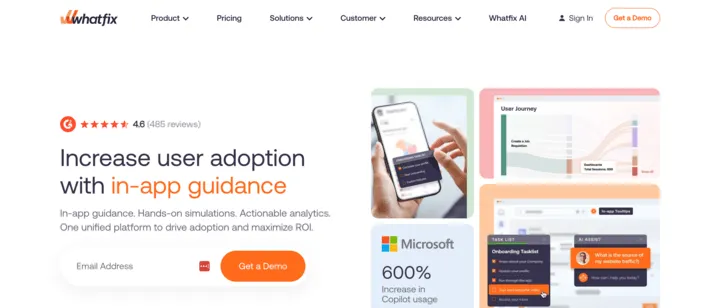
Whatfix is a digital adoption platform with strong training depth: in-app guidance plus interactive simulations (hands-on practice in app replicas), AI Roleplay (scenario-based decision training), and Assessments (validate users actually learned what you taught). Pricing splits into employee-facing and customer-facing tracks.
Key features
- Simulations: Build interactive replicas of your app where users can practice tasks risk-free.
- AI Roleplay: AI-driven scenario simulations for training on decision-making, communication, or judgment-heavy workflows.
- Assessments: Role-based evaluations that validate user readiness before granting access to a system or task.
Pricing. Custom. contact sales for a quote.
Best for: enterprises that need training depth alongside in-app guidance, especially regulated workflows where users must demonstrate competence before going live.
How to choose: which one fits your situation?
| If you’re… | Look at |
|---|---|
| A solo founder or early-stage SaaS on a tight budget | FlowNavi, Hopscotch, Product Fruits |
| Growing SaaS that wants more features without enterprise pricing | UserGuiding, Jimo, Chameleon |
| A product team that wants tours + product analytics in one platform | Userpilot, Pendo |
| Engineering-led, want tours owned in your codebase | Frigade |
| Already on Intercom for support and messaging | Intercom Product Tours |
| Need cross-channel onboarding (in-app + email + push) | Appcues |
| Rolling out enterprise software internally (SAP, Salesforce, Workday) to employees | WalkMe, Whatfix, Userlane, OnScreen, Tango |
| Need accessibility compliance or deep training simulations | Toonimo (accessibility/voice), Whatfix (simulations + assessments) |
Frequently asked questions
What is product tour software?
Product tour software helps you guide users through your SaaS product after they sign up. It includes tooltips, modals, walkthroughs, checklists, and hotspots that activate inside your live application to help users discover features, complete setup, or learn specific workflows.
How is product tour software different from interactive demos?
Product tour software runs inside your live SaaS product to guide signed-up users. Interactive demo software creates clickable replicas of your product to embed on your homepage or send to prospects who haven’t signed up yet. Both use similar UI patterns (clickable steps, tooltips, walkthroughs), but they’re for different jobs and different teams: tours are for product/CS teams driving activation, demos are for sales and marketing driving conversion.
Do I need a dedicated tour tool if I already have Intercom or Pendo?
Probably not. If you’re already paying for Intercom or Pendo, the in-app tours those platforms ship are good enough for most onboarding use cases, and you save on integrating another vendor into your stack. Look at a dedicated tour tool only if you have a specific need that the integrated tools don’t handle well: very deep design customization, a specific AI capability, a unique pricing fit, or a dev-first SDK approach.
What’s the difference between no-code and developer-first tools?
No-code tools (most of the list, including Appcues, Userpilot, FlowNavi) let CS, PM, or marketing teams build and edit tours through a visual builder, often a Chrome extension. Developer-first tools (Frigade is the only one on this list) ship tours as code components inside your codebase, deployed with your app. Developer-first wins when you need deep integration with internal app state or want experiences to feel 100% native to your product’s design. The trade-off: PM and CS can’t iterate on tours alone, every change needs engineering time.
How much does product tour software typically cost?
Pricing in this category ranges widely. On the low end tools start at $79/month (FlowNavi). Mid-market tools typically run $150-300/month for entry tiers (Userpilot, Userflow, Chameleon, Jimo). Enterprise digital adoption platforms (WalkMe, Whatfix, Pendo’s higher tiers, etc.) hide pricing behind contact-sales and typically run into five-figure monthly contracts. A few tools have legitimate free tiers worth knowing about: Pendo , Frigade, and Tango.
Are there any open-source product tour libraries worth using?
Yes, three are worth knowing about. Intro.js, Shepherd.js, and Driver.js are all actively maintained and used in production by SaaS teams that want full control over their tours. The trade-off: you write the tour logic yourself, you maintain it as your UI changes, you build the analytics, and you handle segmentation yourself. Open-source makes sense if your team has the engineering bandwidth and wants tours that feel exactly like part of your product.
Building onboarding for your own SaaS?
Picking the right product tour tool depends on your team size, your stack, and your budget. The use-case table above maps the most common shapes.
If you want a full set of no-code in-app guides at an affordable price, FlowNavi covers tours, checklists, tooltips, hotspots, announcements, and surveys from $79/month, with every feature on every plan. If you need deep customization, product analytics, AI, or enterprise rollouts, one of the other 19 tools above is the better fit.