
10 Best AI Agents for Customer Service in 2026 (With Real Pricing)
AI agents for customer service promise to take real work off your support team: answering customers, sorting tickets and, with some tools, handling requests like a refund on their own. What each one can actually do, and what it costs, varies a lot from tool to tool.
We compared 10 of them on what they really cost for the same usage, what each one does well and where it falls short, and what type of compant each one suits.
In this post
- What is an AI agent for customer service?
- What each AI agent really costs
- The 10 best AI agents for customer service
- FlowNavi: best for B2B SaaS
- HubSpot customer agent: best for HubSpot users
- Fin: best for Intercom users
- Freddy AI Agent: best for Freshdesk users
- eesel AI: best for sorting and routing tickets
- Gorgias: best for Shopify stores
- Zendesk AI: best for Zendesk users
- Salesforce Agentforce: best for Salesforce users
- Ada: best for support in many languages
- Decagon: best for enterprises
- How to choose an AI agent for customer service
- How to test an AI agent before you roll it out
What is an AI agent for customer service?
An AI agent for customer service is software that handles customer conversations for your support team. It answers questions from your help content, and depending on the tool, it can also sort incoming tickets, draft replies for your team and take actions in your other systems, like issuing a refund or updating an account. When it can’t resolve something, it hands the conversation to a person on your team.
Vendors report that their agents resolve most conversations on their own: HubSpot reports a 70% average for its customer agent, and Intercom 76% for Fin.
What sets agents apart is how much they can do on their own. Some answer questions and hand everything else to your team. Others connect to your billing or account systems and finish the job themselves, which takes more setup.
What each AI agent really costs
| Tool | Total per month at 1,000 replies | Human handoff | Best for |
|---|---|---|---|
| FlowNavi | ~$94 | To Intercom, Zendesk, Crisp, HubSpot, LiveChat, tawk.to or email | B2B SaaS |
| HubSpot customer agent | ~$170 + $1,500 onboarding | Inside HubSpot | HubSpot users |
| Fin | ~$217 | Inside Intercom | Intercom users |
| Freddy AI Agent | ~$231 | Inside Freshdesk | Freshdesk users |
| eesel AI | $299 | Inside your helpdesk | Sorting and routing tickets |
| Gorgias | ~$357 | Inside Gorgias | Shopify stores |
| Zendesk AI | ~$369 | Inside Zendesk | Zendesk users |
| Salesforce Agentforce | ~$495 | Inside Salesforce | Salesforce users |
| Ada | Custom | To your helpdesk | Support in many languages |
| Decagon | Custom | To your helpdesk | Enterprises |
How we compared prices. Each agent here measures usage its own way. FlowNavi counts replies, Freddy and eesel count conversations, Fin, HubSpot, Zendesk and Gorgias count the conversations their AI resolves, and Agentforce counts actions. Agents built into a helpdesk usually also need a helpdesk plan, priced per team member. To put them side by side, we assumed:
- Your agent sends 1,000 replies a month.
- A conversation takes about three replies, so that’s around 330 conversations.
- The agent resolves 60% of them without your team, so about 200.
- One team member, for tools priced per team member.
- The cheapest AI model, for tools that let you choose.
- Monthly billing, except for Salesforce, which only offers yearly billing.
If your numbers differ, so do the totals. Vendors report resolution rates from 50-76%, and with tools that charge per resolved conversation, a higher rate means a higher bill.
The 10 best AI agents for customer service
1. FlowNavi: best for B2B SaaS
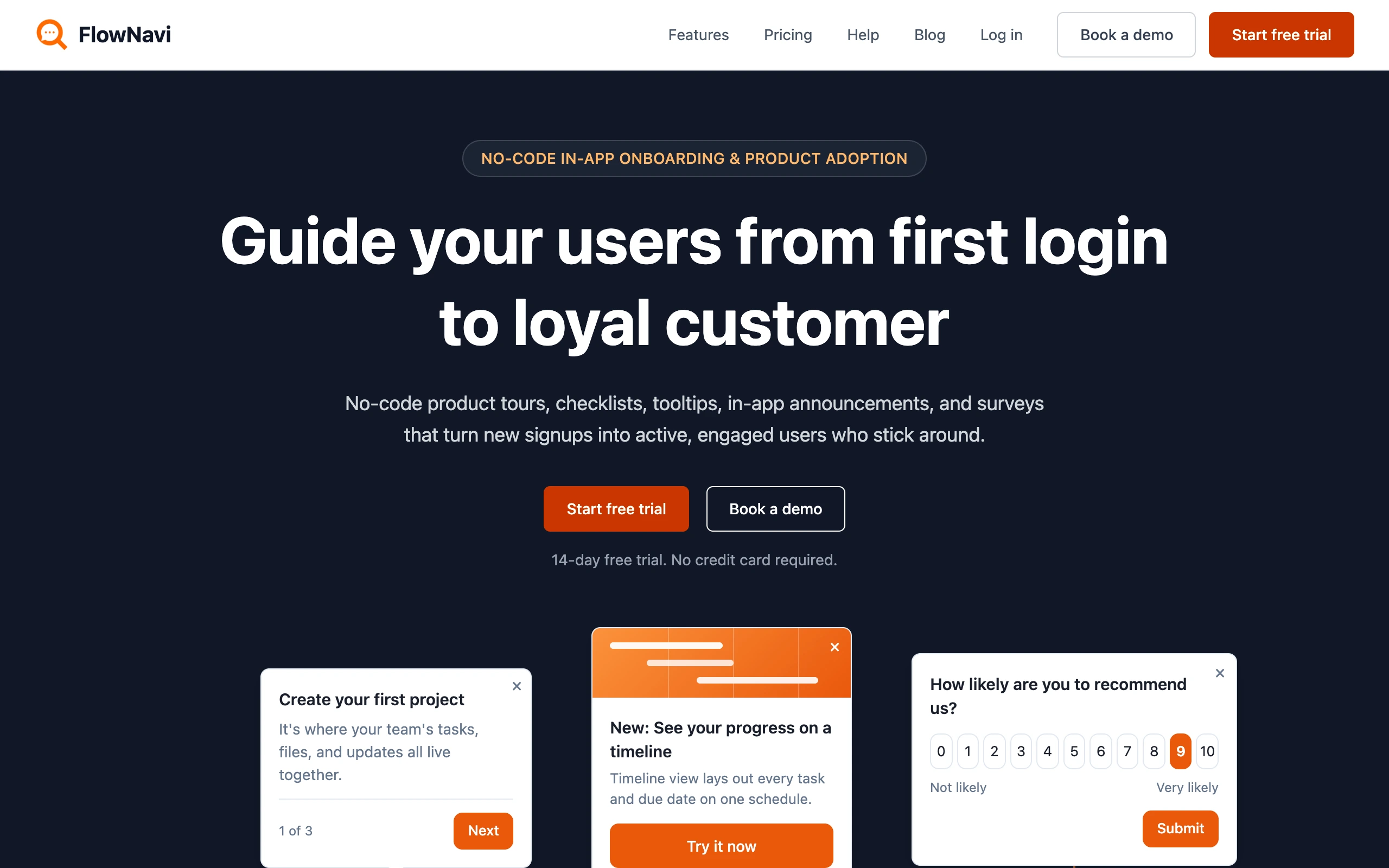
FlowNavi is an AI support agent that sits inside your web app and resolves your users’ questions from your help center.
Pricing. $49/month, with $10 of AI usage included. Each reply after that costs about $0.05 to $0.06. At 1,000 replies a month, you pay about $94 in total: $49 for the plan and about $45 for the AI. Every reply runs on GPT-6.1 Sol, a state-of-the-art model, included in that price.
What it does well. FlowNavi is built for B2B support, so it answers with the context of your product and the person asking. If your app shares each user’s plan and role, it tailors its answers, for example by telling a user that their plan doesn’t include the feature they asked about. When your help center has no answer, it says it doesn’t know rather than guessing, and offers a human handoff to your team in Intercom, Zendesk, Crisp, HubSpot, LiveChat, tawk.to or by email. A “Couldn’t answer” filter shows every question it had no answer to, which points you to the help articles you still need to write.
Where it falls short. FlowNavi works in one channel: your web app. For questions that come in by email, WhatsApp or phone, you’ll need another tool. Your help center also has to be public, because it can’t import articles behind a login.
Best for. B2B SaaS teams that want questions resolved inside their product, tailored to each user.
2. HubSpot customer agent: best for HubSpot users
HubSpot’s customer agent answers customers from your HubSpot knowledge base, takes actions in your CRM, and hands conversations it can’t resolve to your team in HubSpot with the full context.
Pricing. The customer agent comes with any HubSpot Professional plan, so if you already have one, you only pay for the AI: $0.50 for each conversation it resolves, paid in HubSpot credits. HubSpot counts a conversation as resolved when the agent shared an article or took an action and the customer didn’t ask for a person. Starting from scratch, Service Hub Professional costs $100 per team member per month, with $30 of credits included, plus a one-time $1,500 onboarding fee. At 1,000 bot replies a month, you pay about $170 a month for one team member, plus the $1,500 once.
What it does well. Because it runs on your CRM, you can choose which conversations it takes, such as certain customer tiers or issue types, and set it up to take actions like booking a meeting or resetting a password. On your website, it suggests three questions based on the page the visitor is on. It works in live chat, WhatsApp, Facebook Messenger and email.
Where it falls short. Its credits are shared with every other AI feature in HubSpot, so other teams’ AI use can eat into the agent’s budget. When the credits run out, the agent stops taking new conversations until you buy more or the month resets.
Best for. Support teams already on a HubSpot Professional plan who want the agent to work with their CRM data.
3. Fin: best for Intercom users

Fin is Intercom’s AI agent. Besides answering questions, it can update accounts, process payments and refunds, and troubleshoot technical issues.
Pricing. $0.99 for each conversation Fin resolves, plus $19 per team member per month for Intercom’s helpdesk. Fin charges nothing when it can’t answer or the customer asks for a person. At 1,000 bot replies a month, you pay about $217 in total for one team member, almost all of it for Fin’s resolutions.
What it does well. Fin handles multi-step tasks, like updating an account or processing a refund, by reading and writing to your other systems. It sorts incoming conversations and routes the ones it can’t resolve to the right team. It answers by voice as well as chat and email.
Where it falls short. After you update a help article, Fin can keep giving the old answer for a while. Vague or multi-part questions trip it up, and it rarely asks the customer what they mean. Every teammate who picks up Fin’s handovers needs a full Intercom seat, since the cheaper lite seats can only read conversations.
Best for. Support teams on Intercom who want the agent to handle account changes and refunds as well as questions.
4. Freddy AI Agent: best for Freshdesk users
Freshdesk’s AI agent, Freddy, answers customers on chat and email and can run workflows like cancelling an order, all inside Freshdesk.
Pricing. Chat needs Freshdesk Omni, from $35 per team member per month. Freddy is billed per session, meaning each conversation it takes part in, resolved or not: $49 per 100 sessions, with your first 500 free. At 1,000 bot replies a month, you pay about $231 in total for one team member.
What it does well. You can build workflows that let Freddy cancel orders or update subscriptions on its own, and start from ready-made agents for common cases. Besides your Freshdesk knowledge base, it learns from files and public web pages.
Where it falls short. Because every session is billed, conversations Freddy fails to resolve cost as much as the ones it resolves. It also reads only the text of your help content, so steps explained in screenshots or videos are invisible to it.
Best for. Freshdesk teams who want AI on chat and email that can also cancel orders and update subscriptions.
5. eesel AI: best for sorting and routing tickets
eesel AI is an AI agent that works inside the helpdesk you already use, like Zendesk, Freshdesk, Intercom or Gorgias.
Pricing. $299/month for 500 credits. Each ticket or chat uses one credit. At 1,000 bot replies a month, $299 is your total. Every ticket it sorts or drafts a reply for also uses a credit, so running it on your whole inbox can push you to the next tier: 1,000 credits for $499.
What it does well. eesel tags and routes incoming tickets, and drafts replies for your team to review or sends them itself. It learns from your help center, macros and past tickets, so it picks up how your team actually answers. To change how it works, you describe what you want in a chat.
Where it falls short. Its actions are limited to the ones eesel offers, so if you need a custom API action, you wait for eesel to add it.
Best for. Teams on Zendesk, Freshdesk or Intercom who want AI to sort and route tickets and draft replies in the helpdesk they already use.
6. Gorgias: best for Shopify stores

Gorgias is a helpdesk built for online stores, with an AI agent that answers shoppers and makes changes to their Shopify orders.
Pricing. Gorgias bills for tickets, meaning every conversation with a shopper, and for AI resolutions, meaning conversations its AI agent closes without your team. A chat the AI resolves counts as both. The Basic plan costs $90/month and includes 300 tickets and 30 AI resolutions. Beyond those, each ticket costs $0.40 and each AI resolution $1.50. At 1,000 bot replies a month, you pay about $357 in total, and most of that is for AI resolutions.
What it does well. The AI agent can cancel an unfulfilled order, with the items restocked and the shopper refunded in full. It can also change a shipping address or remove an item, all without your team. Email, chat, Facebook, Instagram and WhatsApp messages all land in the same inbox as the AI’s conversations.
Where it falls short. Since every conversation is a billable ticket, your bill grows with your order volume and can jump during holiday peaks. The live chat widget also has limited design options, so you can’t always make it match your store.
Best for. Shopify stores that want an AI agent to handle order changes like cancellations and address updates.
7. Zendesk AI: best for Zendesk users
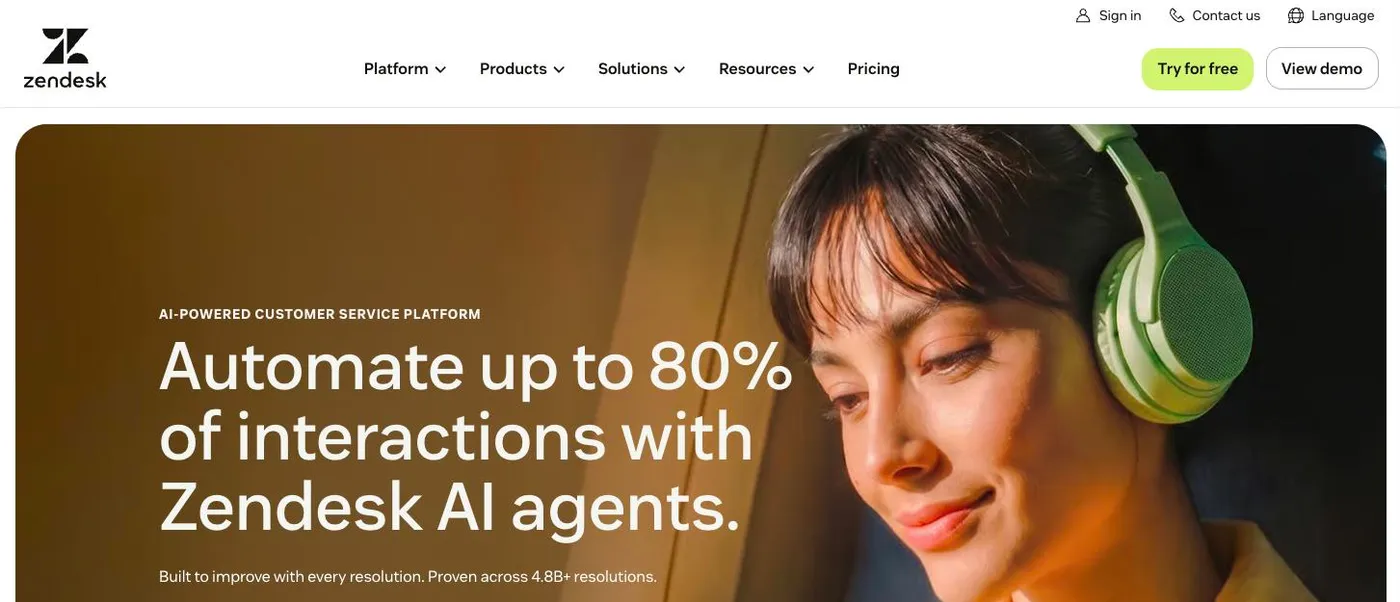
Zendesk’s AI agent is built into its helpdesk. It resolves customer conversations from your Zendesk help center and passes the rest to your team as tickets.
Pricing. The AI agent comes with Zendesk’s Suite plans, from about $69 per team member per month for Suite Team. On top of that, you pay $1.50 for each conversation the AI resolves. Zendesk only counts a conversation as resolved when the customer didn’t ask for more help and an AI check of the conversation confirms it was solved. At 1,000 bot replies a month, you pay about $369 in total for one team member.
What it does well. It searches your help center live, so a fix to an article shows up in the very next answer, and articles meant for signed-in customers are only used with those customers. When your team takes over, the conversation becomes a regular Zendesk ticket with everything the customer already said. You design the agent’s conversations in a drag-and-drop editor, without code.
Where it falls short. Reliable answers take work: expect to write and refine instructions for the AI before you trust it with customers. Sorting incoming tickets with AI, Zendesk’s intelligent triage, only comes with Suite Enterprise.
Best for. Zendesk teams who want an AI agent inside the helpdesk they already run.
8. Salesforce Agentforce: best for Salesforce users
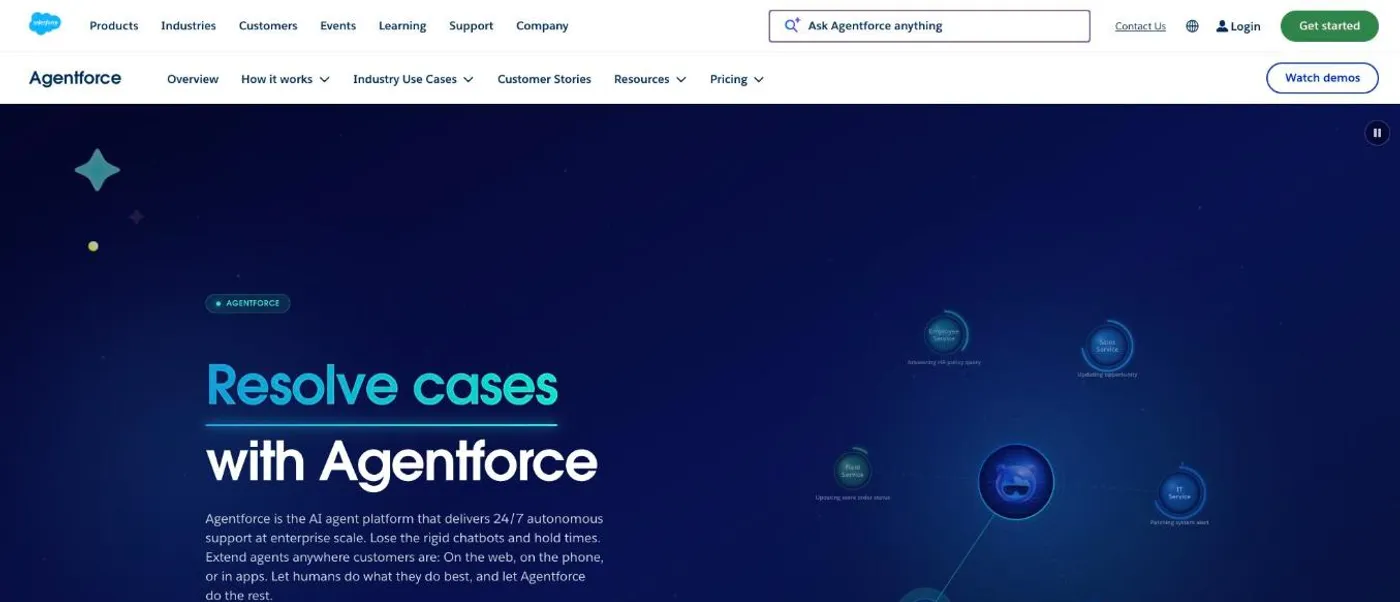
Agentforce is Salesforce’s platform for AI agents. Its customer service agent works on your Salesforce data, so it can update customer records, run workflows and resolve cases.
Pricing. The AI agent comes with Service Cloud Advanced, at $395 per team member per month, billed yearly. On top of that, Salesforce charges $0.10 for each action the agent takes. Salesforce doesn’t say how many actions a conversation uses, so we assumed one per reply: at 1,000 bot replies a month, that’s about $495 a month for one team member.
What it does well. Agentforce acts on the customer records, cases and workflows you already keep in Salesforce, so it can resolve a case end to end with the same data your team uses.
Where it falls short. Expect setup to need someone who knows Salesforce well, plus ongoing testing and tuning. Its answers are only as good as the data in your Salesforce org. And since you pay per action, your monthly cost is hard to predict.
Best for. Support teams that run on Salesforce and have someone to configure it.
9. Ada: best for support in many languages
Ada builds AI agents for large companies that serve customers across chat, email, messaging and voice.
Pricing. Custom pricing.
What it does well. Ada answers in 60 languages on web chat and email. It detects each customer’s language and replies in it, and customers can switch languages mid-conversation. Your team can build and improve the agent without code, and it connects to your systems through APIs to take actions.
Where it falls short. Ada’s dashboard is only in English, so the people managing it need to work in English. Its guided workflows can’t show images, email can need a bot of its own, and reporting doesn’t combine bots, so teams running several pull each bot’s numbers by hand.
Best for. Large companies supporting customers in many languages.
10. Decagon: best for enterprises
Decagon builds AI agents for large companies that resolve requests across chat, email and voice.
Pricing. Custom pricing.
What it does well. You write how Decagon should handle each kind of request in plain language, and the same instructions apply across chat, email and voice. Before a change goes live, you can simulate how the agent will respond. It takes real actions in billing and account systems, like issuing refunds.
Where it falls short. Connecting those actions to your systems means custom API work from your engineers. Unusual requests, like custom orders or deliveries to several locations, still often need a person.
Best for. Large companies with engineers to connect it, that want an agent to resolve complex requests end to end.
How to choose an AI agent for customer service
The right agent depends less on the AI itself than on where your support already runs and how much you want the agent to do.
Start with the tools your team already uses
If your team works in Intercom, HubSpot, Freshdesk, Zendesk, Gorgias or Salesforce, that platform’s own agent hands conversations over inside it and can act on the data it already holds. eesel works inside most of these helpdesks too, if you want AI that sorts tickets and drafts replies for your team. If your customers are users of your web app, FlowNavi answers them inside it and hands over to the chat tool or email your team already uses.
Decide how much it should do on its own
Every agent here answers from your help content. Taking actions, like issuing a refund or updating an account, means connecting the agent to your other systems. Gorgias does this for Shopify orders with ready-made actions, Fin, Freddy and HubSpot let you set up actions, and Agentforce and Decagon go furthest but need technical setup.
Estimate your own bill
Our totals use 1,000 bot replies a month. To estimate your own, take your monthly conversation count from your helpdesk or chat tool. For agents that charge per resolved conversation, multiply it by the share you expect the agent to resolve. For FlowNavi, which charges per reply, multiply it by the replies a conversation usually takes. Then add the plan.
Plan for setup
The more an agent does on its own, the more setup it takes. Agents that answer questions mostly need good help content. Agents that take actions need those actions connected and tested, and Agentforce and Decagon usually need someone technical to do it.
How to test an AI agent before you roll it out
An AI agent acts for your team with nobody checking each reply, so test it on real cases before customers see it. Most tools here offer a free trial or free usage to start with.
- Collect 10 to 20 real conversations from last month, including a few that needed a person and a few your help content doesn’t cover.
- Run each one through the agent. Check whether the answer is right and where it came from.
- Ask it things it can’t know. A good agent says it doesn’t know and offers your team. A risky one guesses.
- Try actions on test data first. If the agent will issue refunds or change accounts, try it on a test account before real customers.
- Ask for a person mid-conversation. Check that customers reach your team easily when they want to.