9 Best Chatbase Alternatives & Competitors in 2026 (With Real Pricing)
Chatbase’s cheapest plan is $48 a month, but that price doesn’t go far: credits run out, better AI costs extra, and human handoff needs the $180 plan. Every alternative has fine print like this behind its price.
So we worked out what each of these nine tools really costs for the same usage, and looked at what each one does well and where it falls short.
In this post
- What each Chatbase alternative really costs
- Why people look for Chatbase alternatives
- Chatbase pricing: what you really pay
- Under $100 a month: FlowNavi, Chatling, CustomGPT
- $100 to $300 a month: Fin, Botpress, eesel AI
- Enterprise: Tidio, Ada, Decagon
- How to test a Chatbase alternative before you switch
- When Chatbase is still the right choice
What each Chatbase alternative really costs
| Tool | Total per month at 1,000 replies | Human handoff | Best for |
|---|---|---|---|
| Chatbase | $88 | Only on the $180 plan | Low-volume teams on many channels |
| FlowNavi | ~$94 | To Intercom, Zendesk, Crisp, HubSpot, LiveChat, tawk.to or email | B2B teams supporting users inside their web app |
| Chatling | $25 | To its own inbox | Small teams on a budget |
| CustomGPT | $99 | No | Teams with large document libraries |
| Fin | ~$217 | To Intercom or your helpdesk | Teams on Intercom |
| Botpress | ~$254 | To its own inbox or your helpdesk | Technical teams building agents that take actions |
| eesel AI | $299 | Inside your helpdesk | Teams that run support in a helpdesk |
| Tidio | ~$410 | To its own inbox | Online stores, especially on Shopify |
| Ada | Custom | To your helpdesk | Large companies with high support volume |
| Decagon | Custom | To your helpdesk | Large companies resolving complex requests |
How we compared prices. These tools charge in different ways: per reply (each answer the bot sends), per chat (the whole conversation with one customer), or, for Fin, per chat the bot resolves. To compare them, we made a few assumptions:
- Your bot sends 1,000 replies a month.
- A chat takes three replies, so that’s about 330 chats.
- The bot resolves 60% of chats without your team.
- Where a tool lets you choose the AI, you pick the cheapest. Cheaper AI gives weaker answers, so better answers cost more than shown.
- You pay monthly. Most tools are cheaper if you pay for a year upfront.
If your numbers are different, the prices change with them. For example, if your chats run longer, tools that charge per chat get cheaper.
Why people look for Chatbase alternatives
Human handoff starts at $180 a month. On the $48 plan, your team can’t take over a chat. There’s no inbox, and no connection to Zendesk, Intercom or any other helpdesk.
Good answers cost more. A reply on a better AI model costs two to five times as much as one on a budget model, so the plan’s credits run out sooner.
Answers are hard to trust. They vary from one conversation to the next, and it’s hard to tell what the bot learned from your content.
Support is slow to reply, and sometimes doesn’t reply at all.
Extras add up. Removing the “Powered by Chatbase” badge costs $99 a month, on any plan.
Chatbase pricing: what you really pay
Chatbase has three plans: $48, $180 and $600 a month.
At 1,000 replies a month, you pay about $88 in total. The $48 plan covers 700 replies on a budget model, and the other 300 need a $40 top-up: $48 + $40 = $88.
With human handoff, it’s $180 a month.
A stronger model doubles the cost of every reply. On GPT-6.1 Sol or Claude Sonnet, 1,000 replies need two $40 top-ups: $48 + $80 = $128 a month in total.
Chatbase alternatives under $100 a month
1. FlowNavi
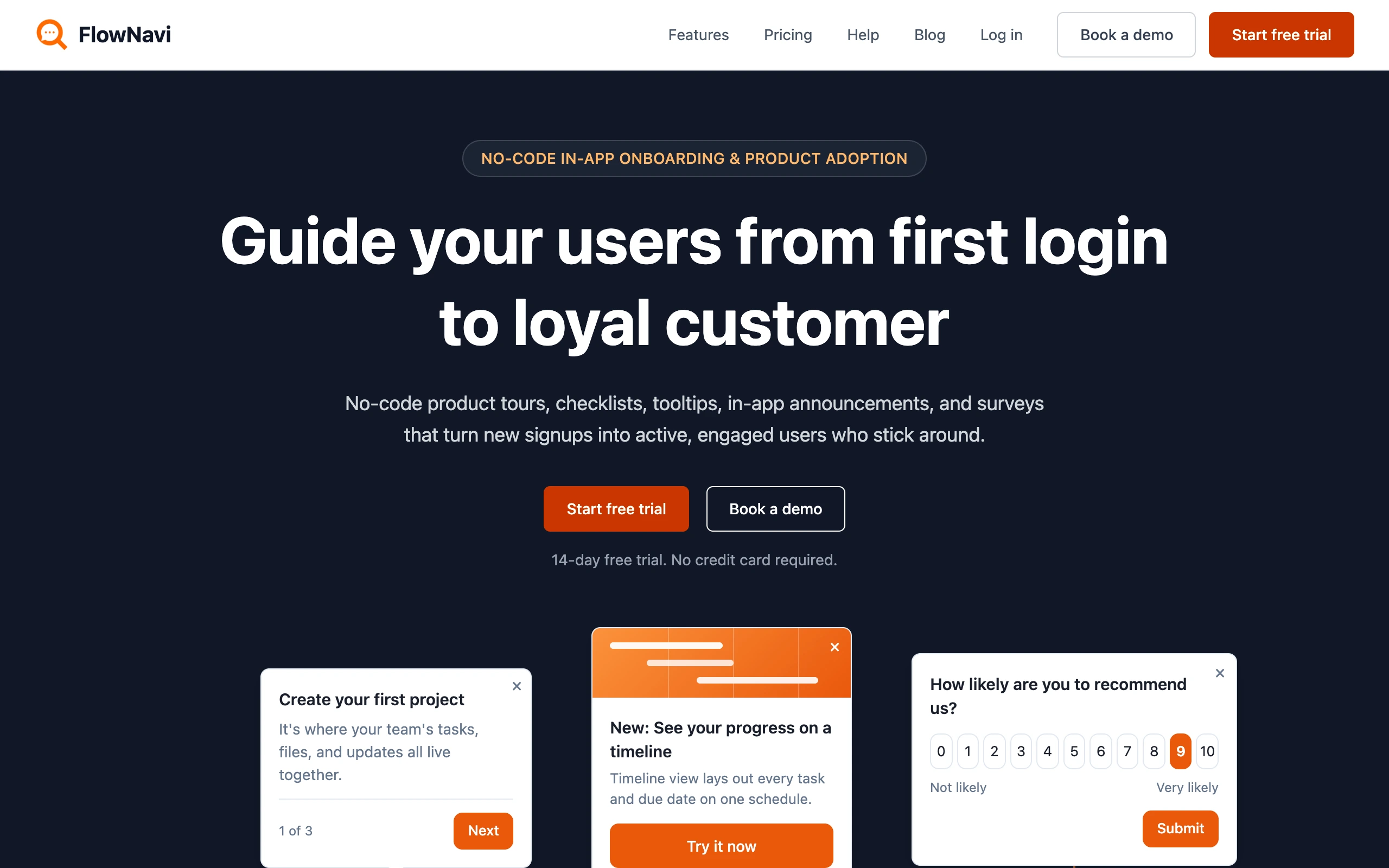
FlowNavi is an AI support agent that answers your users’ questions inside your web app, from your help center. It costs about the same as Chatbase’s cheapest plan, with human handoff and your own branding included.
Pricing. $49/month, including $10 of AI usage. Each reply after that costs about $0.05 to $0.06. At 1,000 replies a month, the AI costs about $45 on top of the plan: $49 + $45 = about $94 in total. Free trial available.
What it does well. FlowNavi is built to say “I don’t know” rather than guess, so your users rarely get a made-up answer. When it can’t help, it offers to connect them with your team in Intercom, Zendesk, Crisp, HubSpot, LiveChat, tawk.to or by email. It’s designed specifically for B2B support, and since it lives inside your app, it knows who it’s talking to. If your app passes along each user’s plan and role, it tailors its answers, for example by telling someone a feature isn’t on their plan. And every reply runs on GPT-6.1 Sol, a state-of-the-art model, at no extra cost.
Where it falls short. FlowNavi works in one channel, your web app. It isn’t on WhatsApp, Messenger, email or the phone. Your help center also has to be public, because it can’t learn from articles behind a login.
Best for. B2B teams that want a support bot inside their web app that says “I don’t know” instead of guessing.
2. Chatling
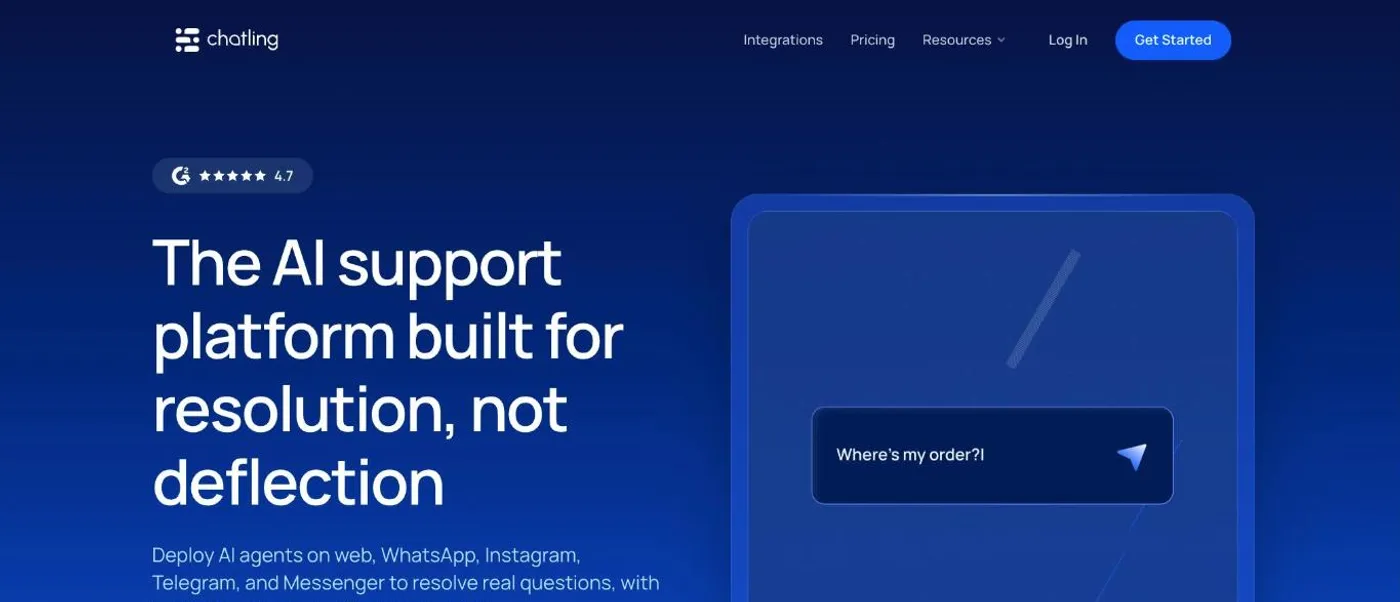
Chatling is the closest thing to Chatbase on this list: an AI chatbot that answers from your website and docs, plus a visual flow builder and live chat, for less money.
Pricing. $25/month, with AI credits included. On a budget model, those credits cover 1,000 replies, so $25 is your total. A stronger model uses more credits per reply, so you’d need about $40 of extra credits a month: $25 + $40 = about $65 in total. Free plan available.
What it does well. Chatling is genuinely quick to set up: you can have a bot live in 20 to 30 minutes without writing any code. Human handoff is included on every plan, even the free one, and your team gets an AI summary of the conversation so far. The visual flow builder lets you guide users down set paths, like capturing a lead or working through a troubleshooting checklist.
Where it falls short. Bigger bots get hard to manage. Flows sit on one long canvas, and you can’t copy, import or export them. Each channel also needs its own bot, so your website bot and your WhatsApp bot are built and maintained separately. When the bot hands a chat over, your team answers it in Chatling’s own inbox.
Best for. Small teams that want Chatbase’s simplicity plus guided flows, for less.
3. CustomGPT
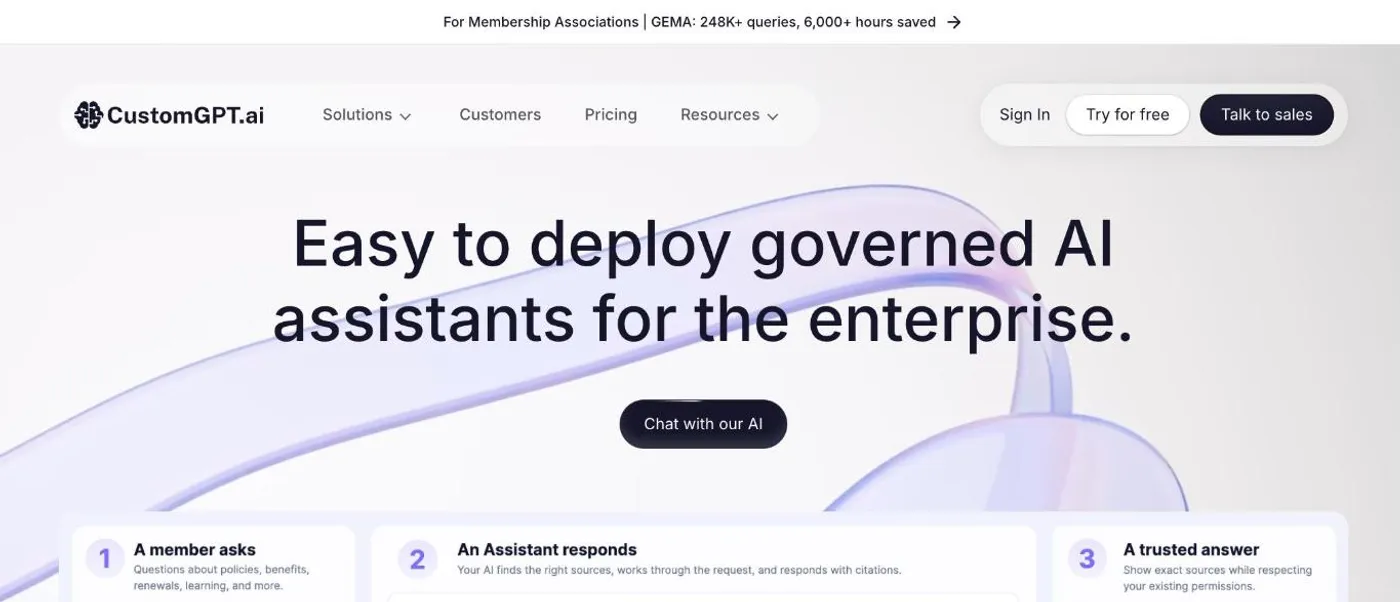
CustomGPT is an AI assistant for answering questions from large document libraries, aimed at bigger companies.
Pricing. $99/month, with the AI included for up to 1,000 replies, so there’s no extra AI cost: $99 is your total. If you go past 1,000 replies, the next step is $375/month for 2,500 more. Free trial available.
What it does well. CustomGPT can learn from almost anything: over 1,400 file types, plus YouTube videos, audio files and podcasts. It’s strong on long, detailed documents, shows the source behind each answer, and would rather say no than make something up.
Where it falls short. There’s no human handoff. The closest it gets is a button in the chat that links to your email, phone number or booking page. You also can’t choose which AI model it uses, and removing the “Powered by CustomGPT” badge takes the $499 plan.
Best for. Teams answering from large libraries of documents and media, where accuracy matters more than live help.
Chatbase alternatives from $100 to $300 a month
4. Fin
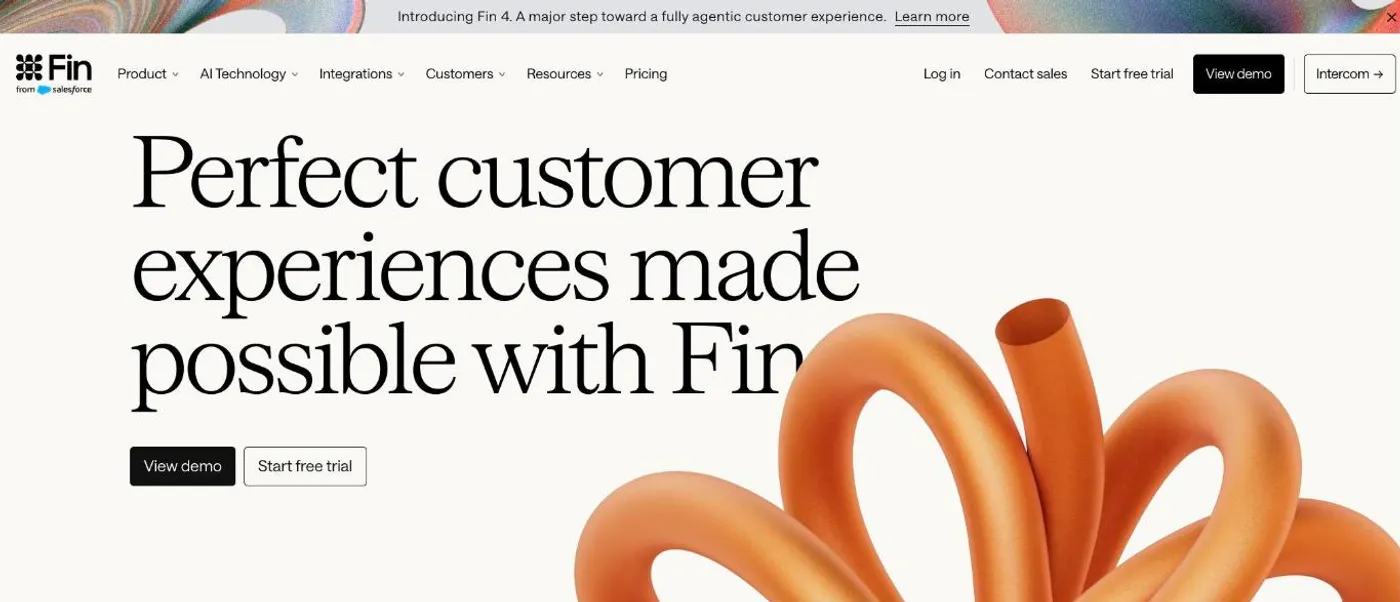
Fin is Intercom’s AI agent. It works inside Intercom, or on top of Zendesk, Salesforce, Freshdesk and other helpdesks.
Pricing. $0.99 for each chat Fin resolves, plus $19/month per Intercom seat. At 1,000 replies, Fin resolves about 200 chats, so the AI costs about $198: $19 + $198 = about $217 in total. Free trial available.
What it does well. You don’t have to switch helpdesks to use Fin, since it runs on top of Zendesk, Salesforce and Freshdesk as well as Intercom. It sorts incoming chats and emails, and routes anything it can’t answer to the right team. Fin also comes with tools to review and improve its answers, including an AI assistant that helps you tune it, available as an add-on from $100/month.
Where it falls short. Fin can be slow to pick up changes to your help docs, so customers may get outdated answers for a while after you update an article. It also struggles with vague or multi-part questions, and doesn’t ask a clarifying question when it’s unsure. If your team works in Intercom’s inbox, everyone who answers handed-off chats needs a full seat, because the cheaper lite seats are read-only.
Best for. Support teams on Intercom, or larger teams on Zendesk or Salesforce.
5. Botpress
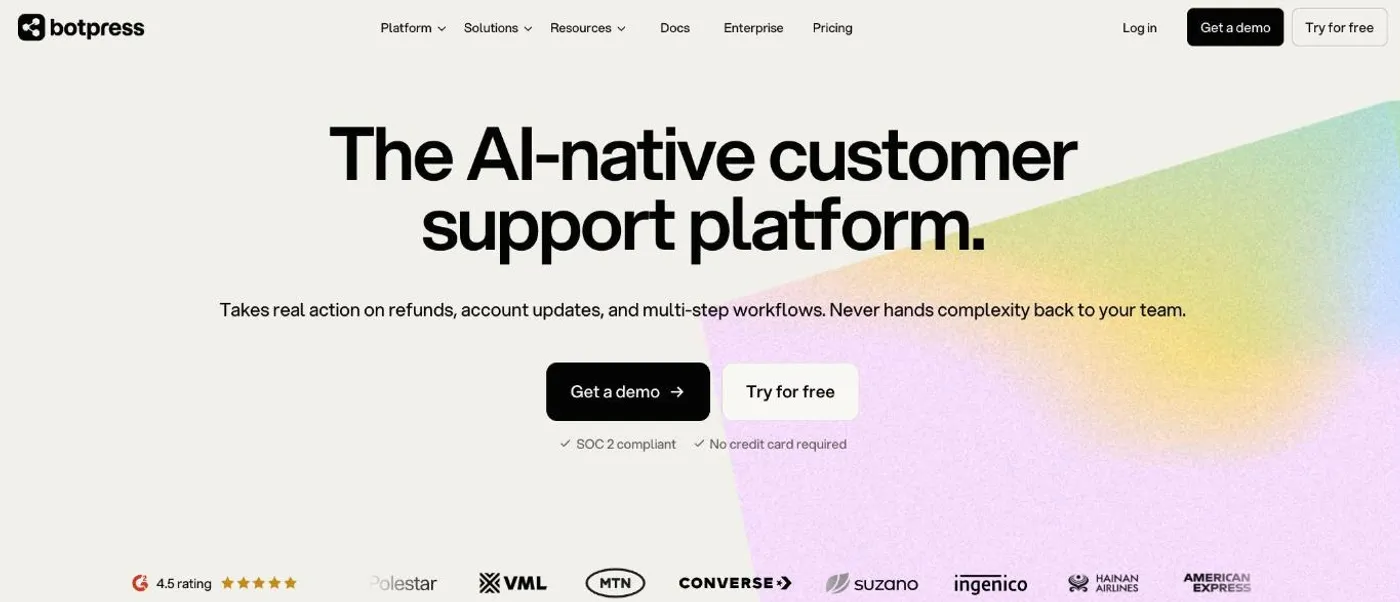
Botpress is a platform for building AI agents that do things for customers, like processing refunds or updating accounts, not just answer questions.
Pricing. $189/month for 250 chats. Extra chats cost $0.65 each, sold in packs of 100. At 1,000 replies (about 330 chats), you need one extra pack: $189 + $65 = about $254 in total. Each chat includes up to $0.10 of AI usage; if a chat uses more, you pay the AI provider’s price for the rest. Free plan available.
What it does well. Botpress agents can take real actions, like refunds and account updates, as part of multi-step workflows. It connects quickly to WhatsApp and Messenger, and if you need something it doesn’t support out of the box, you can build your own integration.
Where it falls short. The learning curve is steep. Expect to spend about a week getting comfortable, and the docs are light on real-world examples. Its inbox for your team, Botpress Desk, is also new and not fully featured yet.
Best for. Teams with technical people who want an agent that takes action, not just answers.
6. eesel AI
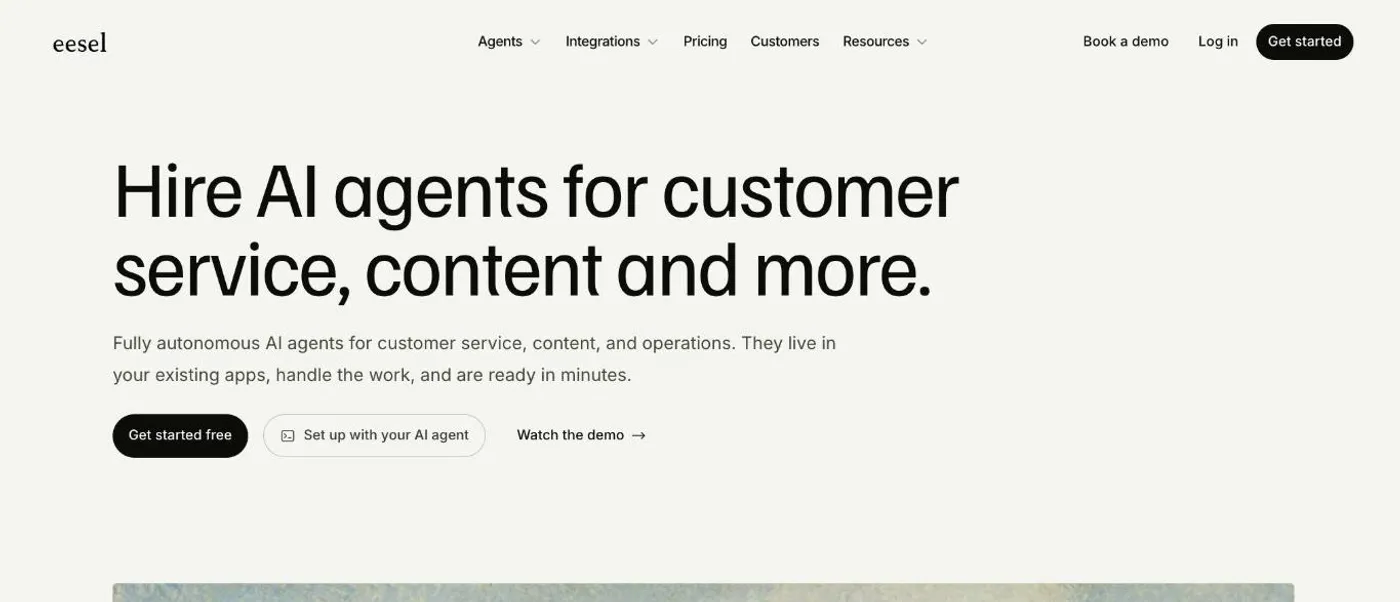
eesel AI is an AI agent that works inside your helpdesk, like Zendesk, Freshdesk or Intercom, and as a chat bubble on your website.
Pricing. $299/month for 500 chats, with the AI included. At 1,000 replies (about 330 chats), there’s no extra AI cost: $299 is your total. Free trial available.
What it does well. eesel learns from your past tickets, Notion pages and website, not just your help center, so it picks up your procedures along with your docs. It’s also easy to improve: describe what you want changed in a chat, and it rewrites its own instructions.
Where it falls short. Setup with Zendesk is fiddly, because the connection runs through triggers and webhooks rather than a native app. You can’t add your own API actions either, so if you need one that isn’t there, you wait for eesel to build it. There’s no WhatsApp, Instagram, Messenger or phone support.
Best for. Teams on Zendesk, Freshdesk or Intercom that want an AI that learns from their past tickets.
Enterprise Chatbase alternatives
7. Tidio
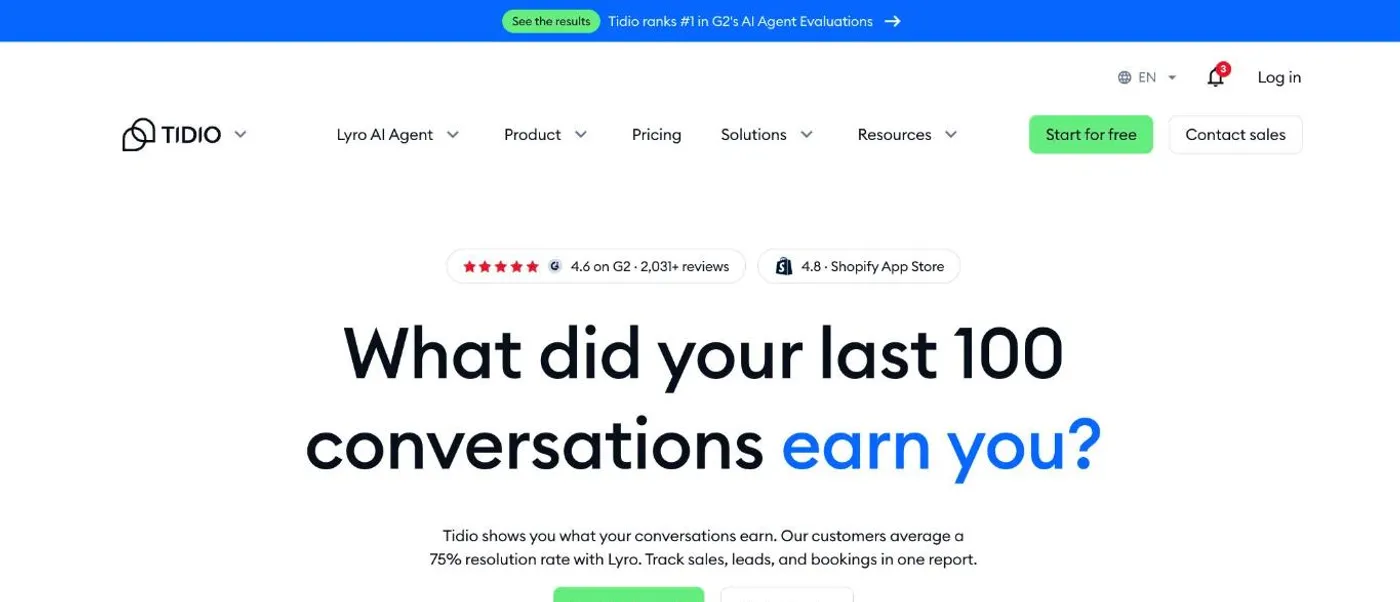
Tidio is live chat and a help desk with an AI agent built in, made for online stores.
Pricing. $59/month for live chat and the help desk, plus $350/month for the AI agent, which covers up to 500 AI chats. At 1,000 replies (about 330 chats): $59 + $350 = about $410 in total. Free plan available.
What it does well. Tidio’s AI can look up and update orders for shoppers, and it integrates tightly with Shopify. Live chat, the help desk and the AI agent all live in one tool, so when the bot hands over, your team picks up in the same inbox. It can also start conversations with visitors on your site instead of waiting for them to ask.
Where it falls short. Reporting is basic: to see how the AI is doing, you end up reading through conversations by hand. Live chat, the AI agent and automated flows are also sold as separate packages, and the costs add up quickly.
Best for. Online stores, especially on Shopify, that want live chat and AI in one tool.
8. Ada
Ada is an AI customer service platform for large companies, covering every channel from chat to voice. More than 350 businesses use it.
Pricing. Custom pricing.
What it does well. Your team can train, test and improve Ada’s AI without writing code, and its API connections let it take actions in your own systems. It also has built-in safeguards against made-up answers.
Where it falls short. Ada’s guided workflows can’t show customers images or other media. Email can need a bot of its own, and since reporting doesn’t combine bots, you end up copying the numbers from each one by hand.
Best for. Large companies with high support volume.
9. Decagon
Decagon builds AI agents for large companies, across chat, phone and email.
Pricing. Custom pricing.
What it does well. Instead of building flows, you write how Decagon should handle each case in plain language. One set of rules covers chat, email and voice, and you can run simulations to see how it will respond before a change goes live. It also takes real actions in your billing and account systems, like issuing refunds.
Where it falls short. Connecting those actions means your engineers writing custom API code, so setup is heavier than it first looks. Unusual requests, like custom orders or deliveries across several locations, still often end up with a person.
Best for. Large companies with the engineering time to set it up, that want AI to resolve complex requests end to end.
How to test a Chatbase alternative before you switch
Pricing pages and reviews only tell you so much. What matters is how well a bot answers your customers, and the only way to find out is to try it on your own content. Most of the tools above have a free trial or a free plan, so you can test a few side by side.
- Collect 5 to 15 real questions. Pull them from recent chats or emails, and include a few your help center doesn’t answer.
- Ask every bot the same questions. For each answer, check whether it’s correct and whether it points to the right help article.
- Watch what happens when it doesn’t know. A good bot says so and offers to connect the user with your team. A bad one makes something up.
When Chatbase is still the right choice
Chatbase is still a good fit in a few cases.
You need one bot on many channels. Chatbase covers WhatsApp, Messenger, Instagram and Slack on every plan, plus phone calls from the $180 plan.
You want the bot to take actions. It can book meetings, and it connects to tools like Shopify and Stripe.
You don’t need human handoff, and you stay under 700 replies a month. Then the $48 plan is hard to beat.