11 Best Customer Service Chatbots in 2026 (With Real Pricing)
A customer service chatbot rarely costs what its pricing page says. Most charge for the AI on top of the plan, and each one counts that usage differently. Which bot fits you also depends a lot on where your team already answers customers.
So we worked out what 11 chatbots really cost for the same usage, and matched each one to the kind of team it suits best.
In this post
- What is a customer service chatbot?
- What each customer service chatbot really costs
- For B2B SaaS: FlowNavi
- For websites and social media: Chatbase
- For large knowledge bases: CustomGPT
- For HubSpot users: HubSpot customer agent
- For Help Scout users: Help Scout AI
- For Intercom users: Fin
- For Freshdesk users: Freddy AI Agent
- For building a custom bot: Botpress
- For Zendesk users: Zendesk AI
- For online stores: Tidio
- For enterprises: Ada
- How to choose a customer service chatbot
- How to test a customer service chatbot before you buy
What is a customer service chatbot?
A customer service chatbot is software that answers your customers’ questions automatically, in a chat window on your website or app, or in messaging apps like WhatsApp and Instagram. AI chatbots write each answer from your own help content, like help center articles and docs, so you don’t have to script the conversations.
They take the questions your team answers again and again: how to do something, what a plan includes, where an order is. Vendors say their bots solve 65% to 76% of conversations on their own (HubSpot reports 65%, Help Scout 73% and Fin 76%), and we assume 60% in our price comparison. Everything else, like complaints, unusual cases and questions your help content doesn’t cover, goes to your team. That’s called human handoff.
Some chatbots also take actions, like looking up an order, issuing a refund or booking a meeting, by connecting to your other systems.
How good the answers are comes down to two things: how complete your help content is, and what the bot does when the answer isn’t there.
What each customer service chatbot really costs
| Tool | Total per month at 1,000 replies | Human handoff | Best for |
|---|---|---|---|
| FlowNavi | ~$94 | To Intercom, Zendesk, Crisp, HubSpot, LiveChat, tawk.to or email | B2B SaaS |
| Chatbase | $88 | Only on the $180 plan | Websites and social media |
| CustomGPT | $99 | No | Large knowledge bases |
| HubSpot customer agent | ~$170 + $1,500 onboarding | Inside HubSpot | HubSpot users |
| Help Scout AI | ~$180 | Inside Help Scout | Help Scout users |
| Fin | ~$217 | Inside Intercom | Intercom users |
| Freddy AI Agent | ~$231 | Inside Freshdesk | Freshdesk users |
| Botpress | ~$254 | To its own inbox or your helpdesk | Building a custom bot |
| Zendesk AI | ~$369 | Inside Zendesk | Zendesk users |
| Tidio | ~$410 | To its own inbox | Online stores |
| Ada | Custom | To your helpdesk | Enterprises |
How we compared prices. Some chatbots charge for each reply the bot sends, some for each chat (a whole conversation with one customer), and some only for chats the bot solves without your team. Bots built into a helpdesk also need a helpdesk plan, priced per person on your team. To put them side by side, we assumed:
- Your bot sends 1,000 replies a month.
- A chat takes about three replies, so that’s around 330 chats.
- The bot solves 60% of chats on its own, so about 200.
- One person on your team, for tools that charge per team member.
- The cheapest AI model, for tools that let you choose. Cheaper models give weaker answers, so better answers cost more than shown for some tools.
- Monthly billing. Most tools are cheaper if you pay for a year upfront.
Your numbers will differ, and the totals move with them. Tools that charge per solved chat cost more the more your bot solves, and tools that charge per chat get cheaper when chats run longer.
Best customer service chatbot for B2B SaaS
1. FlowNavi
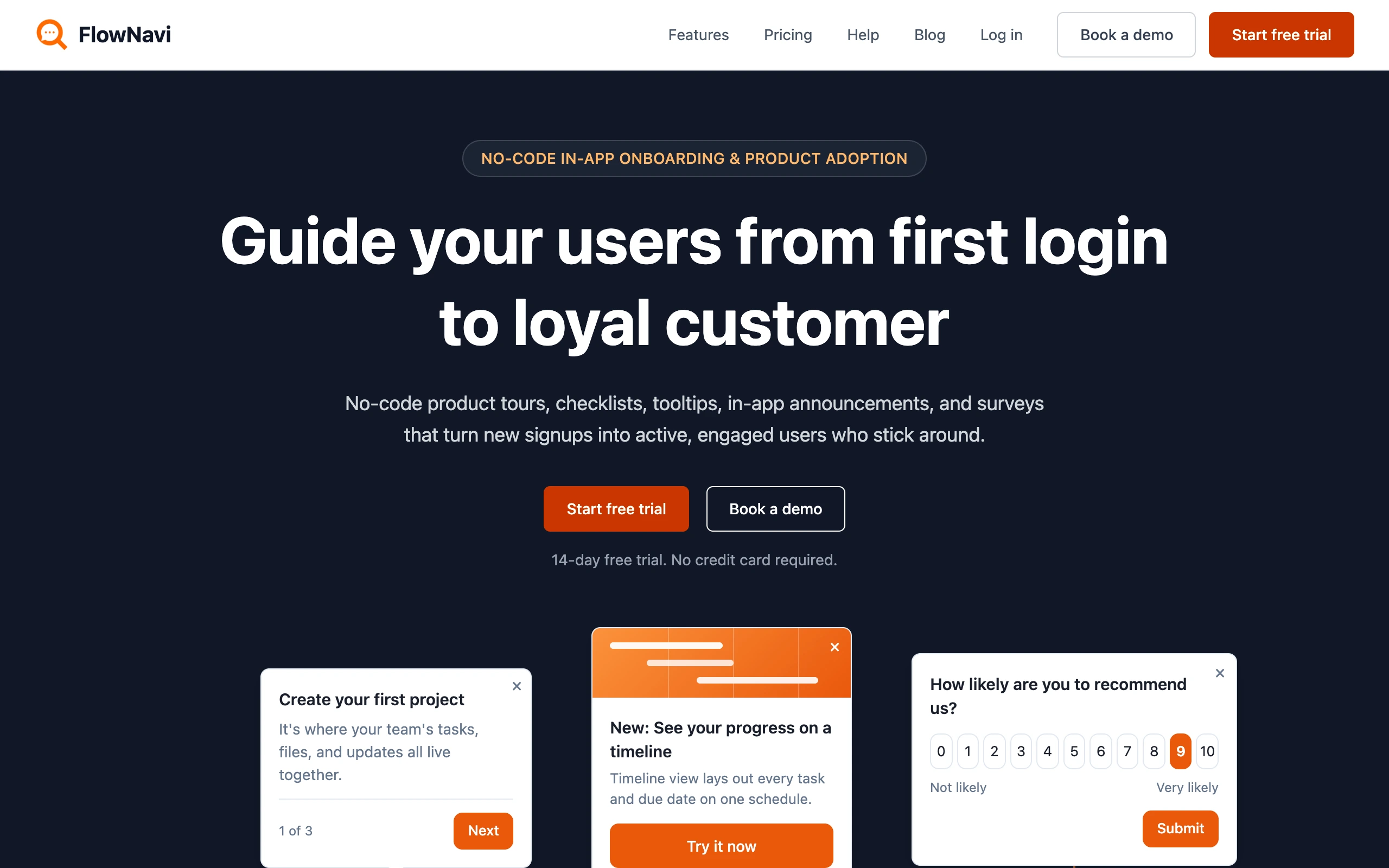
FlowNavi is an AI support agent for B2B software. It lives inside your web app and answers your users’ questions from your help center.
Pricing. $49/month, with $10 of AI usage included. Each reply after that costs about $0.05 to $0.06. At 1,000 replies a month, that’s about $45 of AI on top of the plan, so you pay $49 + $45 = about $94 in total. Every reply runs on GPT-6.1 Sol, a state-of-the-art model, at no extra cost.
What it does well. FlowNavi is built for B2B support, and because it runs inside your app, it knows who’s asking. Share each user’s plan and role, and it answers accordingly, for example by explaining that a feature isn’t included in their plan. When your help center doesn’t cover a question, it says it doesn’t know rather than guessing, and offers a human handoff to your team in Intercom, Zendesk, Crisp, HubSpot, LiveChat, tawk.to or by email.
Where it falls short. FlowNavi lives in your web app only, so if customers also reach you on WhatsApp, email or the phone, you’ll need something else there. It also needs a public help center, since it can’t read articles behind a login.
Best for. B2B SaaS companies that want answers tailored to each user, inside their app.
Best customer service chatbot for websites and social media
2. Chatbase
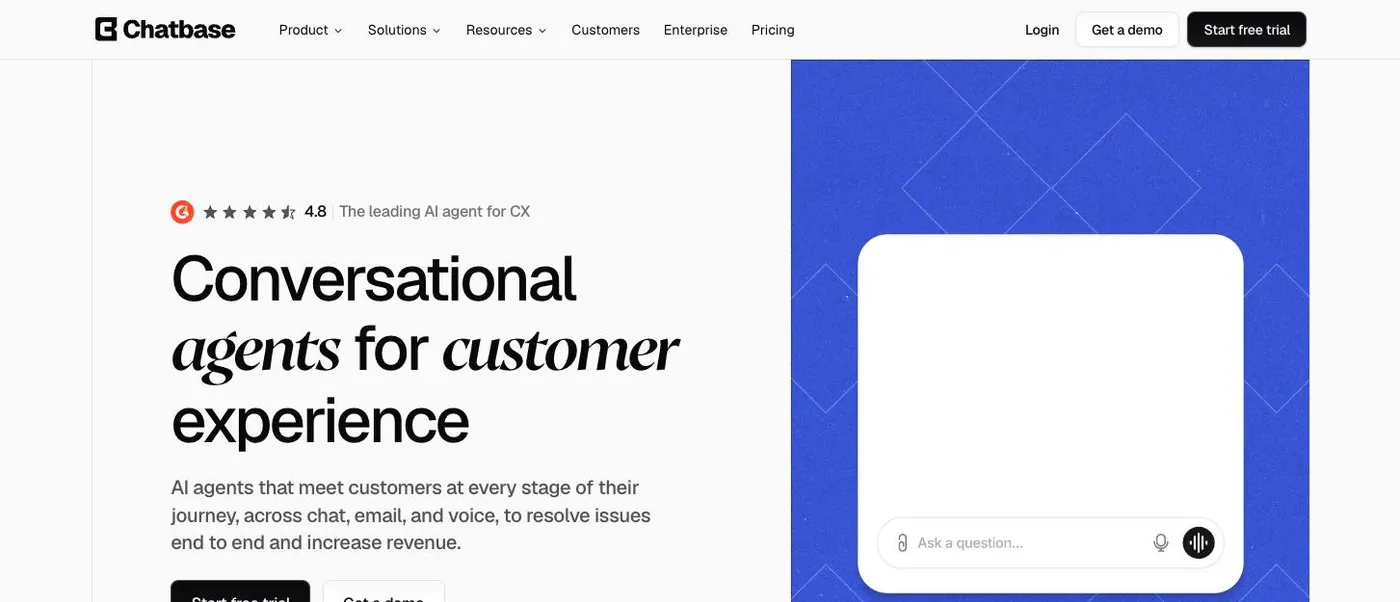
Chatbase is an AI chatbot you train on your website and documents, then put on your site and in messaging apps.
Pricing. $48/month. That plan’s credits cover about 700 replies on a budget AI model, so 1,000 replies take one $40 credit pack on top: $48 + $40 = $88 in total. For human handoff, you need the $180 plan, which also covers your 1,000 replies.
What it does well. One bot answers on your website, WhatsApp, Messenger, Instagram and Slack, on every plan, and from the $180 plan it can answer phone calls too. It connects to Shopify and Calendly on every plan, so it can, for example, book a meeting during the chat.
Where it falls short. Answers aren’t always reliable: they can vary from one chat to the next, and sometimes they’re wrong. Chatbase’s support is slow to respond. And your bot shows “Powered by Chatbase” unless you pay $99 a month more.
Best for. Businesses that want one simple bot answering on their website and on Instagram, WhatsApp and Messenger, without setting up a helpdesk.
Best customer service chatbot for large knowledge bases
3. CustomGPT
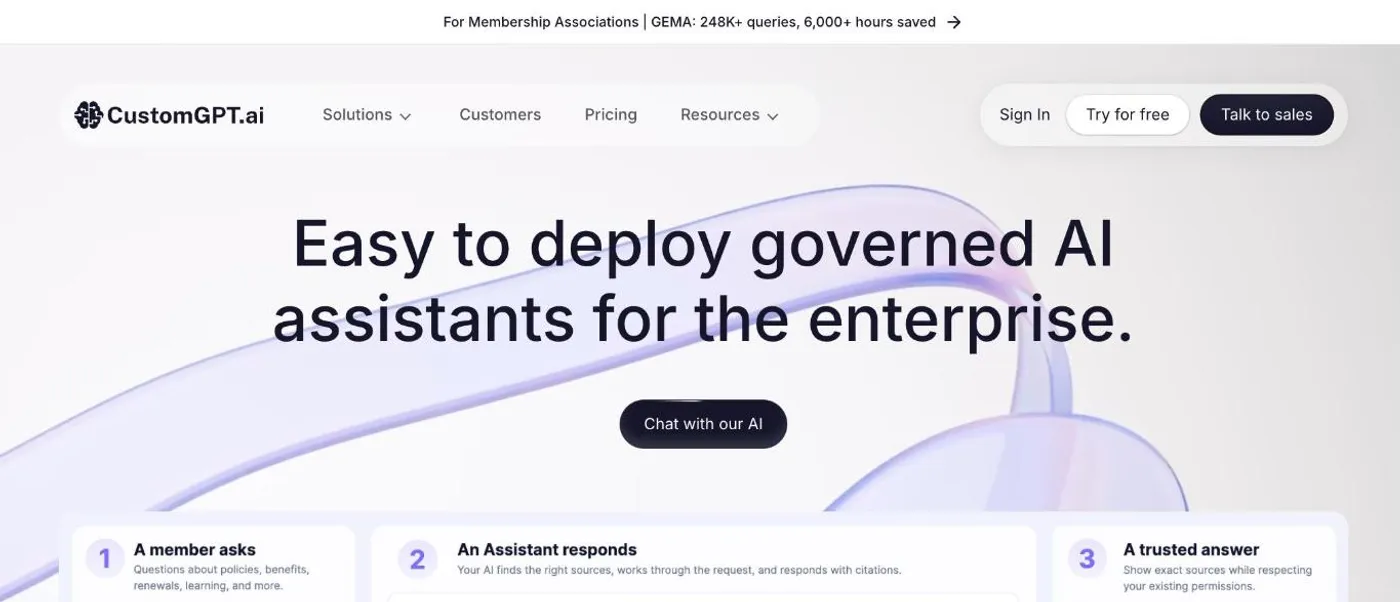
CustomGPT builds AI assistants that answer from your own documents and media, with the source shown under every answer.
Pricing. $99/month for up to 1,000 replies, with the AI included, so $99 is your total. The plan holds up to 5,000 documents per bot. Past 1,000 replies, the next step is $375/month for 2,500 more.
What it does well. It learns from over 1,400 file types, including Word and PowerPoint, plus YouTube videos, audio files and podcasts, and it handles long, detailed documents well. When it isn’t sure, it declines to answer rather than inventing one.
Where it falls short. It can’t pass a chat to a person: the nearest option is a chat button linking to your email, phone or booking page. The AI model is fixed unless you’re on Enterprise, and the CustomGPT branding stays unless you pay $499 a month.
Best for. Teams with large document libraries who want every answer backed by a source.
Best customer service chatbot for HubSpot users
4. HubSpot customer agent
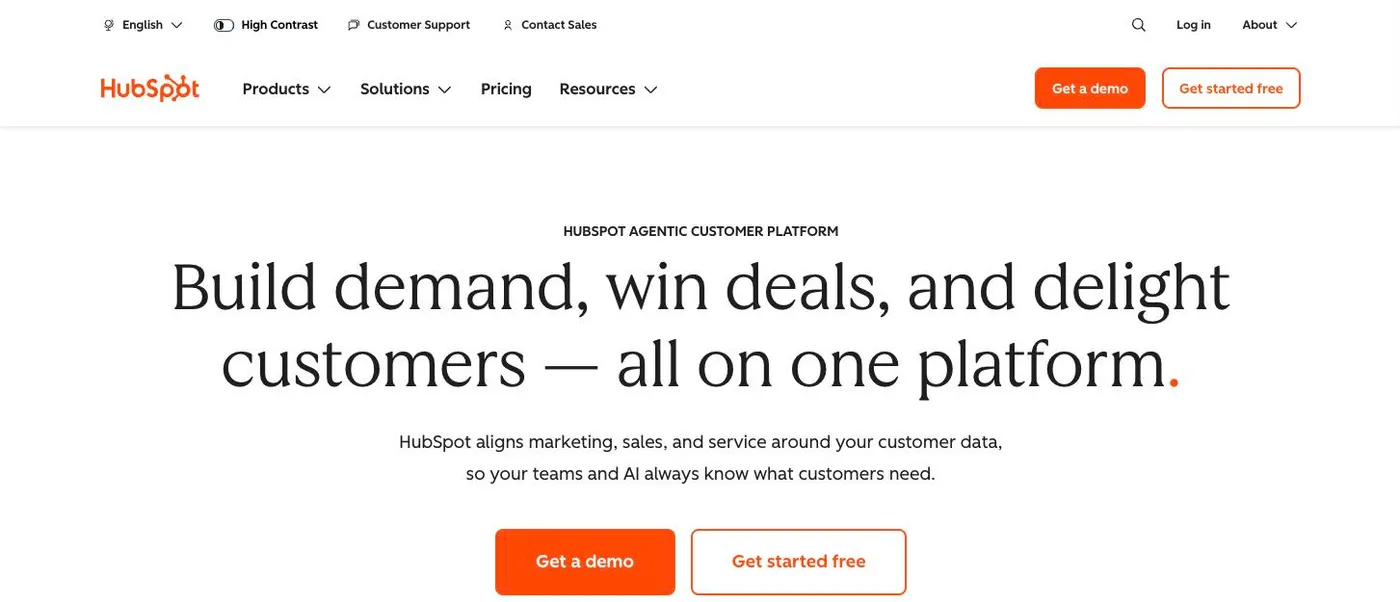
HubSpot’s customer agent is its AI chatbot. It answers customers from your HubSpot knowledge base and passes chats it can’t solve to your team in HubSpot.
Pricing. The customer agent comes with any HubSpot Professional plan, so if you already have one, you only pay for the AI. Starting from scratch, Service Hub Professional costs $100 per team member per month, plus a one-time $1,500 onboarding fee. The AI is paid in HubSpot credits: each chat the agent solves costs $0.50, and the plan includes $30 of credits a month. HubSpot counts a chat as solved when the agent shared an article or took an action, and the customer didn’t ask for a person within 72 hours. At 1,000 bot replies a month, we assume about 330 chats, with the agent solving 60% of them, so about 200. Those cost $100 in credits, of which $30 is included, so the AI adds about $70. In total: $100 for the plan + $70 = about $170 a month for one team member, plus the $1,500 once.
What it does well. You can decide which conversations it takes, for example only certain customer tiers or issue types, and you can set it up to take actions like booking a meeting or resetting a password. On your website, it suggests three questions based on the page the visitor is on. It works in live chat, WhatsApp, Facebook Messenger and email.
Where it falls short. The included credits are shared with HubSpot’s other AI features, so if your team uses those, less is left for the agent. And when credits run out, the agent stops taking new chats, and they all go to your team until you buy more or the month resets.
Best for. Teams already paying for a HubSpot Professional plan.
Best customer service chatbot for Help Scout users
5. Help Scout AI
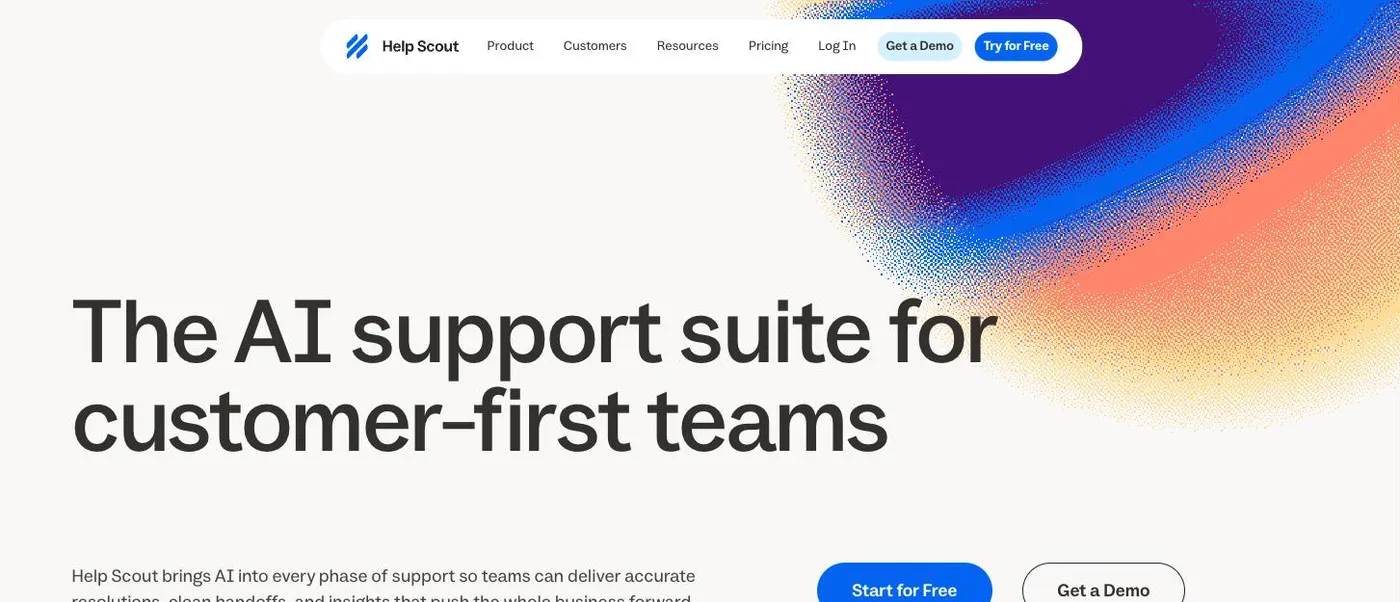
Help Scout’s AI agent answers customers on your website and inside your web or mobile app, and passes what it can’t solve to your team in Help Scout.
Pricing. The AI agent is an add-on at $0.75 for each chat it solves. Standard, the cheapest plan with live chat, costs $30 per team member per month. At 1,000 bot replies a month, we assume about 330 chats, with the AI solving 60% of them, so about 200. That’s $150 for the AI: $30 + $150 = about $180 in total for one team member. The first three months of the AI agent are free.
What it does well. Before an answer reaches the customer, it goes through 49 checks for accuracy, helpfulness and tone, and you can list topics it should never answer. When it isn’t sure, it says it doesn’t know and offers a human handoff, passing your team the context so they don’t start from scratch. It learns from your websites, chosen groups of pages and Google Docs.
Where it falls short. It can’t learn from your past conversations or answer emails. Help Scout lists both as coming soon.
Best for. Teams on Help Scout who want AI on their website or in their app.
Best customer service chatbot for Intercom users
6. Fin
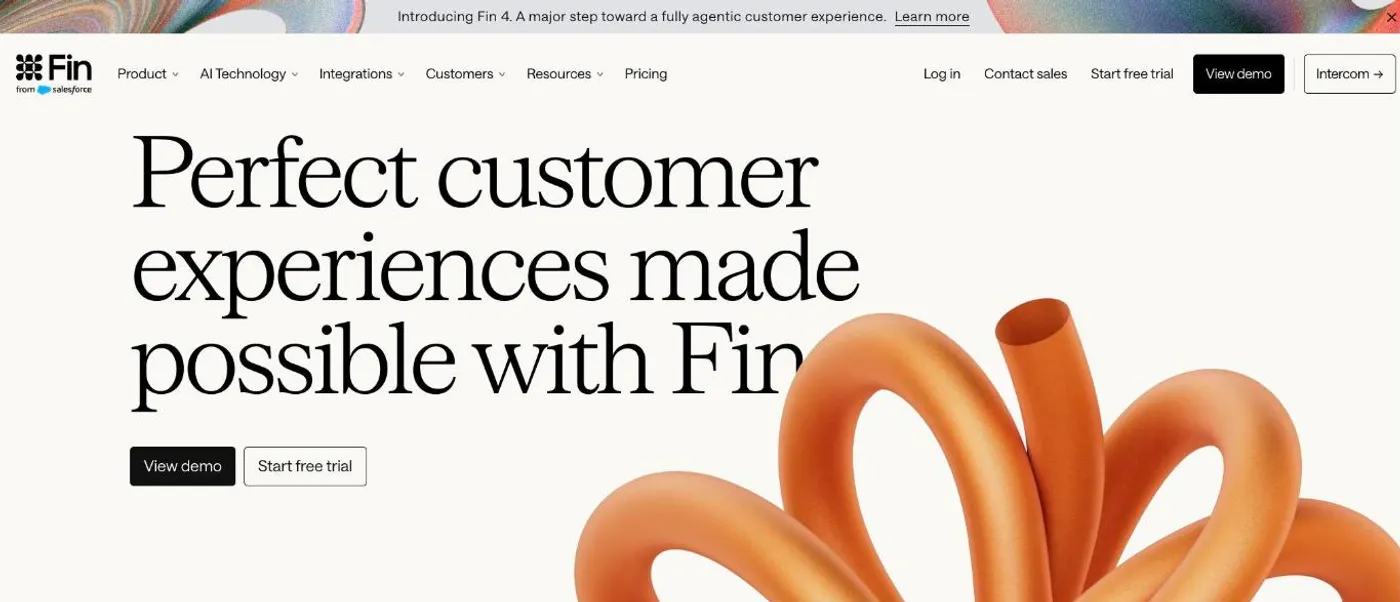
Fin is Intercom’s AI agent. It answers customers on chat and email and passes what it can’t solve to your team in Intercom.
Pricing. $0.99 for each chat Fin solves, plus $19 per team member per month for Intercom’s helpdesk. Fin charges nothing when it can’t answer or the customer asks for a person. At 1,000 bot replies a month, we assume about 330 chats, with Fin solving 60% of them, so about 200. That’s about $198 for the AI: $19 + $198 = about $217 in total for one team member.
What it does well. Fin sorts incoming chats and emails and routes anything it can’t answer to the right team. To improve it over time, an add-on from $100 a month shows where its answers fall short and helps you fix them.
Where it falls short. Fin can lag behind your help docs: after you update an article, customers may get the old answer for a while. Vague or multi-part questions trip it up, and it rarely asks the customer to clarify. And every teammate who replies to chats Fin hands over needs a full seat, since lite seats can only view.
Best for. Support teams already on Intercom.
Best customer service chatbot for Freshdesk users
7. Freddy AI Agent
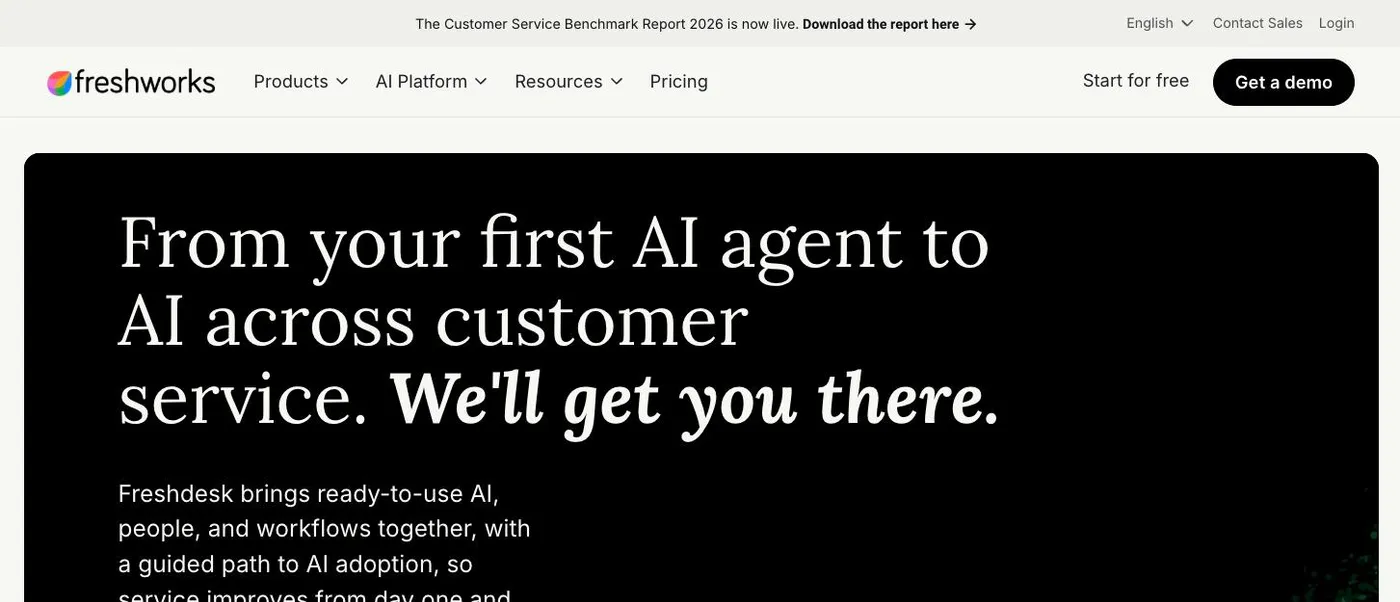
Freshdesk’s AI agent, Freddy, answers customers on chat and email from your Freshdesk knowledge base, and passes what it can’t solve to your team in Freshdesk.
Pricing. Chat needs Freshdesk Omni, which starts at $35 per team member per month. The AI agent is billed per session, meaning each conversation it takes part in, solved or not: $49 for 100 sessions. At 1,000 bot replies a month, we assume about 330 chats, so you need four packs, $196: $35 + $196 = about $231 in total for one team member. Your first 500 sessions are free.
What it does well. Besides your knowledge base, it learns from files and public web pages, and you can build workflows that let it handle things like order cancellations or subscription changes. Freshdesk also has ready-made agents you can test before building your own.
Where it falls short. It only learns from text, so images, videos and screenshots in your help content are ignored.
Best for. Teams on Freshdesk who want AI on chat and email.
Best customer service chatbot for building a custom bot
8. Botpress
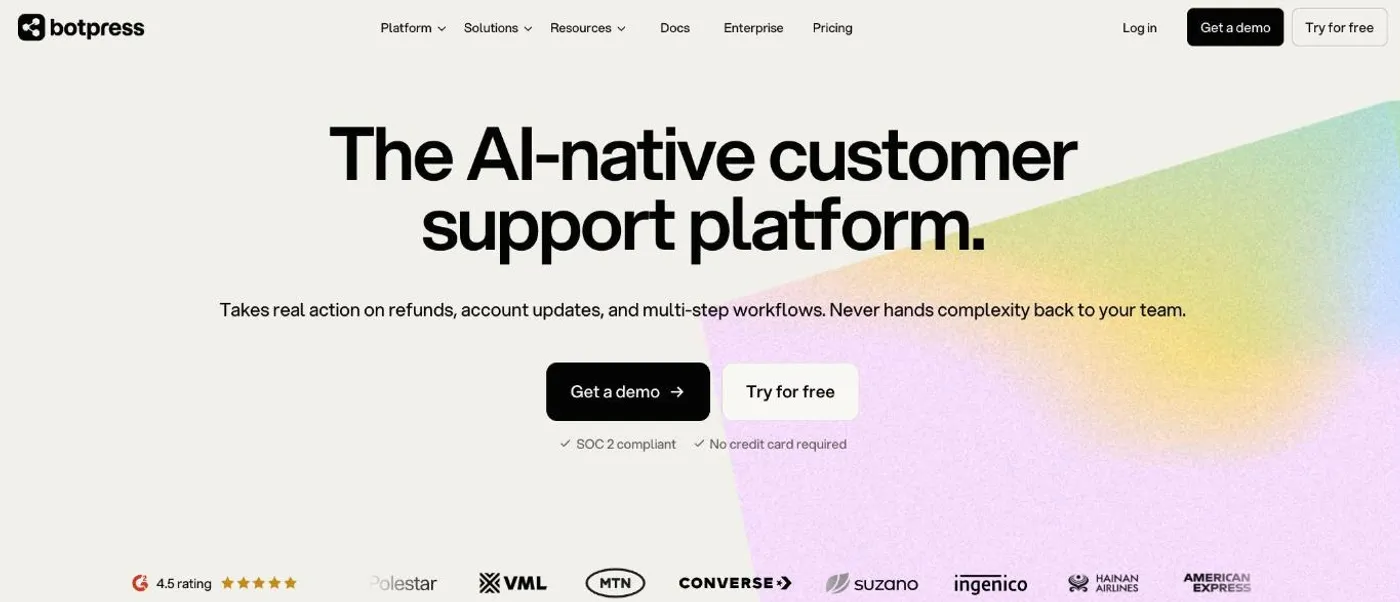
Botpress is a platform for building your own AI agent, one that takes actions for customers, like issuing refunds or updating accounts.
Pricing. $189/month for 250 chats. Beyond that, chats are added automatically in packs of 100 for $65. At 1,000 bot replies a month, we assume about 330 chats, so one extra pack: $189 + $65 = about $254 in total. Each chat includes $0.10 of AI usage, and anything above that is billed at the AI provider’s price. A free plan with 100 chats lets you build and test first.
What it does well. You can build agents that issue refunds, update accounts and run multi-step processes on their own. It hands chats to your team with the conversation history, in Botpress’s own inbox or your helpdesk. It connects quickly to WhatsApp and Messenger, and when an integration you need doesn’t exist, you can build it.
Where it falls short. Plan on roughly a week of learning before you’re productive, and the docs explain features but rarely show real-world examples. Desk, Botpress’s inbox for your team, is new and missing features, so you may want to hand chats to your existing helpdesk instead.
Best for. Teams with a developer who want a bot that can issue refunds, update accounts and handle other tasks for customers.
Best customer service chatbot for Zendesk users
9. Zendesk AI
Zendesk’s AI agent is built into its helpdesk. It answers customers from your Zendesk help center and passes anything it can’t solve to your support team.
Pricing. The AI agent needs one of Zendesk’s Suite plans. The cheapest, Suite Team, costs about $69 per team member per month. On top of that, you pay $1.50 for each chat the AI solves on its own. Zendesk counts a chat as solved when the customer didn’t ask for more help and its own AI check of the conversation agrees. At 1,000 bot replies a month, we assume about 330 chats, with the AI solving 60% of them, so about 200. That’s about $300 for the AI: $69 + $300 = about $369 in total for one team member.
What it does well. If you’re on Zendesk, the AI works with what you already have. It searches your help center live, so an article you fix is used in the very next answer. Articles only signed-in customers can see are used only for customers allowed to see them. When your team needs to take over, the chat becomes a regular ticket with the whole conversation in it, so nobody has to ask the customer to repeat themselves. You set up how the AI handles conversations in a drag-and-drop editor, without code.
Where it falls short. Good answers take work. Expect to spend time writing instructions for the AI and fine-tuning how it responds before you can rely on it.
Best for. Teams already on Zendesk who want an AI agent without adding another tool.
Best customer service chatbot for online stores
10. Tidio
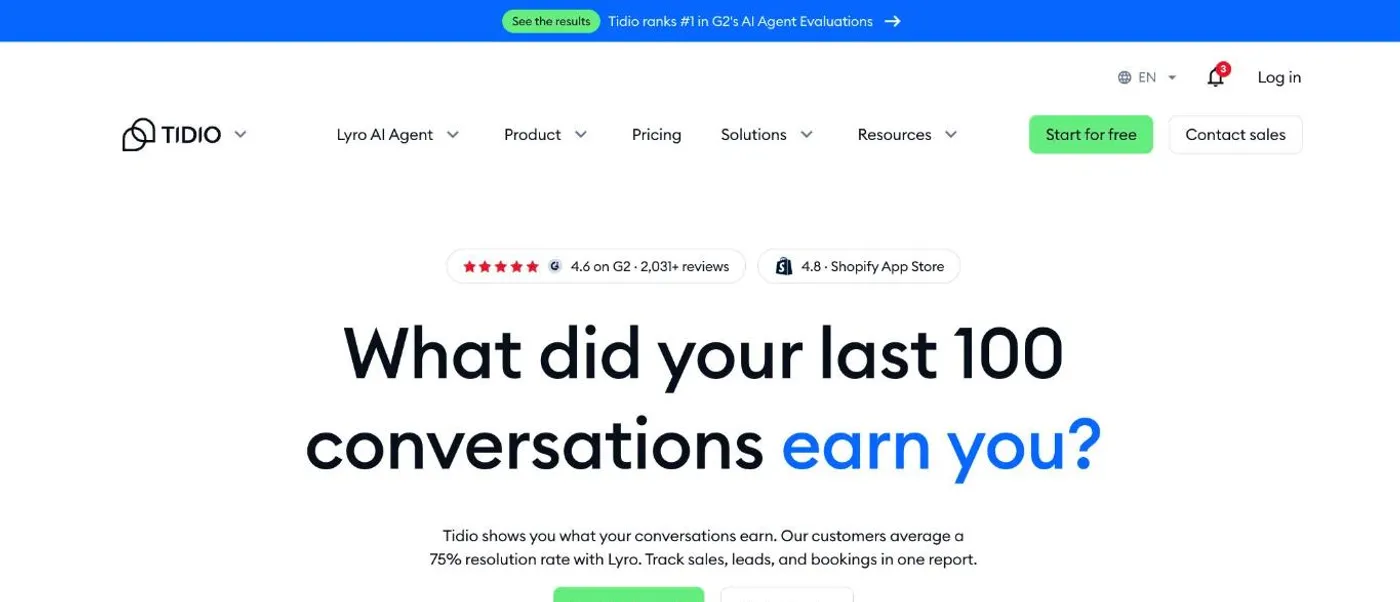
Tidio bundles live chat, a help desk and an AI agent, Lyro, with features built for online stores.
Pricing. Live chat and the help desk cost $59/month, and the AI agent is $350/month on top, for up to 500 AI chats. At 1,000 bot replies a month (about 330 chats), you pay $59 + $350 = about $410 in total.
What it does well. Lyro can look up and change orders for shoppers, and Tidio plugs straight into Shopify and WordPress. It can also open a conversation with visitors on your store before they ask. When Lyro hands over, your team replies from the same Tidio inbox.
Where it falls short. To see how well Lyro is doing, you have to read through its conversations yourself. And live chat, the AI agent and automations are each a separate package, so the bill grows with every one you add.
Best for. Online stores, especially on Shopify, that want live chat and an AI agent together.
Best customer service chatbot for enterprises
11. Ada
Ada is an AI customer service platform for large companies, across chat, email, messaging and voice.
Pricing. Custom pricing.
What it does well. Non-technical staff can train, test and improve the agent, and it can act in your own systems through API connections. It’s built to avoid made-up answers, has compliance and privacy controls, and hands chats to helpdesks like Zendesk, Salesforce and Genesys over chat, email or phone.
Where it falls short. Setup isn’t complicated, but it takes time. Ada’s guided workflows can’t show images, email may need a bot of its own, and reporting doesn’t combine bots, so teams running several pull each bot’s numbers by hand.
Best for. Large companies with high support volume across many channels.
How to choose a customer service chatbot
There’s no single best customer service chatbot. The right one depends on where your team works, how many chats you get, what the bot needs to do and how much setup you can take on.
Decide where handed-over chats should land
If your team already works in Zendesk, Intercom, HubSpot, Help Scout or Freshdesk, that helpdesk’s own AI agent hands chats over inside it, so your team picks them up where they already work. You pay for the AI on top of your helpdesk plan.
Standalone bots like FlowNavi and Chatbase cost less at our usage, but check where each one hands chats over. FlowNavi passes chats to the chat tool or email you already use. Tidio and Botpress hand over to their own inbox, Chatbase only offers handoff on its $180 plan, and CustomGPT has none.
Work out what your volume will cost
Our totals assume 1,000 replies a month. Your volume is probably different, and the tools charge for different things, so here is what you pay for the AI with each one:
| Tool | You pay for | Price |
|---|---|---|
| Chatbase | Each reply, on a budget model | $0.04 |
| FlowNavi | Each reply, after $10 included | $0.05 to $0.06 |
| CustomGPT | Replies beyond the 1,000 included | $375 for 2,500 more |
| Freddy AI Agent | Each chat the AI takes part in, after 500 free | $0.49 |
| HubSpot customer agent | Each solved chat, after $30 included | $0.50 |
| Botpress | Each chat beyond 250, including ones your team handles | $0.65 |
| Help Scout AI | Each solved chat | $0.75 |
| Fin | Each solved chat | $0.99 |
| Zendesk AI | Each solved chat | $1.50 |
| Tidio | AI chats, in tiers | $350 for up to 500 |
| Ada | Custom | Custom |
To estimate your bill, take your monthly chat count from your helpdesk or chat tool. Multiply it by about three for tools that charge per reply, or by the share you expect the bot to solve for tools that charge per solved chat. Then add the plan.
Decide whether it should take actions
Every bot here answers from your help content. If you also want it to do things for customers, you need one that connects to your systems. Botpress can issue refunds and update accounts, Freddy AI Agent can cancel orders or update subscriptions, and Ada can take actions in your own systems through APIs. Tidio looks up and updates orders for shoppers, and HubSpot and Chatbase can book meetings.
Check how much setup it needs
Bots that answer from your help content are the quickest to start: you connect your help center or docs, and they answer from them. FlowNavi, Chatbase and CustomGPT work this way. Helpdesk AI agents start from your help center too, but good answers can take tuning, and with Zendesk, expect to spend time writing instructions for the AI. Platforms built around actions need the most work: Botpress takes about a week to learn, and Ada’s setup is time-consuming even though it needs no code.
How to test a customer service chatbot before you buy
A pricing page can’t tell you how good the answers will be. The only way to find out is to put a bot on your own help content and ask it what your customers ask. Most tools here have a free trial, a free plan or free usage to start with, so you can run two or three side by side.
- Pick 10 real questions from recent tickets or chats, including a few your help center doesn’t cover.
- Ask each bot all ten. Note whether each answer is right, and whether it points to the article it came from.
- Look closely at the ones it can’t answer. A good bot says it doesn’t know and offers your team. A bad one invents something.