
20 Best Interactive Product Walkthrough Software Tools in 2026
20 interactive product walkthrough tools, side by side, across two categories: in-app onboarding software and interactive demos. Each entry covers what the tool does, who it’s built for, and starting price. Table below for the quick view; full breakdowns follow.
TL;DR: 20 interactive product walkthrough tools at a glance
| Tool | Built for | Pricing | Best for |
|---|---|---|---|
| FlowNavi | SMB SaaS (in-app) | From $79/month | Small SaaS teams wanting affordable, full-featured walkthroughs |
| Hopscotch | Early-stage SaaS (in-app) | From $99/month | SaaS startups that want live support on every plan |
| Intercom Product Tours | Mid-market SaaS (in-app) | $29/seat + $99/month add-on | Teams already on Intercom for support |
| Inline Manual | Mid-market SaaS (in-app) | From $158/month | Teams managing lots of walkthrough content with frequent changes |
| Userflow | Mid-market SaaS (in-app) | From $240/month | Web-first teams wanting AI to catch where walkthroughs fail |
| Jimo | Mid-market SaaS (in-app) | From $249/month | Teams wanting AI to draft walkthroughs from a recording |
| UserGuiding | Mid-market SaaS (in-app) | From $249/month | Teams wanting walkthroughs + knowledge base + AI assistant bundled |
| Chameleon | Mid-market SaaS (in-app) | From $279/month | Mid-market teams wanting design control plus AI campaign audits |
| Userpilot | Mid-market SaaS (in-app) | From $299/month | Mid-market teams wanting walkthroughs + analytics + session replay + email |
| Frigade | Mid-market SaaS (in-app) | Free + from $1,000/month | Engineering-led teams wanting code-based walkthroughs with AI action automation |
| Appcues | Mid-market SaaS (in-app) | $15,000/year (Vendr median) | Teams wanting in-app + email + push + native mobile in one platform |
| Whatfix | Enterprise (in-app) | $32,000/year (Vendr median) | Enterprise teams needing training depth (sandbox + scenario + assessments) |
| Pendo | Mid-market & enterprise (in-app) | Free + $48,500/year (Vendr median) | Broad platform with deep analytics and native mobile |
| WalkMe | Enterprise (in-app) | $44,000/year (Vendr median) | Large enterprise rolling out the SAP suite or many internal apps |
| Supademo | Small teams (demos) | Free + from $38/month per creator | Sales and marketing wanting a free tier with multiple demo types |
| Guidejar | Small teams (demos) | Free + from $16/month per user | Teams wanting interactive + step-by-step + video + help center |
| Guideflow | Small teams (demos) | Free + from $35/month | Marketing teams needing web + mobile + cloned demos |
| Storylane | Mid-market (demos) | Free + from $40/month | Sales teams wanting demo rooms per deal + AI demo agents |
| Navattic | Mid-market (demos) | Free + $8,000/year (Vendr median) | Sales and marketing wanting demos at every funnel stage |
| Walnut | Enterprise (demos) | $18,000/year (Vendr median) | Enterprise revenue teams with localization or offline demo needs |
What interactive product walkthrough software is, and what it isn’t
Interactive product walkthrough software covers two related but distinct categories that often get mixed up.
In-app interactive product walkthroughs run inside your live SaaS product to guide signed-up users. The mechanism is the standard in-product guidance toolkit: tooltips that point at a button, modals that walk through the first task, checklists that track setup progress, hotspots that draw attention to a new feature, and resource centers that consolidate help inside the app. The audience is users who’ve already signed up. The job is to help users understand and learn how to use your product. Every tool in the first section of this post does some version of those things.
Interactive demos build clickable replicas of your product, embedded on your homepage or shared with prospects via link. Same step-by-step guided experience as an in-app walkthrough, except it runs outside your live product. The audience is prospects who haven’t signed up yet. The job is conversion. The second section of this post covers them.
Both get called interactive walkthrough software, so this post covers both. In-app onboarding gets the larger section because that’s what most SaaS teams searching this term are looking for.
Two adjacent categories share the keyword but solve different problems, and aren’t covered here:
Physical-space virtual tours are 360° walkthroughs of real-world locations: showrooms, real estate, museums.
Video walkthroughs are screen recordings of someone using a product. Useful for help docs and explainer videos, but not interactive: users watch, they don’t click.
In-app interactive product walkthrough tools for SaaS onboarding
Built for early-stage SaaS
FlowNavi
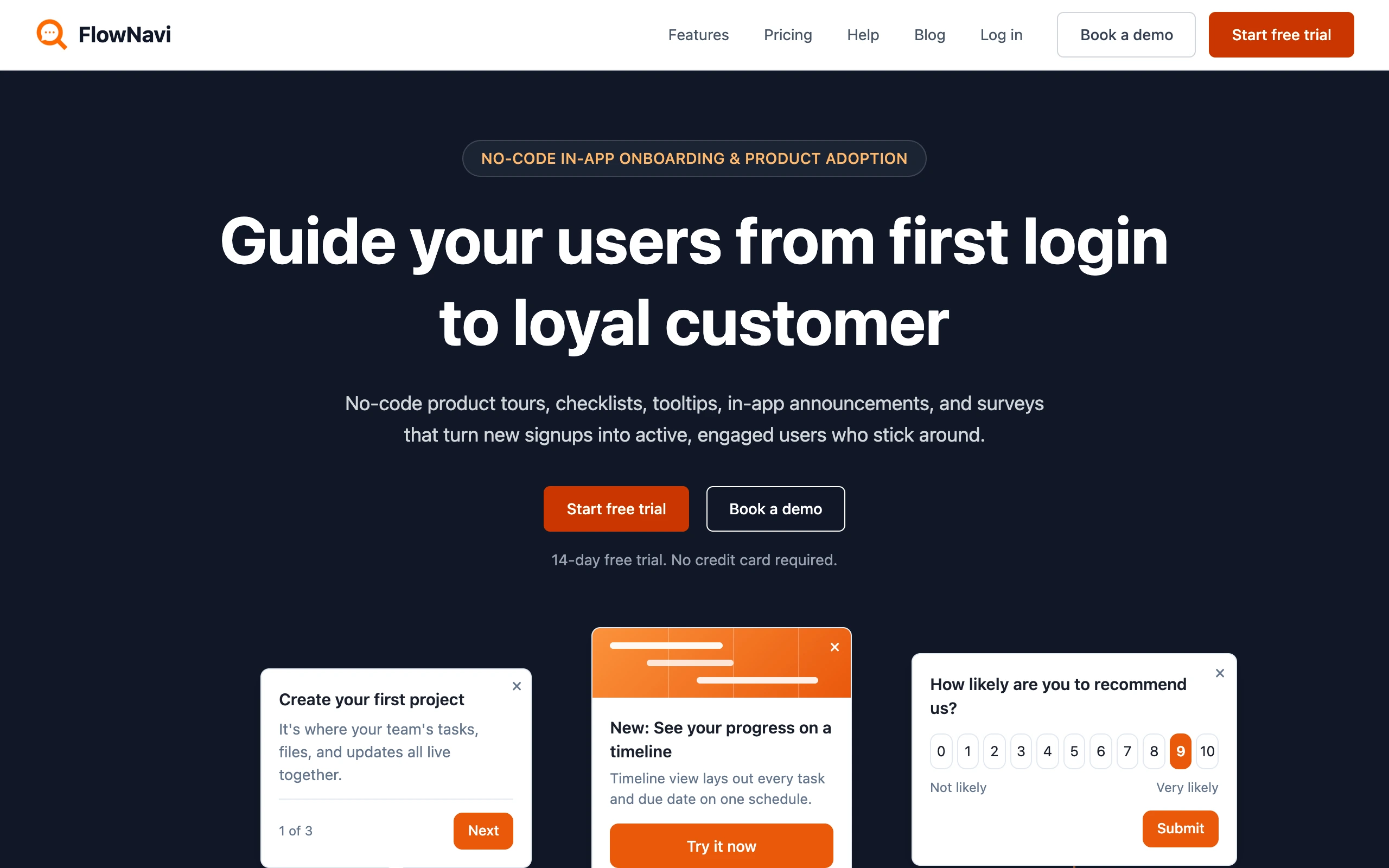
FlowNavi is a no-code tool for building interactive walkthroughs inside your SaaS product, covering product tours, tooltips, hotspots, checklists, in-app announcements, and surveys.
Key features
- Personalized walkthroughs: Walkthroughs adapt to each user’s role or use case.
- Walkthrough analytics: Track completion and drop-off, step by step.
- Every feature on every plan: The full set of guides is included from the $79 tier; plans differ only by monthly active users, support, and security.
Pricing. From $79/month. Free trial available.
Best for: SMB SaaS teams that want the full set of no-code walkthroughs at an affordable price.
Editor’s note: FlowNavi is ours, so this entry isn’t impartial. We’ve judged it by the same standard as the rest of the list.
Hopscotch
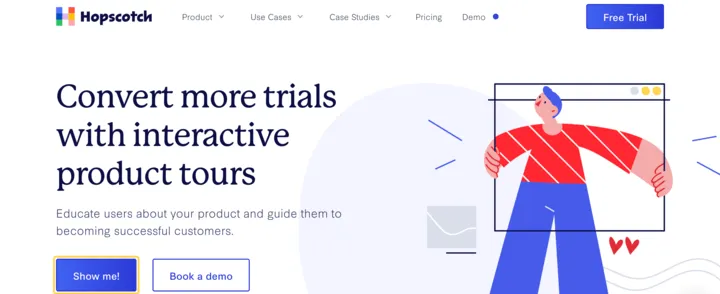
Hopscotch is a no-code interactive walkthrough tool built for SaaS startups. The toolkit covers tours, tooltips, modals, and surveys (including NPS), with segmentation by user behavior and custom event triggers so a walkthrough can fire after a user completes a specific action.
Key features
- Drag-and-drop builder: Build tours, tooltips, modals, and surveys visually. Installation in your app is a one-line snippet.
- Custom event triggers: Fire a walkthrough when a user does (or doesn’t do) something specific in your product. Useful for tours that should only run after a prerequisite step.
- Built-in NPS and surveys: Collect in-app feedback and NPS scores alongside walkthroughs, in the same tool.
Pricing. From $99/month. Free trial available.
Best for: SaaS startups that want a no-code walkthrough tool with live support on every plan.
Built for mid-market SaaS
Intercom Product Tours
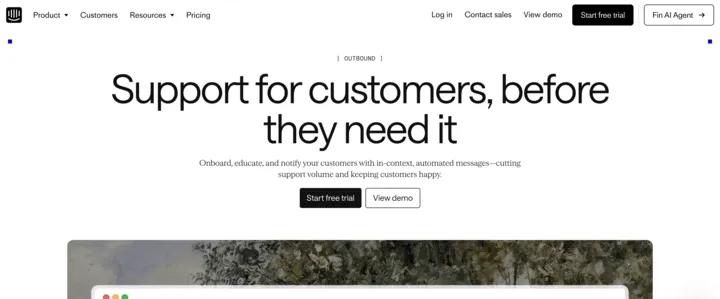
Intercom Product Tours is one piece of Intercom’s customer service platform. Tours aren’t in the base plan; they sit inside a $99/month add-on that also bundles checklists, in-app messages, push notifications, swipeable mobile cards, surveys, and a campaign builder. Onboarding tours run alongside the rest of your customer messaging and share the same audience segments.
This setup makes sense if you’re already on Intercom for support, since the add-on is the only thing you add on top. If you’re not on Intercom, getting tours means committing to the full customer service platform first, which is a heavier purchase than picking a standalone walkthrough tool. Pricing is also per tour presentation, not per monthly active user: every time a tour is shown to a user counts as a billable event, even if they don’t interact. Most walkthrough tools count each unique user once per month regardless of how often they see tours, so the same volume of tours can come out at a very different total bill.
Key features
- Tours bundled with five other message types: One $99/month add-on covers tours, checklists, in-app messages, push notifications, swipeable mobile cards, and surveys.
- Web and mobile in one platform: Tours run on web, with push notifications and swipeable mobile cards available for native iOS and Android apps.
- Chain messages into sequences: String tours, in-app messages, push notifications, and surveys into multi-step flows triggered by user behavior or time.
Pricing. From $29/seat/month for the base Intercom plan, plus $99/month for the add-on that includes tours. Free trial available.
Best for: teams already on Intercom for support, who want walkthroughs running from the same place as their chats, posts, and surveys.
Inline Manual
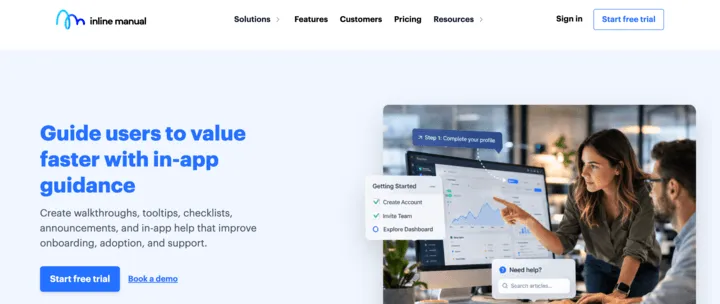
Inline Manual is a walkthrough platform built around content management. Tour content is versioned, with branching for testing changes and a release system for rolling them out. The toolkit covers the standard walkthrough content types (tours, tooltips, hotspots, banners, checklists, articles) plus feedback widgets, NPS surveys, and segmentation.
Key features
- Revision history and test releases: 10 revisions per walkthrough at the entry tier (unlimited on higher tiers), with 2 test releases per walkthrough so you can verify changes before pushing them live.
- Multilingual content up to 70 languages: 3 languages at the entry tier, up to 70 on higher tiers, with right-to-left script support.
- Offline mode: An add-on lets the player run in environments without internet access, useful for highly regulated industries or isolated networks.
Pricing. From $158/month. Free trial available.
Best for: SaaS teams managing lots of walkthrough content over time, especially teams that ship frequent product changes or need multilingual versions.
Userflow
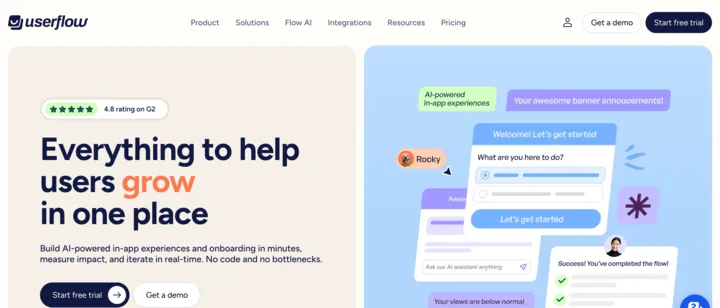
Userflow is a platform that bundles walkthroughs with a resource center, tooltips, announcement banners, NPS, in-app surveys, an in-app help center, and product analytics. Their AI runs through all of it: behavior tracking that identifies drop-offs across walkthroughs, content generation that drafts walkthroughs from prompts, and, on its $400/month Studio plan, an in-app AI assistant that answers user questions. No native mobile support.
Key features
- AI suite for walkthroughs: Behavior tracking flags where users get stuck, AI generates walkthrough content from prompts, and an in-app AI assistant answers user questions alongside the walkthroughs.
- Bundled toolkit: Resource center, tooltips, banners, NPS, in-app surveys, and an in-app help center are included alongside walkthroughs.
- Built-in product analytics: Track user behavior, walkthrough impact, and adoption metrics in the same tool, without wiring up a separate analytics platform.
Pricing. From $240/month. Free trial available.
Best for: self-serve SaaS teams that want a broad platform with AI behavior tracking, AI content generation, and an in-app AI assistant alongside their walkthroughs. Mobile-first teams need a different tool.
Jimo
Jimo is a walkthrough platform whose angle is AI-generated tours from a screen recording. Instead of building each step manually, you click through the flow once and Jimo drafts the walkthrough for you to edit. The rest of the toolkit is standard for the mid-market tier.
Key features
- AI drafts tours from a recording: Click through your product or highlight specific features in the editor, and Jimo’s AI generates the walkthrough with step text and targeting. You edit and publish from there.
- Bundled toolkit: Walkthroughs come alongside checklists, hints, surveys, announcements, a what’s-new feed, and an in-app chat widget that answers user questions.
- Product analytics included: Tracks feature usage, walkthrough completion, drop-offs, and adoption metrics inside the same tool.
Pricing. From $249/month.
Best for: growing SaaS teams that want to draft walkthroughs from a screen recording instead of building them step by step.
UserGuiding
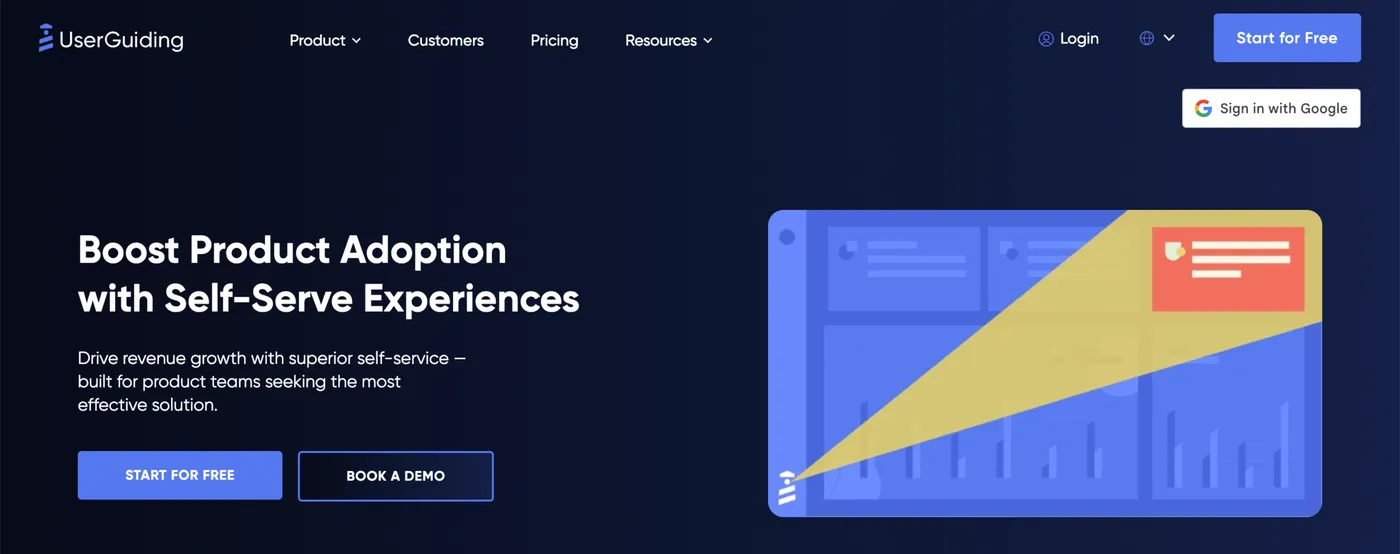
UserGuiding is a no-code walkthrough platform that bundles tours with in-app support content. Every plan covers tours, tooltips, hotspots, checklists, in-app surveys with NPS, and segmentation, alongside a knowledge base and AI assistant for in-app help.
Key features
- Chrome extension builder: Build tours, tooltips, hotspots, checklists, and surveys on top of your live product through a Chrome extension.
- Bundled knowledge base and AI assistant: A searchable in-app help center and AI assistant alongside the walkthrough builder.
- Segmentation and analytics: Target walkthroughs by user attribute, behavior, or page URL. Track completion rates, drop-off, and click actions.
Pricing. From $249/month. Free trial available.
Best for: Mid-market SaaS teams that want walkthroughs bundled with in-app support content like a knowledge base and AI assistant in a single tool.
Chameleon
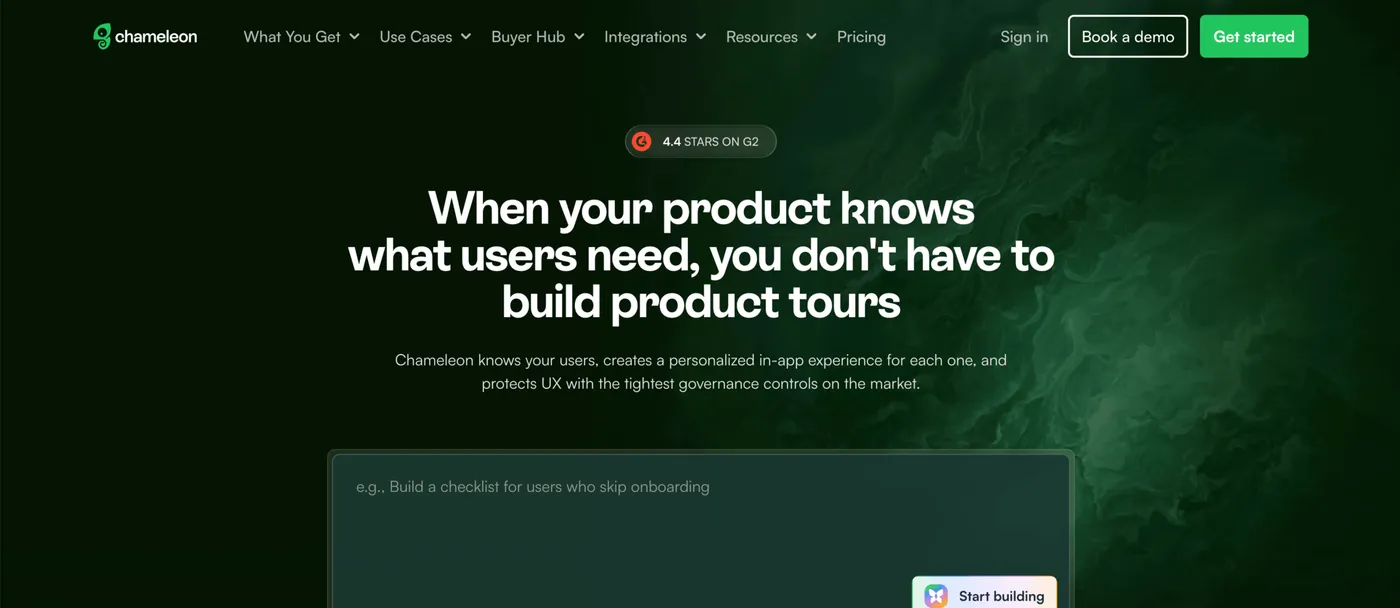
Chameleon is a mid-market walkthrough platform that pairs the standard mid-tier toolkit (tours, tooltips, banners, checklists, NPS, microsurveys) with two AI features: one that drafts walkthrough copy from prompts, and one that audits your existing campaigns weekly and suggests improvements. Their longest-standing pitch is design customization, with deeper CSS control than most peers at this price tier.
Key features
- Weekly AI audit of your campaigns: An AI feature scans your account each week and flags specific issues, like flows that aren’t completing, segments that are underperforming, or places to add new guidance.
- Deep CSS customization: Override CSS, fonts, colors, layout, and animations to match your product’s UI.
- Natural language segmentation: Describe a user segment in plain English (e.g., “users who signed up last week but haven’t created a project”) instead of clicking through filter rules.
Pricing. From $279/month. Free trial available.
Best for: mid-market SaaS teams that want polished design control and an AI feature that proactively audits which walkthroughs aren’t working.
Userpilot
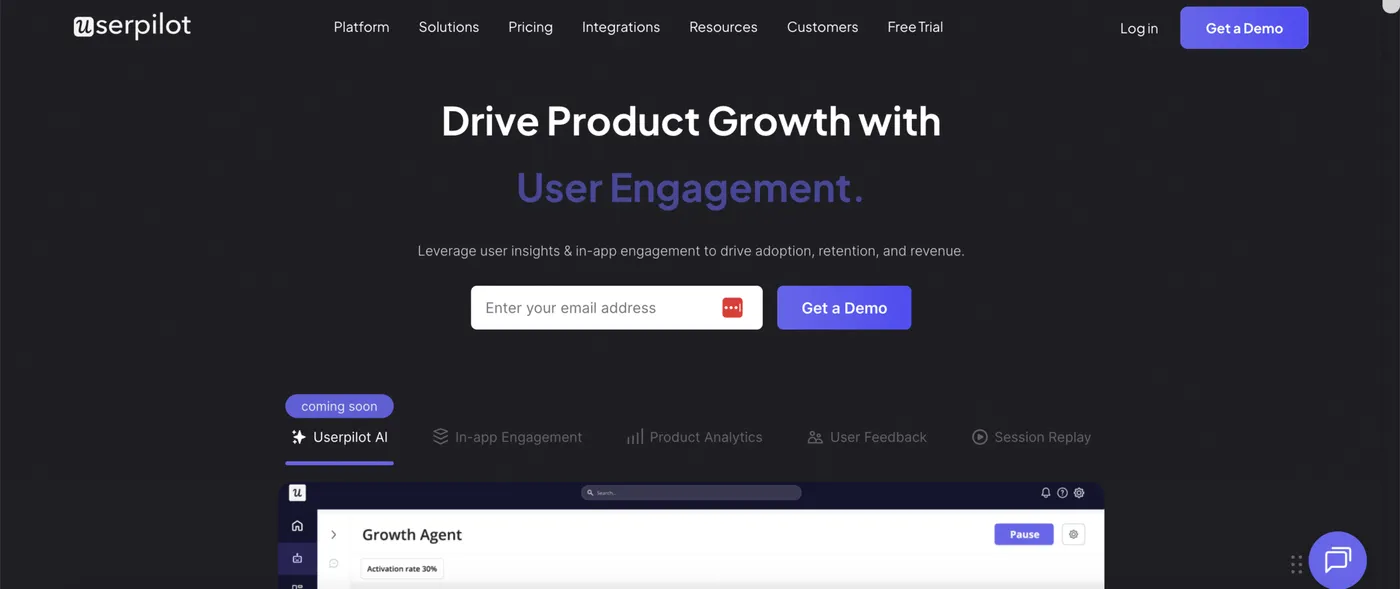
Userpilot is a mid-market platform with one of the broadest bundles in this list. Walkthroughs sit alongside product analytics (funnels, retention, automatic event tracking), session replay, behavior-triggered email, mobile onboarding, surveys, and checklists. The pitch is having all of these run off the same user data and segments.
Key features
- Session replay: Watch recordings of how individual users move through your product, link them to specific cohorts or events, and identify friction points that tours and surveys miss.
- Built-in product analytics: Funnel analysis, retention cohorts, and automatic event tracking, so walkthrough impact is measured in the same tool as the rest of your product analytics.
- Behavior-triggered email: Send lifecycle emails when users do or don’t do something in your product, using the same user data that drives your walkthroughs.
Pricing. From $299/month. Analytics, session replay, and email require the Growth plan, from $849/month. Free trial available.
Best for: mid-market SaaS teams that want walkthroughs alongside product analytics, session replay, and behavior-triggered email in a single platform.
Frigade
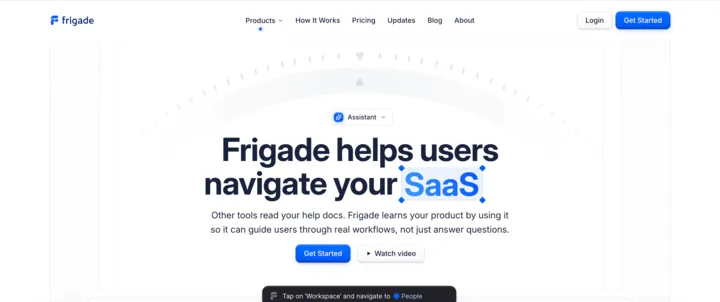
Frigade is a code-based walkthrough tool whose AI agent uses your product to learn how it works, then generates and maintains walkthroughs from that understanding. The AI can perform actions on behalf of users (clicking buttons, filling forms, submitting) with the user confirming each step.
Key features
- AI uses your product to build tours: Frigade’s AI navigates your product like a real user would and generates walkthroughs from what it learns. The AI handles the step-by-step setup.
- Tours that self-heal: When your UI changes, the AI detects new element positions and updates walkthrough targeting automatically. Tours keep working through redesigns.
- Action automation: The agent can click buttons, fill in fields, and submit forms alongside the user, running multi-step setups with confirmation at each step.
Pricing. Free tier available. From $1,000/month.
Best for: SaaS teams whose onboarding bottleneck is users getting stuck during multi-step setup, especially engineering-led teams comfortable installing walkthroughs as code rather than through a no-code editor.
Appcues
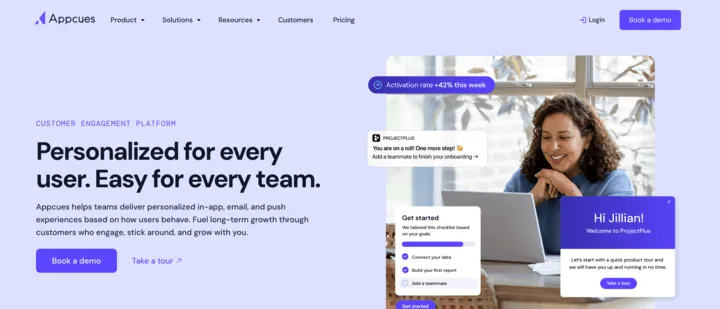
Appcues bundles in-app walkthroughs with behavioral email and mobile push notifications, with native iOS and Android support for mobile onboarding. The pitch is running tours, lifecycle emails, and mobile push from one platform with shared user data and segments across all three channels.
Key features
- Multi-channel delivery (in-app, email, push): Tours run alongside lifecycle email and push notifications, with shared audience targeting across all three.
- Native iOS and Android support: One of the few tools in this list that runs natively inside iOS and Android apps, not just web.
- Cross-channel AI: AI decides whether to reach a user via in-app message, email, or push based on their behavior, and adapts the choice over time.
Pricing. Not published. Vendr puts the median at $15,000/year.
Best for: mid-market and enterprise teams that want walkthroughs running alongside lifecycle email and mobile push in one platform, especially teams with both web and mobile apps.
Built for enterprise
Pendo
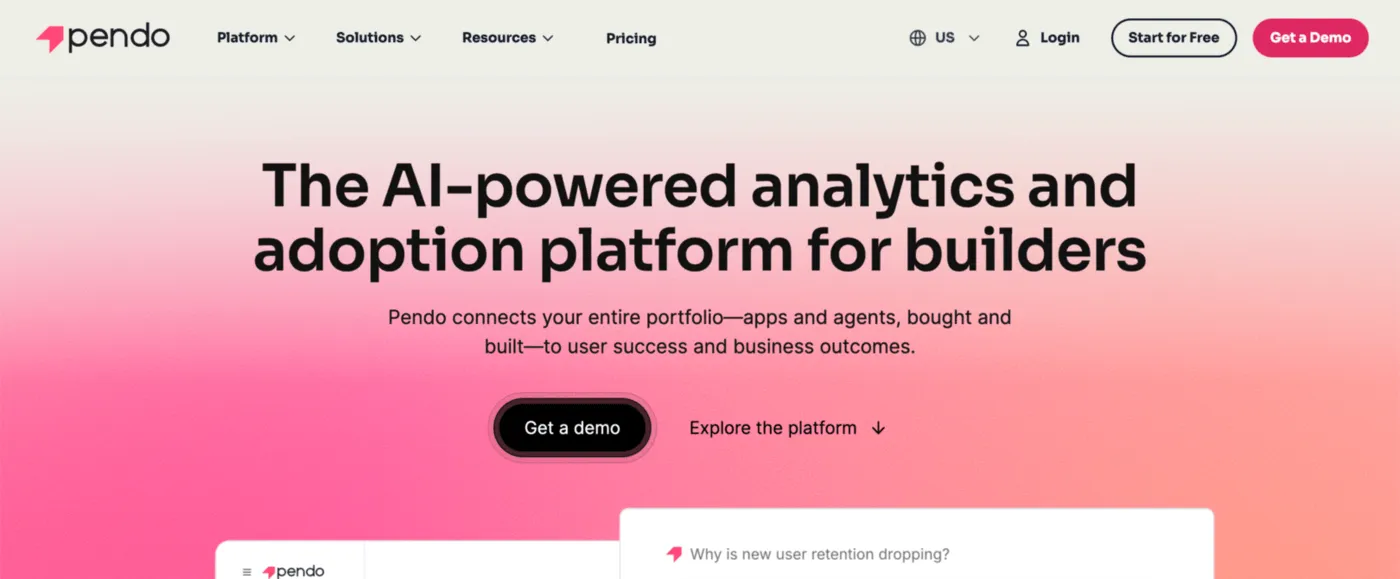
Pendo is one of the broadest platforms in this list. The bundle covers walkthroughs alongside product analytics, session replay, NPS and customer feedback surveys, product roadmaps, multi-channel messaging, and native iOS and Android support.
Key features
- Free tier up to 500 monthly active users: Free plan covering walkthroughs, product analytics, NPS surveys, and product roadmaps. Most tools in this list either have no free plan or a free plan that excludes walkthroughs.
- Built-in product analytics: Funnels, retention cohorts, user paths, behavioral segments, and session replay all in the same tool as your walkthroughs.
- Connects to AI tools like Claude and Cursor: Pendo’s product data is available through AI integrations, so AI assistants can pull live product context when you work with them.
Pricing. Free tier available. Paid tiers not published. Vendr puts the median at $48,500/year.
Best for: Enterprise SaaS teams that want walkthroughs alongside product analytics, session replay, and customer feedback in one platform. The free tier covers teams under 500 monthly active users.
Whatfix
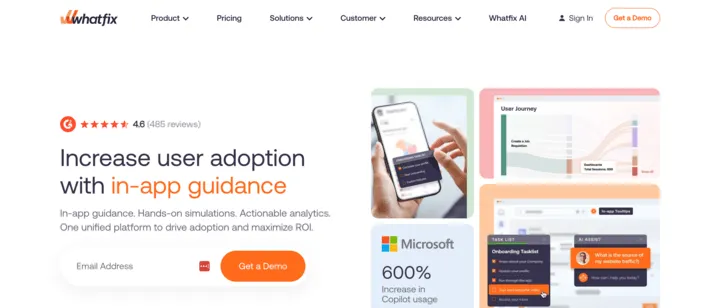
Whatfix is an enterprise platform built primarily for internal employee training, helping your workforce learn the business software they have to use day-to-day (Salesforce, ERP, CRM, and similar systems). It can be applied to customer-facing SaaS onboarding too, but the strongest fit is large enterprise rollouts in regulated industries like healthcare, finance, banking, and pharma. What separates it from most tools in this list is depth of training: a sandbox where users practice real workflows in a safe replica of your app, AI-driven scenario training for decision-heavy work, and assessments that validate readiness before granting access to a system.
Key features
- Sandbox training environment: Build an interactive replica of your app where users can practice real workflows without affecting live data.
- AI scenario training: Generates simulated conversations and decision-making scenarios for training on customer interactions, judgment calls, and complex workflows.
- Role-based assessments: Evaluations that validate users have learned what you taught before granting access to a system or task.
Pricing. Not published. Vendr puts the median at $32,000/year.
Best for: enterprise teams in regulated industries (healthcare, finance, banking, pharma) that need training depth alongside in-app guidance, especially workflows where users must demonstrate competence before going live.
WalkMe
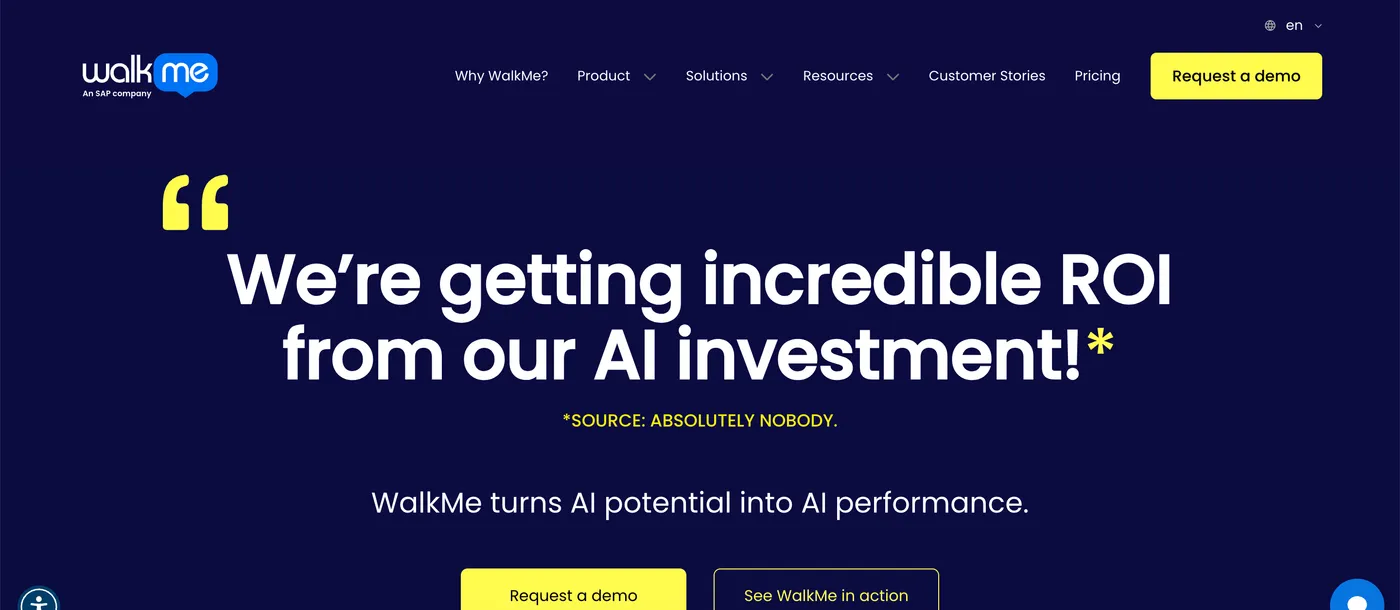
WalkMe is an enterprise platform built primarily for employees navigating complex internal business applications: SAP suite, Salesforce, Workday, Microsoft Dynamics, ServiceNow, and similar systems. It can be applied to customer-facing SaaS onboarding too, but the strongest fit is large enterprise IT rollouts. WalkMe was acquired by SAP in 2024 and now ships with pre-built guidance for the SAP suite, which makes it the most direct fit in this list for ERP-heavy environments.
Key features
- SAP suite integration: Pre-built walkthroughs and adoption flows for S/4HANA, SuccessFactors, Ariba, and Concur. Most direct fit in this list for ERP rollouts.
- Cross-application workflows: Walkthroughs and automated steps can span multiple enterprise apps in a single flow, so a process that touches CRM, HR, and ERP runs from one place.
- AI integration for enterprise AI tools: WalkMe captures user context across apps, so enterprise AI tools like Copilot can access real usage data when answering questions or running workflows.
Pricing. Not published. Vendr puts the median at $43,000/year.
Best for: large enterprises rolling out the SAP suite or coordinating walkthroughs across many internal applications, especially organizations using enterprise AI tools that need product context.
Interactive demo tools for marketing and sales
Built for early-stage SaaS
Supademo
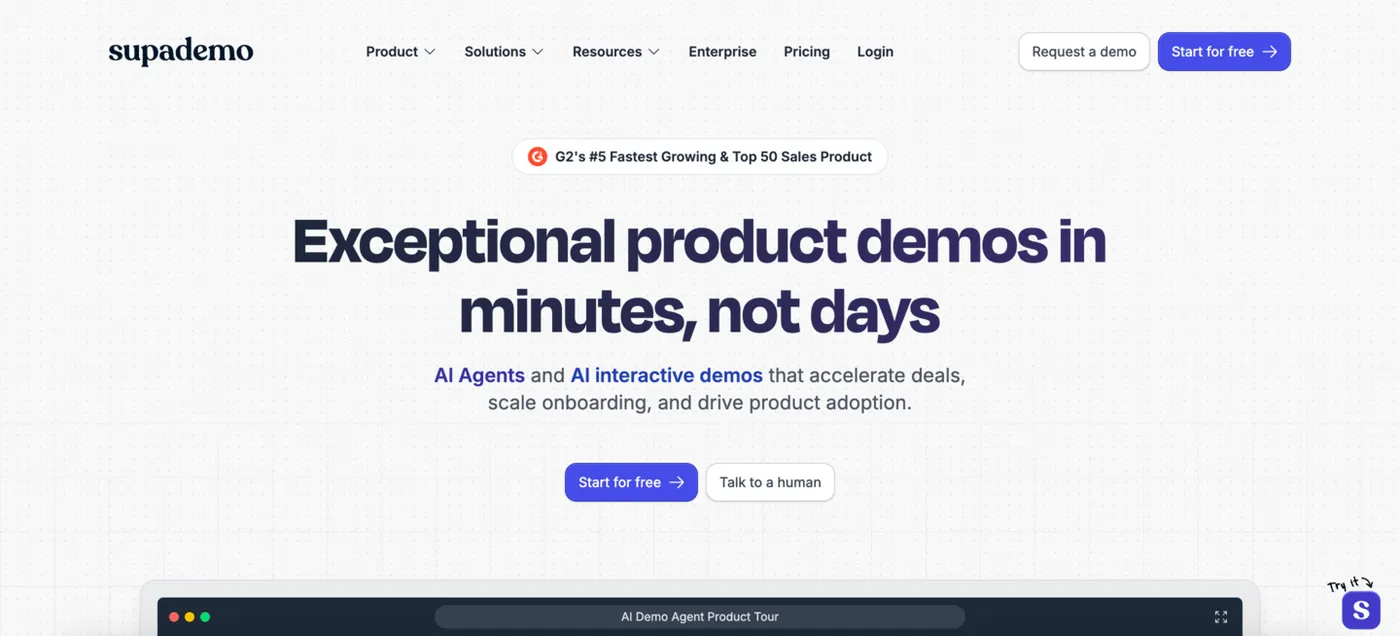
Supademo is one of the more affordable interactive demo platforms, with multiple demo types: guided demos from screenshots, HTML clones that capture your actual interface, clickable sandbox demos, and showcase collections that bundle multiple demos. AI features include voiceovers, voice cloning, content editing, and a connection to AI tools like Claude and ChatGPT so they can create and edit demos through natural language. Supademo offers a free tier covers 5 demos and 50 video recordings.
Key features
- Multiple demo types: Guided demos from screenshots, HTML clones that capture your actual interface, clickable sandbox demos, and showcase collections that bundle multiple demos.
- AI for creation and editing: Generate voiceovers, clone voices, draft text from prompts, and connect to AI tools like Claude or ChatGPT to create and edit demos through natural language.
- Free plan: 5 guided demos and 50 video recordings with no time limit, plus unlimited views.
Pricing. Free tier available. Paid plans from $38/month per creator.
Best for: sales, marketing, and customer success teams that want multiple demo formats in one tool, especially small teams who want to validate the use case on a free plan before paying.
Guidejar
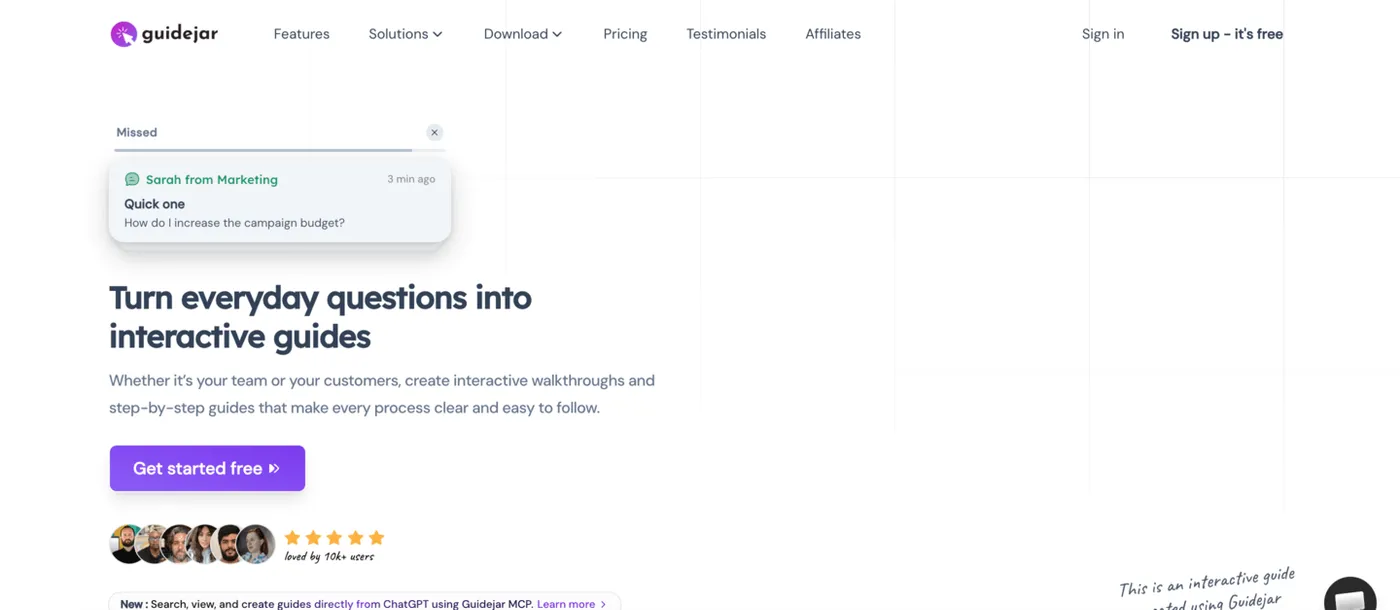
Guidejar is a guide and demo tool that covers multiple output formats from a single recording: an interactive walkthrough, a step-by-step text-and-screenshot guide, or a video. Built around browser and desktop capture, with AI for voiceovers, translation, auto-generated summaries and FAQs, plus a built-in help center builder with custom domain support.
Key features
- Three output formats from one recording: Capture a flow once, then publish it as an interactive walkthrough, a step-by-step text-and-screenshot guide, or a video.
- AI for content creation: Generate voiceovers, translate guides, paraphrase steps, auto-generate FAQs and summaries, and convert existing videos into step-by-step guides.
- Built-in help center: Bundle guides into a searchable help center on your custom domain, with optional password protection for internal-only content.
Pricing. Free tier available. Paid plans from $16/month per user.
Best for: small to mid-size teams that want one tool for interactive walkthroughs, step-by-step documentation, and a help center, with AI features for translation and content generation.
Guideflow
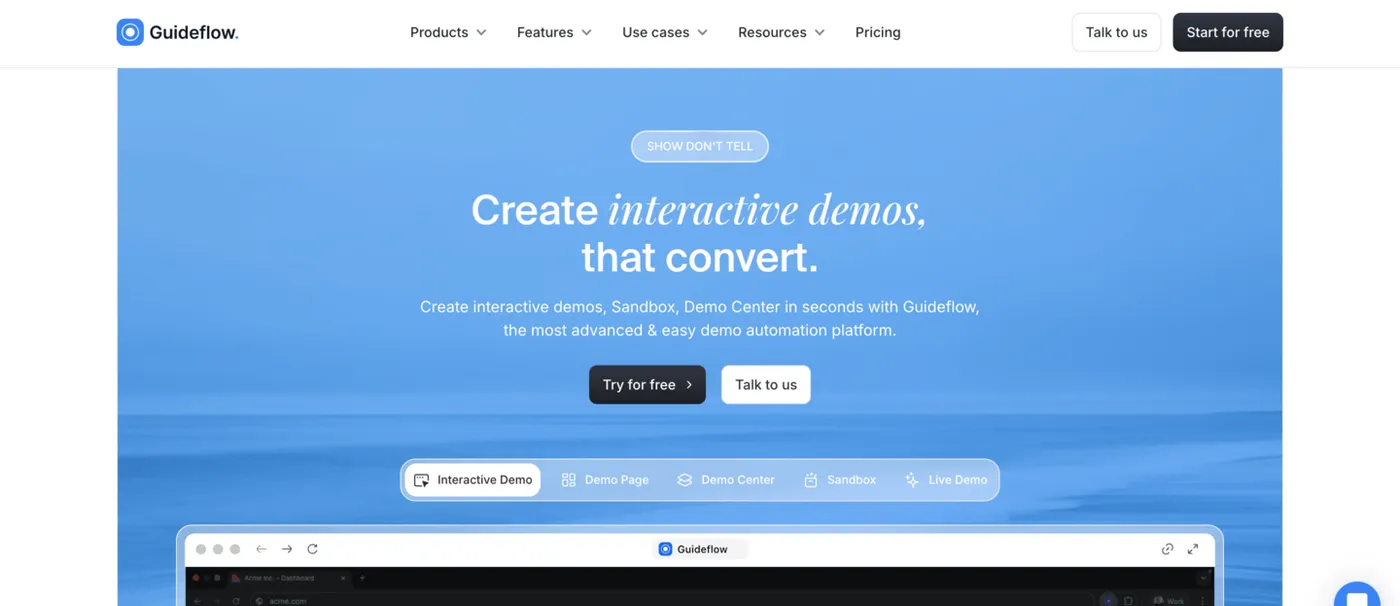
Guideflow is an interactive demo platform with five distinct demo formats covering desktop web, mobile, and product cloning with realistic data. AI features handle content adjustment, translation, voiceovers, avatars, and dataset generation. The core audience is marketing, sales, and pre-sales teams.
Key features
- Five demo formats: Screenshot-based guided demos, dedicated mobile demos, HTML clones of your interface, clickable sandbox environments, and live demos with AI-generated emulated data.
- AI for content and data: Translation, voiceovers, content adjustment, plus a dataset generator that populates cloned demo environments with realistic fake data so prospects see populated dashboards instead of empty states.
- Mobile demo as a first-class format: Dedicated mobile demo product separate from desktop, so demos feel like a mobile app experience.
Pricing. Free tier available. Paid plans from $35/month.
Best for: marketing, sales, and pre-sales teams that need multiple interactive demo formats including mobile, with AI handling content generation and realistic data for cloned environments.
Built for mid-market SaaS
Storylane
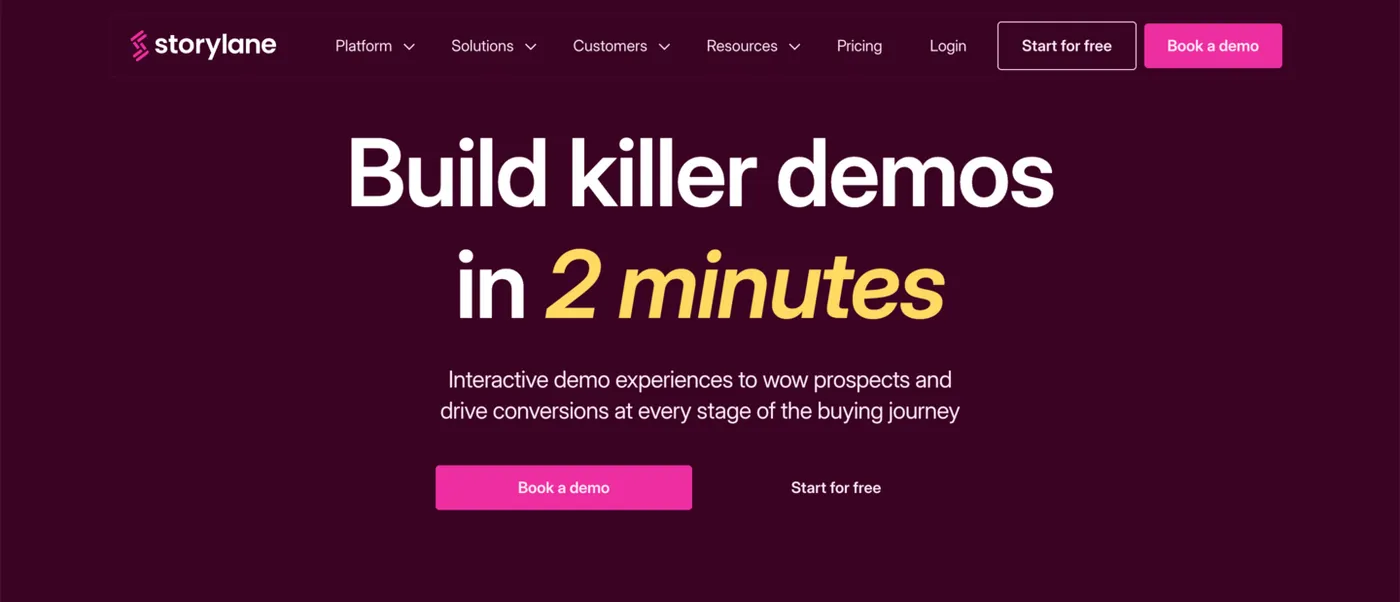
Storylane is an interactive demo platform with a clear sales bent. Beyond standard interactive demos and clickable sandbox environments, the platform includes personalized demo rooms you build per account or deal, AI demo agents that qualify prospects through chat, and analytics that tie demo engagement to pipeline.
Key features
- Demo rooms per deal: Build personalized rooms that bundle demos, videos, and resources for a specific account or deal, with engagement tracking per visitor.
- AI demo agents: AI agents qualify prospects through chat and recommend relevant demos based on the conversation.
- Demo-to-deal analytics: Demo engagement ties back to specific accounts and deals, so you can see which demos the prospects who eventually closed actually viewed.
Pricing. Free tier available. Paid plans from $40/month.
Best for: sales and revenue teams that want demos integrated into the deal cycle, with personalized demo rooms per account, AI agents for qualifying prospects, and analytics tying demo engagement to closed deals.
Navattic
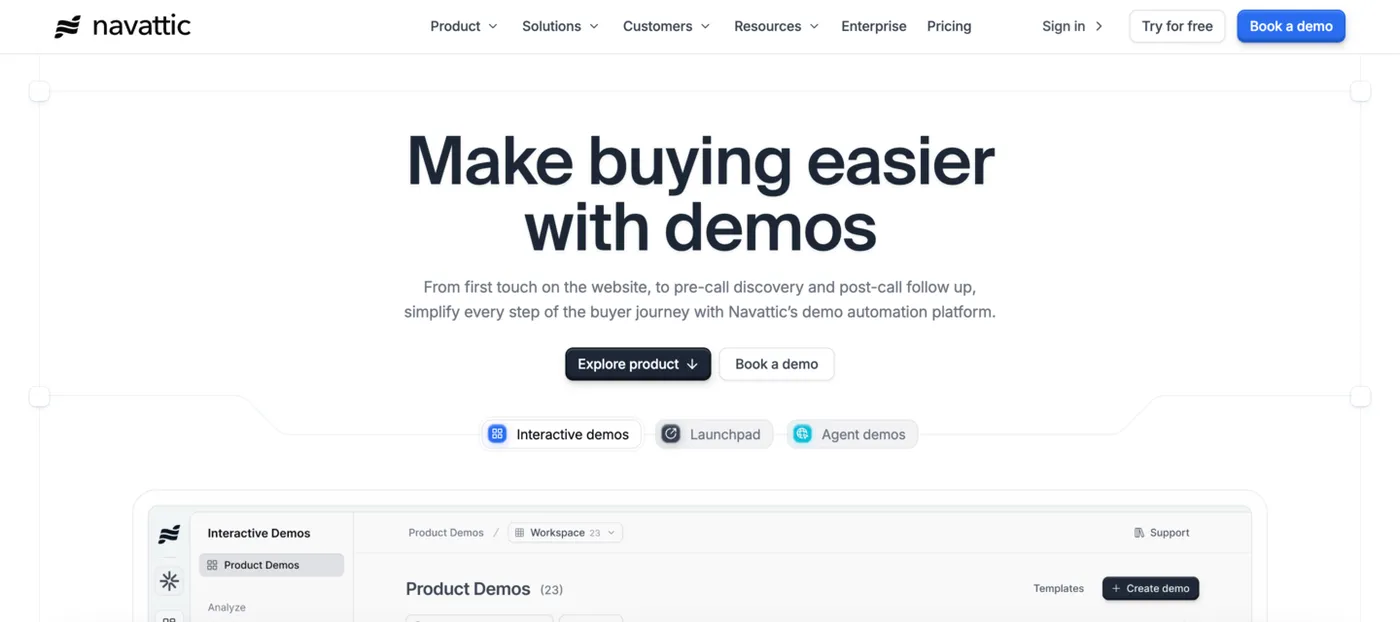
Navattic is an interactive demo platform built around the full buyer journey, from first website touch through post-call follow-up. The core products are interactive demos with an AI builder trained on high-performing demos in the customer library, a sales-focused demo automation product for pre- and post-call discovery, and AI agent demos that run autonomously.
Key features
- AI demo builder trained on best practices: An AI builder generates demos from your product screens, trained on patterns from high-performing demos in Navattic’s customer library.
- Demo automation for sales calls: A separate product for sharing demos before discovery calls (to qualify deals) and after calls (to enable internal champions).
- AI agents for autonomous demos: AI agents run live demos in any language, qualify prospects, and answer questions during the demo without a human present.
Pricing. Free tier available. Paid tiers not published. Vendr puts the median at $8,000/year.
Best for: sales and marketing teams that want demos at multiple stages of the buyer journey (website embed, pre-call discovery, post-call follow-up), with AI agents for autonomous demos.
Built for enterprise
Walnut
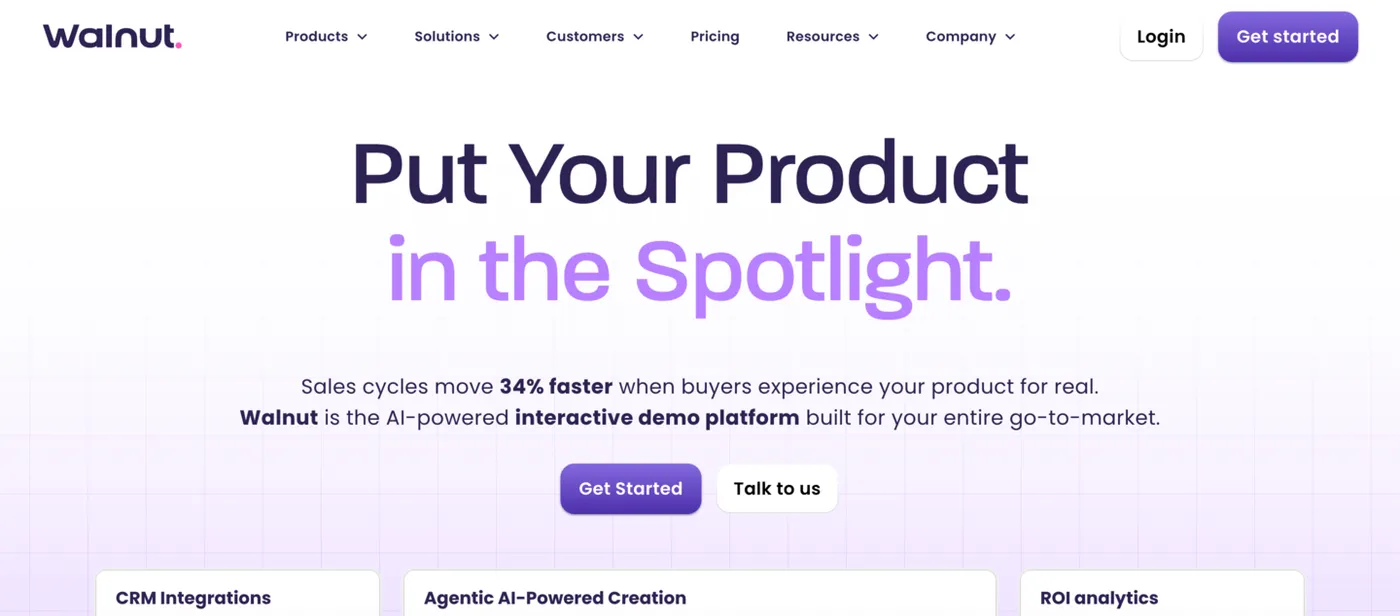
Walnut is an interactive demo platform aimed at enterprise B2B revenue teams. AI features cover prompt-based demo building, auto-generated demos from screen narration, and engagement analytics. Notable for the enterprise end of this category: localization in over 240 languages, offline demo access for traveling reps, and deep CRM integration with Salesforce, HubSpot, and Outreach.
Key features
- AI generates demos two ways: Build from a prompt, or click through your product while narrating and let AI generate the demo from the recording.
- 25+ language translations: Demos can be translated into over 25 languages, useful for global sales teams running campaigns in multiple regions.
- Offline demo access: Demos can be downloaded and presented without an internet connection, useful for conference floors, on-site presentations, or traveling reps.
Pricing. Not published. Vendr puts the median at $17,500/year.
Best for: enterprise B2B revenue teams that need deep localization, offline access for traveling reps, and CRM integration with Salesforce, HubSpot, and Outreach.
How to choose: which one fits your situation?
| If you’re… | Look at |
|---|---|
| A solo founder or early-stage SaaS on a tight budget | FlowNavi, Hopscotch |
| A SaaS team wanting more than the basics in one bundle | UserGuiding |
| Already on Intercom for support and messaging | Intercom Product Tours |
| Managing lots of walkthrough content over time, with frequent product changes or multiple languages | Inline Manual |
| Mid-market SaaS wanting AI to draft walkthroughs from a recording | Jimo |
| Mid-market SaaS wanting AI to catch where walkthroughs are failing | Userflow (behavior signals), Chameleon (weekly campaign audit) |
| Engineering-led, want walkthroughs as code with AI action automation | Frigade |
| Mid-market SaaS wanting walkthroughs alongside analytics, session replay, or email | Userpilot, Pendo |
| Multi-channel onboarding (in-app + email + push) with native mobile | Appcues |
| Looking for a real free tier that includes walkthroughs | Frigade |
| Enterprise team needing training depth (sandbox + scenario + assessments) | Whatfix |
| Large enterprise rolling out the SAP suite or many internal applications | WalkMe |
| Building interactive demos and want a free tier with multiple demo types | Supademo |
| Building interactive demos in multiple output formats (interactive + step-by-step + video) | Guidejar |
| Building interactive demos for marketing, with mobile and cloned environments | Guideflow |
| Building interactive demos for the sales cycle, with deal rooms or AI demo agents | Storylane (per-deal rooms), Navattic (per-funnel-stage) |
| Building interactive demos for an enterprise revenue team with localization or offline needs | Walnut |
Frequently asked questions
What is interactive product walkthrough software?
“Interactive product walkthrough software” refers to two different categories of tools that share a name but work differently. The first one is in-app walkthroughs that add tooltips, hotspots, and modals on top of your live SaaS product to guide signed-up users. The other one is interactive demos that capture or clone your product into a separate experience that prospects can explore. The audience and goal differ: in-app walkthroughs are for activating signed-up users, interactive demos are for converting prospects who haven’t signed up yet.
What’s the difference between an in-app walkthrough and an interactive demo?
In-app walkthroughs run inside your live SaaS product to guide signed-up users through it. The mechanism is tooltips, modals, checklists, and hotspots that appear on top of your real product UI. Interactive demos build clickable replicas of your product (captured as screenshots or HTML clones) that you can embed on your website or share with prospects via link. The replicas run outside your live product, so prospects can explore without signing up. The difference is whether the user is inside your live product or interacting with a captured version of it.
How is interactive product walkthrough software different from product tour software?
The terms are largely interchangeable for in-app walkthrough tools. Product tour software and interactive product walkthrough software both describe the same category of tools that guide users through a SaaS product with step-by-step in-product UI elements. The naming varies by vendor and reader preference. Some tools refer to themselves as “product tour”, some as “interactive walkthrough”, and most cover both terms.
How is interactive product walkthrough software different from video walkthroughs?
Interactive walkthrough software shows the user the next step to take (a tooltip pointing at a button, a popup with a short instruction, a highlighted field) and waits for the user to actually click that button, fill that field, or perform that action before advancing. The user is doing the work, with the tool nudging them at each step. Video walkthroughs are pre-recorded screen captures of someone else doing the work. The viewer just watches.
How much does interactive product walkthrough software typically cost?
Pricing depends on whether you’re buying an in-app walkthrough tool or an interactive demo tool, and on your team size. In-app walkthrough tools start at $79/month (FlowNavi) and scale through mid-market options at $150-$300/month (UserGuiding, Inline Manual, Userflow, Jimo, Chameleon, Userpilot) to enterprise contracts of $15,000-$50,000+ per year (Appcues, Pendo, Whatfix, WalkMe). Interactive demo tools start free for self-serve options (Supademo, Guidejar, Guideflow) and range up to $18,000+/year for enterprise revenue-team rollouts (Walnut). A few tools have free plans that include walkthroughs: Pendo (up to 500 monthly active users) and Frigade for in-app, and Supademo, Guidejar, Guideflow, Storylane, and Navattic for demos.
Are there any free or open-source interactive product walkthrough tools?
Yes, several. For in-app walkthroughs: Pendo offers a free tier covering up to 500 monthly active users with walkthroughs, product analytics, NPS, and roadmaps. Frigade has a free tier for its AI-agent in-app walkthroughs. For interactive demos: Supademo, Guidejar, Guideflow, Storylane, and Navattic all have free plans, usually capped at a handful of published demos. On the open-source side, there are 3 popular JavaScript libraries for in-app walkthroughs: Intro.js, Shepherd.js, and Driver.js. These let your engineering team build walkthroughs, but the trade-off is that you maintain the tour logic, analytics, and segmentation yourself, with no managed service behind it.
Building walkthroughs for your own SaaS?
Picking the right tool depends on what you’re building and where you sit. For in-app walkthroughs that onboard signed-up users, the choice comes down to team size, what you already use, and budget. For interactive demos that convert prospects, the choice depends on whether you’re using demos for marketing (website embeds, retargeting) or sales (deal rooms, AI agents), and on volume and localization needs.
If you want a full set of no-code walkthroughs at an affordable price, FlowNavi covers tours, tooltips, hotspots, checklists, announcements, and surveys from $79/month, with every feature on every plan. If you need deep customization, product analytics, AI, or native mobile, one of the other in-app walkthrough tools above is the better fit.