
10 Best Chameleon Alternatives & Competitors in 2026 for SaaS Teams
This guide covers 10 Chameleon alternatives, spanning cheaper focused tools, mid-market platforms in Chameleon’s own bracket, and the heavier analytics and enterprise options. Each gets a short rundown of starting price, strengths, limitations, and a note on when Chameleon is still the better pick.
In this post
- Why people look for Chameleon alternatives
- What Chameleon does well
- How Chameleon’s pricing actually works
- The alternatives
- A simpler, more affordable alternative: FlowNavi
- Mid-market platforms similar to Chameleon: UserGuiding, Userpilot, Appcues, Userflow, Jimo, Intercom Product Tours
- Analytics-heavy and enterprise platforms: Pendo, WalkMe, Whatfix
- How to choose between them
- Summary
- FAQ
Why people look for Chameleon alternatives
Chameleon scores 4.4 out of 5 across 353 G2 reviews, with 235 of those at five stars. The product is well-liked, but a few themes come up often enough to push teams toward other tools.
Advanced flows have a steep learning curve. “Learning Curve” is the most-mentioned negative category on Chameleon’s G2 page. One reviewer described the trade-off this way: “Some advanced features can take time to learn, and setting up more complex flows isn’t always very intuitive at first.” Another reviewer summed the same point up in their review title: “Powerful In-App Guidance with a Bit of a Learning Curve.” Building anything beyond a basic tour or tooltip takes real time to figure out.
Bugs and preview-vs-production mismatches. “Software Bugs” is the second-most-cited negative category. One reviewer left a one-star review titled “Frustrating Experience with Inconsistent Performance” and listed several issues: “It clashes, preview is not working properly, it shows different values on preview and then on prod live, it’s hard to style and many more.” A separate reviewer flagged intermittent CSS bugs in their dislike. Chameleon’s team replies to these reviews and proposes fixes, but the pattern is consistent enough to be worth flagging.
Reporting and integrations feel thin for the price point. Two related themes recur across reviews: limited integration depth and surface-level analytics. One reviewer wrote: “Analytics inside the platform could go deeper for the price point it sits at.” Another, after praising the no-code builder, said: “I wish their HubSpot integration offered more options, especially when it comes to reporting.” A third reviewer wished for “more detailed, granular insights so I could better understand user behavior and know exactly where improvements are needed.”
What Chameleon does well
Reviewers point to a consistent set of strengths across G2 feedback.
Non-technical teams ship in-app experiences without engineering. “Ease of Use” is the top positive category on Chameleon’s G2 page. One product manager wrote: “I appreciate Chameleon for bringing experiences into my product quickly with Tours, Microsurveys, and help guides, without needing any engineering effort.” A separate reviewer described the collaboration angle: “It really helps that I don’t have to create whole components by myself, nor do I need dedicated developers to reach users and inform them about new features.” Marketing, product, and customer success can all build flows themselves.
Customization and flexibility for tailored experiences. “Customization” is the third-most-mentioned positive category. Reviewers credit Chameleon with letting them tailor experiences to different user segments and fine-tune the no-code builder past what simpler tools allow. One reviewer titled their review “Intuitive No Code Platform with Seamless Setup” and praised the depth available without writing code. For teams that hit a wall on entry-level tools, this is usually the reason they evaluate Chameleon.
Customer support gets repeated praise. “Customer Support” sits in the top five positive categories. One reviewer wrote: “The support team is incredibly fast. They usually reach out within minutes via email and Slack. I’ve also had the chance to get help directly from their engineers on a complex Chameleon testing workflow my team was building.” A long-time customer also called out their Customer Success Manager running regular check-ins with proactive recommendations.
Breadth of in-app experience types. Beyond standard product tours, Chameleon covers microsurveys, checklists, banners, and HelpBar, an in-app search bar that searches your knowledge base. One reviewer wrote: “As our knowledge base continues to grow, the HelpBar’s results keep improving, allowing more clients to self-serve and resolve their support needs.” Teams that want one tool covering tours, NPS surveys, in-app help search, and feature announcements get that scope in a single product.
How Chameleon’s pricing actually works
Chameleon lists a Startup plan from $279/month, Pro from $750/month, Growth from $1,750/month, and a custom Enterprise tier. A few mechanics underneath those numbers are worth knowing before you commit.
Pricing scales with Monthly Tracked Users (MTUs), and MTUs aren’t the same thing as MAUs. An MTU is “all unique users identified by Chameleon (from any source) on a 30-day basis.” That includes users pushed in via Segment server-side, REST API, or webhooks “even if they do not visit your application.” If the snippet sits on your marketing site, anonymous visitors get counted. If you sync a Segment cohort, those users count. Chameleon’s own docs name this as the most common reason customers blow through their MTU bucket.
Billing uses your peak MTU count, not your average. Per the overages doc, “we will count the maximum number of MTUs in the prior period (month or year) and charge accordingly.” One traffic spike sets your bill for the whole period. On annual contracts, the same logic applies: if your peak month exceeds the bucket you signed for, the overage lands on the next invoice rather than averaging out.
The $279 Startup plan caps you at 10 live experiences. Tours, surveys, checklists, and everything else count toward that cap. Custom CSS, A/B testing, goal tracking, and integrations start on Pro, at $750/month.
Growth is paid annually up front. The Growth plan doc spells out “paid annually up-front (although can include a pilot period).” Growth starts at $1,750/month, and it’s where unlimited experiences, the in-app knowledge base search, and a dedicated success manager begin. Across all plans, Vendr puts the median Chameleon contract at $25,750 a year.
The alternatives
A simpler, more affordable alternative
1. FlowNavi
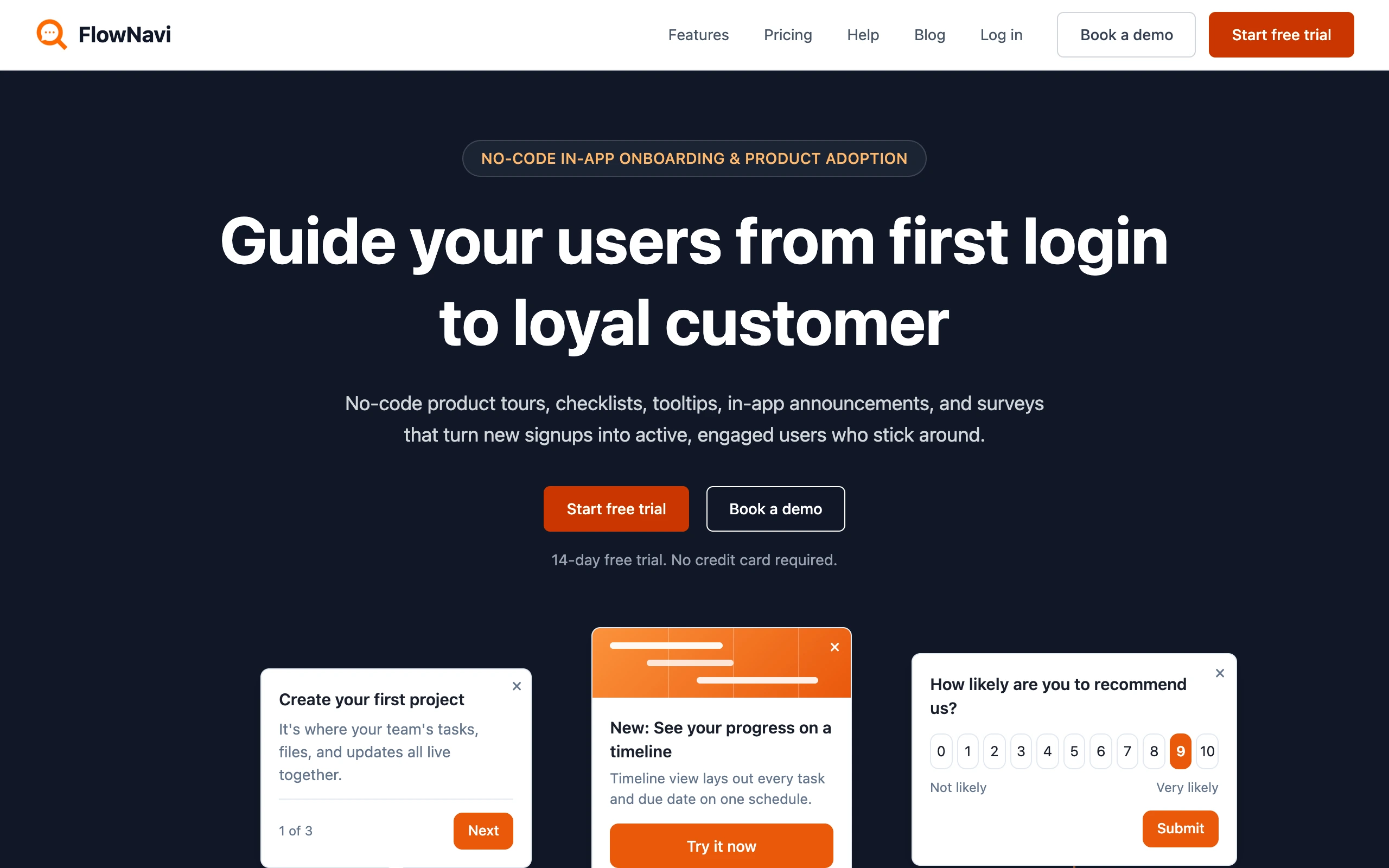
FlowNavi is a no-code tool for in-app onboarding and product adoption: product tours, checklists, tooltips, hotspots, in-app announcements, and NPS and custom surveys. It builds the same kinds of in-app guides as Chameleon, at a lower price.
Pricing. From $79/month. Free trial available.
What it does well. FlowNavi starts at $79/month, against Chameleon’s $279. It’s also easier to learn: reviewers say Chameleon’s advanced flows take time to figure out, while most FlowNavi teams have their first guides live in a day or two. Its pricing also counts only the users active in your app, where Chameleon’s MTU billing pulls in users from other sources and charges on your peak month.
Where it falls short. FlowNavi has no custom CSS, so it can’t match the pixel-level, native-feeling styling that’s Chameleon’s calling card. It also has no AI assistant to draft flows from a description, no recordable click-through demos, no in-app help search over a knowledge base, and no A/B testing. If those are what draw you to Chameleon, it does more.
Best for. SMB and mid-market SaaS teams that want the same kinds of in-app guides as Chameleon at a lower price and with less of a learning curve, and don’t need its deep customization, AI flow drafting, or recordable demos.
Quick disclosure: FlowNavi is our own tool so I am obviously biased. Take this section with that in mind.
Mid-market platforms similar to Chameleon
2. UserGuiding
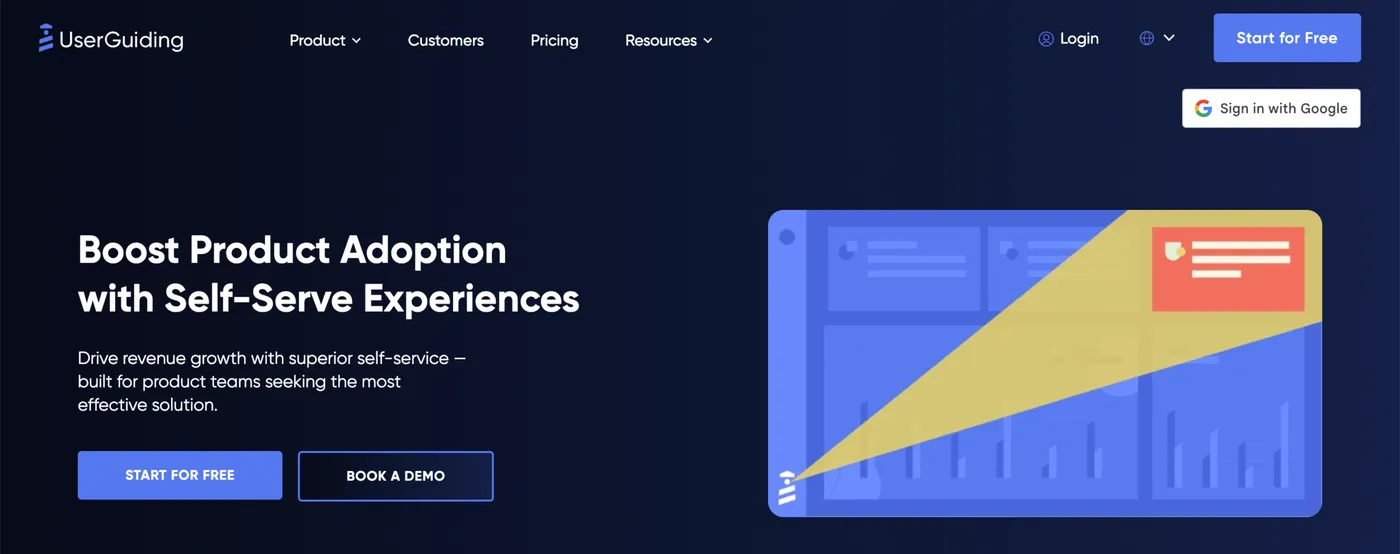
UserGuiding positions itself as the all-in-one product adoption tool that bundles a knowledge base, an AI assistant for answering support questions, an in-app help widget, and a product updates page on top of the usual tours, tooltips, checklists, hotspots, and surveys. Their pitch leans on two things: one tool that replaces several stitched-together ones, and a setup they claim takes 15 minutes. Where Chameleon goes deep on customization and AI-assisted flow building, UserGuiding goes wide on what’s bundled.
Pricing. From $249/month. Free trial available.
What it does well. UserGuiding’s Starter plan covers 2,000 monthly active users and includes things Chameleon’s Startup plan doesn’t: a built-in knowledge base, an in-app help widget that searches it, an AI agent for support, and a product update page. The entry price is $30 a month below Chameleon’s Startup tier.
Where it falls short. The Starter tier comes with firm caps: 15 active guides, 10 hotspots, 1 checklist, 1 in-app survey, and 1 in-app help widget. Customization is also a top strength for Chameleon, so teams with stricter brand guidelines or finer styling needs may hit walls on UserGuiding that they wouldn’t on Chameleon. Both tools are web only.
Best for. Teams that want a broader bundle of in-app tools (tours, checklists, a knowledge base, an AI support assistant, a product update page) at a similar entry price to Chameleon, and that can live with hard caps on guides, hotspots, and checklists on the starting tier.
3. Userpilot
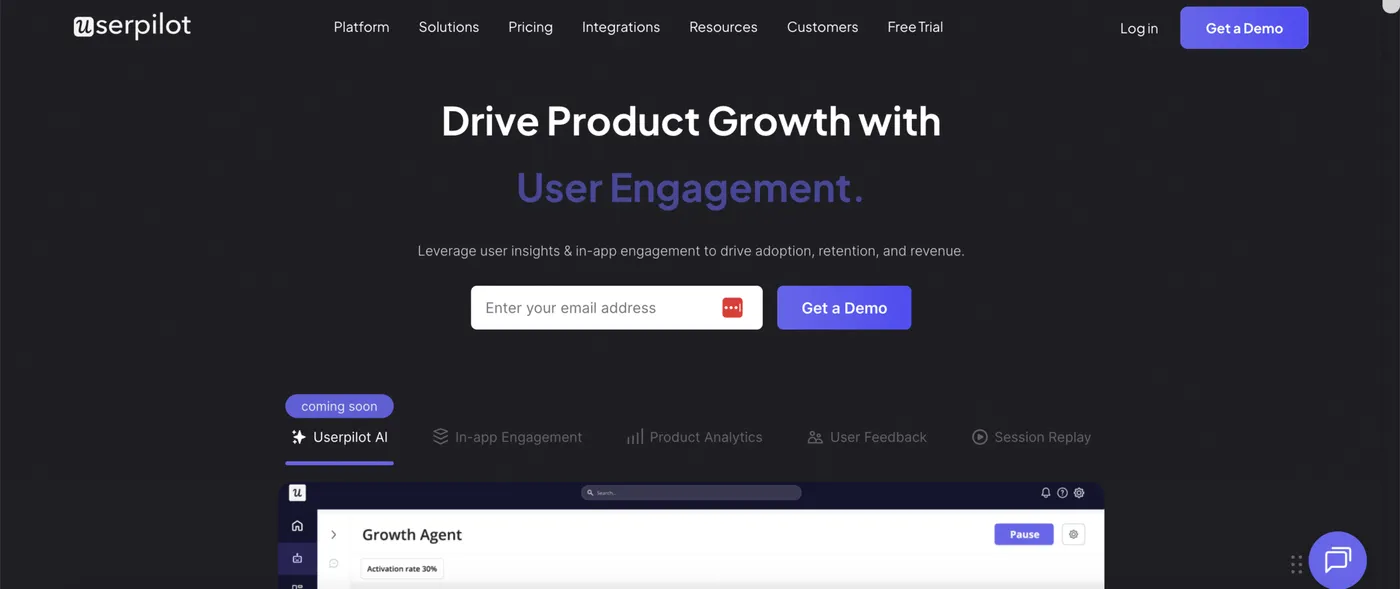
Userpilot positions itself as a product growth platform that bundles in-app engagement (tours, checklists, banners, embeds), product analytics (funnels, retention, paths), surveys, session replay, and an AI agent that analyzes product data and drafts content. Where Chameleon goes deep on customization and the breadth of in-app experience types (tours, recordable product demos, in-app surveys, in-app help search), Userpilot pulls engagement, analytics, and feedback into one place.
Pricing. From $299/month. Free trial available.
What it does well. Userpilot bundles built-in product analytics with in-app guidance, so funnels, retention cohorts, paths, and event autocapture (a system that records user actions in your product automatically) sit alongside tours, checklists, banners, and embeds. Chameleon doesn’t include any of those analytics. Userpilot also supports native iOS and Android as a paid add-on on the Growth tier, while Chameleon is web only. Userpilot’s AI agent reads your product data, drafts in-app campaign content, and can build a full campaign from a written prompt.
Where it falls short. The Starter tier ($299/month for 2,000 monthly active users) sits in similar feature territory to Chameleon’s Startup tier. Product analytics (funnels, retention, paths), event autocapture, in-app help widgets, email engagement, and session replay all require the Growth tier, which starts at $849/month. User segmentation on Starter is capped at 10 segments.
Best for. Teams that want product analytics, in-app engagement, and an AI agent for product data in one platform, and don’t need Chameleon’s customization depth.
4. Appcues

Appcues positions itself as a customer engagement platform that delivers in-app messages, email, and push notifications across web and mobile, with an AI engine that picks which experience to deliver to which user at which moment. Where Chameleon stays in-app on web only, Appcues spans more channels and more platforms, but caps the number of in-app experiences you can publish per tier.
Pricing. Not published. Vendr puts the median Appcues contract at $15,000 per year, with deals ranging from $5,840 to $44,200. Free trial available.
What it does well. Appcues runs across three channels (in-app, email, push) and two platforms (web, native iOS and Android), which Chameleon doesn’t match. The AI engine connects user behavior signals to the next-best action, picking the right channel and timing for each user based on what they’ve done in the product. And Appcues bundles every experience type, feature, and integration into every paid tier, so what changes between tiers is monthly active user volume and the number of published experiences, not which features you get.
Where it falls short. Each Appcues tier caps the number of published experiences (10 on Start, 25 on Grow, 100 on Enterprise) and how far back your reporting history goes (12 months, 24 months, 36+ months). Customization is also Chameleon’s top strengths, so teams that need fine styling control or strict brand-matching may hit walls on Appcues that they wouldn’t on Chameleon. Vendr notes that Appcues uses non-linear pricing: doubling your monthly active users more than doubles the cost.
Best for. Teams that want one tool for in-app messages, email, and push notifications across web and mobile, and that can live with hard caps on the number of published experiences per tier.
5. Userflow
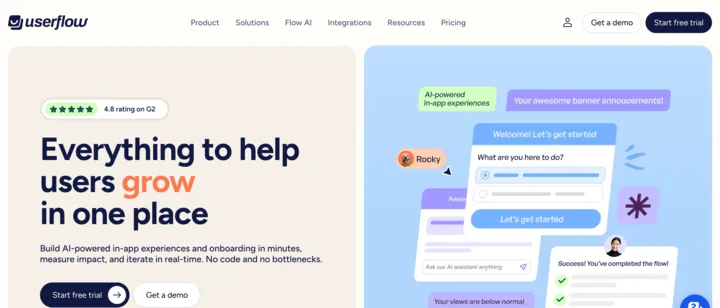
Userflow is an AI-powered product adoption and onboarding platform that focuses on customer onboarding, in-app guidance, and activation, with AI features for flow building, content rephrasing and translation, and answering user questions in-app. Where Chameleon goes wide on in-app experience types (tours, recordable product demos, in-app surveys, in-app help search, embeds), Userflow narrows in on the onboarding and adoption loop and adds AI on top.
Pricing. From $240/month. Free trial available.
What it does well. Its Studio plan ($400/month) costs about half of Chameleon’s Pro, and every Userflow plan includes unlimited team members. On Studio, Userflow’s AI assistant answers user questions inside your product based on your help content and product data, and a separate AI feature drafts whole flows from a description. Studio also white-labels the in-app help widget, so it looks like part of your product rather than a third-party badge.
Where it falls short. The product is narrower than Chameleon. It doesn’t have recordable click-through product demos, an in-app help search bar that pulls from your knowledge base, or the customization depth Chameleon reviewers praise. The AI assistant comes only with Studio, metered at 500 AI credits per month. Each additional product you want Userflow installed in costs $250/month, on Studio. Both Userflow and Chameleon are web only.
Best for. Mid-market teams that want a focused, well-rated onboarding and adoption tool with built-in AI for less than Chameleon’s Pro plan, and that don’t need recordable product demos or Chameleon’s customization depth.
6. Jimo
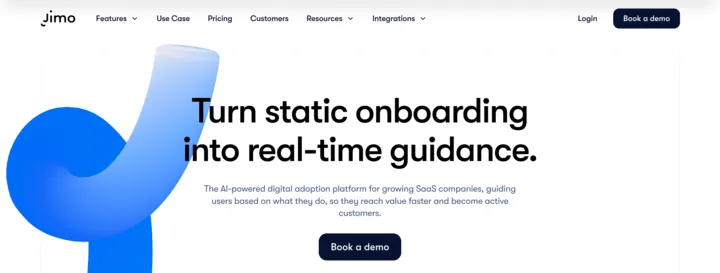
Jimo is a mid-market product adoption tool that lets you build tours, checklists, in-app surveys, hints, banners, and a dedicated changelog widget for posting product updates inside your app. Where Chameleon emphasizes customization depth and breadth of in-app experience types, Jimo emphasizes a different build path: instead of laying out tour steps in an editor, you click through the flow yourself and the AI generates the tour from that recording.
Pricing. From $249/month. Free trial available.
What it does well. Jimo’s AI turns a click-through of your own product into a tour automatically, so you build tours by demonstrating rather than configuring each step in an editor. The Growth tier ($499/month for up to 100,000 monthly active users) includes unlimited published experiences for under $6,000/year, where Chameleon only lifts its cap on Growth. Every paid plan includes A/B testing on your in-app flows, which Chameleon starts on Pro. Jimo also bundles a dedicated changelog widget that posts your product updates in-app as users return, without buying a separate tool for it.
Where it falls short. Starter caps you at 10 published experiences and 5 team members. Customization is where Chameleon goes deeper, so teams with strict brand requirements or finer styling demands will find more room on Chameleon. Both tools are web-only (Jimo lists native iOS/Android as “coming soon”).
Best for. Teams that want fast tour creation by recording a click-through, a bundled in-app changelog, and unlimited in-app experiences at a Growth tier well below Chameleon’s, and that don’t need Chameleon’s customization depth or wider integration set.
7. Intercom Product Tours
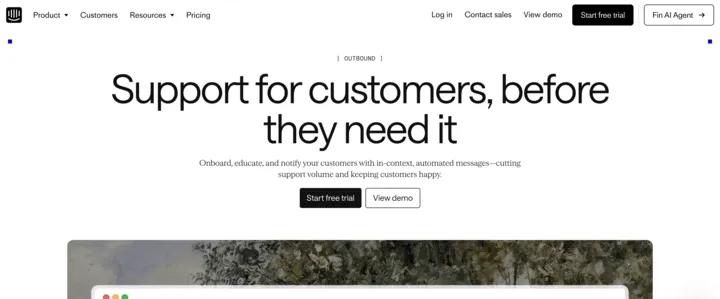
Intercom Product Tours is one feature inside Intercom’s broader customer service platform, sitting in its “Outbound” suite alongside Checklists, Mobile Carousels, Tooltips, in-product messages, banners, push notifications, and the Series cross-channel campaign builder. It’s positioned around reducing support ticket volume by helping users early and automatically, not as a dedicated product adoption tool. Where Chameleon is a purpose-built in-app guidance product on web only, Intercom Product Tours lets you sequence a tour with email, push, mobile, and chat in one journey, on the same customer data your support team already uses.
Pricing. $99/month for the Proactive Support Plus add-on, on top of an Intercom plan starting at $29/seat/month. Free trial available.
What it does well. Product Tours connects to everything else in Intercom: you can string a tour into a longer customer journey with email, push, banners, chat, and bot messages in one no-code visual builder. Mobile Carousels deliver onboarding inside iOS and Android apps, which Chameleon doesn’t cover (Chameleon is web-only). A/B testing is included for Product Tours, which Chameleon starts on Pro. Pre-built templates cover common onboarding use cases so you don’t start from a blank slate. If your team already runs support through Intercom, the customer data, segments, and Messenger are already wired up.
Where it falls short. The product is a feature inside a customer service suite, not a dedicated product adoption tool. You’re paying per support seat plus a $99/month add-on with a 500-message cap, which adds up fast if your support team grows. Customization is less deep than what Chameleon’s no-code builder allows, especially when styling tours to match your brand.
Best for. Teams already using Intercom for customer support who want onboarding tours running on the same platform, with cross-channel journeys that combine in-app, email, push, and chat from one builder, and that need native mobile coverage where Chameleon doesn’t go.
Analytics-heavy and enterprise platforms
8. Pendo

Pendo is an analytics-first product experience platform that bundles in-app guides as one module alongside product analytics, session replay, NPS and customer feedback collection, churn prediction, and a roadmap tool. Where Chameleon is a dedicated in-app guidance tool with depth on customization, Pendo treats in-app guides as one part of a wider analytics and feedback stack, and covers native iOS and Android, which Chameleon doesn’t.
Pricing. Free plan for up to 500 monthly active users. Paid plans use custom pricing; Vendr puts the median Pendo contract at $48,500/year. 30-day free trial of the full platform.
What it does well. Product analytics is bundled into every tier: funnels, retention cohorts, paths, and event tracking sit in the same tool as your tours and tooltips, so you measure adoption without a separate analytics vendor. Session replay lets you watch real user sessions, which Chameleon doesn’t have. Native iOS and Android support means you can run guides on mobile apps too. Pendo prices on monthly active users only, not per application, so you can install it across multiple SaaS products at no extra cost. And the churn-prediction module flags users likely to leave based on their behavior patterns.
Where it falls short. Vendr’s median Pendo contract sits at $48.5K/year, well above Chameleon’s. In-app guides are one module in a wider platform rather than the focus, so customization depth and the breadth of in-app experience types is generally narrower than what Chameleon offers. Setup is heavier too. Pendo is a bigger system to install and configure than Chameleon, especially if you want all the analytics dimensions wired up properly.
Best for. Teams that want product analytics, customer feedback collection, and in-app guides bundled in one platform, that need native mobile coverage, and that have the budget for a platform like Pendo.
9. WalkMe
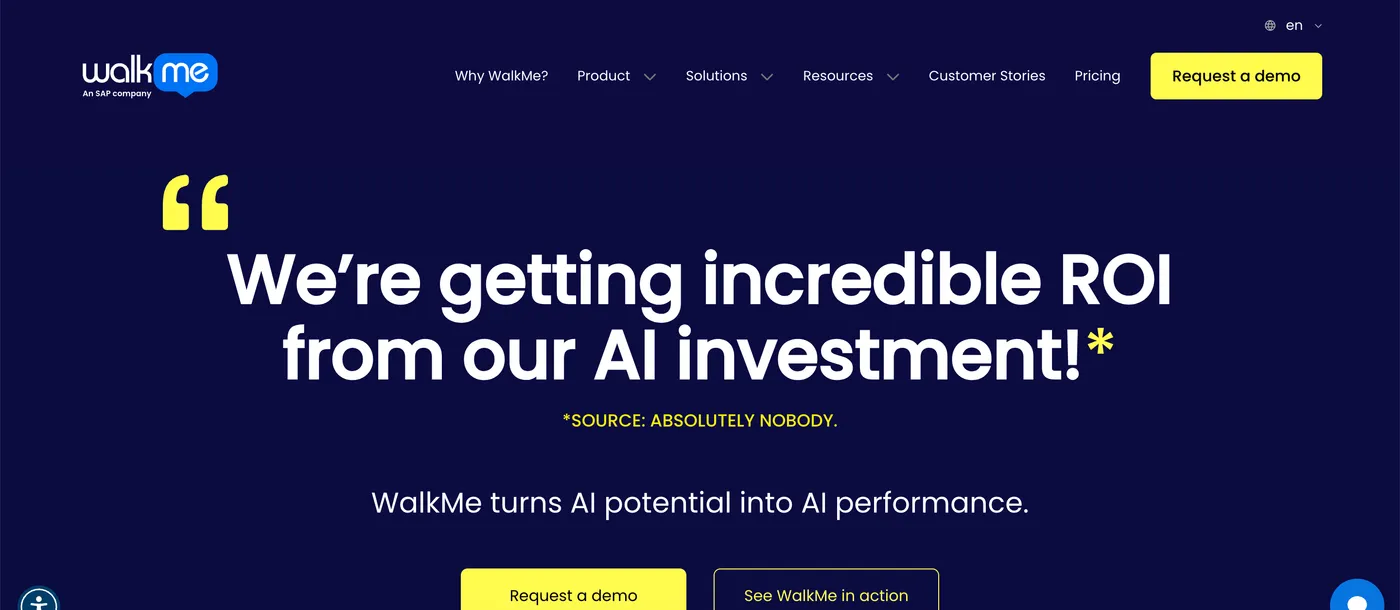
WalkMe is built for the opposite of what Chameleon does. It guides your employees through the internal apps your company makes them use (Salesforce, Workday, ServiceNow, and the rest of a corporate app stack), not your customers through your SaaS product. So if you’re choosing a tool to onboard customers to a product you sell, WalkMe is in the wrong shape and wrong price bracket for the job. Where Chameleon helps people learn one product, WalkMe helps people get work done across several products at once.
Pricing. Not published. Vendr puts the median WalkMe contract at $39,000/year.
What it does well. The biggest single capability is help that works across several apps at once: a salesperson moving from CRM to invoicing to approvals sees the same tooltips, walkthroughs, and AI assistant in each tool. The AI reads what’s on screen and can execute the next step itself, pulling data, filling forms, or routing an approval, instead of leaving the user to do it. It runs on desktop, mobile, and web, in office or field settings. Adoption metrics roll up across every connected app, so a CIO can see whether the AI tools the company bought for everyone are actually being used.
Where it falls short. For onboarding customers to a single SaaS product (the job Chameleon is built for), WalkMe is overscoped. The price runs roughly 1.5x Chameleon’s at the median, and substantially higher at the top end. Implementation typically requires significant configuration work across all your internal apps. Customization for matching a single product’s brand is less the focus than serving an entire workforce across many apps.
Best for. Large enterprises with many internal SaaS apps in their workforce stack who want one tool to guide employees through workflows that touch several apps at once. Not a fit for onboarding customers to a single SaaS product.
10. Whatfix

Like WalkMe, Whatfix is built for the opposite of what Chameleon does. It guides your employees through the internal apps your company runs (Salesforce, Workday, Oracle, banking systems, healthcare records, government portals), not your customers through your SaaS product. If you’re trying to onboard customers to a product you sell, Whatfix is in the wrong category and the wrong price bracket for the job.
Pricing. Not published. Vendr puts the median Whatfix contract at $32,000/year.
What it does well. Whatfix places tooltips, walkthroughs, and adoption analytics inside multiple internal apps from one tool, so an employee moving across an HR system, expense tool, and CRM sees the same guidance in each. It includes a practice mode where employees can rehearse a workflow on a sandbox copy of the real app before touching the live system. The platform also turns a plain-text description into working in-app guidance: you type “show new hires how to submit an expense report” and the system drafts the steps. An AI roleplay feature creates scenarios where customer-facing employees practice things like de-escalating an angry caller or pitching a renewal.
Where it falls short. For the job Chameleon is built for (onboarding customers to a SaaS product), Whatfix is the wrong shape. The median price runs above Chameleon’s, and implementation typically requires significant configuration work across each connected internal app. Customization for matching the look and feel of one product is less the focus than supporting employees across an entire internal app stack.
Best for. Large enterprises that want practice-mode simulations alongside in-app guidance across their internal app stack. Not a fit for onboarding customers to a single SaaS product.
How to choose between them
A quick way to narrow down based on what’s pulling you away from Chameleon.
By priority:
- The same in-app guides as Chameleon, cheaper and easier to learn: FlowNavi
- A broad bundle (tours, knowledge base, AI support assistant, product updates): UserGuiding
- Built-in product analytics (funnels, retention, paths) alongside in-app guidance: Userpilot or Pendo
- Cross-channel reach (in-app, email, push) plus native mobile: Appcues
- Native mobile coverage that Chameleon doesn’t have: Appcues, Pendo, or Intercom Product Tours
- AI tour generation at a Growth tier cheaper than Chameleon’s: Userflow or Jimo
- Build tours by recording your screen instead of configuring each step: Jimo
- Onboarding inside a tool you already run for support: Intercom Product Tours
- Internal employee adoption across multiple enterprise apps: WalkMe or Whatfix
- Practice-mode where employees rehearse a workflow on a sandbox copy of the real app: Whatfix
Two things worth watching for:
Pricing units don’t compare directly across this list. Chameleon prices on Monthly Tracked Users (MTUs), which count users pushed in via Segment server-side, REST API, or webhooks even if those users never open your app. Most others (FlowNavi, Appcues, Userflow, Userpilot, UserGuiding, Jimo, Pendo) price on Monthly Active Users (MAUs), which only count users who actually open your app in a given month. For the same real product usage, your Chameleon MTU bill tends to be higher than an MAU bill on a comparable plan, because Chameleon’s count includes users that other vendors wouldn’t bill for.
Two tools on this list aren’t for customer onboarding. WalkMe and Whatfix are designed to guide employees through internal business software (Salesforce, Workday, banking systems, healthcare records), not to guide customers through your SaaS product. They show up in Chameleon searches because the underlying technology looks similar, but the buyer, the budget (median $32K-$39K/year), and the use case are different. If you’re a SaaS team adding tours to your own product, both are the wrong category.
Summary
| Tool | Target | Starting price | Key strength |
|---|---|---|---|
| Chameleon | Mid-market SaaS | $279/mo | Deep design customization across tours, surveys, banners, and in-app help |
| FlowNavi | SMB SaaS | $79/mo | The same in-app guides, cheaper and simpler to set up |
| UserGuiding | Mid-market SaaS | $249/mo | Broad bundle (tours, knowledge base, AI support assistant) |
| Userpilot | Mid-market SaaS | $299/mo | Product analytics built into the same tool as in-app guidance |
| Appcues | Mid-market SaaS | Custom (~$15K/yr median) | In-app + email + push across web and mobile |
| Userflow | Mid-market SaaS | $240/mo | AI assistant for users plus AI tour drafting |
| Jimo | Mid-market SaaS | $249/mo | Record a click-through, AI generates the tour |
| Intercom Product Tours | Teams already on Intercom | $99/mo add-on | Onboarding inside the Intercom platform |
| Pendo | Mid-market to Enterprise | Free + Custom (~$48.5K/yr median) | Deep product analytics, native mobile, multi-product support |
| WalkMe | Large enterprises (employee onboarding) | Custom (~$39K/yr median) | Help employees across many internal apps at once |
| Whatfix | Large enterprises (employee onboarding) | Custom (~$32K/yr median) | Employee onboarding with practice-mode simulations |
FAQ
How much does Chameleon actually cost?
Chameleon’s pricing starts with a Startup plan from $279/month, capped at 10 live experiences, then Pro from $750/month and Growth from $1,750/month, with a custom Enterprise tier. Pricing scales on Monthly Tracked Users (MTUs). An MTU is any user ever registered with Chameleon, not just users who actively log into your app. That includes users pushed into Chameleon from your customer database or analytics tools that never actually visit your product. Chameleon also bills on your peak MTU count for the period, not your average, so one traffic spike sets your bill for the month or year. Startup caps you at 6 teammates and Growth at 15, so growing past either cap forces a tier upgrade rather than just adding seats.
Is there a free Chameleon alternative?
Chameleon itself doesn’t offer a free plan, only a free trial. For a free alternative, Pendo (a product analytics and adoption platform) has a free tier for up to 500 monthly active users that includes product analytics, in-app guides, and basic surveys. If your team is willing to build and maintain the tours in code, Intro.js, Shepherd.js, and Driver.js are free JavaScript libraries that handle in-app tours without a paid platform.
Chameleon vs Appcues: which one wins?
Chameleon and Appcues are both tools that let you build in-app tours, checklists, banners, and surveys for SaaS products. The main differences are where your messages can reach users, mobile coverage, and customization depth. Chameleon stays inside your web app and goes deep on visual customization, with an AI assistant that drafts tours, surveys, and user segments from a written description. Appcues reaches users with in-app messages, email, and push notifications, runs on web and native iOS and Android, and includes every feature in every paid tier. Pick Chameleon if you want depth on in-app design. Pick Appcues if you want to reach users beyond the browser.
Does Chameleon support mobile apps?
No. Chameleon is web-only and doesn’t support native iOS or Android apps. Other product adoption tools that work inside native iOS and Android apps include Appcues, Pendo, Intercom Product Tours, and Userpilot.