
11 Best Userflow Alternatives & Competitors in 2026 for SaaS Teams
This is a comparison of 11 Userflow alternatives, ranging from cheaper focused tools to mid-market platforms in Userflow’s bracket and heavier analytics and enterprise options. Each one gets a summary of pricing, strengths, and limitations, plus a note on when Userflow is still the right pick.
In this post
- Why people look for Userflow alternatives
- What Userflow does well
- How Userflow’s pricing actually works
- The alternatives
- How to choose between them
- Summary
- FAQ
Why people look for Userflow alternatives
Userflow is genuinely well-liked. On G2 it scores 4.8 out of 5 across 114 reviews, with 86% of those at five stars. But a handful of themes come up often enough to send teams looking at other options.
The AI agent and most integrations sit on the pricier plan. Userflow’s Essentials plan starts at $240/month but leaves out its in-app AI agent, the centerpiece of its marketing, along with connections to tools like Segment, Mixpanel, Amplitude, Intercom, HubSpot, and Salesforce. Those all come with Studio, from $400/month. Both plans cover only 1,000 monthly active users at their starting price. “Expensive” is one of the five aggregated cons on Userflow’s G2 page.
Reporting and analytics are limited. Analytics is the most common functional gripe in the G2 reviews. One reviewer wrote bluntly: “That we can’t report on Analytics. It would be very nice to have more reporting capability.” The aggregated “Poor Reporting” tag on G2 picks up the same theme. If you want funnels, retention cohorts, or paths analytics, Userflow doesn’t deliver them.
Customization has limits. One reviewer said they’d “appreciate it if it’s more customizable” and framed it as a trade-off worth making for the simplicity they get. The aggregated “Difficult Customization” tag on G2 echoes the same point. Teams with strict brand guidelines or deeper styling needs may hit walls past what the no-code builder exposes.
The AI flow builder can over-automate. Userflow ships with AI flow generation. Some teams find it valuable for fast scaffolding, but one G2 reviewer described the trade-off this way: “Making flows with AI proved to be a little too automated and lost some specificity that we required.” Worth knowing if your flows have nuanced that AI may not be able to capture.
What Userflow does well
Reviewers point to a consistent set of strengths across their G2 feedback.
Non-technical teams ship without engineering. “Ease of Use” is the most-mentioned positive tag on Userflow’s G2 page, surfacing across many reviews. One reviewer cited “how easy it is to create the tours, no coding is needed which means multiple members of the team can edit or add anything they need to…” Another reviewer wrote: “I love how we can put this in front of our less-technical support staff and get them up and running really fast, building content.” A third reviewer summarized the broader appeal: “Lean, simple, and robust. It is easy to ship and adequately complex.”
Customer support is well-regarded. Customer Support is one of the top three aggregated positive tags on G2. One long-time customer wrote: “Their customer support is excellent. I have been using it since Esben and Sebastian [Userflow’s co-founders] were individually answering queries.” Userflow’s vendor team still responds to almost every review on G2, which is itself a signal of active engagement.
Flexibility for what the no-code builder exposes. Reviewers describe being able to adjust experiences fast. One reviewer wrote: “I like the flexibility it does provide.” Another titled their review “Highly Customizable, Easy Onboarding Solution” and praised “the broad range of customizability options, all behind an easy-to-use platform.”
Active product development. Reviewers call out that Userflow ships new features regularly. One titled their review “Userflow: Easy to Use, Constant Improvements and New Features”; another wrote: “They are constantly rolling out new features.”
How Userflow’s pricing actually works
Userflow lists two published plans (Essentials from $240/month, Studio from $400/month), both starting at 1,000 monthly active users, plus a custom Enterprise tier. A few mechanics underneath those numbers are worth knowing before you commit.
Annual is the published price. Monthly billing costs 25% more. Userflow advertises Essentials at $240/month and Studio at $400/month, both “billed annually.” Switching to monthly bumps Essentials to $300/month and Studio to $500/month. Userflow frames this as a 20% annual discount, which works out to a 25% premium on monthly billing. If your team isn’t ready to sign a 12-month contract, the entry price is closer to $300 than $240.
A second product means Studio plus $250/month. Essentials covers one product and can’t add more. Additional products are a $250/month add-on on Studio, so running Userflow in two SaaS products costs at least $650/month.
The AI agent runs on credits. Studio includes 500 AI credits a month for the in-app agent. Beyond that, you buy add-ons. If you plan to use the agent for support questions, check that allowance against your volume.
The alternatives
Simpler, more affordable alternatives
1. FlowNavi
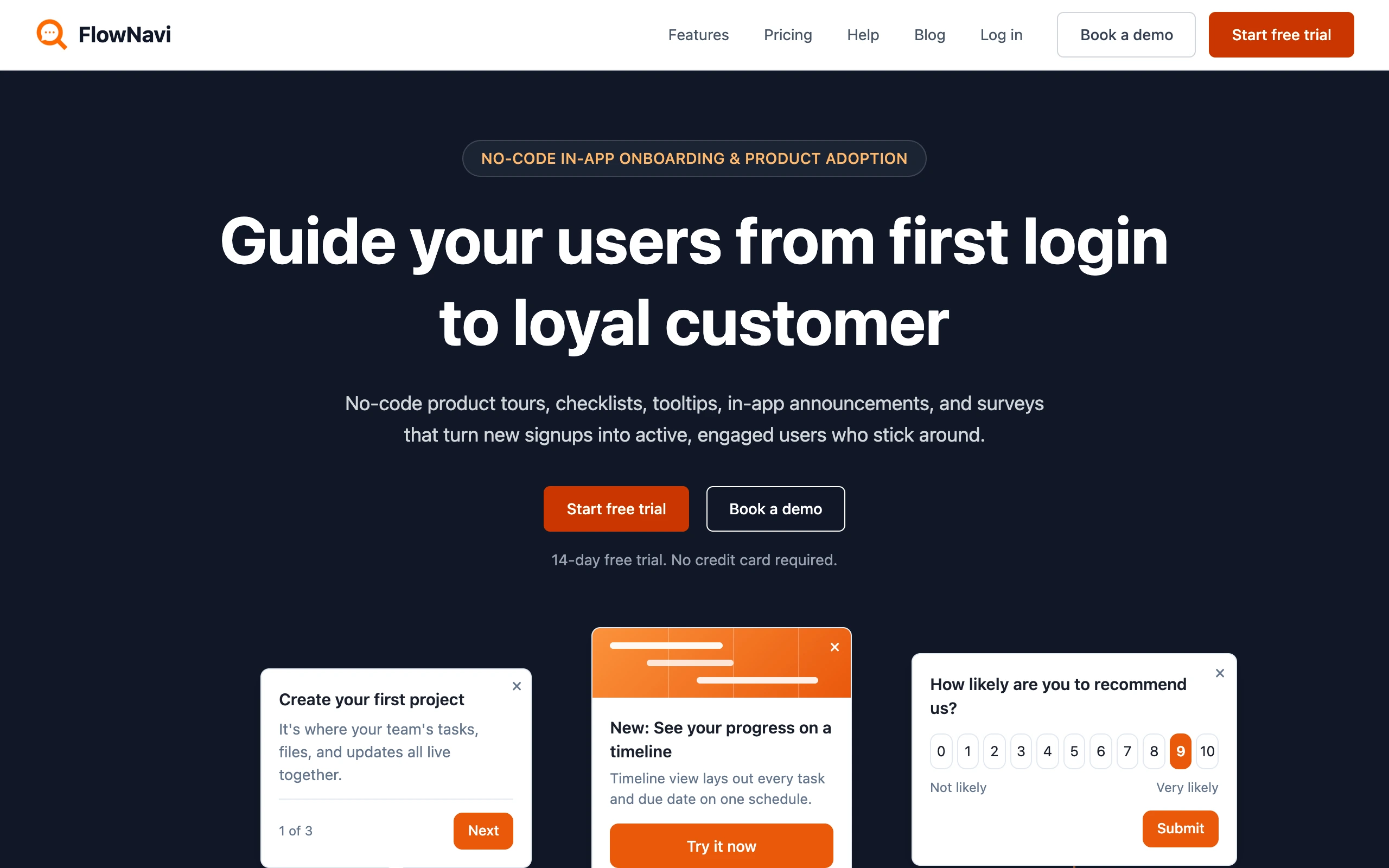
FlowNavi is a no-code tool for in-app onboarding and product adoption: product tours, checklists, tooltips, hotspots, in-app announcements, and NPS and custom surveys. It covers the same core in-app guides as Userflow, at a lower price.
Pricing. From $79/month. Free trial available.
What it does well. Every feature is on every plan, so the $79 entry plan gives you the full toolkit, not a stripped-down starter tier. It’s genuinely no-code: a non-technical person can build and ship guides, and most teams are live in a day or two. Pricing scales with your user count, with no big jump between tiers.
Where it falls short. The big thing FlowNavi doesn’t have is AI. Userflow’s AI layer, the in-product chatbot that answers your users’ questions plus AI flow generation, has no FlowNavi equivalent. FlowNavi also has no resource center. If Userflow’s AI is a big part of the draw, it does more.
Best for. SMB and mid-market SaaS teams that want Userflow’s core in-app guides at a lower price, and don’t need its AI layer.
Disclosure: we’re the team behind FlowNavi, so this isn’t a neutral take. Userflow is well-liked, and its AI goes beyond what we offer.
2. Hopscotch
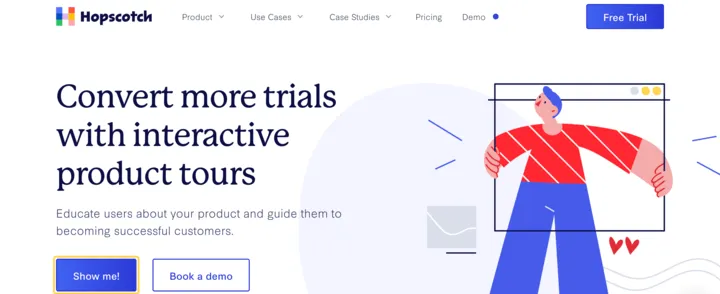
Hopscotch positions itself as the tool for SaaS startups that find Userflow-class platforms more than they need. Their FAQ names the competitive frame directly, saying it’s built for teams that tried “tools like Pendo, Appcues, or Userflow” and felt they couldn’t get their tours to look right “without jumping through hoops… or spending a boatload.” The pitch leans on three things: truly no-code (no dev work to get going), live support on every plan, and a $99 starting price.
Pricing. From $99/month. Free trial available.
What it does well. Hopscotch focuses on trial-to-paid conversion and churn reduction through onboarding. Every plan includes product tours and in-app messages, custom styling, and basic segmentation. The Growth plan ($249/month for 3,000 MAU) adds advanced segmentation with custom properties, custom event analytics, live support, and integrations with GA4, Mixpanel, Heap, Segment, and Zapier.
Where it falls short. Hopscotch is narrower than Userflow on almost every axis. There’s no AI (no equivalent to Userflow’s in-app AI agent or its AI that drafts flows), and no resource center. Like Userflow, Hopscotch is web only.
Best for. SaaS startups focused on trial-to-paid conversion who want a truly no-code tool with live support, at a lower price than Userflow, and don’t need AI flow generation, checklists, and surveys.
Mid-market platforms similar to Userflow
3. UserGuiding
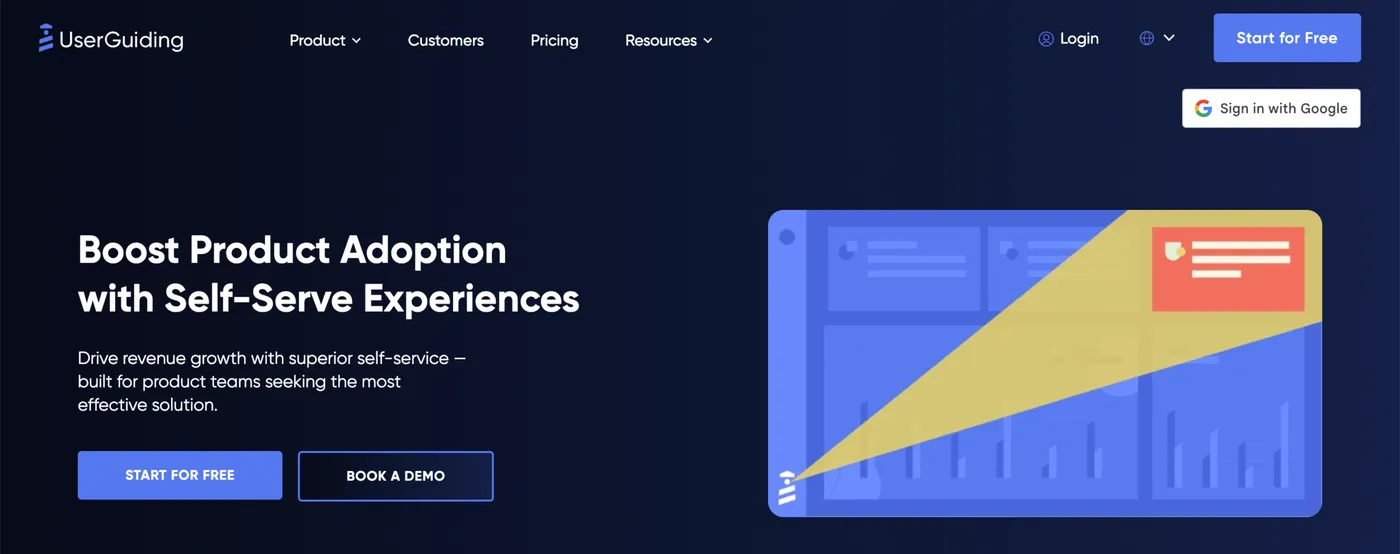
UserGuiding positions itself around three pillars: an all-in-one toolkit that keeps product teams from stitching multiple tools together, the best ROI without overpaying, and the fastest implementation in the category at 15 minutes. The all-in-one angle goes wider than Userflow: a knowledge base, AI assistant, product updates page, and resource center are bundled into every paid plan, not just tours and checklists.
Pricing. From $249/month. Free trial available.
What it does well. UserGuiding’s Starter plan (2,000 MAU) bundles product tours, checklists, hotspots, NPS, in-app surveys, a knowledge base, a resource center, and an AI Assistant trained on your knowledge base. There’s a 30-day money-back guarantee on paid plans.
Where it falls short. Starter caps content at 1 checklist and 15 tours, where Userflow’s Essentials plan leaves both unlimited. Analytics are basic: engagement metrics and segmentation, but no funnels, retention cohorts, or paths. There’s substantial feature gating between Starter and Growth: custom CSS, A/B testing, localization, and premium integrations all sit behind the Growth plan at $499/month, which doubles your bill without raising the MAU cap. AI is centered on a help-desk assistant trained on your knowledge base, not on flow creation, so there’s no equivalent to Userflow’s AI that drafts flows. Like Userflow, UserGuiding is web only.
Best for. Teams that want a single platform covering tours, checklists, NPS, a knowledge base, AI self-service support, and a resource center at one entry price, and don’t need Userflow’s AI-driven flow building or deeper segmentation features.
4. Userpilot
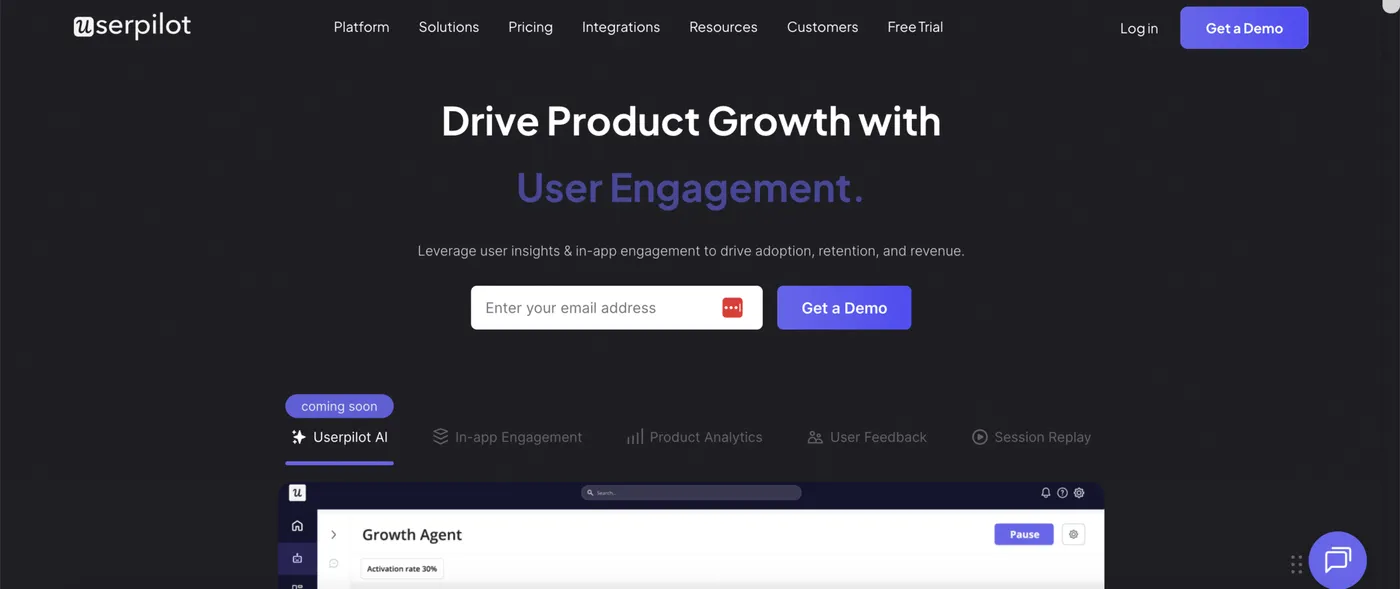
Userpilot positions itself as a product growth platform, bundling in-app guidance, product analytics, session replay, and user feedback under one tool. Its AI agent answers questions about your usage and feedback data and drafts flows and surveys from a prompt. Where Userflow leans on AI mainly for flow generation and behavior signals, Userpilot’s AI is broader, with a built-in MCP server that brings Userpilot data into any external AI tool.
Pricing. From $299/month. Free trial available.
What it does well. Userpilot’s Starter ($299/month for 2,000 MAU) covers in-app engagement, segmentation and tracking, usage trends, and an NPS survey. The Growth tier adds advanced product analytics, session replay, event autocapture, a resource center, advanced in-app surveys, and email engagement. Userpilot also supports native mobile apps. Userflow offers neither session replay nor mobile sdks.
Where it falls short. Userpilot’s Starter costs more than Userflow’s Essentials ($240/month for 1,000 MAU), and the feature scope at entry is also narrower: no resource center, and analytics is limited to usage trends. Most of what makes Userpilot interesting (advanced product analytics, session replay, email engagement, resource center) lives on the Growth tier, which starts at $849/month, more than double Userflow’s Studio. Even at Growth, mobile sdks are a paid add-on.
Best for. Mid-market product teams that want deeper analytics (funnels, retention, session replay) alongside onboarding and a broader AI platform than Userflow’s.
5. Appcues
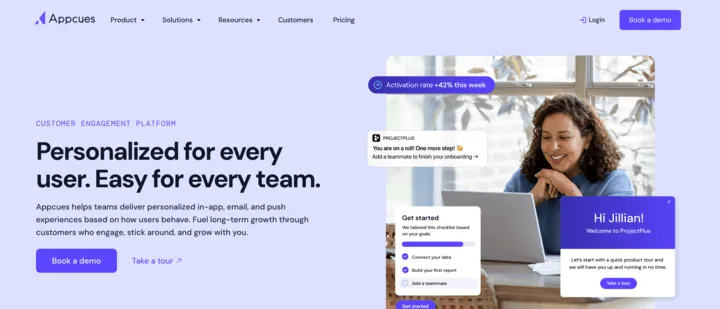
Appcues positions itself as a customer engagement platform with multi-channel reach: in-app messaging, behavioral email, push notifications, web, and native mobile, all bundled in one tool. The pitch is “Personalized for every user. Easy for every team,” powered by an AI growth engine described as a four-step cycle (understand, decide, act, learn) that surfaces who’s stuck, picks the next experience, delivers it across channels, and feeds results back in. Where Userflow is web-only in-app with AI focused on flow creation, Appcues is a broader multi-channel platform with AI focused on lifecycle automation.
Pricing. Custom. Per Vendr, median customer pays around $15,000/year. Free trial available.
What it does well. Every plan includes the full platform: every experience type, integration, and feature is bundled from day one, with no feature gating by tier. Onboarding and a dedicated customer success manager are included on every plan, including the entry-level Start plan (Userflow only includes a CSM on Enterprise). Native mobile and behavioral email are both first-class channels, neither of which Userflow offers.
Where it falls short. Each plan caps the number of published experiences: 10 on Start, 25 on Grow, 100 on Enterprise. If you run more than a handful of concurrent in-app campaigns, you’ll hit those limits. Pricing tends to land higher than Userflow’s published tiers: Vendr’s median Appcues contract is around $15,000/year, or ~$1,250/month, which is well above Userflow’s Studio plan at $400/month.
Best for. Mid-market teams that want a multi-channel growth platform (in-app + email + push + native mobile) with no feature gating across tiers, and value a dedicated CSM even at the entry tier.
6. Chameleon
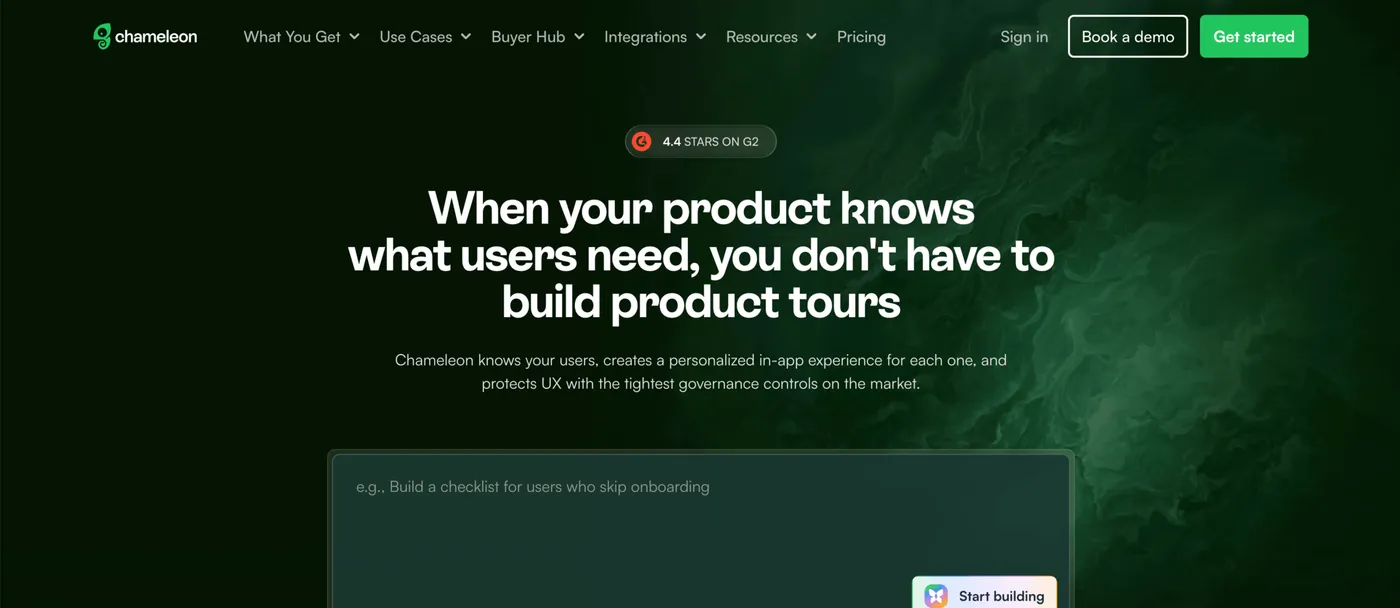
Chameleon positions itself as “the AI product adoption platform” and leans on governance as its distinctive angle. The homepage frames the pitch as four “without the tradeoffs” pairs: AI power without chaos, native experiences without engineering debt, insights without guesswork, and ship-fast safety. “Governance” here translates to practical controls: capping how many popups any one user sees so the product doesn’t feel spammy, getting your team notified when a tour stops being completed, and requiring a teammate to approve any change before it goes live to users. Where Userflow’s AI helps end users via the Adoption Agent, Chameleon’s AI helps the team building experiences.
Pricing. From $279/month. Free trial available.
What it does well. The governance features are a real differentiator: throttle how many popups any one user sees so the product doesn’t feel spammy, get email or Slack notifications when an experience stops being completed, and require a teammate to approve changes (side by side with the previous version) before they go live.
Where it falls short. Chameleon’s Startup at $279/month is more expensive than Userflow’s Essentials at $240/month and caps you at 10 live experiences. Custom CSS and A/B testing start on its $750/month Pro plan, well above Userflow’s Studio. Chameleon has no knowledge base or resource center equivalent to Userflow’s Resource Center.
Best for. Mid-market product teams that want deep customization, native A/B testing, and tight controls over what gets shown to users and when, and can absorb a higher starting price than Userflow.
7. Jimo
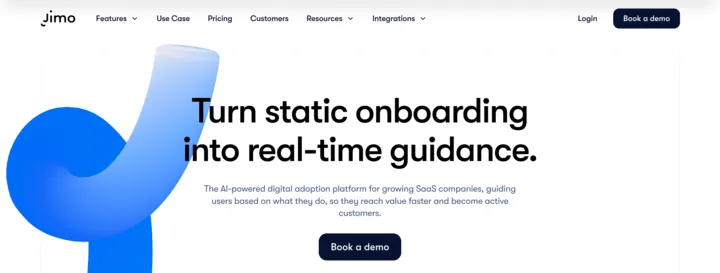
Jimo positions itself as “the AI-powered digital adoption platform for growing SaaS companies” and frames its pitch around turning “static onboarding into real-time guidance.” The AI angle threads through most experience types: record a user flow and Jimo AI generates the tour, AI Hints surface contextual help, and an AI Resource Center answers user questions. Where Userflow’s AI centers on an in-app agent for users and a flow drafter for the team, Jimo applies AI more broadly across each experience type it ships.
Pricing. From $249/month. Free trial available.
What it does well. AI is woven into nearly every experience type: AI-generated product tours (record a user flow and Jimo builds the tour), AI Hints, AI Hotspots, and an AI Resource Center that answers user questions in-app. The Starter plan ($249/month, 2,500 MAU baseline scaling to 10K) bundles those AI features alongside checklists, surveys, NPS, banners, and a changelog widget. The Growth plan ($499/month, scaling to 100K MAU) includes a dedicated customer success manager. Jimo is built in Europe with GDPR-first compliance and optional EU hosting, useful for teams with data residency requirements.
Where it falls short. Jimo’s Starter at $249/month is slightly more expensive than Userflow’s Essentials at $240/month, though it covers 2,500 MAU against Userflow’s 1,000, and Starter caps you at 10 published experiences, 5 team members, and limits product analytics to 1 tracked goal (their “Success Tracker” feature). Per Jimo’s FAQ, native iOS and Android support is “coming soon” but not yet available (the same gap Userflow has).
Best for. Growing SaaS teams that want AI woven across multiple experience types (tours, hints, hotspots, resource center) at a lower mid-tier price than Userflow, especially European teams that want EU hosting and a GDPR-first vendor.
8. Intercom Product Tours
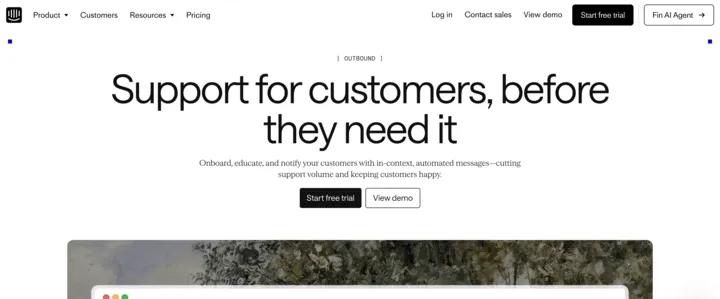
Intercom Product Tours is one feature inside Intercom’s broader customer service platform, positioned as part of the “Outbound” suite under the tagline “Support for customers, before they need it.” The pitch isn’t onboarding as a standalone discipline; it’s reducing support ticket volume by helping users early and automatically. Product Tours sits alongside Checklists, Mobile Carousels, Tooltips, and the Series cross-channel campaign builder. For teams already on Intercom for support, Product Tours runs on the same Messenger, customer data, and targeting as the rest of the platform.
Pricing. Sold through the Proactive Support Plus add-on at $99/month (includes 500 messages/month), on top of an Intercom plan starting at $29/seat/month. Free trial available.
What it does well. Product Tours integrates with everything else in Intercom: the Series builder lets you sequence a tour with email, push, banners, chats, and bot messages in one no-code visual journey. Mobile Carousels deliver native onboarding inside iOS and Android apps. A/B testing is included for Product Tours. Templates cover common onboarding use cases. If you’re already on Intercom, you avoid standing up and maintaining a separate tool, and the customer data layer is shared with support.
Where it falls short. Product Tours is a feature inside a customer service suite, not a dedicated product adoption platform. You’re paying per support seat plus a $99/month add-on, where Userflow prices on monthly active users. If you aren’t already an Intercom customer, adopting it just for product tours means paying for a whole support platform you don’t need. Userflow is purpose-built for product adoption and onboarding-focused analytics that Intercom’s Outbound suite doesn’t match.
Best for. Teams already using Intercom for customer support who want onboarding tours running inside the same platform, with Series-style cross-channel journeys that combine in-app, email, push, and chat from one builder.
Analytics-heavy and enterprise platforms
9. Pendo
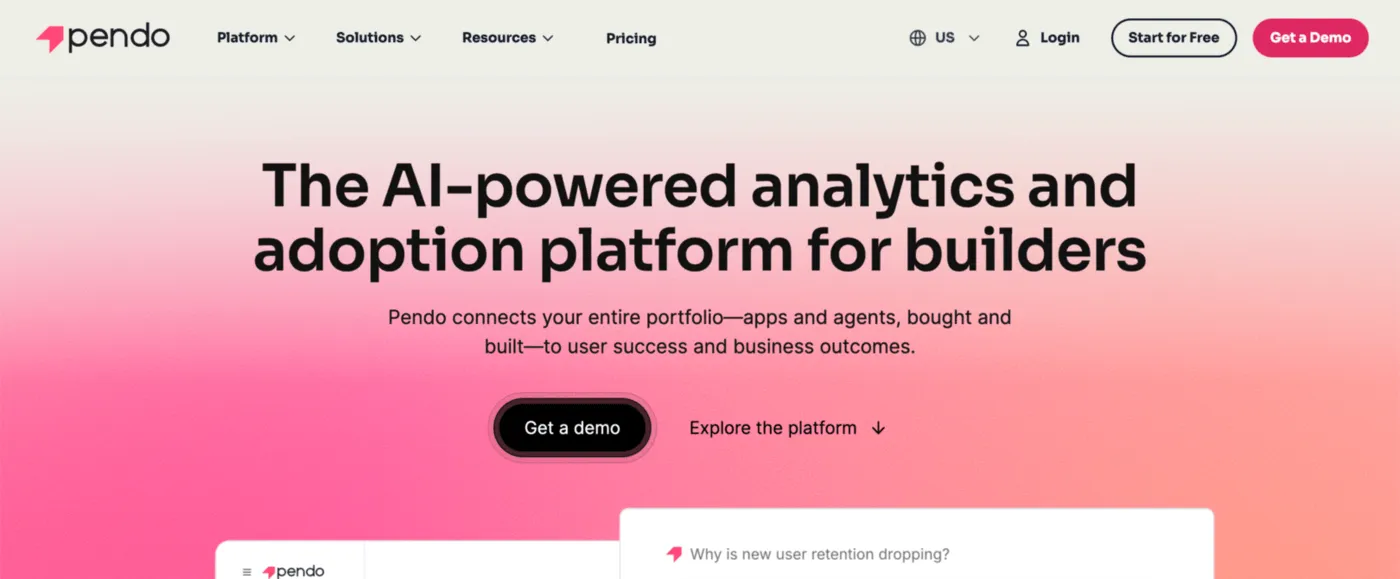
Pendo positions itself as “Product Context for Your Apps and AI Agents.” The platform is modular: you mix and match product analytics, in-app guides (tours and tooltips), session replay, surveys and NPS, churn-risk prediction, a cross-channel campaign builder that pairs in-app messages with email and push, a data warehouse sync, a customer feedback portal, and a usage tracker for AI features you’ve shipped. Where Userflow’s AI sits between you and your end users (an in-product chatbot that answers their questions), Pendo’s AI works for the team analyzing the data: an assistant you can ask plain-English questions about user behavior (“why did signups drop last week?”), a churn-risk forecast for any user, and a connector that exposes Pendo data to AI tools like Claude or Cursor.
Pricing. Custom. Per Vendr, median customer pays around $48,500/year. Free tier and free trial available.
What it does well. Native iOS and Android SDKs are first-class, where Userflow is web only. “Retroactive analytics” means Pendo captures the full data history from the day you install, so you can ask new questions about old user behavior without going back to add tracking code. Pendo’s pricing covers unlimited applications at no extra cost, useful if you have a multi-product portfolio (Userflow charges $250/month per additional product, on its Studio plan).
Where it falls short. Pendo is significantly more expensive than Userflow. Vendr’s median customer pays $48,500/year, roughly ten times Userflow’s Studio plan ($400/month, or $4,800/year). The platform is also heavier to adopt: each module you buy (analytics, guides, replay, surveys, the campaign builder, the feedback portal, the data sync) is its own configuration surface, and the free tier locks at 500 MAU with Pendo branding on every guide. Userflow’s in-product chatbot that answers user questions directly inside your app has no direct Pendo equivalent: Pendo’s AI helps the team building the product, not the users using it.
Best for. Mid-market to enterprise product teams that need deep analytics (funnels, retention, paths, session replay), native mobile coverage, multi-product portfolios, and AI focused on analysis and forecasting rather than user-facing chat.
10. WalkMe
The first thing to know about WalkMe is that it’s primarily built for a different job than every other tool on this list. The other tools help your customers learn your SaaS product. WalkMe helps your employees learn their company’s internal software, things like Salesforce, Workday, SAP, and ServiceNow. The tools that companies make their staff use to do their jobs. WalkMe shows on-screen tips, walkthroughs, and (now) AI suggestions inside those apps while employees work, without those apps having to be changed by their original vendors.
WalkMe was acquired by SAP in 2024, and its homepage now pitches the platform as “the critical layer that makes enterprise AI work.” The four-part pitch: read the screen so AI doesn’t need to be re-explained the task every time, follow an employee’s work across multiple apps at once, take action (filling forms, routing approvals, closing loops) rather than just giving instructions, and measure whether the AI investment is producing results. The visible piece for employees is the Action Bar, a small help bar that sits on top of whatever app they’re using and offers tips or AI assistance on demand.
Pricing. Custom. Per Vendr, median customer pays around $39,000/year, with a range from roughly $14,000 to $200,000+.
What it does well. The clear standout is that one WalkMe installation can deliver help inside many different software products at once. An employee doing a sales task might touch Salesforce, an internal pricing tool, and a contract system; WalkMe can guide them through all three from one place. The AI features come in three flavors: tips pinned to a specific button or field, suggestions delivered through the small floating help bar, and an on-demand menu an employee can open inside any app. It works on desktop, mobile, and web.
Where it falls short. WalkMe is the wrong shape of tool for most teams looking at Userflow. It’s built for guiding employees through internal company software, not for guiding customers through a SaaS product, so the buyer (typically IT or HR) and the budget are different. Implementation usually requires consultants or systems integrators. Per Vendr, median spend is around $39,000/year, roughly eight times Userflow’s Studio plan annualized ($4,800/year), and the upper end clears $200,000. AI usage moves to a separately-billed “AI Units” line item starting January 2027 per WalkMe’s pricing page, adding variable cost on top of the base contract. For someone whose job is “add product tours and a help chatbot to my SaaS app,” WalkMe is built for a different problem.
Best for. Large companies rolling out internal business software (SAP, Salesforce, Workday, ServiceNow) to thousands of employees, especially if they want one tool that guides staff across many apps at once. Not a realistic Userflow alternative for SaaS product teams.
11. Whatfix
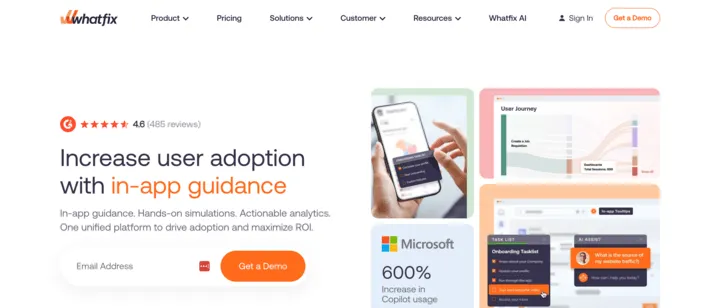
Like WalkMe, Whatfix is built for the opposite of what most tools on this list do. It helps your employees learn the internal software your company makes them use (banking systems, healthcare records platforms, insurance claims apps, Salesforce, Workday, SAP), not your customers learn your SaaS product. Whatfix shows tips, walkthroughs, popups, and AI suggestions inside those apps as employees work, and the customer base skews heavily to regulated industries: banking, healthcare, financial services, insurance, pharma, and government.
The distinctive piece of the product is called Mirror, a sandbox that captures a real application screen-by-screen as someone clicks through a process, then turns the captured version into a safe practice environment with quizzes and progress tracking. Employees can rehearse a workflow without ever touching the live system, and you can export the training and drop it into whichever employee training system the company already uses. WalkMe doesn’t offer an equivalent. Whatfix also bundles three AI agents: one generates training content from a description, one summarizes user behavior data in plain language, and one offers help to an employee during a task.
Pricing. Custom (flat fee plus per-user license). Per the Whatfix FAQ, employee-facing apps are priced on total employees with access; customer-facing apps are priced on monthly active users. Per Vendr, median customer pays around $32,000/year, with a range from roughly $26,000 to $38,000. Free trial available.
What it does well. The Mirror training sandbox is genuinely unique in this category, especially valuable for high-stakes workflows where employees can’t afford to make mistakes the first time (medical software, financial transactions, compliance procedures). Whatfix bundles its Product Analytics plan free with its main plans, where most competitors charge for analytics separately. Whatfix supports desktop apps in addition to web (Userflow is web only) and integrates with virtual desktop setups like Citrix and Azure Virtual Desktop. Per Whatfix’s homepage, 15% of Fortune 1000 companies use the platform, and 49 million users have been guided through 1,800 applications.
Where it falls short. Whatfix is in the wrong category for most teams looking at Userflow. It’s built for guiding employees through internal enterprise software, not for guiding customers through a SaaS product. The entry-level Standard plan caps you at 2 integrations and 2,000 imported help articles, and SSO and IP whitelisting are reserved for higher tiers. Per Vendr, median spend is ~$32,000/year, roughly seven times Userflow’s Studio plan annualized ($4,800/year). If your job is “add product tours to my SaaS app,” Whatfix is solving a different problem.
Best for. Large enterprises in regulated industries (banking, healthcare, insurance, pharma, government) that need to train employees on complex internal software, especially where practice simulations are valuable (medical procedures, compliance workflows). Like WalkMe, not a realistic Userflow alternative for SaaS product teams.
How to choose between them
A quick way to narrow down based on what’s pulling you away from Userflow.
By priority:
- Cheaper and quick to set up: FlowNavi or Hopscotch
- All-in-one bundle (tours, knowledge base, AI assistant, resource center): UserGuiding
- Deeper product analytics (funnels, retention, session replay) alongside onboarding: Userpilot or Pendo
- Multi-channel reach (in-app, email, push, native mobile): Appcues
- Native mobile plus and multi-product support: Pendo
- Deep customization and tight controls over what users see when: Chameleon
- AI across more experience types, plus EU hosting: Jimo
- Onboarding inside a tool you already run for support: Intercom Product Tours
- Internal employee adoption of enterprise software (Salesforce, Workday, SAP): WalkMe or Whatfix
- Hands-on practice simulations for high-stakes employee workflows: Whatfix
Two things worth watching for:
Two tools on this list aren’t for customer onboarding. WalkMe and Whatfix are designed to guide employees through internal company software (Salesforce, Workday, banking systems, healthcare records), not to guide customers through a SaaS product. They show up in Userflow searches because the underlying technology overlaps, but the buyer (typically IT or HR), the budget ($30K-$200K+ annually), and the use case are different. If you’re a SaaS team adding tours to your own product, these two are the wrong category.
“AI-powered” means different things across this list. Some tools’ AI helps your end users (Userflow’s in-product chatbot, UserGuiding’s AI assistant trained on your knowledge base, Pendo’s churn-risk forecasting). Some tools’ AI helps the team building experiences (Chameleon’s content generator, Pendo’s natural-language data assistant, Jimo’s tour generator that turns a recorded user flow into a tour). Some do both. When you’re comparing “AI features,” check exactly who the AI is for: the same word covers very different products.
Summary
| Tool | Target | Starting price | Key strength |
|---|---|---|---|
| Userflow | Mid-market SaaS | $240/mo | AI-powered tours, checklists, and an in-product chatbot |
| FlowNavi | SMB and mid-market SaaS | $79/mo | Low price, every feature on every plan |
| Hopscotch | SaaS startups | $99/mo | Truly no-code with live support on every plan |
| UserGuiding | Mid-market SaaS | $249/mo | All-in-one bundle (tours, knowledge base, AI assistant) |
| Userpilot | Mid-market SaaS | $299/mo | Broader analytics and AI for the product team |
| Appcues | Mid-market SaaS | Custom | Full platform on every plan, in-app + email + push + mobile |
| Chameleon | Mid-market SaaS | $279/mo | Deep customization and controls over what users see |
| Jimo | Growing SaaS | $249/mo | AI across many experience types, EU hosting |
| Intercom Product Tours | Teams already on Intercom | $99/mo add-on | Onboarding inside the Intercom platform |
| Pendo | Mid-market to Enterprise | Free + Custom | Deep analytics, native mobile, multi-product support |
| WalkMe | Enterprise (employee-facing) | Custom | Employee onboarding across many internal apps |
| Whatfix | Enterprise (employee-facing) | Custom | Employee onboarding with practice simulations |
FAQ
Is there a free Userflow alternative?
Userflow itself doesn’t offer a free plan, only a free trial. For a free alternative, Pendo has a free tier for up to 500 monthly active users that includes product analytics, in-app guides, and Pendo-branded surveys. For free open-source options that require developer setup, Intro.js, Shepherd.js, and Driver.js are JavaScript libraries that handle in-app tours without a paid platform.
Userflow vs Userpilot: which one wins?
Userflow and Userpilot are both mid-market product onboarding tools with overlapping features (tours, checklists, in-app surveys, banners). The main differences come down to price, analytics depth, and what their AI is built for. Userflow starts at $240/month for 1,000 monthly active users; Userpilot starts at $299/month for 2,000 monthly active users. Userpilot bundles broader product analytics (funnels, retention, paths, session replay) and email engagement on its $849/month Growth plan, plus an AI assistant that helps the team analyze user data. Userflow has lighter analytics and no email engagement, but its Studio plan includes an in-product AI chatbot that answers your end users’ questions while they use your app. Pick Userpilot if you want onboarding and deeper analytics in one tool. Pick Userflow if you want a simpler toolkit at a lower entry price, with a user-facing AI agent available on Studio.
How much does Userflow actually cost?
Userflow has two published plans: Essentials from $240/month and Studio from $400/month, both billed annually. Choosing monthly billing instead raises those to $300/month and $500/month. Both include 1,000 monthly active users and one product; more users cost extra, and additional products are a $250/month add-on on Studio. Userflow’s in-product AI chatbot for end users comes only with Studio, which includes 500 AI credits per month, with extra credits sold as add-ons. The Enterprise tier is custom pricing.
Does Userflow support native mobile apps?
No. Userflow is web-only and doesn’t support native iOS or Android apps. If your product is a native mobile app, the alternatives that do support native mobile are Appcues (in-app + email + push + native mobile all in one platform), Pendo (native iOS and Android SDKs), Intercom Product Tours (Mobile Carousels for iOS and Android), and Whatfix (mobile-app guidance is a separate plan). Hopscotch, FlowNavi, UserGuiding, Chameleon, and Jimo are also web-only at present, though Jimo lists native mobile as “coming soon.”