
9 Best Userlane Alternatives & Competitors in 2026 (for user onboarding)
This article compares 9 userlane alternatives. Each gets its current pricing, where it’s strong and where it isn’t, and the kind of team it suits, plus a note on when Userlane is the right call.
FlowNavi: Affordable product adoption software without feature gating
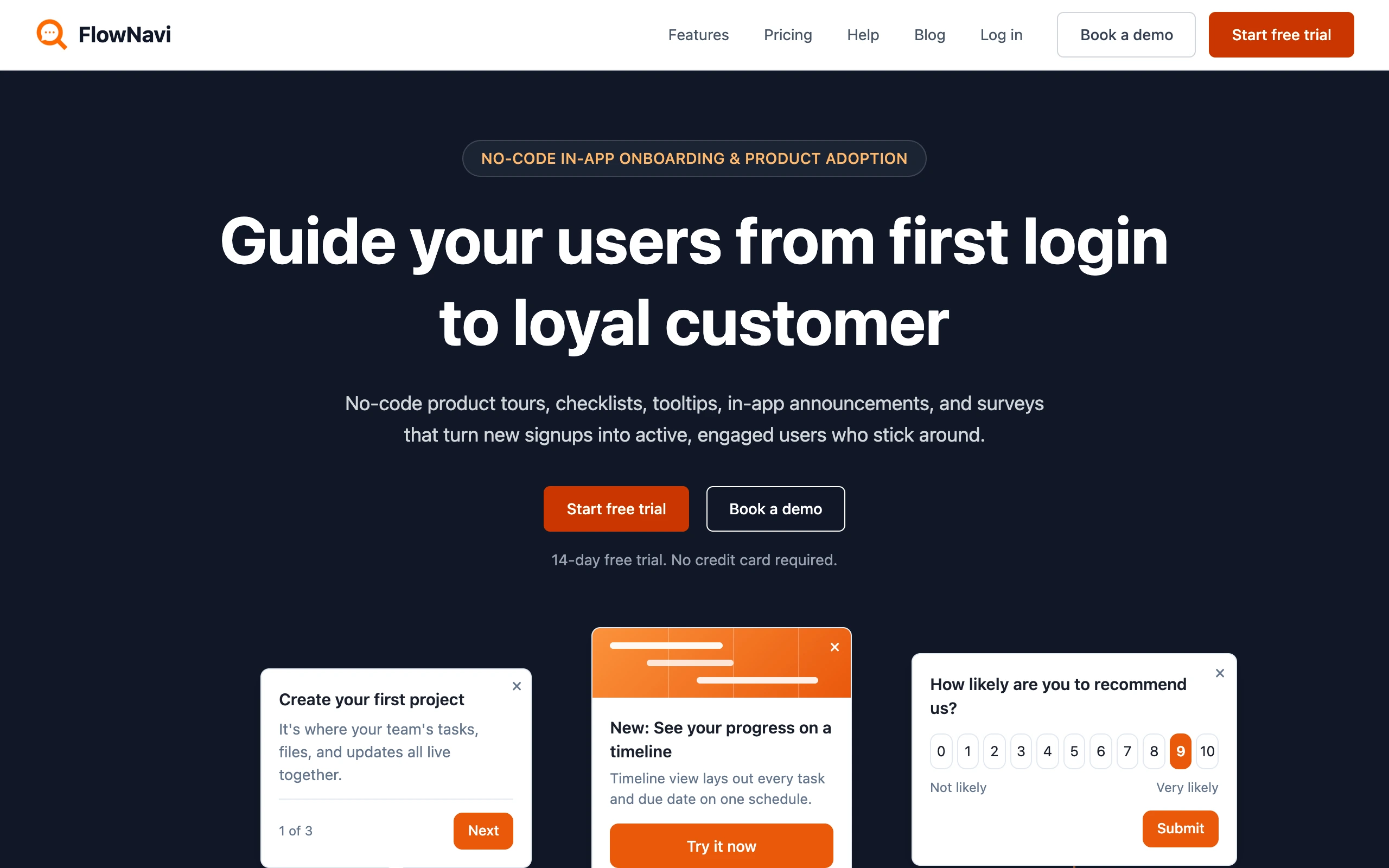
FlowNavi handles in-app onboarding and product adoption without code: tours, checklists, tooltips, hotspots, in-app announcements, and NPS and custom surveys. FlowNavi is built to guide your own users through your product, as opposed to Userlane which primarily is meant to guide your employees through internal tools.
Pricing. From $79/month. Free trial available.
What it does well. The entry plan carries the complete feature set, so moving up buys more usage, never a capability you were missing. Past the initial install it’s genuinely no-code, so a product manager can build and publish guidance without engineering, usually within a day or two. Set that against Userlane: even though Userlane sells itself as the quick-to-deploy DAP, it’s still an enterprise rollout, and its price lives in a different universe from $79 a month.
Where it falls short. FlowNavi is specialized for guiding your own customers through your own product. The employee side, guiding staff across a stack of internal apps, isn’t what it’s optimized for as opposed to Userlane.
Best for. SMB and mid-market SaaS teams that are looking for user onboarding and feature adoption software at a low, predictable price.
Disclosure: FlowNavi is our own product.
Userpilot: Product adoption plus product analytics in one tool
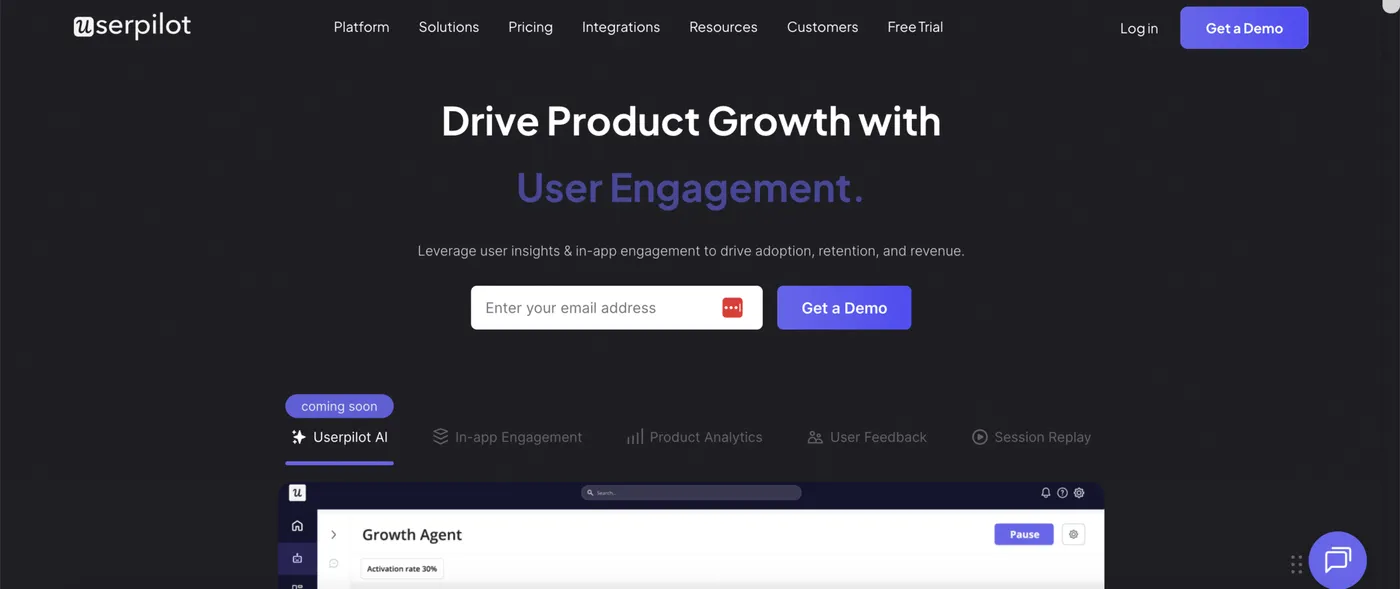
Userpilot brings together two things product teams usually buy apart: adoption guidance (flows, checklists, tooltips, surveys) and product analytics (funnels, retention, paths). It’s customer-facing and lives inside your own product, the opposite end from Userlane’s internal-software focus.
Pricing. From $299/month for 2,000 monthly active users on annual billing. Vendr tracks the median deal near $18,000/year. Free trial available.
What it does well. Getting adoption and behavioral analytics from one login is the pull. The analytics also aim at a different target than Userlane’s: Userlane measures how employees take up internal apps across the business, while Userpilot measures how customers move through the product you sell, the funnels, the retention, the paths they take. For a product team that’s the more useful data, and the contract sits well under an enterprise DAP’s.
Where it falls short. The depth is tiered. Funnels, retention, paths, session replay, and A/B testing begin on the Growth plan at $849/month, and mobile SDKs are paid on top, so the real capability lands above the $299 headline. And as a customer-facing tool, it’s optimized for the product you sell, not for the internal-software adoption Userlane specializes in.
Best for. SaaS teams that want adoption and product analytics from a single mid-market tool.
Appcues: Multi-channel product adoption across in-app, email, and push notifications
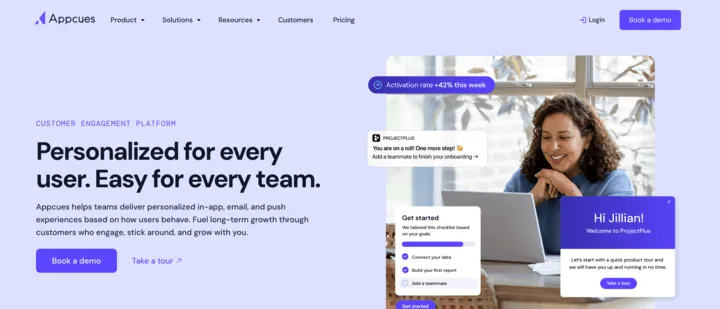
Appcues carries product adoption past the in-app moment. On top of tours, checklists, and tooltips, it can send behavioral email and push notifications, so a user who has stopped logging in is still reachable.
Pricing. Quote-based, with the full feature set on every tier. Vendr puts the median contract near $15,000/year. Free trial available.
What it does well. Because in-app messages, email, and push notifications run from one place, a single sequence can prompt someone inside the product and then follow up in their inbox once they drift off. No tier locks you out of features. Its mobile SDKs also drop guidance into native iOS and Android apps rather than the browser alone, a surface Userlane, built for internal desktop and web software, doesn’t go after.
Where it falls short. Above the first tier it costs more than the tools that post public rates. And the whole design is optimized for your own customers, so the employee-adoption work central to Userlane — guidance across a stack of internal apps, unused-license discovery — isn’t what Appcues is built around.
Best for. SaaS teams that want to reach and re-engage their own users across in-app, email, and push notifications from one place.
Userflow: A user-facing AI agent for continuous adoption
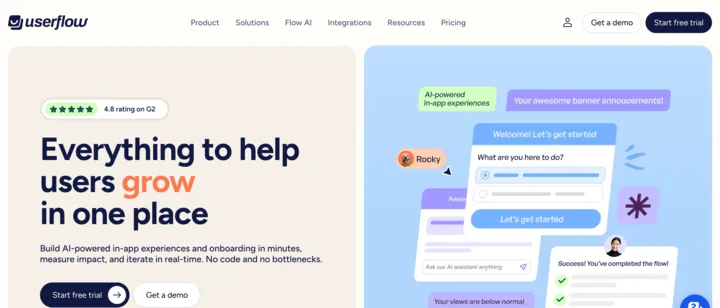
Userflow is a no-code adoption tool built around an in-app AI agent. It answers a user’s questions where they already are, inside the product, and steers them to the next step, so adoption keeps going past the first onboarding flow instead of ending with it.
Pricing. From $240/month for 1,000 monthly active users. Free trial available.
What it does well. The agent, on the $400/month Studio plan, is the reason to look. It takes “how do I” questions in context and pushes users toward features they’ve left untouched, so onboarding becomes an ongoing loop rather than a one-off tour. AI flow generation is included, teams report getting productive quickly, and its support is well regarded.
Where it falls short. Analytics are shallow, with no funnels, retention, or paths. It runs on the web only. Like the others in this group, it’s tuned for your own users, not for the internal-software adoption Userlane specializes in — cross-app guidance and license and usage discovery aren’t its focus.
Best for. SaaS teams that want an AI assistant keeping users adopting over time, not just a one-time checklist.
Chameleon: Highly customizable, on-brand in-app experiences
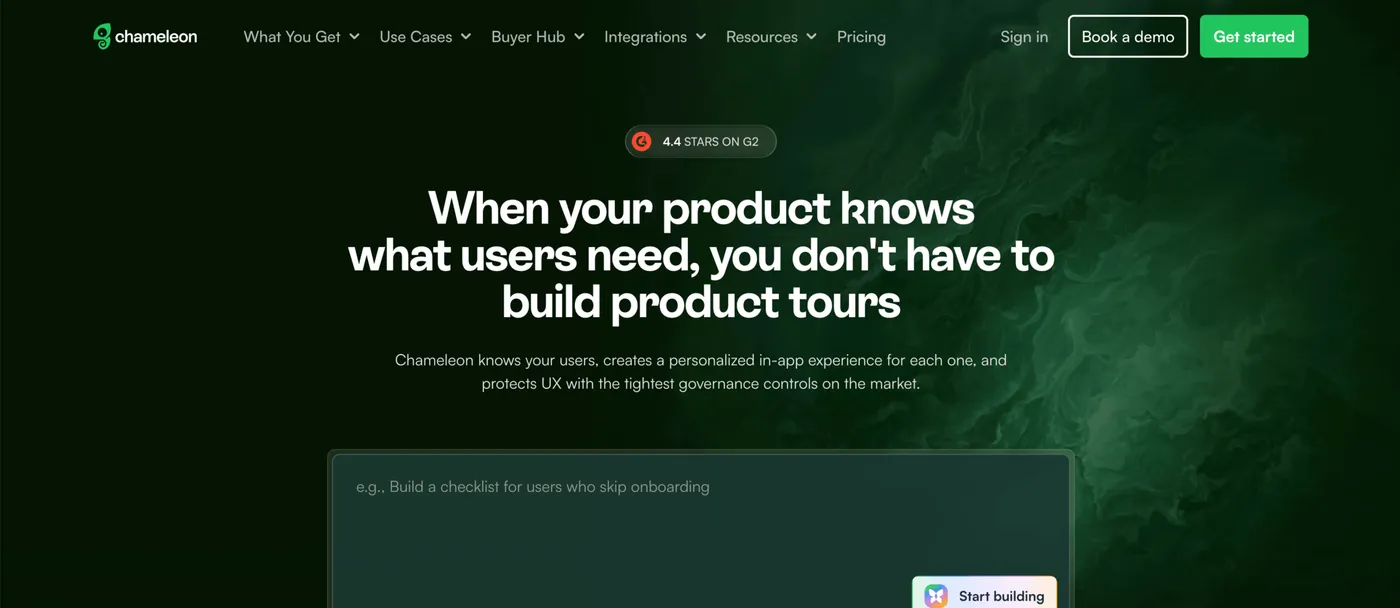
Chameleon is built around two things onboarding teams care about: in-app messages that look native to the product, and controls that keep those messages from turning into clutter.
Pricing. From $279/month. Free trial available.
What it does well. Custom styling makes guidance read as part of the product rather than an overlay bolted on. The governance is what sets it apart: limit how often one user gets interrupted, get flagged when a message stops converting, and route changes through admin approval before users see them. A/B testing settles which version earns its place.
Where it falls short. The $279 Startup plan caps you at 10 live experiences. Custom styling and A/B testing start on Pro at $750 a month, and unlimited experiences on Growth at $1,750 a month. As with the rest of this group, it’s specialized for your product and your customers, not the internal employee software Userlane is built for.
Best for. SaaS teams that want refined, well-governed in-app experiences and expect to reach the Growth tier.
Pendo: Product analytics and adoption, for users and employees
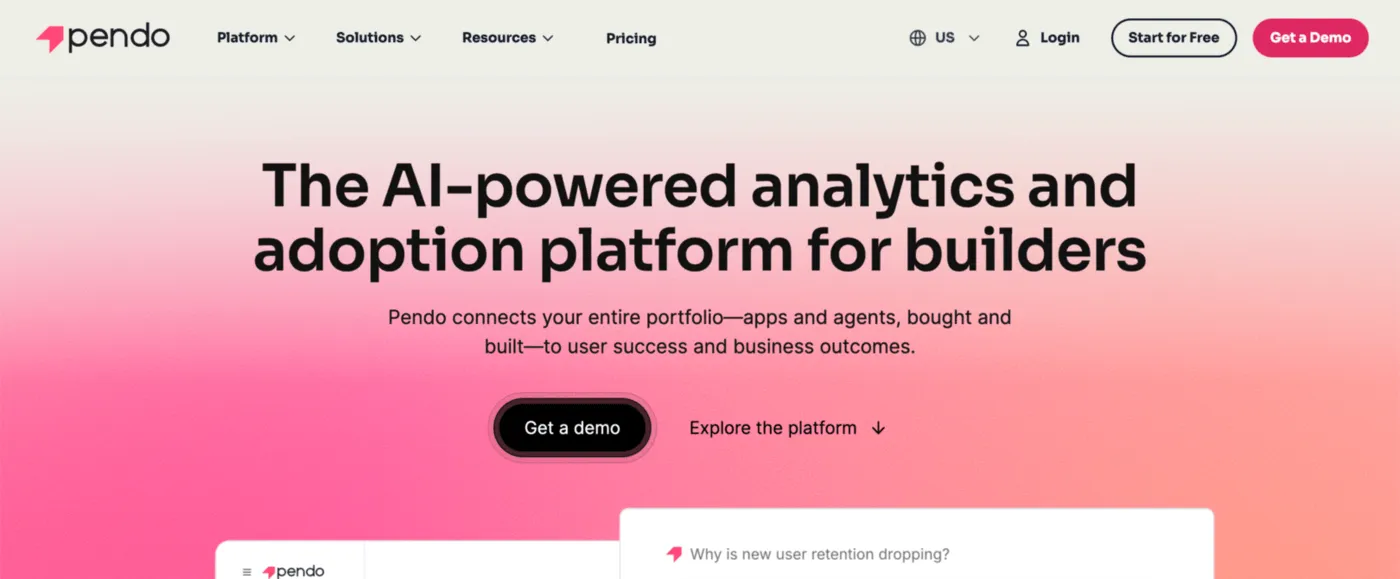
Pendo is the one entry that sits on both sides of the line. Analytics is its foundation, but it also builds in-app guides and sells an employee-facing DAP, so it can answer either question, customers or employees. Userlane, employee-only, doesn’t offer that range.
Pricing. A free tier covers up to 500 monthly active users (analytics, in-app guides, basic surveys). Paid plans are custom; Vendr tracks the median near $48,500/year. Free trial available.
What it does well. Nothing else here matches its analytics: funnels, retention, paths, session replay, surveys, churn prediction. Userlane’s analytics describe usage and adoption across a portfolio of apps; Pendo instead digs into behavior inside a single product. It ships iOS and Android SDKs.
Where it falls short. It’s costly at scale, with a median well over Userlane’s, and slow to adopt, since every module is a project of its own. For the specific task of driving adoption across a large estate of internal apps, with license discovery and a rollout measured in days, it’s less specialized than Userlane.
Best for. Teams that want deep analytics next to in-app guidance and are guiding customers at least as much as staff.
WalkMe: In-app guidance and workflow automation across many internal apps
WalkMe is a full-weight enterprise DAP in the same lane as Userlane, made to sit over a broad set of internal apps and guide employees through any of them from one place. SAP’s 2024 acquisition has it positioned as the connective layer for enterprise AI.
Pricing. No public price; every deal is quoted. Vendr puts the median near $40,000/year across a range of roughly $14,000 to more than $200,000, with implementation billed on top. No free tier or trial.
What it does well. A single install can carry an employee across many applications at once, one task moving through Salesforce, an internal pricing tool, and a contract system without ever leaving WalkMe’s guidance. It leads the category on cross-application automation and carries the largest partner ecosystem, across desktop, mobile, and web. Where Userlane feels thin on automation for a tangled multi-system rollout, this is the added depth.
Where it falls short. It’s the hardest to stand up, usually bringing in consultants or integrators, which is the reverse of Userlane’s fast-deployment argument. Its guidance can break when the apps beneath it change. Insights, Mobile, and ActionBot are priced as separate modules, and AI usage becomes its own line item in 2027. As with Userlane, the audience is employees, not customers.
Best for. Large organizations rolling internal software out to thousands of staff who want one platform covering many apps at once, and who have the budget and implementation capacity for it.
Whatfix: In-app guidance with practice simulations for high-stakes workflows
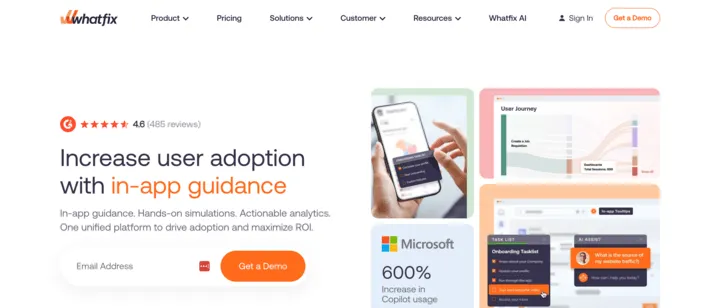
Whatfix is another enterprise DAP in Userlane’s category, weighted toward large organizations in regulated fields like banking, healthcare, and insurance.
Pricing. Custom and sales-led. Vendr tracks the median around $32,000/year. Free trial available.
What it does well. Its distinguishing feature is practice simulations. Whatfix records an application’s screens as someone works through a real task, then rebuilds them as a safe sandbox where employees can rehearse before they touch the live system. For high-stakes workflows, where a mistake in production is expensive, that rehearsal matters, and Userlane has no equivalent. Product analytics is included, and it reaches desktop and virtual-desktop setups like Citrix, not only the web.
Where it falls short. It comes with enterprise pricing and enterprise rollout, and generally lands as a heavier project than Userlane, whose selling point is a faster start. The entry tier limits integrations and imported help articles, and SSO waits for higher tiers.
Best for. Large enterprises training staff on complicated internal software, above all where rehearsing on a safe copy first is worth paying for.
Apty: Process compliance and clean data entry across workflows
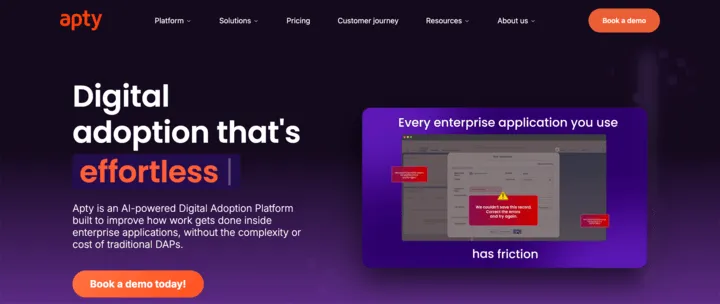
Apty is an enterprise DAP in Userlane’s category with a tighter focus: running a process the same way every time, and keeping the data employees enter clean.
Pricing. Quote-based, nothing published. Vendr shows an average near $45,000/year (about $26,000 to $78,000), with single-application deals starting around $9,500/year. No free tier.
What it does well. Enforcement is the whole pitch. Apty checks entries against rules as they’re typed, stops the process errors that create cleanup later, and walks employees through tasks that span several systems. When the problem is “people keep entering the wrong thing in Workday” rather than “people can’t find their way around it,” that’s a job Userlane’s guide-and-measure approach doesn’t cover. It also scores well, sitting atop G2’s DAP satisfaction rankings for several quarters running.
Where it falls short. Its reporting is lighter than Userlane’s usage-and-adoption analytics, mostly guide engagement. There’s no software-discovery or license-optimization layer like Userlane’s, and it carries the same enterprise price tag and rollout effort.
Best for. Operations-heavy enterprises whose first priority is consistent execution and accurate data in systems like Salesforce and Workday.
When Userlane is the right pick
Lining up alternatives doesn’t settle the case against Userlane. It’s still the right answer when the work is genuinely employee adoption of internal software, particularly if you want that without a long, heavy deployment.
Speed is Userlane’s argument against the larger DAPs: it goes live faster than a WalkMe-scale project, so IT and L&D teams get guidance running without a multi-month build. Its other calling card is discovery, tracking which apps employees actually open, rating how well each one is adopted, and surfacing licenses no one touches, so the tool that raises adoption can also cut software spend. It’s EU-based with regional data residency, which counts for European buyers under strict data-location rules, and its center of gravity is regulated industries.
Where it’s the wrong fit: onboarding your own customers into your own product, a different specialization the cheaper tools here are built for, or needing the deepest cross-app automation (WalkMe) or hands-on practice simulations (Whatfix), neither of which Userlane provides.
How to choose between them
One question comes before any feature comparison: are the people you’re guiding your customers or your employees?
- Customers, inside the product you build and sell: that’s a product adoption tool, so weigh FlowNavi, Userpilot, Appcues, Userflow, or Chameleon.
- Employees, on internal software like Salesforce, Workday, or SAP: that’s a DAP, so weigh WalkMe, Whatfix, or Apty next to Userlane.
- Both, or still deciding: Pendo handles either from one platform.
Every one of these is built from the same pieces, tours, tooltips, and checklists, so nothing physically stops you pointing one at the other job. What differs is what each is tuned for and how it charges. Aim a customer-onboarding tool at an enterprise employee rollout and you’ll feel the mismatch: it isn’t built to guide staff across internal apps or to discover unused licenses, and it isn’t priced for it. Buy a DAP to onboard your SaaS customers and you’ll pay enterprise rates, priced per employee and per app, for work a monthly-active-user tool does for a small fraction of that.
Keep the price gap in view. The customer-onboarding tools generally publish rates that begin in the low hundreds a month; the enterprise DAPs, Userlane among them, quote custom deals in the tens of thousands a year. Userlane is at the affordable end of that group, but it’s an enterprise purchase all the same, far above what FlowNavi, Appcues, or Userflow run. If cost and weight are part of what’s moving you off Userlane, and the job is really customer onboarding, that’s the signal you’ve been looking in the wrong category.
Summary
| Tool | Built for | Starting price | Key strength |
|---|---|---|---|
| Userlane | Employees (internal software) | Custom (~$18k/yr) | Fast rollout, license discovery |
| FlowNavi | Your users | $79/mo | Every feature on every plan |
| Userpilot | Your users | $299/mo | Adoption plus product analytics |
| Appcues | Your users | Custom (~$15k/yr) | In-app, email, and push notifications in one |
| Userflow | Your users | $240/mo | AI agent for continuous adoption |
| Chameleon | Your users | $279/mo | Customization with governance |
| Pendo | Users + employees | Free + custom (~$48.5k/yr) | Deepest analytics, native mobile |
| WalkMe | Employees | Custom (~$40k/yr) | Cross-app guidance and automation at scale |
| Whatfix | Employees | Custom (~$32k/yr) | Practice simulations |
| Apty | Employees | Custom (~$45k/yr) | Enforces process and data accuracy |
FAQ
How much does Userlane cost?
Userlane quotes every deal privately rather than listing prices. Vendr’s tracked contracts average about $18,000/year, the lowest of the enterprise DAPs covered here, and the figure grows with how many users and applications you cover. There’s no free tier, though you can get a demo and trial.
Is Userlane for customer onboarding or employee onboarding?
Employee onboarding. It’s an enterprise digital adoption platform for getting staff up to speed on internal systems such as SAP, Microsoft 365, Salesforce, and Workday, built around fast deployment, adoption analytics, and spotting unused licenses. Onboarding your own customers into your own SaaS product isn’t what it’s for; that job belongs to a product adoption tool like FlowNavi, Userpilot, Appcues, Userflow, or Chameleon, at a far lower cost.
What’s the best Userlane alternative?
That turns on the job. For employee adoption of internal software, WalkMe reaches furthest on cross-application automation, Whatfix adds rehearsal simulations for high-stakes tasks, and Apty concentrates on enforcing process and data accuracy. For onboarding your own customers, FlowNavi, Userpilot, Appcues, Userflow, and Chameleon are the better and much cheaper fit. Pendo can serve either side.
Can I use a user onboarding tool for employee onboarding, or the other way around?
You can, up to a point, since both are built from the same tours, tooltips, and checklists, which is why they keep surfacing in the same searches. The split is focus and cost. A DAP like Userlane bills per employee seat and often per application, overlays software you don’t control, and can follow adoption and license use across an entire app estate. A user onboarding tool bills on monthly active users, installs into your own product, and guides rather than enforces. Push one into the other’s role and you generally either overpay or find it missing the pieces the other category is optimized to provide.
Is there a free Userlane alternative?
Userlane has no free tier. Among the alternatives, Pendo offers one for up to 500 monthly active users (analytics, in-app guides, basic surveys), and FlowNavi and others run free trials. If you have developers to spare, open-source tour libraries like Intro.js, Shepherd.js, and Driver.js are free, but your team owns the targeting, logic, and upkeep.
Which of these can run guides inside an iOS or Android app?
That needs mobile SDKs, not just a web snippet. Here, Pendo, Appcues, WalkMe, Whatfix, and Userpilot (as a paid add-on) ship them and can put guidance inside native iOS and Android apps. FlowNavi, Chameleon, and Userflow focus on the web, so they cover the browser but not a downloaded app.