
10 Best WalkMe Alternatives & Competitors in 2026 (for user onboarding)
If you are searching for WalkMe alternatives, the first question is whether WalkMe is even the right category for what you are trying to do.
WalkMe is a digital adoption platform. It is built to help large organizations get their own employees productive on the internal software they are required to use: Salesforce, Workday, ServiceNow, and the rest of a corporate app stack. That problem gets mixed up, constantly, with a different one: user onboarding.
User onboarding is about getting your own customers up and running in your own product, to the point where it actually clicks for them. The two get confused because they lean on the same surface-level patterns: product tours, tooltips, checklists, in-app guidance. So a search for WalkMe alternatives turns up a mix of tools, some built for employee adoption and some built for customer onboarding.
This comparison covers both, so head for the category that fits your needs. Each of the 10 tools gets a short, honest summary of pricing, strengths, and limitations, plus a note on who it fits and when WalkMe is still the right pick.
In this post
- Why people look for WalkMe alternatives
- What WalkMe does well
- How WalkMe’s pricing actually works
- Digital adoption platforms vs user onboarding tools
- The alternatives
- Enterprise digital adoption platforms: Whatfix, Pendo, Userlane, Inline Manual
- User onboarding platforms: FlowNavi, Userpilot, Appcues, UserGuiding, Chameleon, Intercom Product Tours
- How to choose between them
- Summary
- FAQ
Why people look for WalkMe alternatives
WalkMe is well-rated by the people who use it, 4.5 out of 5 across 559 reviews on G2. But a few themes come up often enough in those reviews to send teams looking at other options.
The learning curve is real, and it is less no-code than it sounds. On G2, the most-mentioned drawback of WalkMe is the learning curve, with “complexity” and “steep learning curve” close behind as separate themes. Even reviewers who score it five out of five mention it: one calls out “a bit of a learning curve to learn the platform.” Others are blunter. A reviewer in computer software who rated it three out of five wrote that WalkMe is “Not easy for admins to set up. Not intuitive.” A mid-market co-founder noted that new users “might face a steep learning curve.” And a UX designer summed up a common feeling in a review titled “It’s feature rich, but bloated.”
Setup and upkeep are ongoing work. Standing WalkMe up is a project, and keeping it running is another one. One reviewer said that during rollout, “we were left to figure some things out on our own.” Because WalkMe overlays other applications, its content also has to be maintained as those applications change underneath it. One co-founder described keeping translations current as enough of a job that, in their words, “we hired a student to constantly update it.”
Support gets mixed reviews. Plenty of reviewers praise WalkMe’s support, but a recurring minority do not. One person called “the lack of substantial support or assistance from WalkMe’s end” a major drawback, pointing to a reliance on community forums for harder problems. Another reviewer put it more simply: “Not great support.”
It is an expensive, committed purchase. WalkMe does not publish pricing, and the real numbers are large. Vendr, which tracks actual contract data, puts the median WalkMe contract at $40,000 per year, before implementation. The commitment shows up in reviews too: one is titled, simply, “Good product. Expensive,” and another, titled “Just be sure before you sign the contract,” warns that WalkMe asks you to sign an annual agreement before you have really used the product.
What WalkMe does well
The complaints are only half the picture. WalkMe holds its 4.5 rating because most reviewers get real value from it, and the same set of reviews makes clear what it is good at.
Building in-app guidance is approachable for non-developers. Ease of use is the single most-mentioned positive in WalkMe’s G2 reviews. The friction reviewers describe tends to sit with advanced flows and admin setup, not with the everyday work of creating guidance. One reviewer opened their review with “ease of use” and praised WalkMe’s “customer training programs and customer events & webinars.”
The in-app guidance genuinely moves adoption. This is WalkMe’s core job, and reviewers say it does it. One reviewer credited WalkMe with the ability to “drive change, adoption, and individual outcomes” across their entire employee tech stack, and valued having an “always on” presence for employees as new functionality rolls out. Helpful, real-time guidance is the second most-cited strength on G2.
Support, training, and the user community get singled out. Customer support and training both rank among the top five positives on G2. Even reviewers who are critical overall tend to give WalkMe credit here: one who rated it 2.5 out of 5 still called the “active WalkMe community” immensely helpful for working out how to use the tool.
It is deep, configurable, and extensible. WalkMe rewards teams who invest in it. That same critical reviewer described WalkMe’s configuration options as “immensely important” to their work, found the analytics “useful,” and said the API “offers almost limitless opportunities” for custom integrations and solutions.
How WalkMe’s pricing actually works
WalkMe publishes no pricing at all. There is no plans page, no starting price, and no free trial. Every deal is a custom quote, so the numbers below come from Vendr, which tracks real WalkMe contracts.
It is priced per user, and two things drive the bill. WalkMe is quoted on a per-user, per-month basis, typically landing somewhere between $15 and $35 per user per month after negotiation. The two biggest cost drivers are how many employees will see WalkMe content and how many applications you want to overlay it on. Product tier and contract length move the number too, with longer terms unlocking lower per-user rates.
What teams actually pay. Across the WalkMe deals Vendr has tracked, the median contract is $40,000 per year, with the range running from roughly $14,000 to nearly $200,000. It scales hard with deployment size: Vendr puts small deployments (100 to 500 users, one or two apps) at about $40,000 to $150,000 a year, mid-sized deployments at $120,000 to $400,000, and large enterprise rollouts at $350,000 to $800,000 or more.
Implementation is a separate line item, and it is not small. WalkMe deployments usually require professional services to build the initial content, integrate with your applications, and train your team. Vendr puts that one-time cost anywhere from $15,000 to $150,000 or more depending on complexity, and notes it can equal or exceed the software subscription itself. Keeping content current as your applications change is an ongoing cost on top, often $30,000 to $100,000 a year for buyers who outsource it.
Budget for add-ons and annual increases. Modules like WalkMe Insights, Mobile, and ActionBot are usually priced separately and commonly add 15 to 40 percent on top of the base platform fee. WalkMe contracts also tend to carry auto-renewal clauses and annual price increases in the 5 to 10 percent range.
Digital adoption platforms vs user onboarding tools
If you are not sure which category you are in, two questions sort it out fast.
- Who are you guiding? Your own employees, on software the company bought, points to a digital adoption platform. Your own customers, on the product you build and sell, points to a user onboarding tool.
- Do you own the software? DAPs are built to overlay applications you do not control, like Salesforce or Workday. User onboarding tools install directly into your own product through a snippet or SDK.
The distinction matters because it changes more than the feature list. It changes the economics and the ownership.
Pricing scales on different things. Digital adoption platforms (DAPs) are priced per employee seat and often per application, so the bill grows with headcount and the size of your app stack. User onboarding tools are priced on monthly active users, so the bill grows with how many customers you have. A 200-person company onboarding millions of users and a 50,000-person company with five internal apps are not shopping in the same units.
Maintenance works differently too. A DAP overlays software you do not control, so its guidance can break whenever a vendor ships an update, and someone has to watch for that. A user onboarding tool lives inside your own product, so its content changes when you decide it does.
One caveat: a few tools genuinely straddle the line. Pendo, later in this list, sells both a digital adoption product and a customer-facing product analytics suite. And if you are onboarding customers onto genuinely complex software, you may want some of the depth a DAP offers even though you sit in the user onboarding category. The line is real, but it is not a wall.
The alternatives
Direct WalkMe alternatives: enterprise digital adoption platforms
1. Whatfix
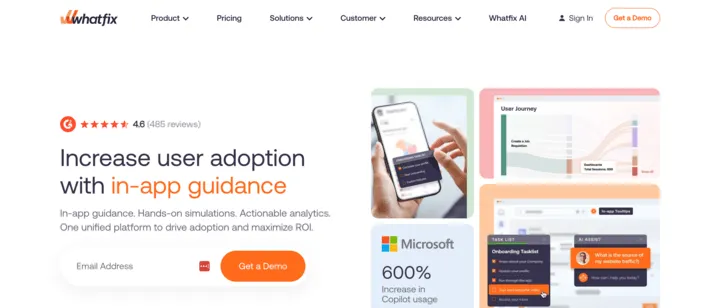
Whatfix is an enterprise digital adoption platform and WalkMe’s most direct competitor. It pitches a single platform that combines in-app guidance, interactive practice simulations, and product analytics. Like WalkMe, it is aimed at large organizations, and it has deep footing in regulated industries like banking, healthcare, insurance, and the public sector.
Pricing. Not published. Whatfix sells three tiers, Standard, Premium, and Enterprise, all sales-led. Pricing is a flat fee plus per-user license fees, with apps used by your employees priced on total users and apps used by your customers priced on monthly active users. Vendr puts the median Whatfix contract at $31,950 per year, somewhat below WalkMe’s $40,000. A free trial is available.
What it does well. Whatfix’s clearest point of difference is its practice-simulation tool. It records the screens of an application as you click through a real process, lets you edit them, and turns the result into a self-contained training exercise your team can run inside whatever learning system you already use. Employees get to rehearse a workflow on a safe copy before they touch the live system. Whatfix also has an AI feature that turns a plain-text description into working in-app guidance, which speeds up the content creation that WalkMe reviewers describe as slow going. And it tends to land below WalkMe on price.
Where it falls short. Whatfix and WalkMe are close enough that the choice usually comes down to specifics rather than a clear capability gap. Where WalkMe pulls ahead: its current platform is built around AI executing full multi-step workflows across applications, while Whatfix stays centered on guidance, simulation, and analytics rather than hands-off automation. WalkMe also points to the largest partner and certification ecosystem in the category, which matters for big rollouts that lean on systems integrators.
Best for. Large enterprises that want a WalkMe-class digital adoption platform, particularly those that value simulation-based training for complex internal software and want a price point that often comes in under WalkMe.
2. Pendo
Pendo is the entry that sits across the line this post draws. It is best known as a product analytics platform for software teams, but it also does in-app guidance, and it sells an employee-facing digital adoption capability that competes with WalkMe directly. So it shows up both as a WalkMe alternative and as a user onboarding tool, and it is a credible answer to either.
Pricing. Pendo has a free tier for up to 500 monthly active users, covering product analytics, in-app guides, and basic surveys. Its three paid tiers, Base, Core, and Ultimate, are all custom-quoted with no public price. Pricing scales on monthly active users rather than on the number of applications you track. Vendr puts the median Pendo contract at $48,500 per year. There is also a 30-day free trial of the full platform.
What it does well. Analytics is Pendo’s center of gravity, and it is genuinely deep: product analytics, session replay, user sentiment surveys, feedback collection, and churn prediction all sit alongside the in-app guidance. WalkMe has its own analytics layer, but Pendo is analytics-first in a way WalkMe is not. Pendo also covers both customer-facing and employee-facing use cases from one platform.
Where it falls short. For the specific job WalkMe is built for, driving adoption of a large stack of internal enterprise software across a big workforce, Pendo is the less specialized tool. Its employee-facing digital adoption is one application of a broad analytics platform rather than the core product. WalkMe also pushes harder into workflow automation, handling multi-step processes across applications, where Pendo stays focused on measuring behavior and guiding users through it.
Best for. Teams that want product analytics and in-app guidance in one platform, that are guiding customers at least as much as employees, and that would otherwise buy analytics and adoption tooling separately. It is a weaker fit if your core problem is overlaying and automating a large portfolio of internal enterprise apps, which is WalkMe’s home turf.
3. Userlane
Userlane is an enterprise digital adoption platform and a direct WalkMe competitor, aimed at large, regulated organizations. It pairs two things: a layer that maps which software people actually use and how well each tool is adopted, and a layer that helps them through that software with in-app guidance, an AI assistant, and automation.
Pricing. Not published, and there is no public benchmark either. Userlane sells three tiers, Application, Department, and Organization, all quote-based. It offers two pricing models: a fixed annual fee per application with unlimited users, or a usage-based model (a per-user base fee plus a charge per interaction) aimed at enterprises running ten or more applications. Unlike WalkMe, Userlane has no contract data published on Vendr, so there is no third-party figure to anchor to. You will need a quote to know where it lands.
What it does well. Two things stand out against WalkMe. First, speed: Userlane pitches deployment in days rather than the multi-month projects WalkMe is known for. Second, it builds in software-usage discovery and adoption analytics, mapping which applications people use, measuring how well each one is adopted, and flagging unused licenses, so you can cut software spend as well as improve adoption. WalkMe offers similar visibility, but its advanced analytics is often a paid add-on. Userlane is also focused on regulated industries like healthcare, manufacturing, and financial services.
Where it falls short. Userlane is the lighter-weight option, and that cuts both ways. WalkMe goes deeper on cross-application workflow automation, carries a much larger partner and certification ecosystem, and has a broader product surface. If you want the most powerful and most extensible enterprise digital adoption platform, and you have the implementation capacity for it, WalkMe still has more under the hood. Userlane trades some of that depth for a faster rollout.
Best for. Large, regulated organizations that want a WalkMe-style digital adoption platform without the WalkMe-style rollout, and that specifically value seeing which software is used and where licenses are wasted alongside the in-app guidance.
4. Inline Manual
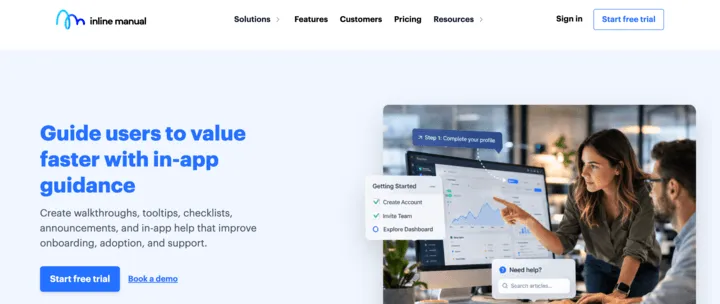
Inline Manual is a digital adoption platform that, like Pendo, sits on both sides of this post’s line. Its pricing page has a “for customers” and “for employees” switch, and its solutions split cleanly into customer onboarding and internal staff training.
Pricing. Published, which is rare in this part of the list, and it splits by use case. For onboarding your own customers, pricing starts at $158/month for 250 monthly active users. For internal staff, Inline Manual prices per head instead: $3.00 per active employee per month, with unlimited employees and a starting allowance of five applications.
What it does well. Inline Manual is genuinely lightweight and within reach of small teams, not only large enterprises, and it covers customer onboarding and internal staff training from the same tool. For teams with strict security requirements, it can run fully offline. And after more than a decade in the market it has a mature content workflow behind it: version control, staging-to-live publishing, and multilingual support.
Where it falls short. Inline Manual is a focused in-app guidance tool, not an enterprise-scale platform. WalkMe is built to overlay and automate a large portfolio of internal applications across a big workforce, with deep cross-application workflow automation and a large partner ecosystem behind it. Inline Manual does not try to be that. If your problem is enterprise-wide digital adoption across dozens of systems, it will feel small for the job.
Best for. Smaller teams that want one tool for both customer onboarding and internal staff training, and that do not need WalkMe’s enterprise-scale automation and ecosystem.
User onboarding platforms
5. FlowNavi
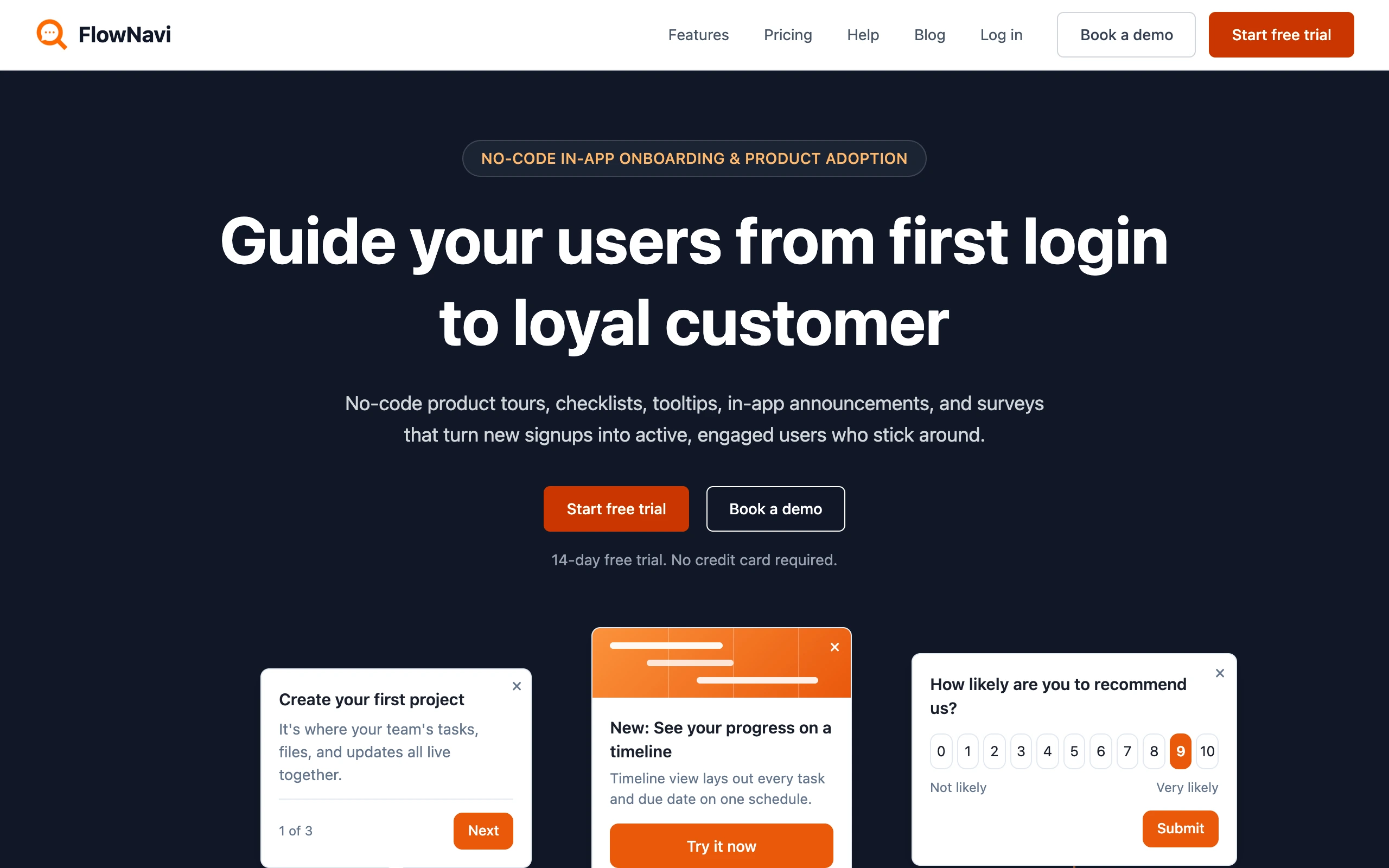
FlowNavi is a no-code tool for in-app onboarding and product adoption: product tours, checklists, tooltips, hotspots, in-app announcements, and NPS and custom surveys. It’s a different category from WalkMe: it guides your own customers through the product you build and sell.
Pricing. From $79/month. Free trial available.
What it does well. Setup is genuinely no-code, so a small team is live in a day or two, not the multi-month rollout WalkMe needs. Pricing starts at $79/month with every feature on every plan, and an Enterprise tier adds advanced security and compliance for teams that need it.
Where it falls short. FlowNavi isn’t built for getting employees through internal software. It doesn’t guide people across many different apps at once, automate workflows between them, or measure adoption across a whole software stack, which is what WalkMe is for. If that’s your problem, WalkMe is the right category.
Best for. SMB and mid-market SaaS teams handling onboarding and product adoption for their own customers, who want a no-code tool that’s cheap and fast to start.
Quick disclosure: FlowNavi is our own tool, so treat this section with the appropriate skepticism.
6. Userpilot
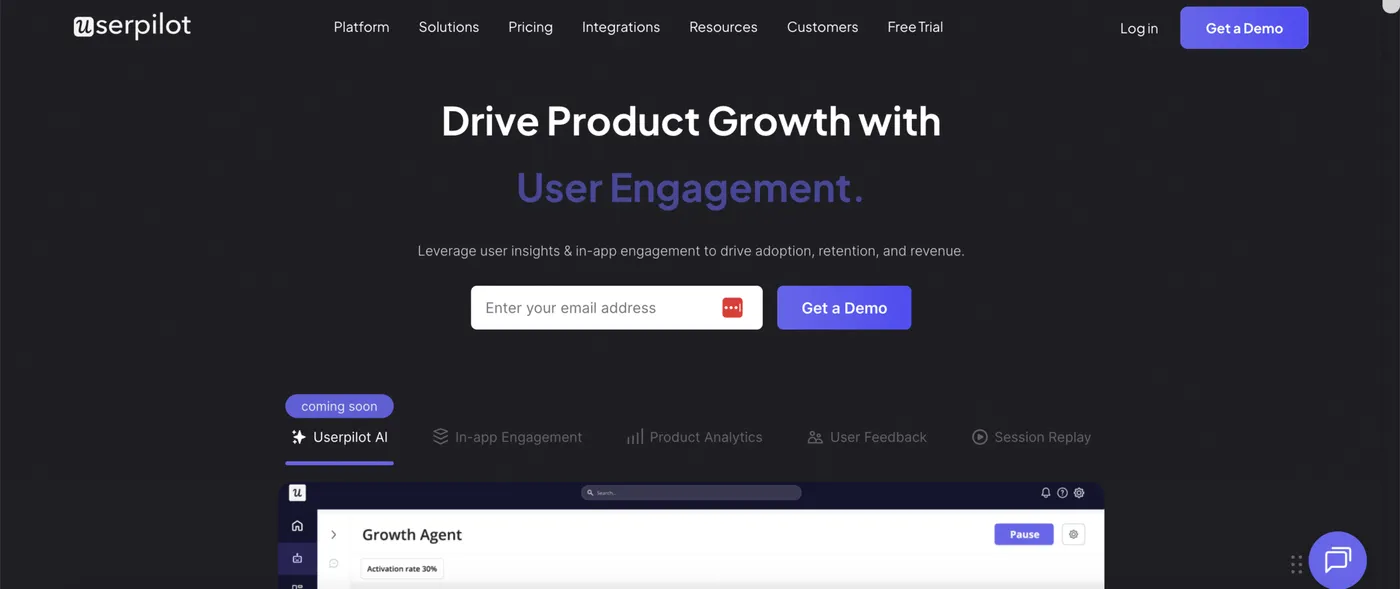
Userpilot is a mid-market user onboarding and product analytics platform, built for SaaS teams onboarding their own customers. It pairs in-app flows, checklists, tooltips, and surveys with product analytics like funnels, retention, and paths. Like the rest of this group, it works inside your own product, not across a portfolio of internal software.
Pricing. From $299/month. Free trial available.
What it does well. Userpilot is purpose-built for the customer-onboarding job, and it bundles real product analytics into it. The published Starter plan is $299/month billed annually for up to 2,000 monthly active users, with Growth from $849/month and Enterprise quote-based. Vendr puts the median Userpilot contract at $18,000 a year, less than half of WalkMe’s $40,000. For a SaaS team, that means onboarding and product analytics from one tool, with a 14-day free trial.
Where it falls short. Userpilot is a user onboarding platform, not a digital adoption platform. It runs inside your own product to guide your customers; it does not overlay third-party enterprise apps, automate cross-application workflows, or drive internal employee adoption across a software portfolio. If that is your problem, this is the wrong category. Worth knowing within its own lane: Userpilot gates features by tier, so funnels, retention, paths, session replay, and A/B testing need the Growth plan, and mobile SDKs are a paid add-on.
Best for. SaaS teams that want customer onboarding and product analytics in a single mid-market tool, rather than an enterprise digital adoption platform.
7. Appcues
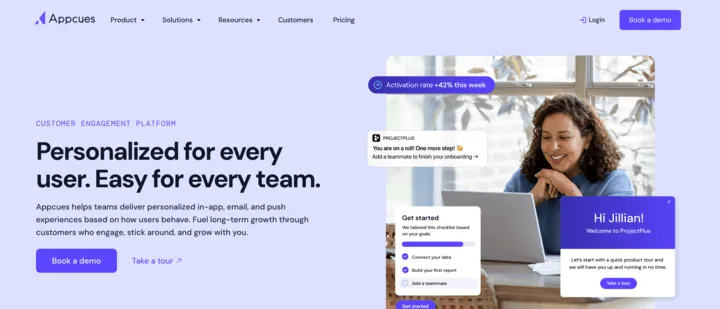
Appcues is a customer engagement platform for SaaS teams that has been building product adoption tools for over a decade. What sets it apart in this group is reach: alongside in-app flows, checklists, and tooltips, it also does behavioral email and push notifications, so it can guide and re-engage users beyond the moments they are actually inside your product.
Pricing. Not published. Appcues has three tiers, Start, Grow, and Enterprise, all quote-based, and every plan includes the full platform rather than gating features by tier. Pricing scales on monthly active users. Vendr puts the median Appcues contract at $15,000 per year, well below WalkMe.
What it does well. Appcues is multi-channel, which most of this group is not. One platform handles in-app experiences, behavioral email, and push notifications, so you can guide a user inside the product and then follow up by email when needed. Every plan includes the entire feature set, so a lower tier does not lock you out of capabilities. It supports native mobile as well as web.
Where it falls short. Appcues is built to engage your own customers in your own product, not to drive internal employee adoption across a portfolio of enterprise software. It does not overlay third-party applications or automate cross-application workflows, which is WalkMe’s whole job. If your problem is employees and internal systems, Appcues is the wrong category.
Best for. SaaS teams that want to guide and re-engage their own customers across in-app, email, and push from a single platform, with no feature gating, rather than an enterprise digital adoption platform.
8. UserGuiding
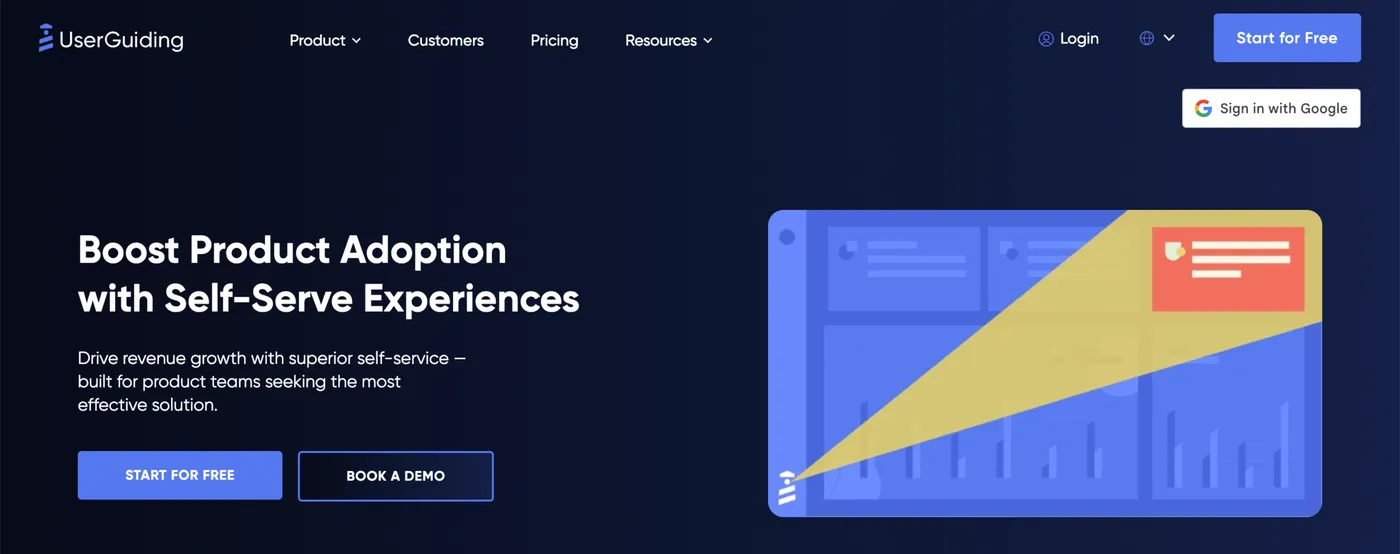
UserGuiding is a no-code product adoption platform for SaaS teams that covers both onboarding and self-serve support: product tours, checklists, tooltips, and in-app surveys on one side, and a knowledge base, resource center, and AI help assistant on the other. It competes in this group mainly on breadth.
Pricing. From $249/month for the main adoption plan, or $499/month for the tier that adds A/B testing, custom styling, and localization. An Enterprise plan is custom-priced. Free trial available.
What it does well. UserGuiding’s pitch is breadth. One no-code tool gives you the onboarding patterns and a self-serve help layer, so a SaaS team can cover both guiding the user and letting the user help themselves without buying two products.
Where it falls short. Like the rest of this group, UserGuiding is built for your customers and your product, not for internal employee adoption across a stack of enterprise software. It does not overlay third-party applications or automate cross-application workflows. If your problem is the one WalkMe solves, UserGuiding is the wrong category.
Best for. SaaS teams that want a broad, no-code onboarding and self-serve support toolkit, rather than an enterprise digital adoption platform.
9. Chameleon
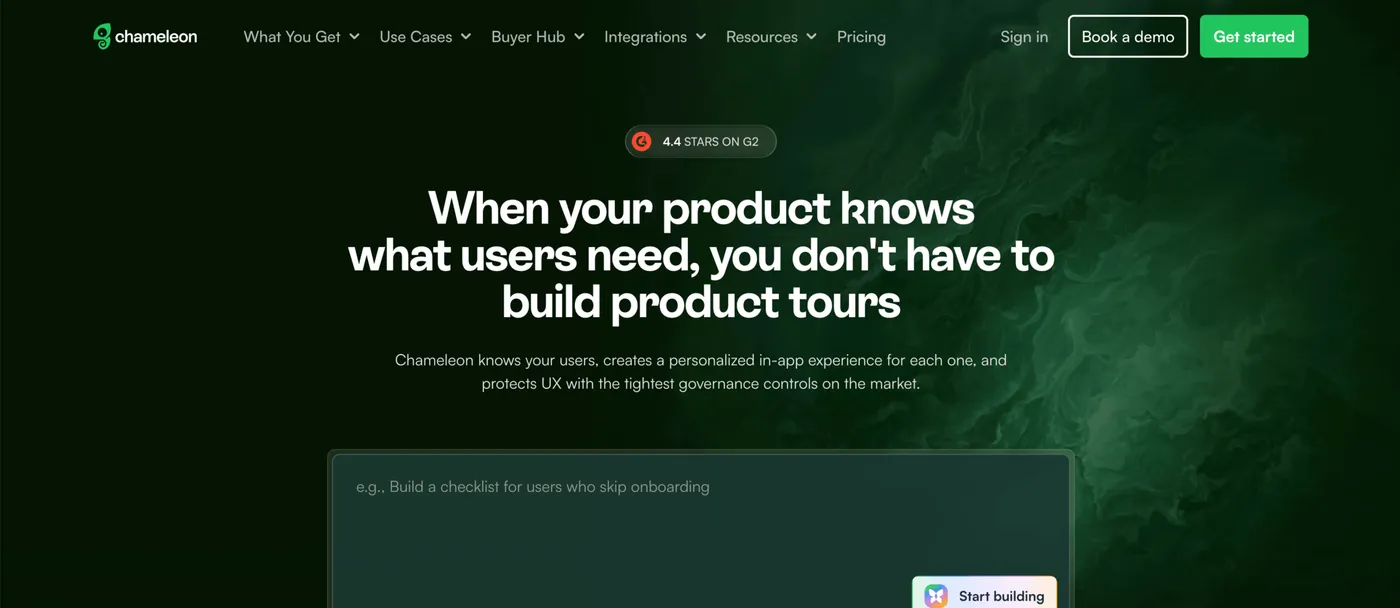
Chameleon is a mid-market product adoption platform for SaaS teams, built around in-app experiences like tours, tooltips, microsurveys, launchers, and banners. Its emphasis is on two things: making those experiences look native to your product, and governing them tightly so they do not pile up into bad UX.
Pricing. From $279/month. Pro, from $750/month, adds custom styling and A/B testing; Growth, from $1,750/month, unlocks unlimited experiences and the controls that stop those experiences from piling up on users. Enterprise is custom-priced.
What it does well. Two things stand out within this group. First, customization: custom styling makes in-app messages look like a native part of your product rather than a bolted-on overlay. Second, keeping it from getting messy. When several people are building in-app messages, users can end up bombarded with them, or a broken one can ship to everyone. Chameleon lets you cap how many messages a single user sees, get alerted when one is not landing, and require an admin to sign off on changes before they reach users. Chameleon also leans on AI to help build and refine campaigns, and includes A/B testing for proving what works.
Where it falls short. Chameleon is built for guiding your own customers inside your own product. Like the other user onboarding tools here, it does not overlay third-party enterprise software or automate cross-application workflows for internal employees, which is what WalkMe is for. Different category, different job.
Best for. SaaS teams that care about in-app experiences looking native and staying under control, and want a mid-market onboarding tool rather than an enterprise digital adoption platform.
10. Intercom Product Tours
Intercom Product Tours is not a standalone product. It is one feature inside Intercom, the customer service platform. That makes it a real option for exactly one group: teams that already run their support on Intercom and want basic onboarding tours without adding another tool.
Pricing. Product Tours is not sold on its own. It comes with Intercom’s Proactive Support Plus add-on at $99/month, which also includes checklists, surveys, and a campaign builder, on top of an Intercom plan that starts at $29 per seat per month.
What it does well. If you are already an Intercom customer, this is the path of least resistance. The tours run on the same platform as the rest of your customer messaging, using the same data about your users and the same targeting, in the place your team already works. You can also sequence a tour alongside email and chat in Intercom’s campaign builder. There is no separate tool to buy, learn, or maintain.
Where it falls short. Product Tours is a feature inside a support suite, not a dedicated onboarding tool, and it is priced like one: you pay per support seat plus the $99/month add-on. If you are not already on Intercom, adopting it just for product tours means paying for a whole customer service platform you do not need. And like the rest of the user onboarding half of this list, it guides your own customers, not internal employees across enterprise software, so it is not a WalkMe substitute for that job.
Best for. Teams already running customer support on Intercom who want basic onboarding tours inside the tool they already use, and do not want to stand up a separate platform.
How to choose between them
The most important decision comes first, before you compare any features: figure out which problem you actually have.
If you need to get your own employees productive on the internal software your company runs, you are shopping for a digital adoption platform, and the top of this list applies. If you need to onboard your own customers into the product you build and sell, you are shopping for a user onboarding tool, and the bottom of the list applies.
From there, a quick map by what you actually need:
- The closest full-strength WalkMe replacement: Whatfix
- An enterprise digital adoption platform that is lighter and faster to roll out: Userlane
- Digital adoption with deep product analytics alongside it: Pendo
- A digital adoption platform that also covers customer onboarding, for a smaller team: Inline Manual
- No-code customer onboarding and product adoption at a reasonable price: FlowNavi
- Customer onboarding plus product analytics in one tool: Userpilot
- Reaching customers across in-app, email, and push: Appcues
- A broad onboarding and self-serve help toolkit: UserGuiding
- Deep customization and control over in-app experiences: Chameleon
- Onboarding tours inside the support tool you already run: Intercom Product Tours
The two halves are priced in different worlds. The enterprise digital adoption platforms mostly run on custom quotes and land in the tens of thousands of dollars a year. The user onboarding tools mostly publish their pricing and start in the low hundreds of dollars a month. If cost is part of what pushed you off WalkMe, and your problem is genuinely customer onboarding, that gap is the good news.
Summary
WalkMe earns its place as a category leader for large organizations driving adoption of internal software. People look for alternatives for one of two reasons: the cost and rollout weight are more than they need, or they have realized WalkMe is built for a different problem than the one they have.
That second reason is the one to get right. If your job is genuinely enterprise employee adoption, Whatfix, Userlane, Pendo, and Inline Manual are the real WalkMe-class alternatives. If your job is onboarding your own customers, you are in the user onboarding category, where the tools are more focused and far cheaper. Buying across that line, in either direction, is the expensive mistake. Sort out which problem you have, and the shortlist mostly picks itself.
FAQ
How much does WalkMe cost?
WalkMe does not publish pricing publicly; every deal is a custom quote. Based on real contract data from Vendr, the median WalkMe contract is about $40,000 per year, typically priced per user at roughly $15 to $35 per user per month. Implementation is quoted separately and commonly adds $15,000 to $150,000 or more. WalkMe is an enterprise digital adoption platform, and its pricing reflects that: there is no free tier and no free trial.
What is the best WalkMe alternative?
It depends on what you need WalkMe for. If you need a full enterprise digital adoption platform for getting employees productive on internal software, Whatfix is the closest direct alternative, with Userlane as a lighter, faster-to-deploy option and Pendo as the analytics-heavy one. If you actually need to onboard your own customers into your own product, that is a different category called user onboarding, where tools like Userpilot, Appcues, and FlowNavi fit better and cost far less.
WalkMe vs Whatfix: which one is better?
WalkMe and Whatfix are the two leading enterprise digital adoption platforms, and they are close competitors. WalkMe is the larger, more established platform, with deeper cross-application workflow automation and the biggest partner ecosystem in the category. Whatfix tends to come in slightly lower on price and is known for its hands-on practice-simulation training. For most buyers the decision comes down to budget and which specific capabilities matter.
What’s the difference between a digital adoption platform and a user onboarding tool?
A digital adoption platform helps a large organization get its own employees productive on the internal software they use, like Salesforce or Workday. A user onboarding tool helps a software company guide its own customers through its own product. They look similar because both use tours, tooltips, and checklists, but they solve different problems for different users. WalkMe is a digital adoption platform; tools like Userpilot, Appcues, and FlowNavi are user onboarding tools.
Are there free or open-source WalkMe alternatives?
There are a few. Pendo offers a free tier for up to 500 monthly active users. On the open-source side, there are free JavaScript libraries for building product tours, the most established being Intro.js, Shepherd.js, and Driver.js, but they only handle the tour itself; your team builds and maintains the targeting, analytics, and logic. WalkMe itself has no free tier or free trial.
Which WalkMe alternative is best for customer onboarding?
If your goal is onboarding your own customers into your own product, rather than training employees on internal software, you want a user onboarding tool, not a digital adoption platform like WalkMe. Strong options include FlowNavi (from $79/month, no-code in-app onboarding and product adoption), Userpilot (from $299/month, with product analytics built in), Appcues (multi-channel, covering in-app, email, and push), UserGuiding (a broad onboarding and help-center toolkit from $249/month), and Chameleon (from $279/month, focused on customization). All cost far less than an enterprise digital adoption platform.