
5 Cheap & Affordable Appcues Alternatives & Competitors (2026)
This is a comparison of five cheap and affordable Appcues alternatives, every one of them priced below Appcues’ entry plan. Each tool gets a short summary covering what it costs, where it’s strong, and where it stops short. There’s also a section on when paying more for Appcues is still the right call.
In this post
- Why people look for cheaper Appcues alternatives
- What Appcues does well
- How Appcues’ pricing actually works
- The alternatives
- Affordable, in-app guidance: FlowNavi, HelpHero, Hopscotch
- A bit more for an all-in-one bundle: Product Fruits, UserGuiding
- How to choose between them
- Summary
- FAQ
Why people look for cheaper Appcues alternatives
The entry plan is the floor, not the typical bill. Appcues’ cheapest tier lists at around $249/month for up to 2,500 monthly active users, billed annually, according to Vendr. That number climbs quickly with usage. In fact, the median Appcues deal sits at $15,000 per year, with most contracts landing somewhere between roughly $6,000 and $44,000.
You buy the whole platform even if you only want part of it. Every Appcues plan bundles in-app messages, behavioral email, push notifications, and mobile SDKs into one package. There’s no cheaper, onboarding-guides-only version to drop down to. If your actual need is product tours, tooltips, and a checklist, you’re still paying for channels you may never switch on.
The meter speeds up as you grow. Appcues charges by monthly active users, and the per-user math isn’t flat. Vendr’s data shows higher tiers add cost faster than they add users, so a plan that looks affordable at launch gets noticeably more expensive once traffic picks up. Overage fees kick in if you pass your contracted user count.
The entry tier caps what you can ship. The starter plan limits how many onboarding guides you can run at once and how far back your reporting goes. Teams running more than a handful of concurrent flows for different segments tend to bump into those limits and get pushed up a tier.
What Appcues does well
A comparison that only lists complaints isn’t useful, so here’s where Appcues genuinely earns its higher price.
It reaches users in more than one place. In-app messages, behavioral email, and push notifications all run from the same tool. You can guide someone inside the product and then follow up by email when they go quiet, without stitching two systems together.
It works on mobile apps, not just the web. Appcues offers mobile SDKs for iOS and Android, so onboarding can run inside a phone app rather than only in a browser.
Features aren’t locked behind higher tiers. Even the entry plan includes every guide type and integration. What changes as you move up is MAU volume and how many guides you can publish, not which capabilities you can touch.
It’s been around and it shows. Appcues has been building this category since 2013, with deep documentation and connections to most analytics and customer tools. The product is stable and the support reputation is solid.
How Appcues’ pricing actually works
A few things about the cost that aren’t obvious from a glance at the pricing page.
There’s no stripped-down plan to save money on. Because every tier ships the full multi-channel platform, you can’t buy a cheaper version that only does in-app guides. The lowest plan still prices in email, push notifications, and mobile SDKs whether you use them or not. That’s the main reason the floor sits near $249/month while focused tools start at $55.
Tiers move on volume, not on features. Going up a plan mostly buys you more monthly active users, more live guides you can publish at once, and a longer reporting window. It doesn’t add new features. So growth in users or active flows is what drives your bill, not feature envy.
The list price understates what most teams pay. The published entry rate covers a small user count. Real-world contracts, per Vendr, cluster around a $15,000/year median, with implementation help, premium support, and overage charges adding more on top. Budget for the contract you’ll be on in a year, not the headline starter rate.
The alternatives
All five tools below start under Appcues’ entry plan. They’re grouped by how much ground they cover. The first three cover in-app guidance: product tours, tooltips, checklists, and more. The last two fold in a knowledge base for a little more money.
Affordable, in-app guidance
1. FlowNavi
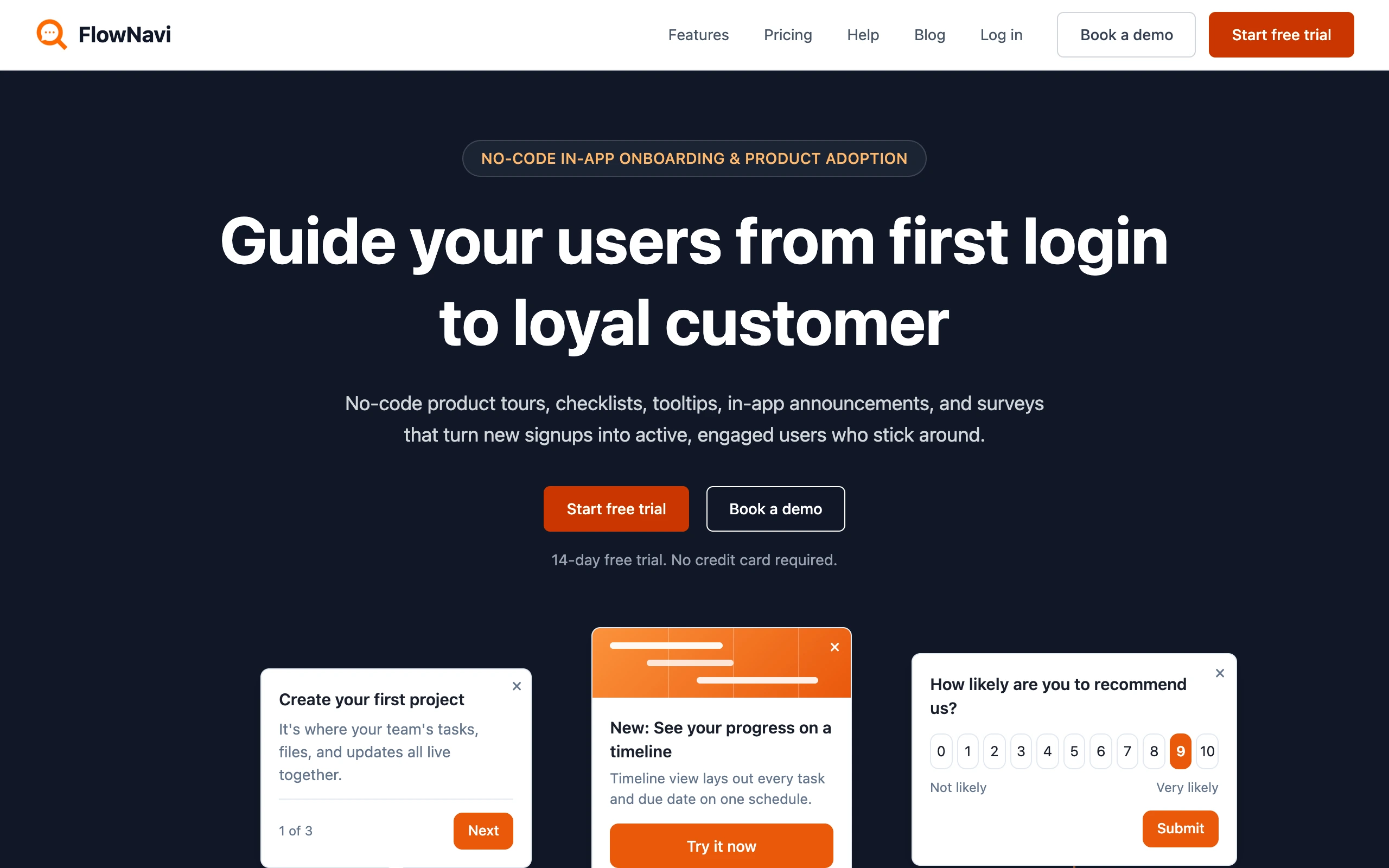
FlowNavi is a no-code tool for in-app onboarding and product adoption: product tours, checklists, tooltips, hotspots, in-app announcements, and NPS and custom surveys. It covers the in-app guidance side of what Appcues does, at a fraction of the price.
Pricing. From $79/month. Free trial available.
What it does well. FlowNavi starts at $79/month, against Appcues’ ~$249, and it’s genuinely no-code: a product or CS person can have guides live in a day or two without a developer. Every plan also includes unlimited guides, where Appcues caps how many you can publish at once and pushes you up a tier once you hit the limit.
Where it falls short. The channels Appcues bundles, FlowNavi doesn’t have: no behavioral email or push notifications, and no mobile SDKs to run onboarding inside a mobile app. There’s also no deep analytics like funnels or session replay. If reaching users across channels or on mobile matters, Appcues does more.
Best for. SMB and mid-market SaaS teams that want in-app onboarding and adoption guides at a low price, without paying for Appcues’ messaging channels and mobile SDKs.
Quick disclosure: FlowNavi is our own tool so we are obviously biased. Take this section with that in mind.
For a full comparison, see FlowNavi vs Appcues.
2. HelpHero
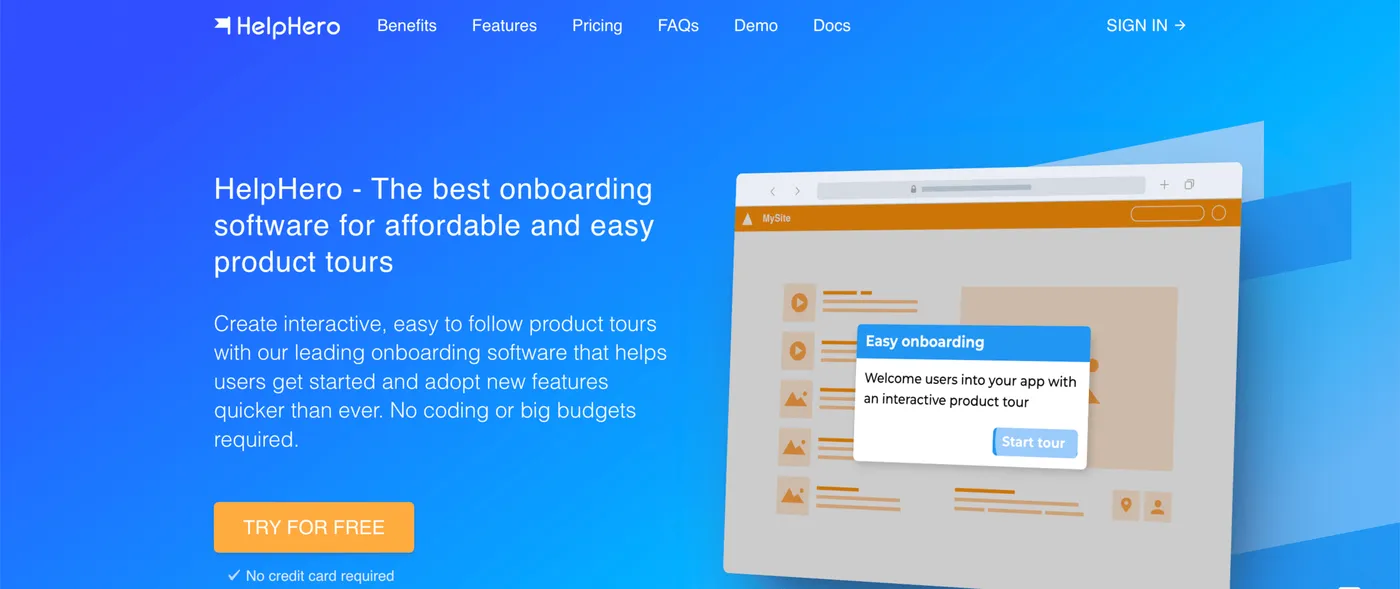
HelpHero is the most pared-back option here, and the cheapest. It covers product tours, tooltips, and checklists through a no-code editor, and keeps the scope tight.
Pricing. From $55/month for up to 1,000 monthly active users. Free trial available.
What it does well. There’s almost nothing to learn. Billing is purely by user volume, with no limits on how many tours, checklists, or team members you add, and every plan ships custom styling, audience targeting, and multi-page tours. If the entire requirement is “put a guided tour in our app,” this is the most direct route to it, at a fraction of Appcues’ starting rate.
Where it falls short. Survey options are thin and the analytics are basic. There’s no email, push notifications, or mobile SDKs, none of the cross-channel coverage Appcues bundles in. The moment you need more than the onboarding basics, the ceiling shows up fast.
Best for. Early-stage products whose only onboarding need is a simple product tour, where price is the deciding factor.
3. Hopscotch
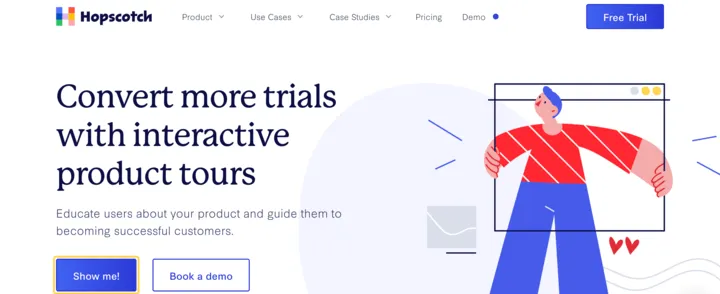
Hopscotch is aimed at SaaS startups that find a platform like Appcues heavier than they need. The selling points are no-code setup, live support on every plan, and a low entry price. It handles product tours, in-app messages, styling, and segmentation.
Pricing. From $99/month. Free trial available.
What it does well. Every plan comes with unlimited product tours and in-app messages, custom styling, basic segmentation, and live support included. The Growth plan ($249/month for 3,000 monthly active users) layers on custom event tracking, finer segmentation, and connections to analytics tools like GA4, Mixpanel, and Segment. For a startup that wants a step past the bare minimum without Appcues’ full platform, it lands in the middle at a much lower price.
Where it falls short. It covers less than Appcues across the board. There’s no email or push notifications, and no mobile SDKs in the feature set.
Best for. SaaS startups chasing trial-to-paid conversion that want a no-code tours-and-messaging tool with live support, minus Appcues’ price and channel breadth.
A bit more for an all-in-one bundle
4. Product Fruits
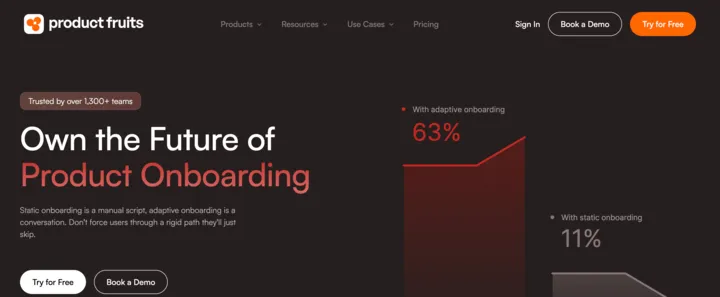
Product Fruits packs a lot into one subscription: product tours, an in-app knowledge base, NPS and surveys, in-app announcements, and an AI support assistant. On the in-app side it overlaps with much of what Appcues does, minus the email and push notification channels, and it starts far lower.
Pricing. From $111/month. Free trial available.
What it does well. You get a broad onboarding-and-support kit (product tours, knowledge base, surveys, AI assistant) for around $111 a month, well under Appcues’ entry plan. The AI assistant answers users’ questions inside the app by pulling from the articles in your help center, so common how-do-I requests get handled before they reach your support team. Per their FAQ, it also offers a mobile SDK for iOS (iOS only, not Android), making it the one tool here besides Appcues with native mobile support.
Where it falls short. It’s lighter than Appcues on cross-channel messaging, with no behavioral email or push notifications. The analytics stay focused on onboarding engagement, like tour completion and drop-off, rather than full product analytics. The entry plan carries firm caps (15 tours, 50 hints, 2 checklists, 3 seats, and a single language), so a growing team climbs tiers before long.
Best for. Small SaaS teams that want onboarding plus a knowledge base and an AI assistant in one place, at a fraction of Appcues’ price.
5. UserGuiding
UserGuiding is the widest bundle on this list. One subscription covers product tours, tooltips, checklists, surveys, NPS, a knowledge base, an AI assistant, and a product updates page. The aim is to stand in for several separate tools, and at $174/month it’s the priciest pick here while still sitting comfortably below Appcues.
Pricing. Free plan available (knowledge base and help center only, no in-app guidance). Paid plans from $174/month.
What it does well. The strength is how much arrives at the starter price: onboarding flows alongside a full help center, which usually means two purchases instead of one. The same subscription also covers surveys, NPS, and a product updates page for posting release notes, pieces a team often pays for as separate tools. For a team that wants a single tool spanning onboarding and self-serve help, it does more than Appcues for less money, as long as you don’t need Appcues’ extra channels.
Where it falls short. Styling is limited unless you reach the higher plan that adds custom CSS, so tours can look third-party rather than native to your app. Starter-tier analytics are basic. There’s no email, push notifications, or mobile SDKs, where Appcues handles all three. Moving from the starter plan to the next one roughly doubles the cost the moment you need any single gated feature.
Best for. Teams that want an established onboarding tool paired with a knowledge base and help center, and don’t need Appcues’ multi-channel reach.
For a deeper dive, see our 10 UserGuiding alternatives compared.
How to choose between them
There’s no single winner here, because the right pick depends on how much you need to do and how fast you’ll grow. A rough way to sort it:
The cheapest, simplest option. HelpHero ($55) does in-app guidance cleanly and keeps the scope tight.
A fuller set of in-app guides. FlowNavi ($79) or Hopscotch ($99). FlowNavi gives you the full guide set with unlimited guides. Hopscotch adds live support on every plan.
One tool for onboarding plus self-serve help. Product Fruits ($111) or UserGuiding ($174). Both add a knowledge base and surveys alongside tours, which can replace paying separately for an onboarding tool and a help center.
You actually need what Appcues bundles. If reaching users by email and push notifications matters as much as in-app, or you have a mobile app, none of the cheaper tools fully stand in.
Two things worth checking before you commit:
Price the tier you’ll be on in a year, not today. Every tool here charges by monthly active users, and the headline rate usually covers a low user count (1,000 to 3,000). A $55 or $99 starting price can climb as traffic grows, so model the plan you’ll actually land on, not the one you sign up on.
Don’t pay for channels you won’t use, but don’t paint yourself into a corner either. The reason Appcues costs more is that email, push notifications, and mobile SDKs come with every plan. If you only ever send in-app tours, that’s budget sitting idle. The flip side: if you know those channels are coming soon, starting on a focused tool can mean a migration later.
Summary
| Tool | Best for | Starting price | Key strength |
|---|---|---|---|
| HelpHero | Early-stage products | $55/mo | Cheapest option, simple tours and tooltips |
| FlowNavi | SMB and mid-market SaaS | $79/mo | Low price, no-code, full guide set |
| Hopscotch | SaaS startups | $99/mo | No-code tours and messaging with live support |
| Product Fruits | Small SaaS teams | $111/mo | Onboarding plus knowledge base and AI assistant |
| UserGuiding | Teams wanting one tool | $174/mo | Broad bundle with knowledge base and help center |
| Appcues | Mid-market SaaS | ~$249/mo | Multi-channel reach (in-app, email, push notifications) and mobile SDKs |
The honest takeaway: most small SaaS teams looking at Appcues are paying for a multi-channel platform when they really just want product tours and a checklist. If that’s you, one of the five above will cover the job for a fraction of the price. If you genuinely need email, push notifications, and mobile SDKs working together, Appcues earns its cost.
FAQ
What’s the cheapest Appcues alternative?
HelpHero is the cheapest paid option at $55/month, covering product tours, checklists, and tooltips for up to 1,000 monthly active users. FlowNavi is next at $79/month. Both come in well under Appcues, whose entry plan lists around $249/month. UserGuiding offers a free tier, but it only includes a knowledge base and help center, with no in-app guidance.
How much does Appcues actually cost?
Appcues prices by monthly active users across three tiers. The entry plan lists at roughly $249/month for up to 2,500 active users, billed annually, but that’s the starting point rather than the typical spend. According to Vendr, which tracks real contracts, the median Appcues deal is about $15,000 per year, with most landing between roughly $6,000 and $44,000 depending on usage. Because the per-user pricing isn’t flat, costs rise faster than your user count as you grow.
Is there a free Appcues alternative?
A few exist, with trade-offs. UserGuiding has a free plan, though it’s limited to a knowledge base and help center with no product tours. For tours specifically, open-source JavaScript libraries such as Driver.js, Shepherd.js, and React Joyride are free to use, but you get tours only, and your engineering team has to build and maintain anything beyond that, like analytics or targeting. Most dedicated onboarding tools offer a free trial rather than a free plan.
Which cheap Appcues alternative includes a knowledge base?
Two affordable options bundle a knowledge base with onboarding tours: Product Fruits (from $111/month) and UserGuiding (from $174/month). Both let you run product tours and host self-serve help docs in the same tool, which can replace paying separately for an onboarding tool and a help center. HelpHero, FlowNavi, and Hopscotch cover in-app guides and don’t include a knowledge base.
Can a cheaper tool replace Appcues for mobile apps?
Usually not. Appcues offers mobile SDKs for iOS and Android, and most budget onboarding tools run on the web only. Among the affordable options, Product Fruits is the only one with a mobile SDK, and it covers iOS only. If onboarding inside a mobile app is a core requirement, the cheaper web-only tools (HelpHero, FlowNavi, Hopscotch, and UserGuiding) won’t fully replace Appcues.