
5 Cheap & Affordable Userflow Alternatives & Competitors (2026)
This is a comparison of five cheap and affordable Userflow alternatives, every one of them priced below Userflow’s Startup plan. Each tool gets a short summary covering what it costs, where it’s strong, and where it stops short. There’s also a section on when Userflow is still the right call.
The thing to understand up front: Userflow covers much the same in-app guides as the tools below (tours, checklists, tooltips, announcements, surveys), just at a higher price. What Userflow increasingly leans on to justify that price is its Adoption Agent, an AI support agent that answers users’ questions inside your product. So the honest way to sort these alternatives is by how much of that agent you actually need.
In this post
- Why people look for cheaper Userflow alternatives
- What Userflow does well
- How Userflow’s pricing actually works
- The alternatives
- If you don’t need a support agent: FlowNavi, HelpHero, Hopscotch
- If you want in-app guidance with a support agent: Product Fruits, UserGuiding
- How to choose between them
- Summary
- FAQ
Why people look for cheaper Userflow alternatives
Userflow is genuinely well-liked. On G2 it scores 4.8 out of 5 across 114 reviews, with 86% of those at five stars. Teams don’t go looking for alternatives because the product is bad. They go looking because of one thing above all: what happens to the bill once you outgrow the entry plan.
The Startup-to-Pro jump nearly triples the price. Userflow’s Startup plan starts at $240/month and the Pro plan starts at $680/month. There’s no gentle middle step between them. The moment you need a single Pro-tier feature or push past Startup’s user cap, your bill roughly triples overnight. Several G2 reviewers name this as their one real complaint: one listed their sole dislike as “Very large price difference between the available plans,” and “Expensive” is one of the aggregated cons on Userflow’s G2 page. Userflow is affordable at Startup and pricey the day you outgrow it.
You may be paying a premium for features you already have elsewhere. Strip out the support agent and Userflow’s core is roughly what every tool on this list does. If in-app guides are all you need, Userflow’s entry price is high for the job.
Reporting and analytics are limited. Analytics is the most common functional gripe in Userflow’s G2 reviews. One reviewer put it plainly: “That we can’t report on Analytics. It would be very nice to have more reporting capability.” If you want funnels, retention cohorts, or paths, Userflow doesn’t deliver them.
What Userflow does well
A comparison that only lists complaints isn’t useful, so here’s where Userflow genuinely earns its price.
Non-technical teams ship without engineering. “Ease of Use” is the most-mentioned positive tag on Userflow’s G2 page. One reviewer cited “how easy it is to create the tours, no coding is needed which means multiple members of the team can edit or add anything they need to.” It’s a tool a product or support person can run without pulling in a developer.
The Adoption Agent is the real differentiator. Userflow’s flagship is an AI agent that answers users’ questions inside your product, drawing on your help content, and guides them to the right action. This is where Userflow invests hardest, and it’s more advanced than the AI assistants bundled into the cheaper tools. If an agent that actively guides users is central to your plan, Userflow leads here.
Customer support is well-regarded. Customer Support is one of the top aggregated positive tags on G2. One long-time customer wrote: “Their customer support is excellent. I have been using it since Esben and Sebastian were individually answering queries.” Userflow’s team still responds to almost every review, which is its own signal.
How Userflow’s pricing actually works
A few mechanics underneath the headline numbers are worth knowing before you commit.
Annual is the published price. Monthly billing costs 25% more. Userflow advertises Startup at $240/month and Pro at $680/month, both “paid annually.” Switch to monthly and Startup becomes $300/month and Pro $850/month. If you’re not ready to sign a 12-month contract, the real entry price is closer to $300 than $240.
The gap between the two plans is the whole story. There are only two published plans (plus a custom Enterprise tier), and the leap from $240 to $680 is where the pain lives. Because there’s no tier in between, a small increase in needs, one gated feature or a bump past the Startup user cap, moves you the full distance to Pro. Model which plan you’ll actually be on in a year, not the one you sign up on.
AI Adoption Agent credits are capped on both paid tiers. Per Userflow’s pricing FAQ, the monthly AI credit allowance is the same on Startup and Pro despite the $440/month difference between them, and one credit covers two AI messages. If the agent is the reason you’re buying Userflow, check that allowance against your actual support volume, because heavy use means buying add-on bundles on top.
The alternatives
All five tools below start under Userflow’s Startup plan. They’re grouped by the one axis that actually separates them from Userflow: the support agent. The first three cover the same in-app guides as Userflow with no agent at all. The last two add a knowledge base and a basic AI assistant, a lighter version of what Userflow’s Adoption Agent does.
If you don’t need a support agent
These three do the in-app guidance Userflow does without an AI support agent. If you don’t need an agent, they cover the job for far less.
1. FlowNavi
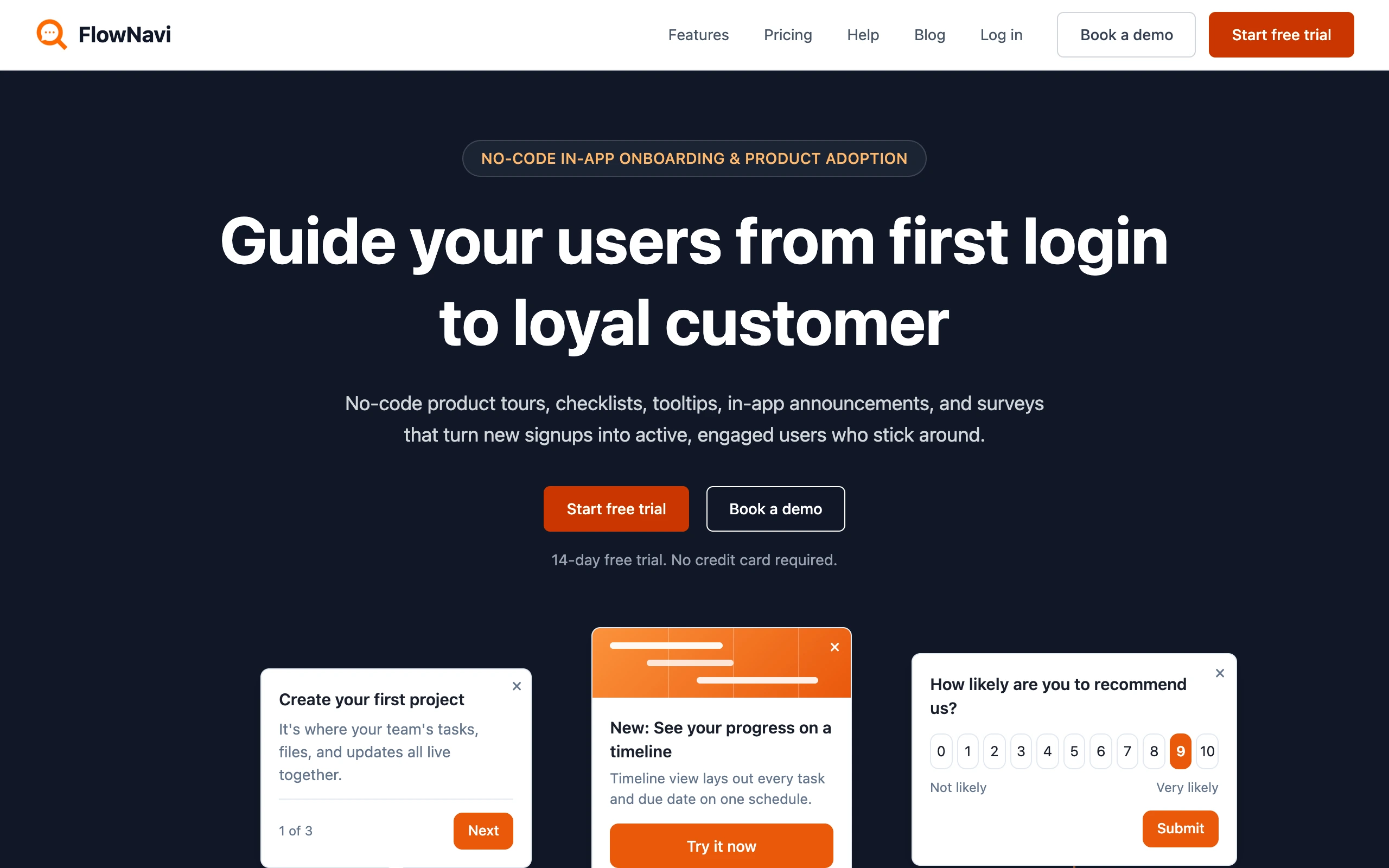
FlowNavi is a no-code tool for in-app onboarding and product adoption: product tours, checklists, tooltips, hotspots, in-app announcements, and NPS and custom surveys. It covers the same core in-app guides as Userflow, at a lower price.
Pricing. From $79/month. Free trial available.
What it does well. FlowNavi starts at $79/month against Userflow’s $240, and every feature is on every plan, so the entry tier is the full toolkit rather than a stripped-down starter. It’s genuinely no-code: a non-technical person can build and ship guides, and most teams are live in a day or two. Pricing scales with your user count, without the Startup-to-Pro cliff Userflow has.
Where it falls short. The big thing FlowNavi doesn’t have is Userflow’s agent. There’s no in-product AI that answers your users’ questions, and no resource center or knowledge base. If Userflow’s Adoption Agent is a big part of the draw, it does more.
Best for. SMB and mid-market SaaS teams that want Userflow’s core in-app guides at a lower price, and don’t need an AI support agent.
Quick disclosure: FlowNavi is our own tool, so we’re obviously biased. Take this section with that in mind.
2. HelpHero
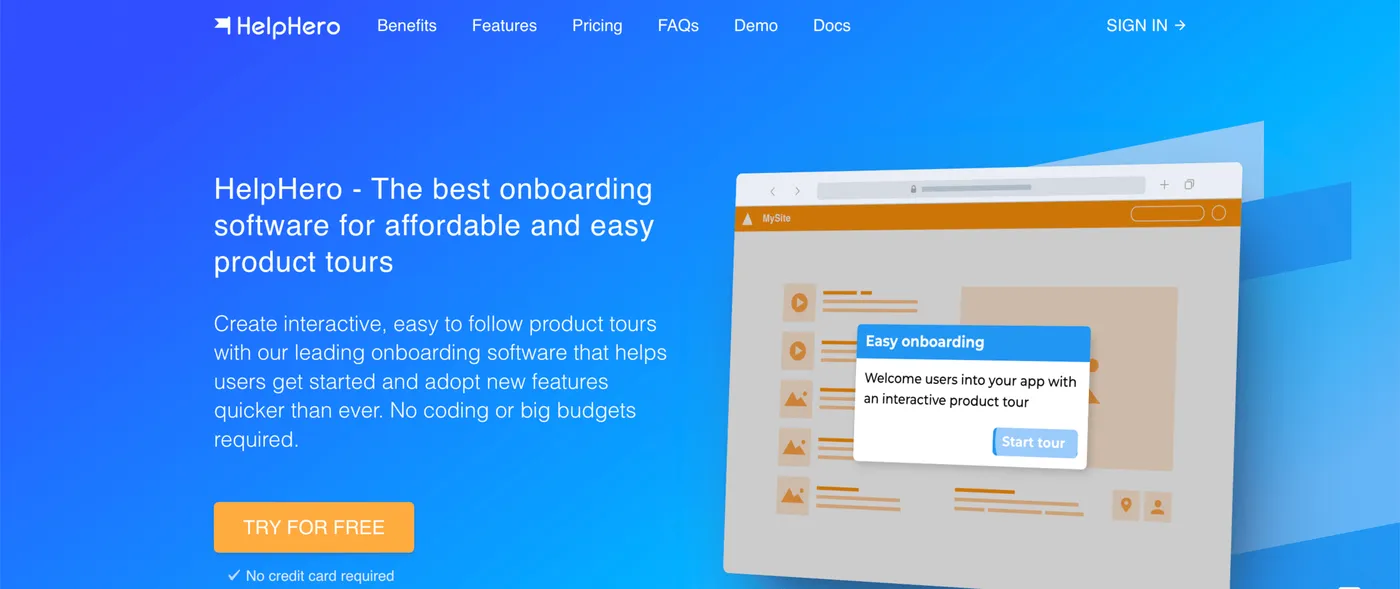
HelpHero is the most pared-back option here, and the cheapest. It covers product tours, tooltips, and checklists through a no-code editor, and keeps the scope tight.
Pricing. From $55/month for up to 1,000 monthly active users. Free trial available.
What it does well. There’s almost nothing to learn. Billing is purely by user volume, with no limits on how many tours, checklists, or team members you add, and every plan ships custom styling, audience targeting, and multi-page tours. If the entire requirement is “put a guided tour in our app,” this is the most direct route to it, well under Userflow’s starting rate.
Where it falls short. It covers less than Userflow across the board. Survey options are thin and the analytics are basic. There’s no AI agent, no resource center, and no NPS. The moment you need more than the onboarding basics, the ceiling shows up fast.
Best for. Early-stage products whose only onboarding need is a simple product tour, where price is the deciding factor.
3. Hopscotch
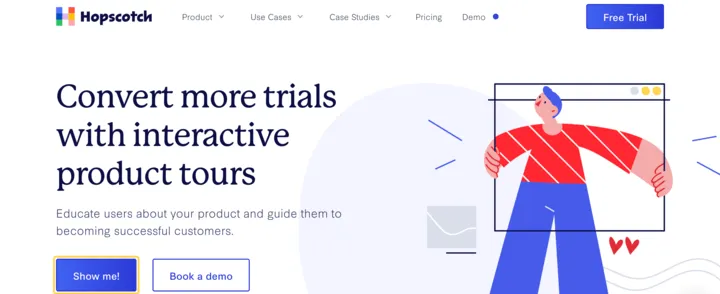
Hopscotch is aimed at SaaS startups that find a platform like Userflow heavier than they need. Their FAQ names the frame directly, saying it’s built for teams that tried “tools like Pendo, Appcues, or Userflow” and felt they couldn’t get their tours to look right “without jumping through hoops… or spending a boatload.” The pitch leans on three things: truly no-code, live support on every plan, and a low entry price. It handles product tours, in-app messages, styling, and segmentation.
Pricing. From $99/month. Free trial available.
What it does well. Every plan comes with unlimited product tours and in-app messages, custom styling, basic segmentation, and live support included. The Growth plan ($249/month for 3,000 monthly active users) adds custom event tracking, finer segmentation, and connections to GA4, Mixpanel, Heap, and Segment. For a startup that wants a step past the bare minimum without Userflow’s price, it lands in the middle.
Where it falls short. The main gap versus Userflow is the agent: there’s no in-product AI that answers users’ questions, and no resource center or knowledge base. Like Userflow, it’s web only.
Best for. SaaS startups chasing trial-to-paid conversion that want a no-code tours-and-messaging tool with live support, minus Userflow’s price, and don’t need an agent.
If you want in-app guidance with a support agent
These two are the closest thing to Userflow on this list: both bundle a knowledge base and an AI assistant alongside in-app guides. The agent is more basic than Userflow’s Adoption Agent (it answers from your help docs rather than actively driving users through flows), but for many teams a basic agent is enough, and it costs a lot less.
4. Product Fruits
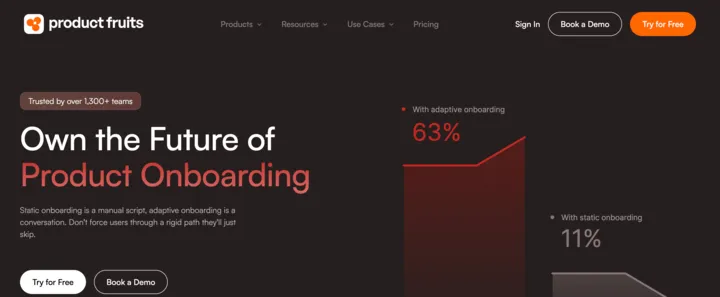
Product Fruits packs a lot into one subscription: product tours, an in-app knowledge base, NPS and surveys, in-app announcements, and an AI support assistant. On the in-app side it overlaps with most of what Userflow does, and it starts far lower.
Pricing. From $111/month. Free trial available.
What it does well. You get a broad onboarding-and-support kit (product tours, knowledge base, surveys, AI assistant) for around $111 a month, well under Userflow’s entry plan. The AI assistant answers users’ questions inside the app by pulling from the articles in your help center, so common how-do-I requests get handled before they reach your support team. It’s the cheapest way on this list to get an in-product agent at all.
Where it falls short. The agent is more basic than Userflow’s Adoption Agent: it answers from your knowledge base rather than actively guiding users through tasks, and Userflow invests more heavily here. Analytics stay focused on onboarding engagement rather than full product analytics. The entry plan carries firm caps (a limited number of tours, hints, checklists, seats, and a single language), so a growing team climbs tiers before long.
Best for. Small SaaS teams that want onboarding plus a knowledge base and a basic AI assistant in one place, at a fraction of Userflow’s price.
5. UserGuiding
UserGuiding is the widest bundle on this list. One subscription covers product tours, tooltips, checklists, surveys, NPS, a knowledge base, an AI assistant, and a product updates page. The aim is to stand in for several separate tools, and at $174/month it’s the priciest pick here while still sitting below Userflow.
Pricing. Free plan available (knowledge base, resource center, and AI Assistant only, no in-app guidance). Paid plans from $174/month.
What it does well. The strength is how much arrives at the starter price: onboarding flows alongside a knowledge base, resource center, NPS, surveys, and an AI Assistant trained on your knowledge base. That AI Assistant answers user questions from your help content, the same category of tool as Userflow’s agent, bundled in for less. For a team that wants a single tool spanning onboarding and self-serve support, it does a lot for the money.
Where it falls short. The AI Assistant is help-desk style, trained on your docs, rather than the more advanced, flow-driving Adoption Agent Userflow leans into. Analytics are basic, with no funnels or cohorts. There’s substantial feature gating between the Starter and Growth plans (custom CSS, A/B testing, and premium integrations sit on Growth at $349/month), so hitting any one gated feature roughly doubles your bill. Like Userflow, it’s web only.
Best for. Teams that want an established onboarding tool paired with a knowledge base and a basic AI assistant, and don’t need Userflow’s more advanced agent.
For a deeper dive on the whole market, see our 11 Userflow alternatives compared.
How to choose between them
There’s no single winner here, because the right pick depends almost entirely on how much of a support agent you need. A rough way to sort it:
You don’t need an agent. FlowNavi ($79), HelpHero ($55), or Hopscotch ($99). All three do the in-app guides Userflow does, with no AI agent, at a fraction of the price. HelpHero is the cheapest and simplest; FlowNavi gives you the fullest guide set with every feature on every plan; Hopscotch adds live support on every tier.
A basic agent is good enough. Product Fruits ($111) or UserGuiding ($174). Both bundle a knowledge base and an AI assistant that answers user questions from your help content, alongside tours and surveys. It’s lighter than Userflow’s agent, but for many teams that’s plenty, and it costs far less.
You want an advanced agent. This is when Userflow earns its price. Its Adoption Agent goes beyond answering from docs to actively guiding users, and Userflow invests in it harder than anyone here. If that’s central to your plan, none of the cheaper tools fully stand in.
One thing worth checking before you commit: price the plan you’ll be on in a year, not today. Userflow’s Startup-to-Pro jump ($240 to $680) is the sharpest on this list, but every tool here charges by monthly active users, and the headline rate usually covers a low user count. Model the tier you’ll actually land on once traffic grows.
Summary
| Tool | Best for | Starting price | Key strength |
|---|---|---|---|
| HelpHero | Early-stage products | $55/mo | Cheapest option, simple tours and tooltips |
| FlowNavi | SMB and mid-market SaaS | $79/mo | Low price, no-code, full guide set on every plan |
| Hopscotch | SaaS startups | $99/mo | No-code tours and messaging with live support |
| Product Fruits | Small SaaS teams | $111/mo | Onboarding plus knowledge base and a basic AI assistant |
| UserGuiding | Teams wanting one tool | $174/mo | Broad bundle with knowledge base and AI assistant |
| Userflow | Teams that want an advanced agent | $240/mo | The most advanced in-product Adoption Agent |
The honest takeaway: Userflow covers much the same in-app guides as the five tools above, and its real edge is an advanced Adoption Agent. If you don’t need an agent, one of the first three does the job for far less. If a basic agent is enough, Product Fruits or UserGuiding bundle one in. Only if you want an agent as capable as Userflow’s, and you’re prepared for the Startup-to-Pro price cliff, does Userflow earn its cost.
FAQ
What’s the cheapest Userflow alternative?
HelpHero is the cheapest paid option at $55/month, covering product tours, checklists, and tooltips for up to 1,000 monthly active users. FlowNavi is next at $79/month with a fuller guide set. Both come in well under Userflow, whose Startup plan starts at $240/month. UserGuiding offers a free tier, but it only includes a knowledge base, resource center, and AI Assistant, with no in-app guidance.
How much does Userflow actually cost?
Userflow lists two published plans plus a custom Enterprise tier. Startup starts at $240/month and Pro at $680/month, both billed annually; monthly billing costs about 25% more ($300 and $850). The mechanic to watch is the gap between the two tiers: with no plan in between, outgrowing Startup or needing a single Pro-only feature roughly triples your bill overnight.
Is there a free Userflow alternative?
A few exist, with trade-offs. UserGuiding has a free plan, though it’s limited to a knowledge base, resource center, and AI Assistant, with no product tours. For tours specifically, open-source JavaScript libraries such as Driver.js, Shepherd.js, and React Joyride are free, but you get tours only, and your engineering team has to build and maintain anything beyond that. Most dedicated onboarding tools offer a free trial rather than a free plan.
Which cheap Userflow alternative includes an AI agent?
Two of the affordable options bundle an in-product AI assistant: Product Fruits (from $111/month) and UserGuiding (from $174/month). Both answer users’ questions from your knowledge base inside the app. FlowNavi, HelpHero, and Hopscotch focus on in-app guides and don’t include an agent, which is part of why they cost less.
Can a cheaper tool replace Userflow’s Adoption Agent?
It depends on how advanced an agent you need. Userflow’s Adoption Agent goes beyond answering from help docs to actively guiding users through tasks, and Userflow invests in it more heavily than the cheaper tools. Product Fruits and UserGuiding include a more basic assistant trained on your knowledge base, which is enough for many teams. If you need the most capable agent, Userflow still leads; if a basic one covers your support volume, the cheaper bundles stand in for far less.