
5 Cheap & Affordable Chameleon Alternatives & Competitors (2026)
This is a comparison of five cheap and affordable Chameleon alternatives, every one of them priced below Chameleon’s entry plan. Each tool gets a short summary covering what it costs, where it’s strong, and where it falls short. There’s also a section on when paying more for Chameleon is the right call.
In this post
- Why people look for cheaper Chameleon alternatives
- What Chameleon does well
- How Chameleon’s pricing actually works
- The alternatives
- Affordable, in-app guidance: FlowNavi, HelpHero, Hopscotch
- A bit more for a broader bundle: Product Fruits, UserGuiding
- How to choose between them
- Summary
- FAQ
Why people look for cheaper Chameleon alternatives
The jump from the entry plan is a cliff. Chameleon’s Startup plan lists at $279/month, which works out to roughly $3,348 a year. The next tier up, Growth, starts at $15,000 a year. There’s nothing in between. The moment you outgrow Startup, whether on users, seats, or a feature limit, the smallest next commitment is about 4.5 times what you were paying.
You pay for more people than actually use your product. Chameleon bills per monthly tracked user, not the monthly active users almost every other product adoption tool charges on. Monthly active users are the people who actually open and use your product. A monthly tracked user is anyone Chameleon identifies over a 30-day window from any source, whether or not they ever touch the app, e.g. users synced in from another system. So you’re billed on a number that can run well above your real user base, and the more places your data comes from, the wider that gap gets.
Seats are capped, and hitting the cap forces an upgrade. The Startup plan allows 6 teammates and Growth allows 15. You don’t pay per extra seat. Instead, adding the person who tips you over the limit moves you to the next tier. A happy 16-person team on Growth still has to step up to a custom-priced Enterprise contract on headcount alone.
Chameleon’s depth is priced into every plan, whether you use it or not. Its real strength is how far you can customize and fine-tune experiences, which is genuinely useful for teams that have hit a wall on simpler tools. That capability is built into the price at every tier, so if you don’t put it to work, you’re paying for headroom that’s sitting idle.
What Chameleon does well
A comparison that only lists complaints isn’t useful, so here’s where Chameleon earns its higher price.
Non-technical teams can build polished experiences without engineering. Product, marketing, and customer success people can build and ship in-app guides themselves, and the results look native to the product rather than bolted on. This is the capability teams most often cite when they move up from an entry-level tool.
You can customize and fine-tune well past what simpler tools allow. Where cheaper builders give you a handful of styling options, Chameleon lets you tailor how experiences look and behave down to fine detail, and target them tightly to different user segments. Teams that have outgrown the limits of a basic tool usually come to Chameleon for exactly this.
It covers several kinds of in-app guidance in one place. Beyond standard product tours, you get checklists, banners, in-app surveys, and an in-app search bar that lets users look up your help articles from inside the product.
Support has a strong reputation. Customers report fast responses and hands-on help, including access to engineers on tricky setups and regular check-ins from an assigned contact. For a team without much internal capacity to run an adoption tool, that hand-holding has real value.
How Chameleon’s pricing actually works
A few things about the cost that aren’t obvious from a glance at the pricing page.
The metric it bills on is broader than the one you’re used to. Most product adoption tools charge by monthly active users: people who actually use your product in a month. Chameleon charges by monthly tracked users, which counts any unique person it identifies over 30 days from any source, whether or not they open your app. If you sync a list of users from another system, those people can count too. Because the count doesn’t depend on anyone actually using the product, the number you’re billed on can run well ahead of your real active-user count.
The Startup-to-Growth gap is the big one. Startup at $279/month comes to about $3,348 a year. Growth begins at $15,000 a year and scales from there on usage and features. Outgrowing Startup, including on small feature caps like the limit of five in-app surveys, lands you on at least a $15,000 annual commitment. There is no gentle middle tier to grow into.
Seat caps push upgrades on their own. Growth is paid a year up front. Startup caps the account at 6 teammates and Growth at 15. Passing either limit means moving up a tier rather than paying for one more seat, so team growth alone can force a jump even when your usage hasn’t changed.
The alternatives
All five tools below start under Chameleon’s Startup plan, and all of them bill on active users rather than Chameleon’s broader tracked-user count. They’re grouped by how much ground they cover. The first three focus on in-app guidance: product tours, tooltips, checklists, and more. The last two add a knowledge base and an AI help assistant for a little more money.
Affordable, in-app guidance
1. FlowNavi
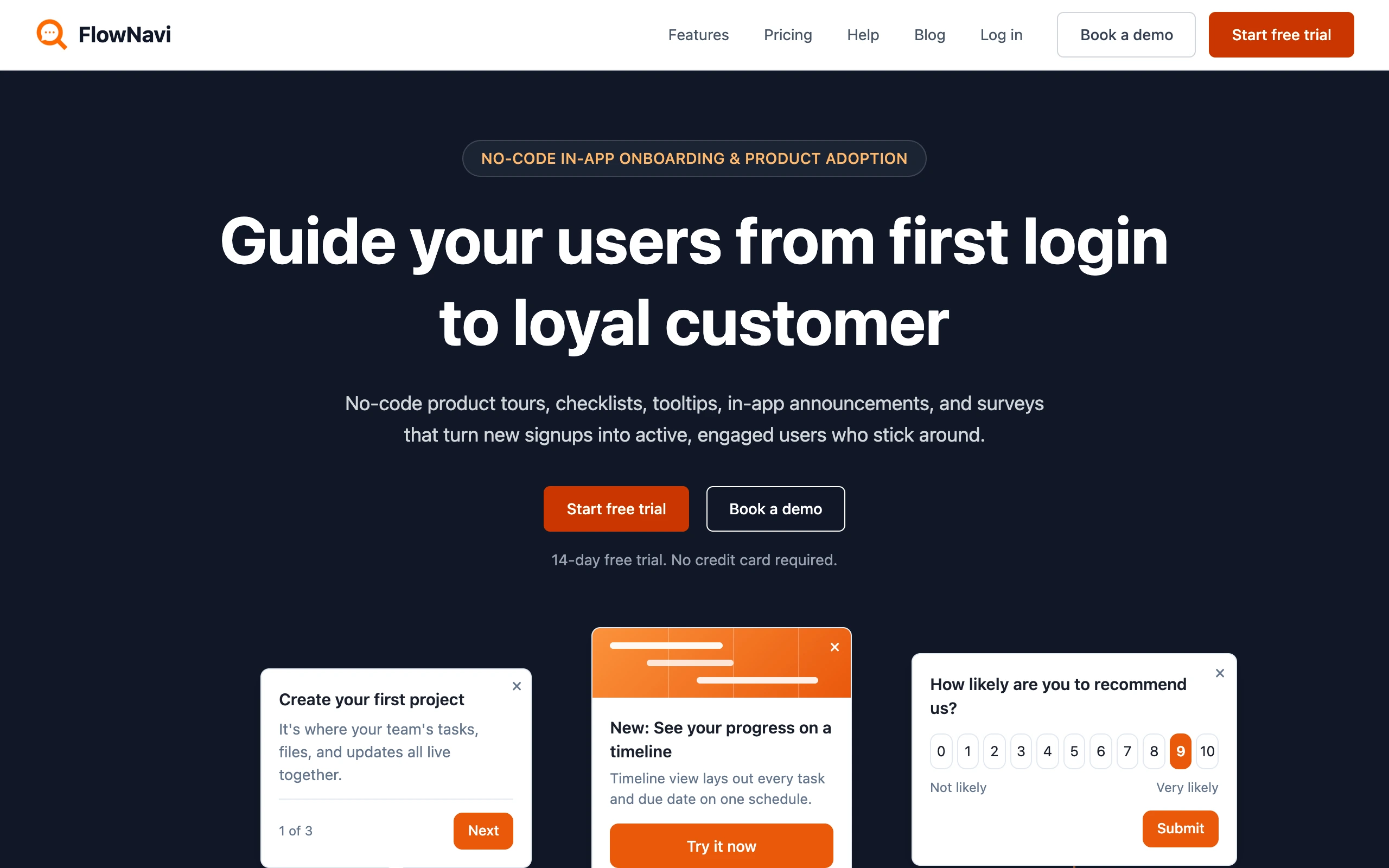
FlowNavi is a no-code tool for in-app onboarding and product adoption: product tours, checklists, tooltips, in-app announcements, and in-app surveys. It covers the everyday in-app guidance most teams look to Chameleon for, at a fraction of the price and on flat pricing.
Pricing. From $79/month. Free trial available.
What it does well. FlowNavi starts at $79/month against Chameleon’s $279, and you’re billed on people who actually use your product rather than Chameleon’s broader tracked-user count that can include non-users. Pricing stays predictable as you grow: every plan includes unlimited guides, so running more experiences doesn’t trip a per-guide cap and push you up a tier the way it can on Chameleon.
Where it falls short. You don’t get the customization depth Chameleon is known for, so highly tailored, pixel-level experiences aren’t the strength here. There’s also no in-app search bar that lets users look up your help articles from inside the product, which Chameleon includes.
Best for. Small and mid-market SaaS teams that want solid in-app onboarding and adoption guides on predictable pricing, without paying for Chameleon’s customization ceiling.
Quick disclosure: FlowNavi is our own tool so we are obviously biased. Take this section with that in mind.
2. HelpHero

HelpHero is the most pared-back option here, and the cheapest. It covers product tours, tooltips, and checklists through a no-code editor, and keeps the scope tight.
Pricing. From $55/month. Free trial available.
What it does well. There’s almost nothing to learn, and billing is simply by active-user volume, with no limits on how many tours, checklists, or team members you add. Every plan includes custom styling, audience targeting, and multi-page tours. If the whole requirement is “put a guided tour and a checklist in our app,” this is the most direct route to it, well under Chameleon’s starting rate and without its tracked-user metering.
Where it falls short. Survey options are thin, there’s no in-app help search, and none of the deep customization or tight segmentation that draws teams to Chameleon. The moment you need to fine-tune experiences past the basics, the ceiling shows up fast.
Best for. Early-stage products whose onboarding need is a straightforward tour and checklist, where price is the deciding factor.
3. Hopscotch

Hopscotch is aimed at SaaS startups that find a platform like Chameleon heavier than they need. The selling points are no-code setup, live support on every plan, and a low entry price. It handles product tours, checklists, in-app messages, styling, and segmentation.
Pricing. From $99/month. Free trial available.
What it does well. Every plan comes with unlimited product tours and in-app messages, checklists, custom styling, basic segmentation, and live support included, which is unusual at this price. Higher plans add tracking for specific actions users take in your app, finer segmentation, and connections to analytics tools. For a startup that wants a real step past the basics without Chameleon’s price or its tracked-user billing, it lands in a comfortable middle.
Where it falls short. It covers less than Chameleon on depth: styling and segmentation are solid for a startup, but you don’t get the fine-grained customization or the breadth of experience types Chameleon offers, and there’s no in-app search for your help content.
Best for. SaaS startups chasing trial-to-paid conversion that want a no-code tours-and-messaging tool with live support, minus Chameleon’s price and complexity.
A bit more for a broader bundle
4. Product Fruits
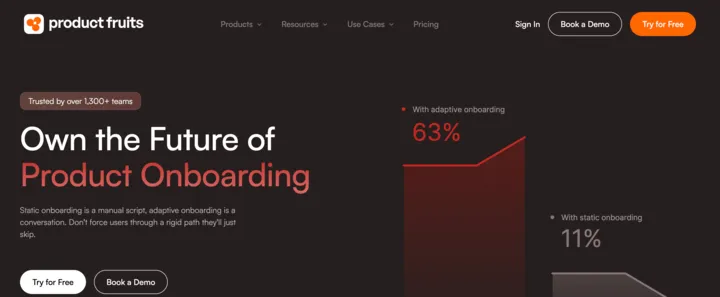
Product Fruits packs a lot into one subscription: product tours, an in-app knowledge base, satisfaction surveys, in-app announcements, and an AI assistant that answers users’ questions. On the self-serve-help side it overlaps with much of what draws teams to Chameleon, and it starts far lower.
Pricing. From $111/month. Free trial available.
What it does well. You get onboarding guides plus a place to host your help articles and an AI assistant, for around $111 a month. The assistant answers users’ questions inside the app by pulling from your help articles, so common how-do-I requests get handled before they reach support. That combination covers much of the self-serve help job teams buy Chameleon for, at a fraction of the cost, and it also offers a mobile app option for iOS.
Where it falls short. It’s lighter than Chameleon on customization and fine-grained targeting, so tailored, native-feeling experiences aren’t the strength. The entry plan carries firm caps (15 tours, 50 hints, 2 checklists, 3 seats, and a single language), so a growing team climbs tiers before long.
Best for. Small SaaS teams that want onboarding plus a knowledge base and an AI help assistant in one place, at a fraction of Chameleon’s price.
5. UserGuiding
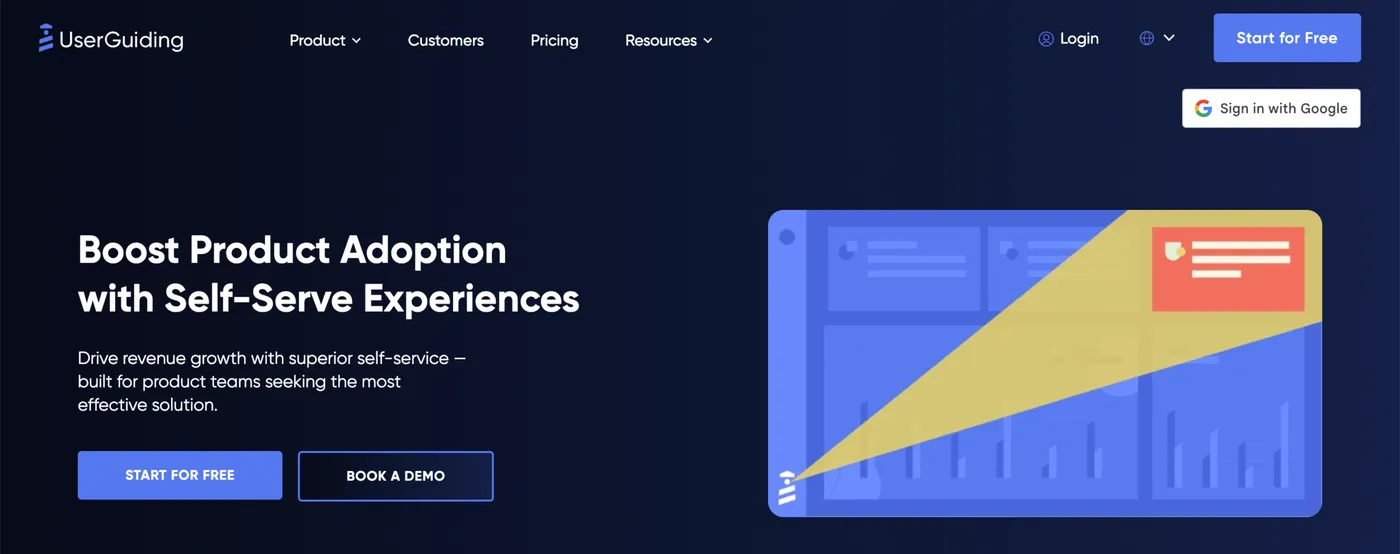
UserGuiding is the widest bundle on this list. One subscription covers product tours, tooltips, checklists, surveys, satisfaction scores, a knowledge base, an AI assistant, and a product updates page. The aim is to stand in for several separate tools, and at $174/month it’s the priciest pick here while still sitting well below Chameleon.
Pricing. Free plan available (knowledge base and help center only, no in-app guidance). Paid plans from $174/month.
What it does well. The strength is how much arrives at the starter price: onboarding flows alongside a full help center and an AI assistant, which usually means two or three purchases folded into one. The same subscription also covers surveys, satisfaction scores, and a page for posting release notes. For a team that wants one tool spanning onboarding and self-serve help, it covers a lot of Chameleon’s ground for far less, and on flat pricing.
Where it falls short. Styling is limited unless you reach the higher plan that adds full control over how experiences look, so guides can feel third-party rather than native, which is exactly where Chameleon pulls ahead. Moving up a plan roughly doubles the cost the moment you need any single gated feature.
Best for. Teams that want an established product adoption tool paired with a knowledge base and help center, without paying for Chameleon’s customization depth.
For a deeper dive, see our 10 UserGuiding alternatives compared.
How to choose between them
There’s no single winner here, because the right pick depends on how much you need to do and how much you value deep customization. A rough way to sort it:
The cheapest, simplest option. HelpHero ($55) does tours, tooltips, and checklists cleanly and keeps the scope tight.
A fuller set of in-app guides. FlowNavi ($79) or Hopscotch ($99). FlowNavi gives you the full guide set with unlimited guides on flat pricing. Hopscotch adds live support on every plan.
One tool for onboarding plus self-serve help. Product Fruits ($111) or UserGuiding ($174). Both add a knowledge base and an AI assistant alongside tours, which covers much of the self-serve help job people buy Chameleon for.
You actually need Chameleon’s depth. If tailoring experiences to fine detail and tight segments is core to what you’re doing, and the results need to feel fully native, none of the cheaper tools quite match it.
Two things worth checking before you commit:
Check what each tool counts before you compare prices. Chameleon bills per tracked user, which counts anyone it identifies from any source, so the number can run well ahead of your real active users. The tools here bill per monthly active user, the people who actually use your product. A $279 plan and a $99 plan aren’t measuring the same thing, so line up the counts, not just the prices.
Don’t pay for depth you won’t use, but don’t box yourself in either. The reason Chameleon costs more is the customization ceiling and breadth it gives you. If you only ever ship a few standard tours, that headroom is budget sitting idle. The flip side: if you know you’ll need heavy tailoring soon, starting on a simpler tool can mean a migration later.
Summary
| Tool | Best for | Starting price | Key strength |
|---|---|---|---|
| HelpHero | Early-stage products | $55/mo | Cheapest option, simple tours, tooltips, and checklists |
| FlowNavi | SMB and mid-market SaaS | $79/mo | Low, flat price, no-code, full guide set |
| Hopscotch | SaaS startups | $99/mo | No-code tours and messaging with live support |
| Product Fruits | Small SaaS teams | $111/mo | Onboarding plus knowledge base and AI help assistant |
| UserGuiding | Teams wanting one tool | $174/mo | Broad bundle with knowledge base and help center |
| Chameleon | Teams needing depth | $279/mo | Deep customization and a broad set of in-app guidance in one tool |
The honest takeaway: a lot of teams looking at Chameleon are paying for a level of customization they won’t fully use, on a pricing model that can jump hard as they grow. If you mainly need clean tours, checklists, and tooltips, one of the five above will cover the job for far less and on steadier pricing. If tailoring experiences to fine detail is central to what you do, Chameleon earns its cost.
FAQ
What’s the cheapest Chameleon alternative?
HelpHero is the cheapest paid option at $55/month, covering product tours, checklists, and tooltips for up to 1,000 monthly active users. FlowNavi is next at $79/month with a fuller guide set. Both come in well under Chameleon, whose Startup plan lists at $279/month. UserGuiding offers a free tier, but it only includes a knowledge base and help center, with no in-app guidance.
How much does Chameleon actually cost?
Chameleon has three tiers: Startup at $279/month (about $3,348 a year), Growth starting at $15,000 a year, and a custom-priced Enterprise plan. The gap between the first two tiers is the thing to watch, since outgrowing Startup on users, seats, or a feature limit moves you straight to at least a $15,000 annual commitment. Chameleon also bills on monthly tracked users, its own metric that counts unique people identified from any source over 30 days rather than only the people who actually use your product, so the number you pay on can run well above your real user base and costs can climb faster than expected.
Is there a free Chameleon alternative?
A few exist, with trade-offs. UserGuiding has a free plan, though it’s limited to a knowledge base and help center with no product tours. For tours specifically, open-source JavaScript libraries such as Driver.js, Shepherd.js, and React Joyride are free to use, but you get tours only, and your engineering team has to build and maintain anything beyond that, like targeting or reporting. Most dedicated product adoption tools offer a free trial rather than a free plan.
Which cheap Chameleon alternative includes a knowledge base?
Two affordable options bundle a knowledge base with onboarding tours: Product Fruits (from $111/month) and UserGuiding (from $174/month). Both let you run product tours and host self-serve help articles in the same tool, and both add an AI assistant that answers users’ questions from those articles, which covers much of the in-app self-serve help Chameleon is used for. HelpHero, FlowNavi, and Hopscotch focus on in-app guides and don’t include a knowledge base.
Does Chameleon support mobile apps?
No. Chameleon runs on the web only and doesn’t offer native iOS or Android support. Most of the affordable alternatives here are web only too, so mobile usually isn’t the reason to pick one over Chameleon. The exception among these five is Product Fruits, which offers a mobile option for iOS. If onboarding inside a mobile app is a core requirement, look specifically for native mobile support, since it’s not a given in this price range.