
5 Cheap & Affordable Pendo Alternatives & Competitors (2026)
This is a comparison of five cheap alternatives to Pendo for in-app guidance. Each gets a short, honest summary of its pricing, strengths, and limits, plus a note on when Pendo is still worth the money.
In this post
- Why people look for cheaper Pendo alternatives
- What Pendo does well
- How Pendo’s pricing actually works
- The alternatives
- In-app guidance, no analytics bundle: FlowNavi, HelpHero, Hopscotch
- A bit more, with a built-in knowledge base: Product Fruits, UserGuiding
- How to choose between them
- Summary
- FAQ
Why people look for cheaper Pendo alternatives
The starting point is already five figures. Per Vendr, Pendo’s entry tier runs about $7,000 to $12,000 a year, with a median deal around $49,000 and some reported deals running as high as $200,000+.
You assemble it from separately priced modules. Analytics, in-app guides, session replay, and product roadmapping are each sold on their own, and some things teams assume are included, like surveys without Pendo’s branding and automatic connections to other tools, are billed as extras. Reviewers on G2 note that an entry quote can grow well past the opening number once the pieces they actually needed are added in.
The price scales with your user count. Pendo charges by monthly active users, so the same set of modules costs more as your product grows. A plan that looks affordable at launch gets more expensive as you add users.
The contract locks in, and renewals climb. Annual billing is standard and three-year terms are common. Community reports cited alongside Vendr’s data describe 5 to 20 percent price increases built into each renewal, so a negotiated first-year rate can rise year over year.
What Pendo does well
Deep product analytics. Funnels, retention cohorts, user paths, and session replay, plus an AI feature that answers questions about the data in plain English. None of the alternatives below match this.
Mobile apps. In-app guides can run inside iOS and Android apps. Most of the cheaper tools are web only.
Bundled roadmapping. A product roadmap, built into the same tool as the analytics and customer feedback. None of the alternatives below offer this.
A free tier that isn’t a trial. Free up to 500 monthly active users, with basic in-app guides, surveys, and analytics.
How Pendo’s pricing actually works
The figures below come from reported deals on Vendr.
The tiers, by user count. Free covers up to 500 monthly active users. Starter, for 500 to 2,000 users, runs about $7,000 to $12,000 a year. Growth, for 2,000 to 10,000 users, runs about $20,000 to $60,000. The highest tier, for enterprise or multi-product setups, runs $75,000 and up.
Discounts are negotiable. Reported deals come in 15 to 30 percent below the opening quote, with bigger discounts at higher user counts or on a multi-year term.
The free tier stops hard at 500 users. Past that, creating new guides, surveys, and segments locks, and reports show data from only 500 of your users.
The alternatives
In-app guidance, no analytics bundle
1. FlowNavi
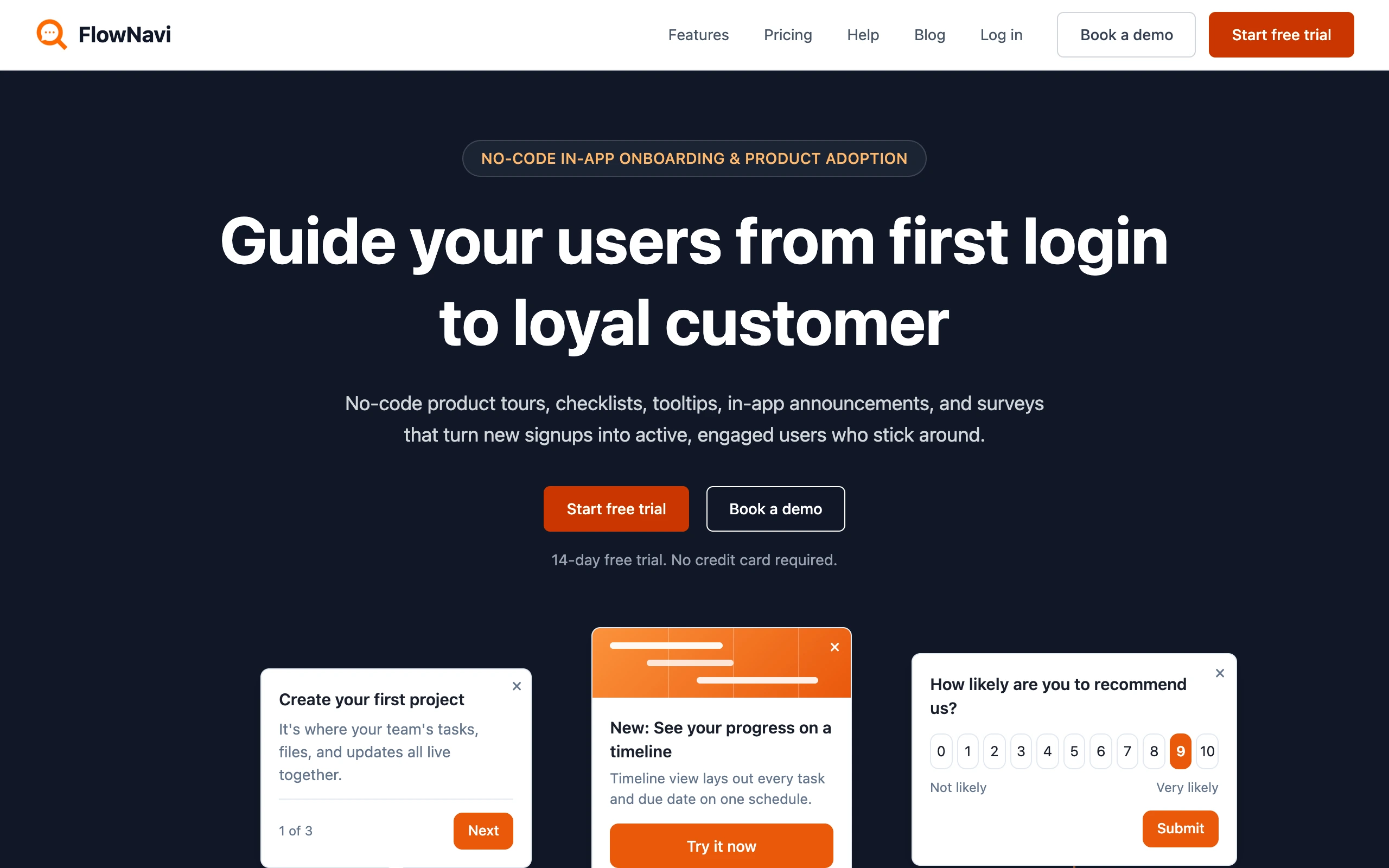
FlowNavi is a no-code tool for in-app onboarding and product adoption: product tours, checklists, tooltips, hotspots, in-app announcements, and NPS and custom surveys. It covers the in-app guidance side of Pendo, without the product analytics, mobile support, or roadmapping.
Pricing. From $79/month. Free trial available.
What it does well. No feature gating: every feature is available on every plan, with no modules or add-ons to buy. Unlimited guides on every plan. After initial setup, it is genuinely no-code, with most teams getting their first guide live in a day or two.
Where it falls short. No product analytics (funnels, retention cohorts, session replay), no support for mobile apps, and no roadmapping. If those are why you’re considering Pendo, FlowNavi won’t replace them.
Best for. SMB and mid-market SaaS teams that want in-app onboarding and adoption guides at an affordable price.
Quick disclosure: FlowNavi is our own tool so we are obviously biased. Take this section with that in mind.
2. HelpHero
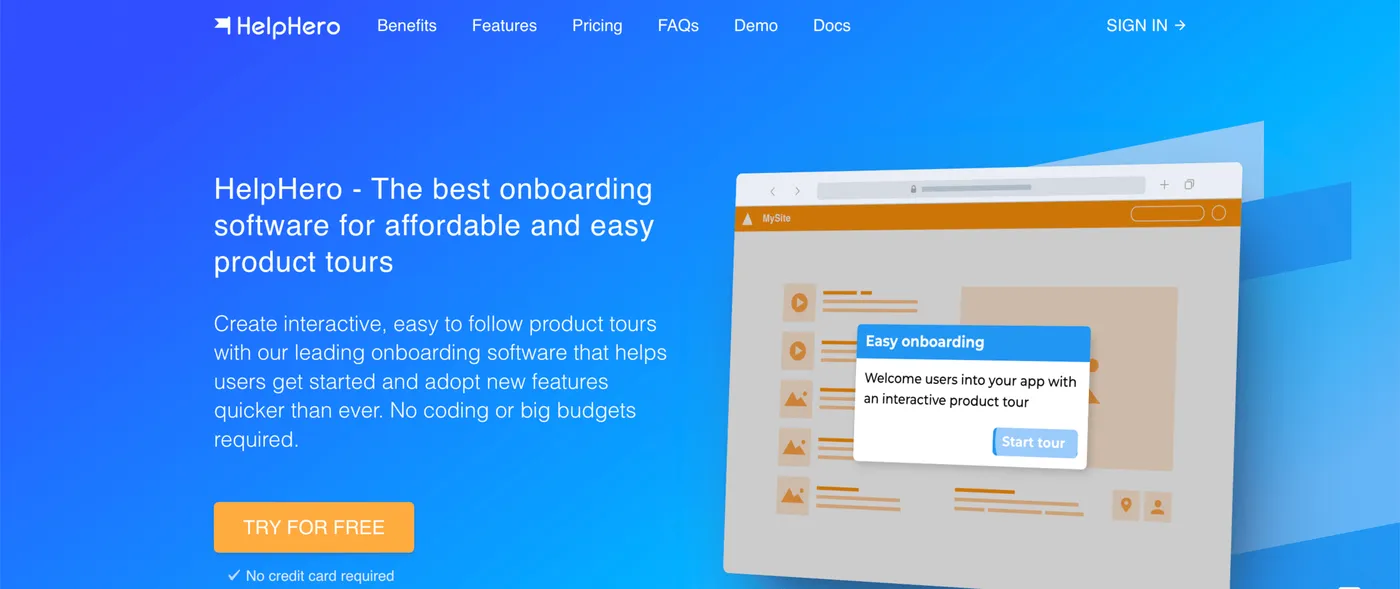
HelpHero is the most pared-back option here, and the cheapest. It covers product tours, tooltips, and checklists through a no-code editor, with a deliberately narrow scope.
Pricing. From $55/month. Free trial available.
What it does well. It’s the cheapest option here and the simplest to learn. Billing is by user count alone, with no caps on the number of tours, checklists, or team members. Custom styling, audience targeting, and multi-page tours are included on every plan.
Where it falls short. Surveys are limited and reporting is basic, with nothing like Pendo’s analytics. There’s no support for mobile apps and no roadmapping.
Best for. Early-stage products that need a simple product tour and not much else, where price is the main factor.
3. Hopscotch
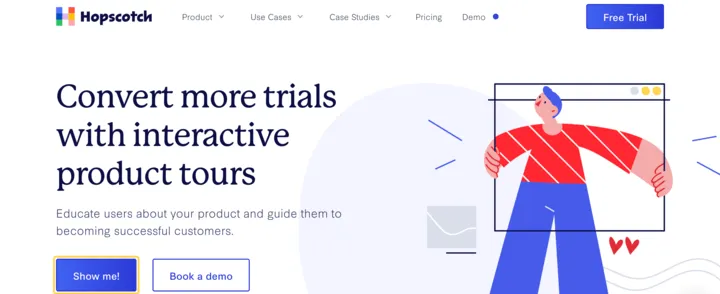
Hopscotch is aimed at SaaS startups that find a platform like Pendo heavier than they need. It covers product tours and in-app messages, with styling and segmentation, and includes live support on every plan.
Pricing. From $99/month. Free trial available.
What it does well. Live support is included on every plan, not held back for higher tiers. Product tours and in-app messages are unlimited on every plan, with custom styling and basic segmentation. On the Growth plan, usage data can be sent to analytics tools you may already run, like GA4 or Mixpanel.
Where it falls short. No analytics of its own beyond the connections out to other tools. There’s no support for mobile apps and no roadmapping.
Best for. SaaS startups that want no-code tours and in-app messages with live support on every plan.
A bit more, with a built-in knowledge base
4. Product Fruits
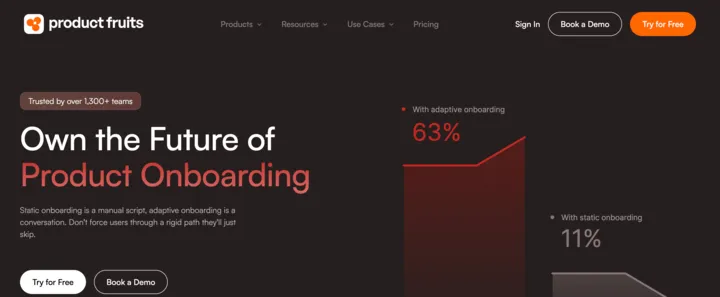
Product Fruits bundles a lot into one subscription: product tours, a built-in knowledge base, surveys, in-app announcements, and an AI support assistant. It covers the in-app guidance side of Pendo and adds a self-serve help center, which Pendo doesn’t bundle.
Pricing. From $111/month. Free trial available.
What it does well. You get a broad kit for around $111/month: tours, a knowledge base, surveys, and an AI assistant. The AI assistant can answer users’ questions inside the app, drawing on your help center articles. It also works inside iOS apps, the only one of the five tools here with any mobile support.
Where it falls short. Analytics cover onboarding engagement only, like tour completion and drop-off, with nothing like Pendo’s product analytics. There’s no roadmapping either. The entry plan has firm caps: 15 tours, 50 tooltips, 2 checklists, 3 seats, and one language, so a growing team moves up tiers fairly soon.
Best for. Small SaaS teams that want onboarding guides and a self-serve help center in one tool.
5. UserGuiding
UserGuiding is the widest bundle here. One subscription covers product tours, tooltips, checklists, surveys, NPS, a knowledge base, an AI assistant, and a product updates page. It covers the in-app guidance side of Pendo and bundles in a help center.
Pricing. Free plan available (knowledge base and help center only). Paid plans from $174/month.
What it does well. A lot arrives at the starter price: onboarding tours, a full help center, surveys, NPS, and a page for posting product updates. Several of those are usually bought as separate tools. There’s also an AI assistant that answers users’ questions from your help center articles.
Where it falls short. On the starter plan, styling options are limited and analytics are basic. Funnel analysis and session replay require the Growth plan ($349/month), and even there the analytics stay shallower than Pendo’s. There’s no support for mobile apps and no roadmapping.
Best for. Teams that want an onboarding tool and a help center together in one subscription.
For a deeper dive, see our 10 UserGuiding alternatives compared.
How to choose between them
A way to narrow it down by what matters most:
Lowest price, simplest scope. HelpHero ($55), for basic product tours.
A fuller set of in-app guides. FlowNavi ($79) or Hopscotch ($99). FlowNavi has the full guide set with no feature gating. Hopscotch adds live support on every plan.
In-app guides plus a help center. Product Fruits ($111) or UserGuiding ($174). Both add a knowledge base, so they can stand in for a separate help-center tool.
You need Pendo’s analytics, mobile support, or roadmapping. None of the five replace those. Keep Pendo, or pair one of these guide tools with a separate analytics tool.
Two things to watch:
Entry prices cover low user counts. All five charge by monthly active users, so the starting price climbs as you grow. Price the tier you’ll be on in a year, not the one you sign up on.
Replacing Pendo can mean running two tools. These cover guides, not analytics. If you still want product analytics, you’ll pay for and connect a separate analytics tool, which is more setup than one bundled platform.
Summary
| Tool | Best for | Starting price | Key strength |
|---|---|---|---|
| HelpHero | Early-stage products | $55/mo | Cheapest, simple tours and tooltips |
| FlowNavi | SMB and mid-market SaaS | $79/mo | No feature gating, full in-app guide set |
| Hopscotch | SaaS startups | $99/mo | Live support on every plan |
| Product Fruits | Small SaaS teams | $111/mo | Onboarding plus knowledge base and AI assistant |
| UserGuiding | Teams wanting one tool | $174/mo | Widest bundle, guides plus a help center |
| Pendo | Mid-market to Enterprise | Free + Custom | Bundled analytics, mobile support, and roadmapping |
All five cover Pendo’s in-app guidance for a fraction of the price, with none of its analytics, mobile support, or roadmapping. Where those capabilities matter, Pendo earns its cost. Where they don’t, the savings are large.
FAQ
What’s the cheapest Pendo alternative?
HelpHero is the cheapest paid option at $55/month, covering product tours, tooltips, and checklists. FlowNavi follows at $79/month with a fuller guide set. Both come in far below Pendo, whose deals run into the tens of thousands a year per Vendr. These tools cover in-app guidance only, not Pendo’s product analytics.
How much does Pendo actually cost?
Pendo charges by monthly active users and by which modules you buy, with analytics, in-app guides, session replay, and roadmapping sold separately. Per Vendr, which tracks reported deals, the entry tier runs about $7,000 to $12,000 a year, the median deal sits around $49,000, and larger deals reach $200,000 or more. Discounts of 15 to 30 percent off the opening quote are common, especially on multi-year terms.
Is there a free Pendo alternative?
Pendo has its own free tier for up to 500 monthly active users. Among the alternatives, UserGuiding offers a free plan, but it’s limited to a knowledge base and help center, with no in-app guides. Most dedicated onboarding and product adoption tools give a free trial rather than a free plan. For tours alone, open-source libraries like Driver.js and Shepherd.js are free, though they cover only the tours and need engineering to maintain.
Which cheap Pendo alternative includes a knowledge base?
Two affordable tools bundle a knowledge base with onboarding: Product Fruits (from $111/month) and UserGuiding (from $174/month). HelpHero, FlowNavi, and Hopscotch cover in-app guides without a knowledge base.
Can a cheaper tool replace Pendo’s analytics?
Usually not. Pendo’s core is product analytics: funnels, retention, user paths, and session replay. The affordable in-app guidance tools (HelpHero, FlowNavi, Hopscotch, Product Fruits, and UserGuiding) report mainly on their own guides, like completion and drop-off, not full product behavior. If analytics is the reason you’re on Pendo, the common approach is to keep a dedicated analytics tool alongside a cheaper guidance tool.